Manual.ly Logo

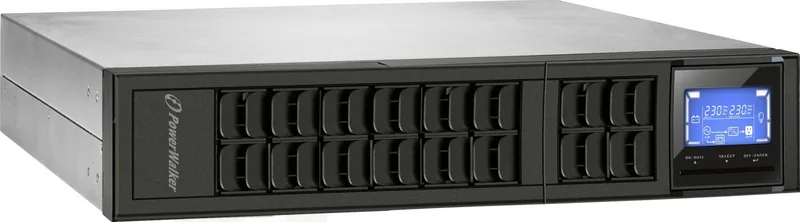
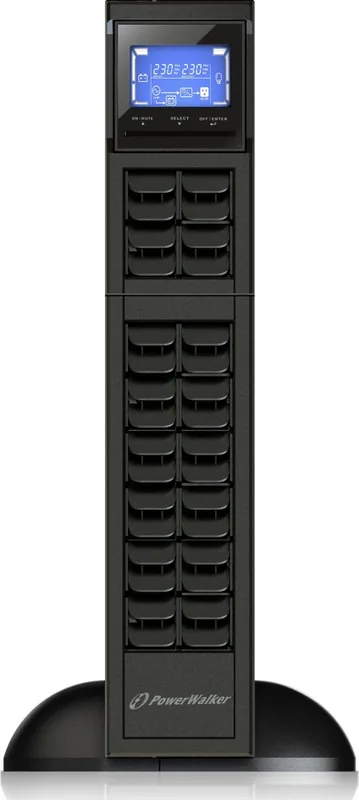
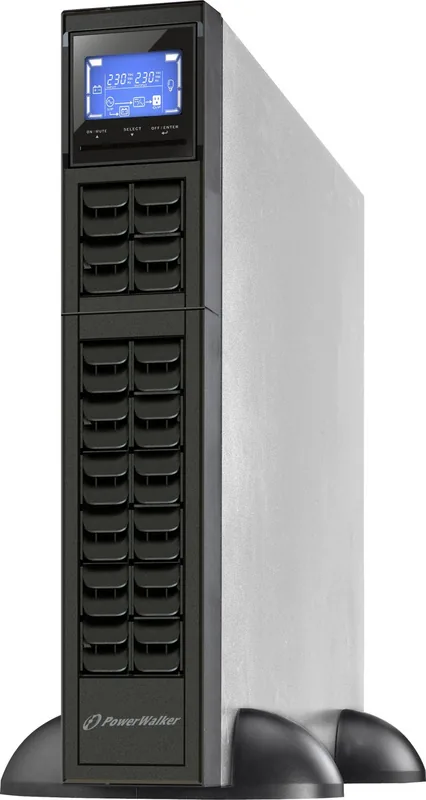
PowerWalker VFI 1000 CRM LCD Manual

0.0 · 0 Ratings

PDF manual · 70 Pages

English

M: OA-GPT-54-NAN
page

/ 70

Loading...
d08dae8a470ba98034c4ee509e592f9b9c06 page 4
1
EN
1. Important Safety Warning
Please comply with all warnings and operating instructions in this manual strictly. Save this
manual properly and read carefully the following instructions before installing the unit. Do not
operate this unit before reading through all safety information and operating instructions
carefully
1-1. Transportation
Please transport the UPS system only in the original package to protect against shock
and impact.
1-2. Preparation
Condensation may occur if the UPS system is moved directly from cold to warm
environment. The UPS system must be absolutely dry before being installed. Please
allow at least two hours for the UPS system to acclimate the environment.
Do not install the UPS system near water or in moist environments.
Do not install the UPS system where it would be exposed to direct sunlight or near
heater.
Do not block ventilation holes in the UPS housing.
1-3. Installation
Do not connect appliances or devices which would overload the UPS system (e.g. laser
printers) to the UPS output sockets.
Place cables in such a way that no one can step on or trip over them.
Do not connect domestic appliances such as hair dryers to UPS output sockets.
The UPS can be operated by any individuals with no previous experience.
Connect the UPS system only to an earthed shockproof outlet which must be easily
accessible and close to the UPS system.
Please use only VDE-tested, CE-marked mains cable (e.g. the mains cable of your
computer) to connect the UPS system to the building wiring outlet (shockproof outlet).
Please use only VDE-tested, CE-marked power cables to connect the loads to the UPS
system.
When installing the equipment, it should ensure that the sum of the leakage current of
the UPS and the connected devices does not exceed 3.5mA.
1-4. Operation
Do not disconnect the mains cable on the UPS system or the building wiring outlet
(shockproof socket outlet) during operations since this would cancel the protective
earthing of the UPS system and of all connected loads.
The UPS system features its own, internal current source (batteries). The UPS output
sockets or output terminals block may be electrically live even if the UPS system is not
connected to the building wiring outlet.
In order to fully disconnect the UPS system, first press the OFF/Enter button to
disconnect the mains.
Prevent no fluids or other foreign objects from inside of the UPS system.

Chat with your PowerWalker VFI 1000 CRM LCD manual using AI

Get instant AI answers from your PowerWalker VFI 1000 CRM LCD manual

Ask anything about the PowerWalker VFI 1000 CRM LCD. Answers come from this manual, with the pages they are based on.

VFI 1000 CRM LCD Maintenance Schedule

Remind me when maintenance is due
Every 2 months
Recharge battery during storage

Recharge the battery for 1-2 hours if stored between 40C and 45C.

Show in the manual (page 18)
Every 3 months
Recharge battery during storage

Recharge the battery for 1-2 hours if stored between -25C and 40C.

Show in the manual (page 18)
Every 3 years
Replace batteries

If battery service life (3-5 years at 25C) is exceeded, contact your dealer for replacement.

Show in the manual (page 18)

Free maintenance reminders

Timed to your purchase date. Always free, unsubscribe anytime.

By submitting you agree to the privacy policy. Unsubscribe with one click in any email.
M: QW-35-FL

Ask a Question

0/1000

Do you recommend VFI 1000 CRM LCD?

Yes No

Product Specification

Type

Tower/Rackmount

Classification

VFI (On-Line)

Apparent power

1000VA

Active power

800W

Voltage

200V, 208V, 220V, 230V, 240V

Input

C20

Outputs

3x C13

Interfaces

USB, serial

Data line protection

N/A

Runtime

11min (50%), 4min (100%)

Charging time

9h (90%)

Weight

26.46 lb

Dimensions (WxHxD)

17.24x3.46x12.21in

Rack units

2U

19" Rack depth

12.21in

Features

LCD

M: OA-GPT-54-NAN

Product Description

M: OA-GPT-54-NAN

© Copyright 2026 Manual.ly