
PowerWalker VI SCL Manual
PDF manual · 2 Pages
English



Quick check
Incorrect answer, please try again.
Chat with your PowerWalker VI SCL manual using AI
Get instant AI answers from your PowerWalker VI SCL manual
Ask anything about the PowerWalker VI SCL. Answers come from this manual, with the pages they are based on.
Ask a Question
Do you recommend VI SCL?
Yes NoFrequently Asked Questions
The range includes 400 VA / 240 W, 600 VA / 360 W, 800 VA / 480 W, 1000 VA / 600 W, 1500 VA / 900 W, 2000 VA / 1200 W, and 3000 VA / 1800 W models.
Is this answer helpful?
The typical transfer time is 2-6 ms. This short switching period is intended to provide backup power when the incoming mains supply fails.
Is this answer helpful?
The VI 400 SCL through VI 2000 SCL models have a touch display. The VI 3000 SCL uses a larger standard display that shows available operating information without touch controls.
Is this answer helpful?
AVR mode indicates that automatic voltage regulation is active. It helps compensate for voltage fluctuations within the supported input range without necessarily using battery power.
Is this answer helpful?
Disconnect the connected loads, check for excessive power demand or a short circuit, and restart the UPS. Reduce the load before returning equipment to service.
Is this answer helpful?
Most models reach 90% battery capacity in about six hours. Larger units are specified to reach 90% capacity in approximately 6-8 hours.
Is this answer helpful?
Advantages and Disadvantages
Advantages

- Seven capacity options from 400 VA / 240 W to 3000 VA / 1800 W support varied equipment loads.
- Automatic voltage regulation handles input fluctuations across a 162-290 VAC range.
- Typical 2-6 ms transfer time helps maintain power during outages.
- Touch displays on 400-2000 VA models show voltage, load level, and battery capacity.
- USB HID support, Ethernet surge protection, and RS232 on the 3000 VA model improve connectivity options.
Disadvantages

- Output uses a simulated sine wave, which may not suit every sensitive or specialized load.
- The 3000 VA model does not include a touch display.
- Cooling fan support is listed only for 1500-3000 VA models.
- Battery runtime is not specified and will vary according to connected load.
- Low-battery conditions may require battery replacement rather than a simple restart.
Product Specification
Type
Tower
Classification
VI (Line-Interactive)
Voltage
230 V
Data Line Protection
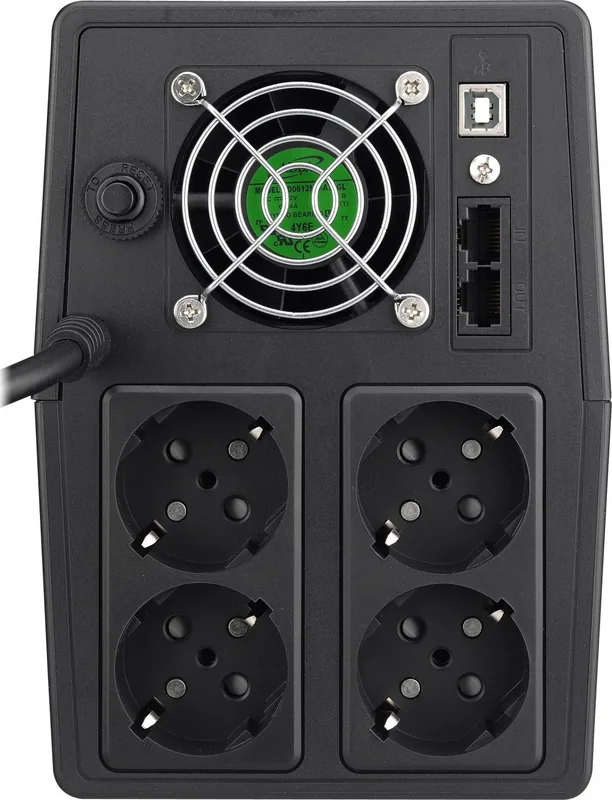
2x RJ-11/RJ-45
Features
LCD, HID support
Product Description
BlueWalker PowerWalker VI SCL UPS Manual: Reliable Backup Power for Essential Equipment
The BlueWalker PowerWalker VI SCL UPS range is designed to help protect computers, network hardware, office electronics, and other sensitive devices from common power problems. With models from 400 VA to 3000 VA, the series provides a practical choice for different load requirements, from a compact workstation to more demanding professional equipment. The BlueWalker PowerWalker VI SCL UPS Manual keyword is especially relevant for users who want to understand the controls, display indicators, connections, and protection features available across the range.
Stable Power During Everyday Electrical Disturbances
These line-interactive UPS units operate with a 230 VAC input and support an input voltage range of 162-290 VAC. Automatic voltage regulation helps manage fluctuations without immediately switching to battery power. When a blackout occurs, the UPS transfers to battery operation in typically 2-6 ms, supplying a simulated sine wave output to connected equipment.
The series includes protection against overload, battery discharge, and battery overcharge. Ethernet surge protection is also available to help guard connected network lines against voltage spikes. Selected models add USB connectivity with HID support, while the 3000 VA version also includes an RS232 interface for broader monitoring options.
Models for Different Loads and Installations
The range starts with the VI 400 SCL, rated at 400 VA / 240 W, and extends to the VI 3000 SCL at 3000 VA / 1800 W. Intermediate capacities include 600 VA, 800 VA, 1000 VA, 1500 VA, and 2000 VA versions. This selection makes it easier to match the UPS capacity to the real power demand of attached devices.
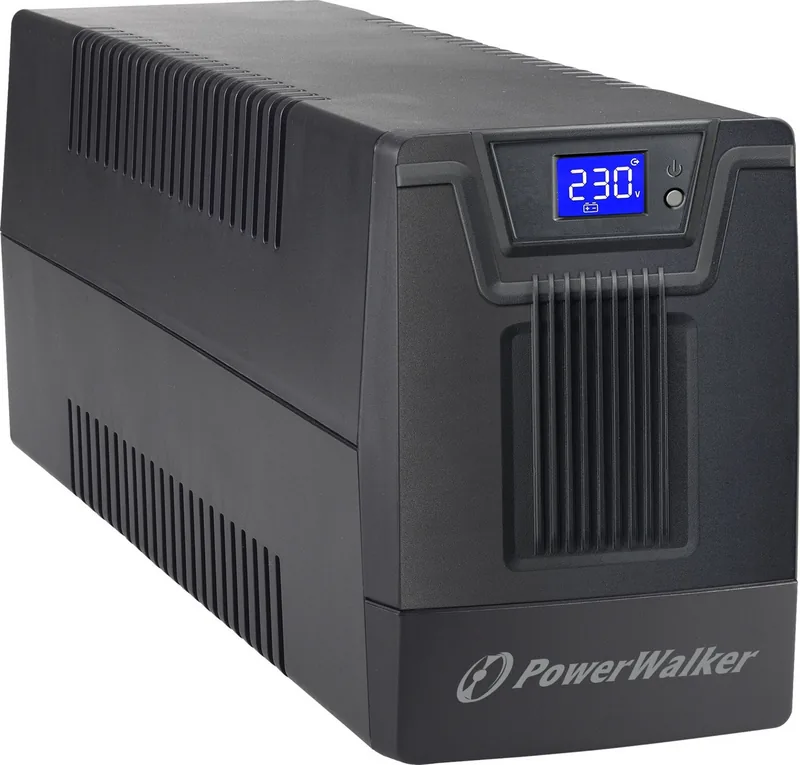
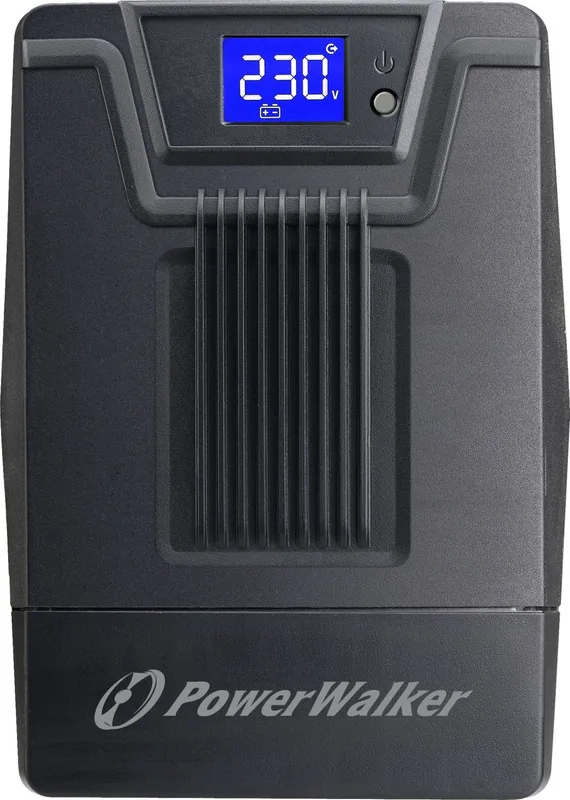
Models from 400 VA to 2000 VA use a touch display. Users can activate the backlight and change displayed information by touching the screen. The display can show input voltage, output voltage, load level, and battery capacity. The 3000 VA model uses a larger non-touch display that presents key operating information continuously.
Status Information and Practical Maintenance
Clear operating modes help users identify whether the UPS is starting, in standby, running from mains power, regulating voltage, overloaded, or using battery power. Audible alarms provide additional warning during overload, low battery, and battery operation. Battery recharge to 90% capacity typically takes around six hours, with larger models requiring approximately 6-8 hours.
Note: Keep the UPS in a dry, ventilated location within the specified 0-40 degrees C operating range. If an overload, short circuit, overheating, or persistent internal fault occurs, disconnect equipment and follow the appropriate corrective action before restarting.
The BlueWalker PowerWalker VI SCL series combines compact options, useful status visibility, and scalable backup capacity for users who need straightforward power protection.
Search for 67,706 Manuals online


Type-in Brand or Model