
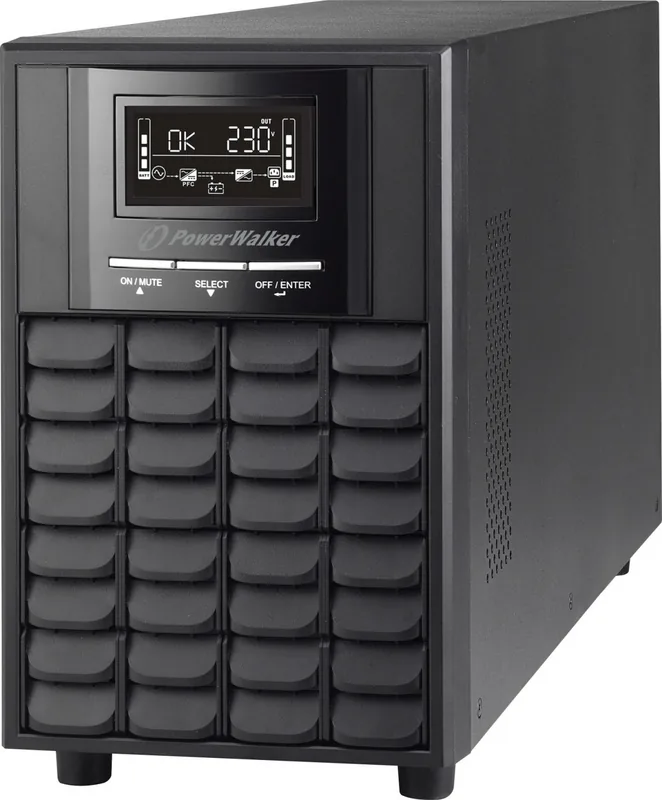
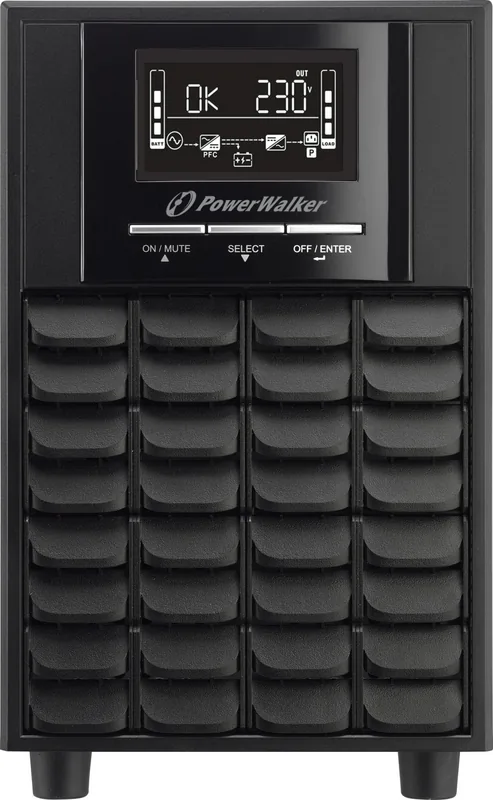
PowerWalker VI CW Manual
PDF manual · 6 Pages
English



Quick check
Incorrect answer, please try again.
Chat with your PowerWalker VI CW manual using AI
Get instant AI answers from your PowerWalker VI CW manual
Ask anything about the PowerWalker VI CW. Answers come from this manual, with the pages they are based on.
Ask a Question
Do you recommend VI CW?
Yes NoFrequently Asked Questions
The series includes VI 1100 CW, VI 1500 CW, VI 2000 CW, and VI 3000 CW covering 1100–3000 VA with corresponding watt ratings from 770W to 2100W.
Is this answer helpful?
No. The UPS supports both USB (HID) and RS-232 communication ports, but they do not work simultaneously. For network management, use the SNMP slot or choose the preferred single port.
Is this answer helpful?
AVR uses boost and buck modes to correct input voltage fluctuations without engaging the battery, extending battery life and maintaining stable output within configured voltage ranges.
Is this answer helpful?
Full rated power is within 0–40°C and up to 1000m altitude. Above 40°C or 1000m the UPS gradually derates output (down to ~70% at high extremes), so allow ventilation and adhere to recommended clearance.
Is this answer helpful?
Programmable outlet settings must be changed while the UPS is in standby. You can enable/disable them and set a backup time limit; after configuring, disconnect input to save settings and restart the UPS.
Is this answer helpful?
The UPS provides audible and LCD alerts for modes and faults such as battery mode, low battery, overload, charger failure, site wiring fault, EPO enabled, and battery faults, with distinct beep patterns for each condition.
Is this answer helpful?
Internal batteries typically recover to about 95% capacity in approximately 4 hours under normal charging conditions.
Is this answer helpful?
Advantages and Disadvantages
Advantages

- Pure sinewave output with AVR (boost/buck) for stable power and reduced battery use.
- Comprehensive LCD telemetry and audible alerts for easy system monitoring.
- Multiple models (1100–3000 VA) to suit varied loads and runtime needs.
- Programmable outlets and EPO/SNMP connectivity for flexible management.
- High efficiency in AC/ECO modes and fast battery recharge to 95% in ~4 hours.
Disadvantages

- RS-232 and USB ports cannot operate simultaneously, limiting concurrent connections.
- Power derating occurs above 40°C and at elevated altitudes—reduce expected output.
- Battery pack connection further reduces rated power (derate to 70%).
- Some settings must be changed only in standby, which may complicate on-the-fly adjustments.
- Audible alarms sound for many fault conditions and may be disruptive in quiet environments.
Product Specification
Type
Tower
Classification
VI (Line-Interactive)
Voltage
230V
Interfaces
1x USB, 1x serial
Charging time
4h (90%)
Special features
LCD, HID-Support
Product Description
BlueWalker PowerWalker VI CW UPS/USV Manual
The BlueWalker PowerWalker VI CW series delivers reliable, efficient backup power for home offices, small businesses, and critical equipment. Available in 1100VA, 1500VA, 2000VA, and 3000VA models, these UPS units combine pure sinewave output, AVR (boost/buck) regulation, and versatile communication options to ensure clean, uninterrupted power and graceful shutdowns during outages.
Key Features and Operation
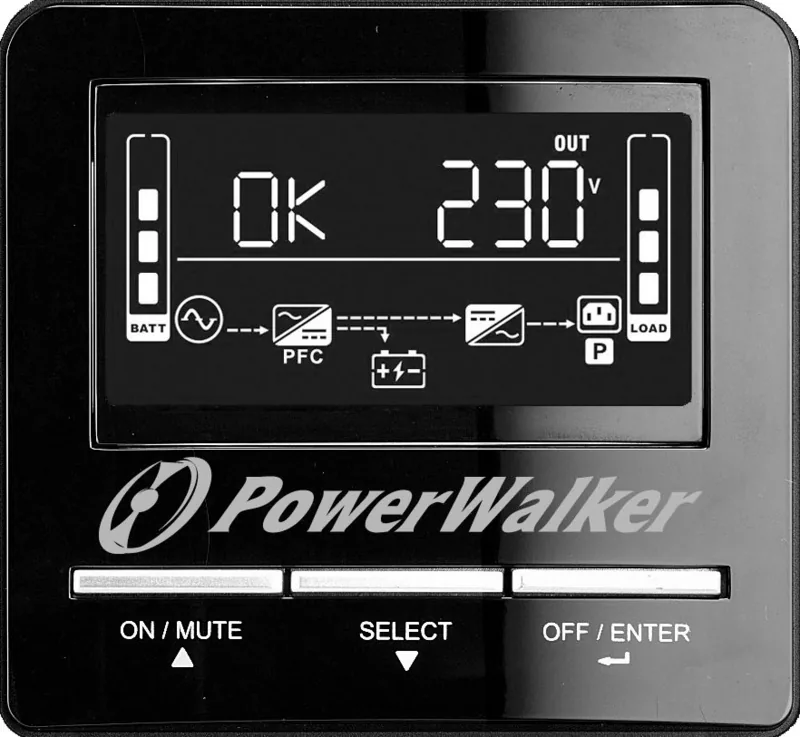
The VI CW line offers automatic voltage regulation with boost and buck modes to stabilize fluctuating mains voltage without using battery power. During prolonged disturbances or mains failure the inverter supplies pure sinewave output with fast transfer times (typically 2–6 ms). The LCD panel provides comprehensive telemetry—including input/output voltages and frequencies, battery status, load percentage, and audible alarm indicators—so users can monitor system health at a glance. Programmable outlets allow selective load shedding to extend runtime for critical devices.
These models include USB (HID) and RS-232 comms (only one active at a time) and an SNMP slot for network management. An Emergency Power Off (EPO) connector and battery pack connector expand installation flexibility. Units support internal battery options with rapid recharge (about 4 hours to 95%) and clear indicators for low battery, faults, or site wiring issues.
Installation and Environmental Notes
Install with adequate ventilation and keep ambient temperature below 40°C for full rating; the UPS derates power above this temperature and at higher altitudes. Recommended clearance improves cooling and prolongs battery life. Noise is kept under 45 dBA at 1 m with automatic fan control.
Performance and Safety
The PowerWalker VI CW series maintains low harmonic distortion, high efficiency (AC/ECO modes >96–97%), and controlled overload tolerance. Comprehensive audible and LCD alerts cover modes and faults (overload, charger failure, battery faults, EPO activation). Onboard settings enable output voltage selection (208/220/230/240 VAC), programmable outlet enable/disable, and autonomy limits.
Notes
- Choose the model that matches your VA/W requirements and account for derating when using battery packs or setting lower output voltages.
- Programmable outlets’ settings must be configured while the UPS is in standby.
- RS-232 and USB cannot be used simultaneously; use the SNMP slot for advanced network management.
Search for 67,706 Manuals online


Type-in Brand or Model