

Free Ezviz Manuals – Read, Download & Print
29 Manuals
Manuals
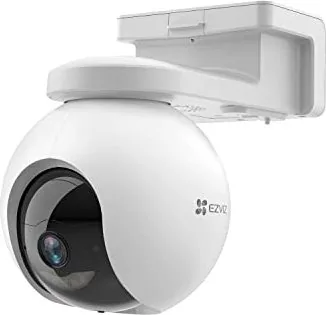
12 Pages
9 Pages
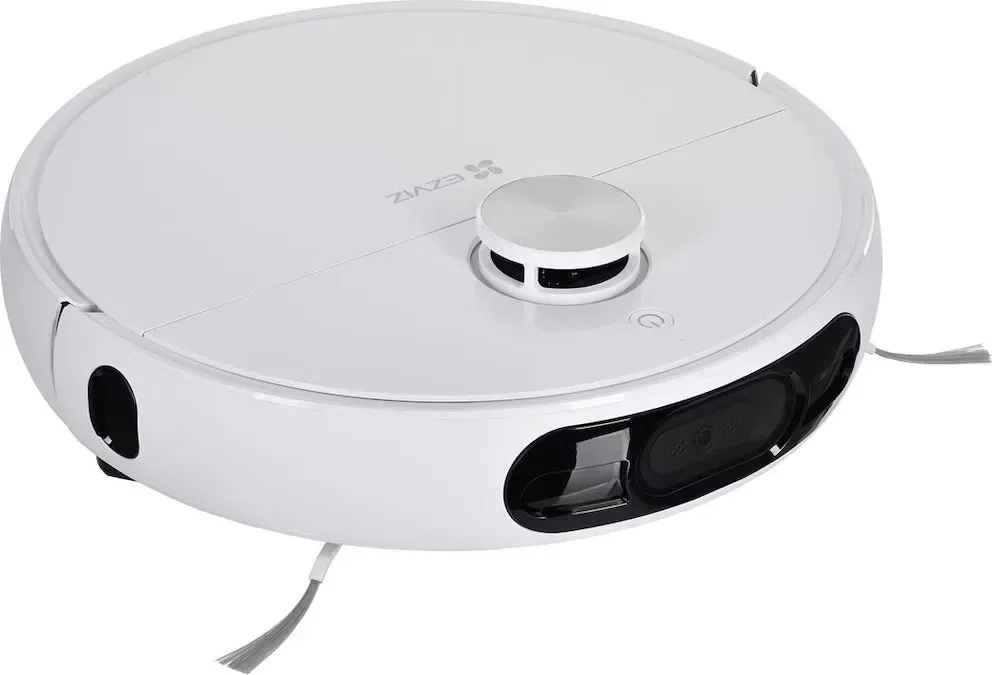
26 Pages
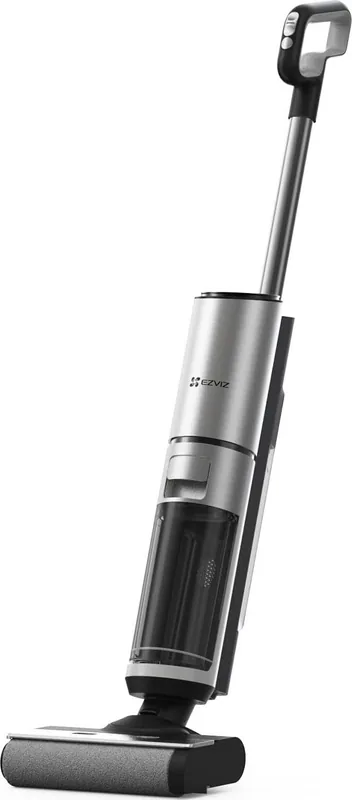
20 Pages
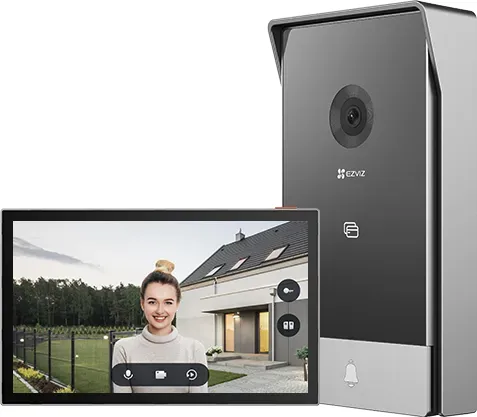
18 Pages
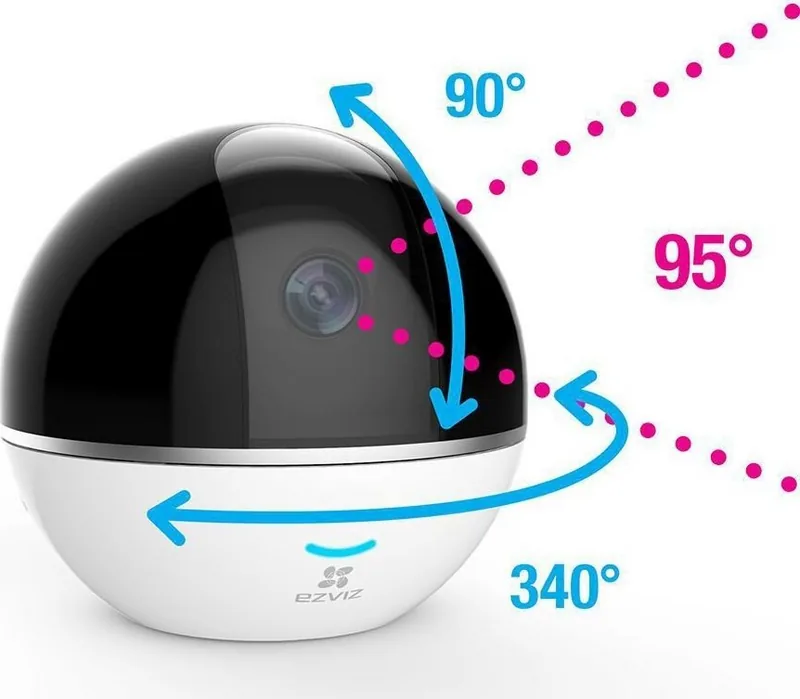
76 Pages
104 Pages
78 Pages
177 Pages
121 Pages
13 Pages
15 Pages
17 Pages
16 Pages
15 Pages
17 Pages
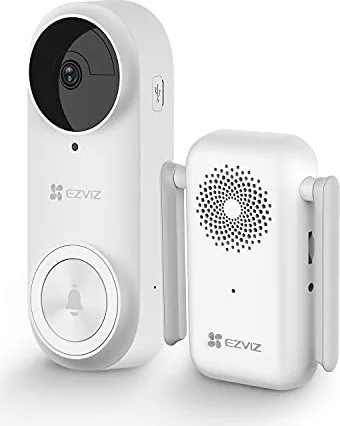
11 Pages
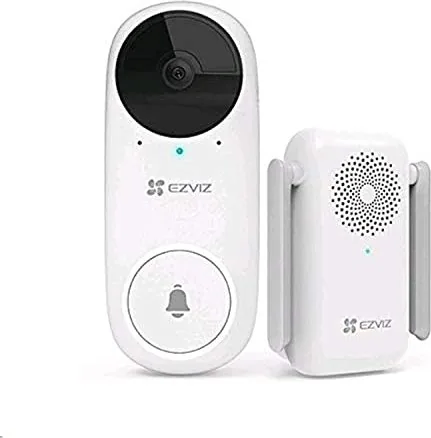
11 Pages

3 Pages
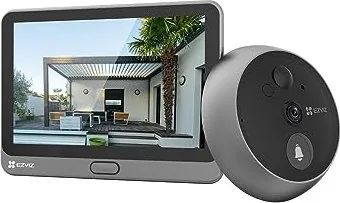
11 Pages
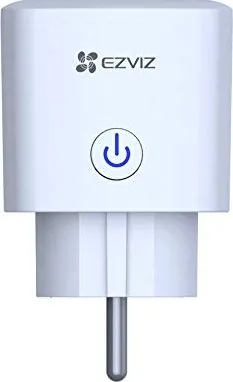
5 Pages

118 Pages
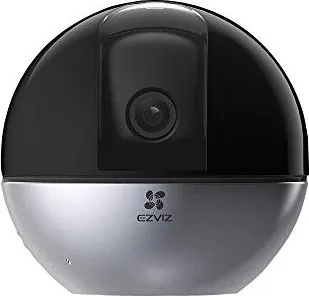
16 Pages
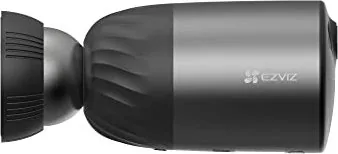
9 Pages
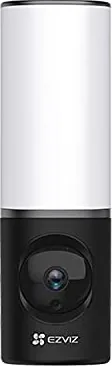
6 Pages
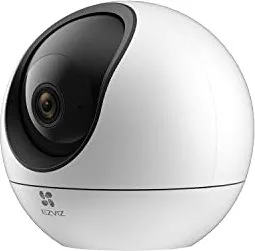
10 Pages
16 Pages
5 Pages
156 Pages
Categories


Free Ezviz Manuals - Read, Download & Print
Find free Ezviz manuals for security cameras, video doorbells, smart locks, alarm systems, sensors, NVRs, DVRs, and other connected home devices. This page helps you locate product documentation quickly, whether you need setup instructions, installation guidance, troubleshooting steps, wiring details, or information about device features.
Ezviz manuals are useful for both first-time installation and everyday product support. Read them online when you need a quick answer, download a copy for offline access, or print important pages for use while mounting equipment, connecting cables, or configuring your security system.
Manuals for Ezviz Security Products
Ezviz creates a broad selection of home and small-business security products. Each model can have different controls, connection methods, mounting requirements, and app settings. The correct manual provides model-specific information that can make setup safer, faster, and more reliable.
Available documentation may include user manuals, quick start guides, installation guides, specifications, safety instructions, regulatory notices, and firmware-related information. Depending on the product, a manual may explain Wi-Fi pairing, Ethernet setup, cloud storage, microSD card recording, motion detection, night vision, two-way audio, and mobile notifications.
Read Ezviz Manuals Online
Reading an Ezviz manual online is convenient when you need help immediately. Online manuals allow you to search within the document for terms such as "reset," "Wi-Fi," "recording," "installation," or "motion detection." This can save time compared with browsing through every page manually.
Use the product name and model number to find the right document. Model information is commonly shown on the device label, packaging, original receipt, or within the Ezviz app. Checking the model number is especially important for cameras and recorders that have similar names but different hardware revisions or supported features.
Download Manuals for Offline Access
Downloading an Ezviz manual gives you a local copy that can be opened whenever you need it. This is useful when installing devices in locations with limited internet access, such as garages, outdoor areas, workshops, or remote properties.
A downloaded manual can also be stored with other home records, shared with an installer, or kept on a phone or tablet for future reference. Save the document using a clear file name that includes the product model. This makes it easier to locate when you need to replace a battery, reconnect the device, change network settings, or review warranty and safety information.
Print Installation and Setup Instructions
Printing an Ezviz manual can be helpful during physical installation. A printed guide is easy to reference while your hands are occupied with tools, brackets, screws, cables, or ladders. You may choose to print only the most relevant pages, such as the mounting template, wiring diagram, reset procedure, and initial setup instructions.
For outdoor cameras, doorbells, floodlight cameras, and wired recorders, printed pages can be especially practical. Keep the safety warnings and electrical instructions available throughout installation. If a product requires connection to household wiring, follow the manual carefully and seek qualified assistance when needed.
Common Ezviz Manual Categories
Camera User Manuals
Ezviz camera manuals explain how to position, mount, power, and connect a camera. They often cover live viewing, camera status lights, infrared night vision, privacy modes, image settings, audio controls, and video recording options.
Many manuals also describe how to install a microSD card, format storage, enable event recording, set detection areas, and manage alert sensitivity. These settings can help reduce unwanted notifications caused by traffic, pets, trees, or changing light conditions.
Video Doorbell Manuals
Video doorbell documentation typically includes mounting instructions, power requirements, chime compatibility, Wi-Fi connection steps, and app pairing guidance. Some models may support battery operation, while others require existing doorbell wiring or an optional power adapter.
The manual can help you understand visitor alerts, live calls, two-way talk, motion detection, recording options, and doorbell button behavior. Review the recommended mounting height and camera angle to obtain the clearest view of visitors and delivery areas.
NVR and DVR Manuals
Network video recorders and digital video recorders require more detailed setup than standalone cameras. Ezviz NVR and DVR manuals may explain hard drive installation, camera channel assignment, local display connections, network configuration, user permissions, recording schedules, and playback controls.
These manuals can also provide useful information about network ports, IP addresses, remote access, storage management, and backup procedures. For multi-camera systems, consult the recorder manual alongside the documentation for each connected camera.
Smart Lock and Sensor Manuals
Ezviz smart lock manuals may cover mechanical installation, battery placement, access codes, fingerprint enrollment, user management, emergency unlocking, and app controls. Sensor and alarm documentation can explain battery replacement, placement recommendations, pairing, and test procedures.
Always review safety notes before installing locks, entry sensors, or alarm components. Correct positioning and proper pairing are important for reliable notifications and everyday operation.
Information You Can Find in an Ezviz Manual
Initial Device Setup
Most Ezviz manuals begin with package contents, product diagrams, and a quick setup process. The instructions may show how to download the Ezviz app, create or sign in to an account, power on the device, scan a QR code, and connect to a network.
If setup does not work as expected, check that your phone is connected to the correct Wi-Fi network, that the network signal is strong enough near the device, and that the device is in pairing mode. The manual can identify indicator light patterns and voice prompts that confirm the current setup status.
Installation and Placement
Correct placement affects camera coverage, Wi-Fi reliability, motion detection, and video quality. Manuals often provide recommended installation heights, viewing angles, clearance requirements, and environmental limits. Outdoor devices may require attention to weather exposure, drainage, and cable protection.
Avoid placing cameras directly toward strong lights, reflective surfaces, or windows when possible. These conditions can cause glare, poor night images, or false motion events. For best results, use the manual's placement recommendations and test the view in the app before permanently securing the device.
Troubleshooting and Reset Instructions
Ezviz manuals commonly include troubleshooting sections for connection problems, unavailable video, recording errors, poor image quality, audio issues, and notification delays. These sections can help you identify simple causes before replacing hardware or changing advanced settings.
A manual may also show where the reset button is located and how long to press it. Resetting usually removes existing device settings, so use it only after reviewing the instructions and confirming that it is necessary. After a reset, you may need to add the device to the app again.
Tips for Choosing the Correct Manual
Match the documentation to the exact Ezviz model, not just the product family. Check for letters, numbers, regional versions, camera resolutions, and power types. A battery camera manual may differ significantly from a wired model, even if both products look similar.
If you have a kit containing several cameras and a recorder, look for both the kit documentation and individual device manuals. The recorder guide explains system-level settings, while camera documentation covers local buttons, mounting, and model-specific features.
Keep Your Manual Available
Save or print your Ezviz manual after installation is complete. Product documentation remains useful for maintenance, moving a device, updating network settings, adding storage, changing notification preferences, or handing the system over to a new user.
Keeping the correct manual close at hand makes it easier to get the most from your Ezviz security equipment. Use it as a practical reference for installation, configuration, troubleshooting, and safe everyday operation.
Search for 67,732 Manuals online


Type-in Brand or Model