
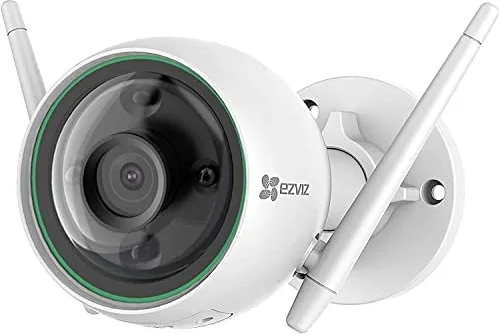
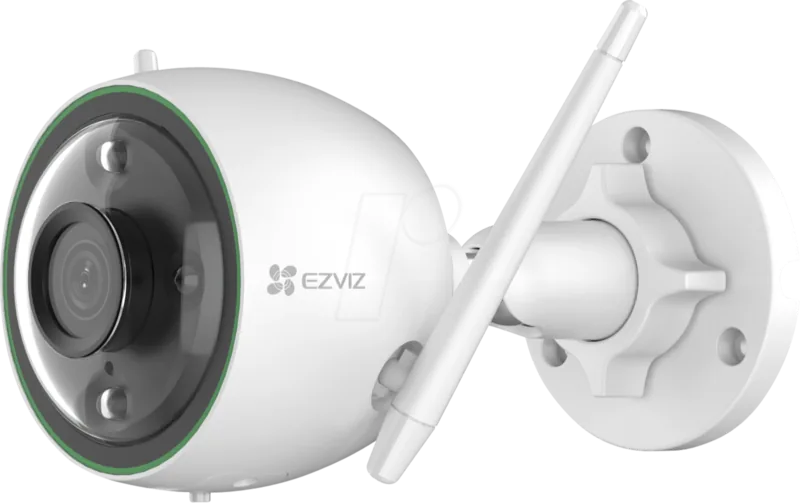
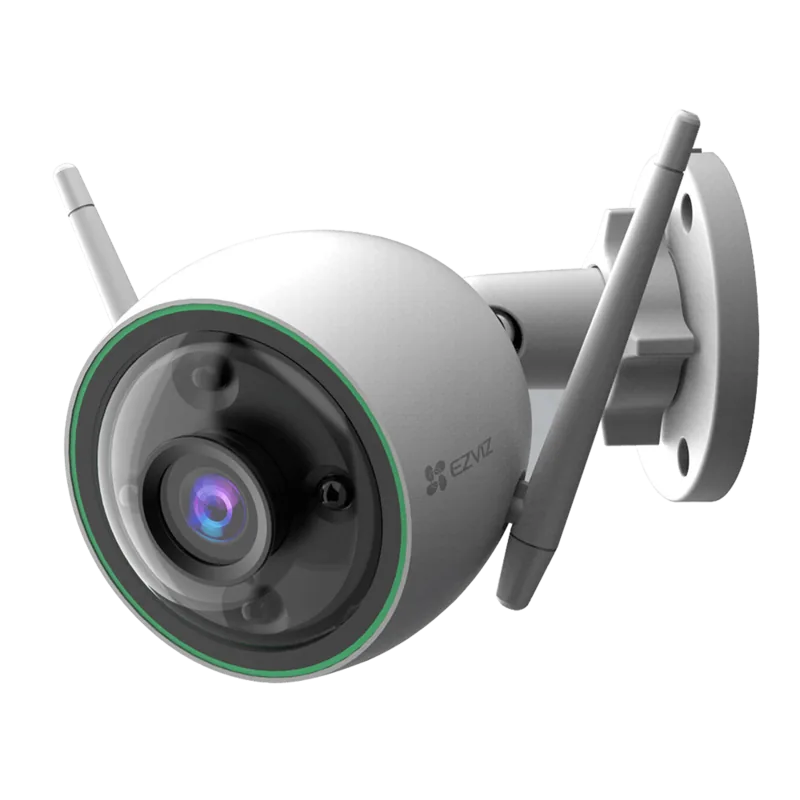
Ezviz C3N Manual
PDF manual · 177 Pages
English



Quick check
Incorrect answer, please try again.
Chat with your Ezviz C3N manual using AI
Get instant AI answers from your Ezviz C3N manual
Ask anything about the Ezviz C3N. Answers come from this manual, with the pages they are based on.
Ask a Question
Do you recommend C3N?
Yes NoFrequently Asked Questions
Download the Ezviz app and connect your phone to a 2.4GHz network. Power on the camera and scan the QR code on the device or guide. Follow the in-app wizard to complete the Wi-Fi configuration. Ensure your phone and camera are on the same network for setup.
Is this answer helpful?
No, the Micro SD card is not included in the package. You must purchase one separately to enable local video recording. Insert it into the dedicated slot and initialize it through the device settings in the app.
Is this answer helpful?
The recommended installation height is 3 meters or approximately 10 feet. Ensure the wall or ceiling is strong enough to support three times the weight of the camera. Avoid areas where direct light shines into the lens.
Is this answer helpful?
Yes, there are PoE variants available. You need to connect the Ethernet cable to a PoE switch or NVR. Alternatively, use a DC12V adapter sold separately with the PoE port on the camera to power it.
Is this answer helpful?
Locate the reset button on the device body. Hold it down for at least five seconds until the LED indicator behavior changes. This action restarts the system and restores all parameters to their default configurations.
Is this answer helpful?
Yes, it features IR lights and a spotlight for night vision. The LED indicators show the status. You can switch between modes using the Ezviz app to ensure visibility even in complete darkness.
Is this answer helpful?
The camera requires a 2.4GHz Wi-Fi network to connect. It does not support 5GHz networks directly during setup. Ensure your mobile phone is connected to a 2.4GHz network before attempting to link the device.
Is this answer helpful?
Advantages and Disadvantages
Advantages

- High-definition night vision with IR lights and spotlight.
- Dual connectivity options for Wi-Fi or PoE cameras.
- Seamless integration with the Ezviz mobile application.
- Local storage support via Micro SD card slot.
- LED indicators give clear visual status feedback.
Disadvantages

- PoE models do not include a power adapter in the package.
- Micro SD card required for storage is sold separately.
- Recommended mounting height must be approximately 3 meters.
- Battery is not user replaceable inside the unit.
Product Specification
Type
Bullet
Image Sensor
1/2.7" CMOS
Resolution
1920x1080 Pixels (30fps)
Lens
2.8-4.0mm (F2.0)
Light Sensitivity
0 Lux (IR)
Viewing Angle
86-104 deg (horizontal), 102-125 deg (diagonal)
Compression / Codecs
H.264, H.265
Connectors
1x RJ-45 100Mb LAN
Wireless
Wi-Fi 4 (WLAN 802.11b/g/n)
Data Storage
1x microSD Slot (max. 256GB)
Microphone
Integrated
Speaker
Integrated
Lighting
IR Lighting (98.43 ft)
IP Rating
IP67
System Control & Operation
Mobile App (Android, iOS)
Zone & Analysis Functions
Motion Detection, IR Filter
Product Description
Upgrade Your Home Security with the Ezviz C3N
Experience Crystal Clear Monitoring
The Ezviz C3N camera offers advanced surveillance capabilities for modern homes. Whether you choose the Wi-Fi or PoE version, seamless connectivity is key. Setting up your device is straightforward if you refer to the Ezviz C3N Manual for optimal configuration details. This guide ensures you connect the camera to your existing network without hassle.
Key Features Overview
This versatile camera includes a spotlight and IR lights for night vision. You can view live video instantly through the Ezviz app. The device supports Micro SD card storage, allowing you to record events locally. Installation is flexible, fitting on walls or ceilings. Ensure you mount it at a recommended height for the best coverage.
Easy Setup Process
Start by downloading the Ezviz app on your mobile phone. Connect your phone to a 2.4GHz network. Scan the QR code on the camera to link the device. Power the unit and wait for the LED indicator to flash blue. This status confirms readiness for network configuration.
Power and Networking Options
Wi-Fi models use a standard power adapter included in the package. PoE versions require a PoE switch or an adapter sold separately. Both options connect to your router for internet access. The reset button allows you to restore factory settings if needed. Hold it for five seconds to restart the system.
Storage and Maintenance
For local recording, insert a Micro SD card into the bottom slot. Initialize the card via the app to start saving clips. Always keep the lens clean for clear footage. If you face connection issues, check your network strength. The LED indicators provide visual feedback on status and errors.
Security is vital. Always change default passwords to keep your feed private. Ensure your Wi-Fi uses strong encryption. Regular firmware updates via the app keep features current. Protect your investment by following safety instructions regarding battery disposal and electrical connections.
Installation Tips
Use the provided drill template for precise mounting holes. Secure the camera using metal screws supplied. Make sure the wall can support three times the camera weight. Avoid direct sunlight hitting the lens to prevent glare.
The Ezviz C3N Manual highlights these steps for safety. Proper ventilation prevents overheating during operation. Keep the device away from water unless sealed properly. The IP65 rating helps resist outdoor elements when installed correctly.
App Integration
The mobile application manages all devices from one location. Receive motion alerts directly on your phone. Cloud storage options are available alongside local recording. This flexibility ensures you never miss important moments.
Privacy and Compliance
Ezviz complies with international safety regulations like FCC and CE. Always review local surveillance laws before placing the camera. Do not point it at private areas like bathrooms or neighbors. The legal disclaimer emphasizes user responsibility for lawful use.
By following these guidelines, your security system remains robust. The Ezviz C3N Manual serves as a helpful reference during installation. Enjoy peace of mind with reliable technology at your fingertips.
Search for 67,732 Manuals online


Type-in Brand or Model