
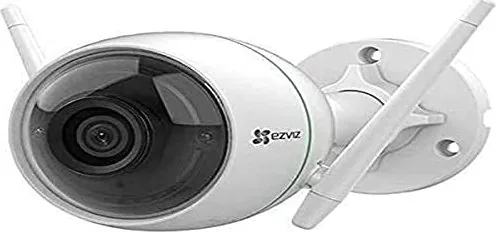
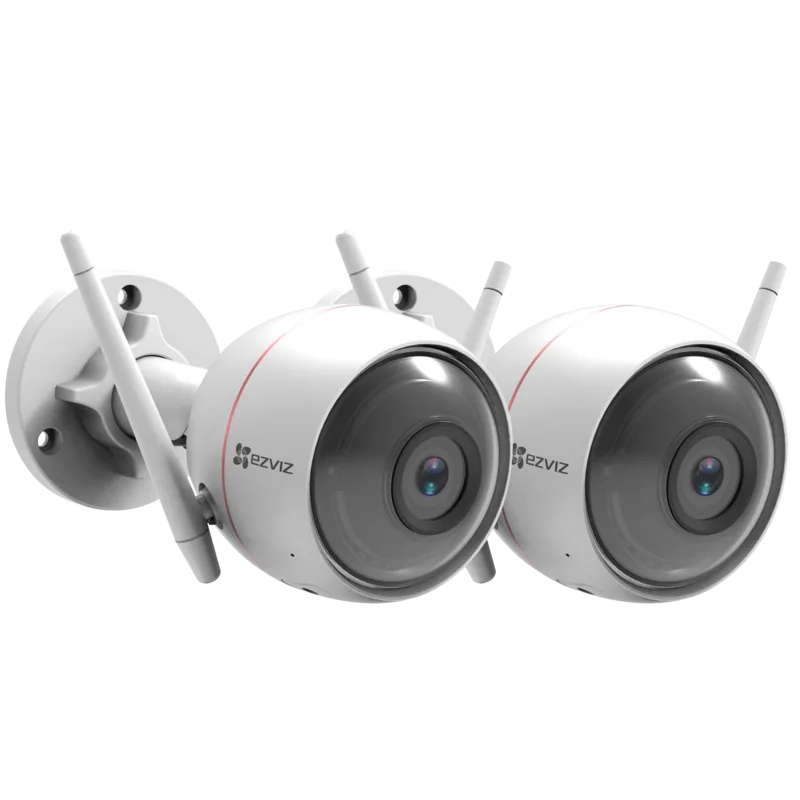
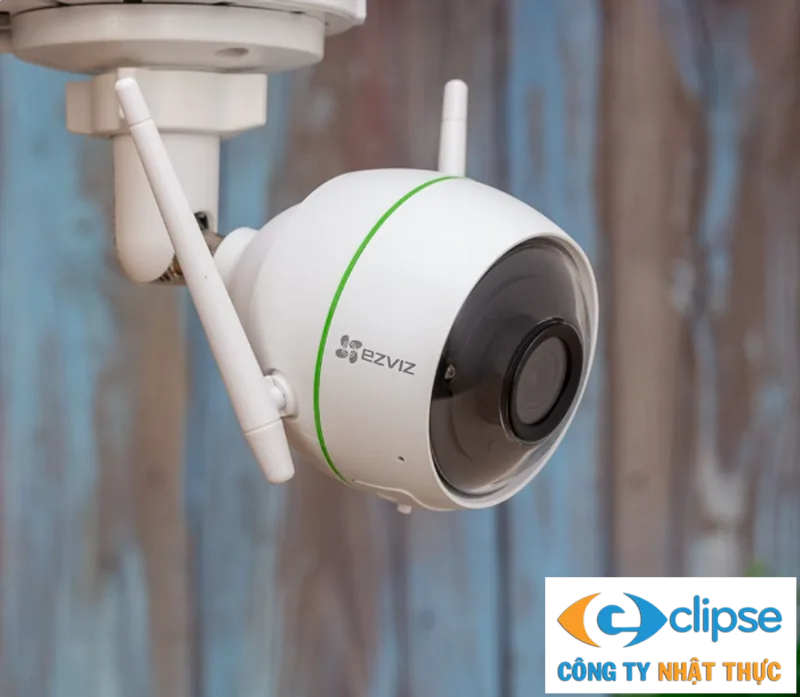
Ezviz C3WN Manual
PDF manual · 104 Pages
English



Quick check
Incorrect answer, please try again.
Chat with your Ezviz C3WN manual using AI
Get instant AI answers from your Ezviz C3WN manual
Ask anything about the Ezviz C3WN. Answers come from this manual, with the pages they are based on.
Ask a Question
Do you recommend C3WN?
Yes NoFrequently Asked Questions
It is designed for practical outdoor surveillance, especially for entrances, driveways, and similar areas where focused monitoring is useful. The camera is meant to give stable day-to-day protection with simple app control.
Is this answer helpful?
Power on the camera, install the EZVIZ app, create an account, and scan the QR code on the device. You can then finish Wi-Fi setup in the app or choose a wired connection if needed.
Is this answer helpful?
Yes. It supports microSD storage for local video recording. After inserting a card, you need to initialize it inside the EZVIZ app before recordings can be saved properly.
Is this answer helpful?
Yes. The camera is intended for outdoor use and includes mounting and waterproof-related accessories. It can be installed on a wall or ceiling, as long as the surface is strong enough.
Is this answer helpful?
Check the network connection and make sure router DHCP is enabled. If you changed network settings manually, hold the reset button for about 5 seconds and then set the camera up again.
Is this answer helpful?
Make sure the EZVIZ app is running, motion notifications are enabled, and push alerts are allowed in your phone settings. On Android, the app may need background access to keep alerts working.
Is this answer helpful?
Press and hold the reset button for 5 seconds to restart the camera, then reconnect it in the EZVIZ app. After reset, you can pair it to the new Wi-Fi network again.
Is this answer helpful?
Advantages and Disadvantages
Advantages

- Easy app setup with QR-code pairing and guided Wi-Fi configuration.
- Supports both wireless and wired installation for more placement options.
- MicroSD support allows local motion recording without relying only on cloud access.
- Wall or ceiling mounting makes it adaptable to different outdoor spaces.
Disadvantages

- MicroSD card is not included, so local storage requires an extra purchase.
- Some setups may need 2.4 GHz Wi-Fi, which can limit router options.
- Live viewing depends on network quality and available bandwidth.
- Connection issues may require a manual reset before re-adding the camera.
Product Specification
Type
PTZ
Image Sensor
1/2.9" CMOS
Resolution
1920x1080 Pixels (30fps)
Lens
0.16 in (F2.0)
Light Sensitivity
0.02 Lux (Color), 0 Lux (IR)
Viewing Angle
81° (horizontal), 94° (diagonal)
Pan
0° to 330° (manual)
Tilt
0° to 90° (manual)
Compression/Codecs
H.264
Connections
1x RJ-45 100Mb LAN
Wireless
Wi-Fi 4 (WLAN 802.11b/g/n)
Data Storage
1x microSD-Slot (max. 256GB)
Microphone
integrated
Speaker
integrated
Illumination
IR Illumination (98.43 ft)
Protection Class
IP66
System Control & Operation
Mobile-App (Android, iOS)
Zone & Analysis Functions
Motion Detection, IR Filter
Product Description
EZVIZ C3WN 4mm: Reliable Everyday Security
The Ezviz C3WN 4mm Manual presents a camera that is clearly built for practical monitoring rather than flashy complexity. From the first setup steps, it emphasizes a smooth path into everyday security: power it on, connect it through the EZVIZ app, and choose the best connection method for your space. For users who want a straightforward outdoor camera with helpful guidance, this model fits the role well.
One of the most appealing parts of the C3WN 4mm is its flexibility. It supports both wireless and wired connection options, which is useful when signal strength or installation layout becomes a concern. The 4mm lens is suited to focused observation, making it a sensible choice for entryways, gates, pathways, and other areas where a steady viewing angle matters more than an ultra-wide scene.
Installation is designed with real-world use in mind. The camera can be mounted on a wall or ceiling, and the angle can be adjusted once it is fixed in place. The included mounting template and waterproof kit reinforce its outdoor-ready design, while the advice to keep the microSD slot facing downward shows attention to detail that helps protect the device over time.
The EZVIZ app plays a central role in the experience. It handles QR-based pairing, Wi-Fi configuration, storage initialization, and motion notification settings. The LED status indicators also make the camera easier to understand at a glance, showing when it is starting, connecting, viewing video, or running normally. If something needs attention, the reset process and troubleshooting steps are simple enough to follow without special tools.
Local storage support adds another layer of value. With a microSD card, the camera can save motion-triggered recordings directly on the device, giving you a practical backup option when you want footage close at hand. That makes it useful for users who prefer local recording as part of a broader home security setup.
Overall, the C3WN 4mm feels like a dependable, no-nonsense security camera for everyday protection. It focuses on the essentials: stable setup, app-based control, flexible mounting, and recording options that support consistent monitoring.
Notes
- A 2.4 GHz network may be needed for some setups.
- The microSD card is not included and must be added separately.
- Use the EZVIZ app to initialize storage and manage alerts.
- The camera is best suited for focused outdoor surveillance.
Search for 67,732 Manuals online


Type-in Brand or Model