
Ezviz H8 Pro Manual
PDF manual · 17 Pages
English



Quick check
Incorrect answer, please try again.
Chat with your Ezviz H8 Pro manual using AI
Get instant AI answers from your Ezviz H8 Pro manual
Ask anything about the Ezviz H8 Pro. Answers come from this manual, with the pages they are based on.
Ask a Question
Do you recommend H8 Pro?
Yes NoFrequently Asked Questions
Yes local recording continues if powered but disconnected. Cloud recording stops if disconnected. Both stop if powered off. Initialize card in app first.
Is this answer helpful?
Lower the detection sensitivity in settings. Animals and vehicles also trigger alarms. Check the detection area configuration.
Is this answer helpful?
Insert card and use EZVIZ app to initialize storage card in device settings. Wait for status to change to normal.
Is this answer helpful?
Ensure app is running and notifications enabled on settings. Check push functions for Android or iOS. Reset camera if needed.
Is this answer helpful?
Check network connection and bandwidth. Refresh video channel or change network settings. Ensure stable internet connection.
Is this answer helpful?
Enable EZVIZ skill in Alexa app. Sign in with EZVIZ credentials and authorize access. Discover devices within Alexa app.
Is this answer helpful?
Press and hold reset button for about five seconds while powered on. All parameters restore to default factory settings.
Is this answer helpful?
Advantages and Disadvantages
Advantages

- 3K High Resolution Video Quality
- Color Night Vision With Built-in Spotlight
- Supports Amazon Alexa And Google Assistant
- Wireless And Wired Network Connectivity
- Two Way Audio Communication Feature
Disadvantages

- Micro SD Card Sold Separately
- Requires Constant Power Adapter Connection
- Cloud Storage Service Is Optional Expense
- Installation Needs Wall Or Pole Surface
- Setup Complexity For Non Tech Users
Product Specification
Type
PTZ
Image Sensor
1/2.7" CMOS
Resolution
2880x1620 Pixels (30 fps)
Lens
4.0-6.0mm (F1.6)
Light Sensitivity
0.5 Lux (Color), 0 Lux (IR)
Field of View
54-89 deg (horizontal), 28-46 deg (vertical), 62-104 deg (diagonal)
Pan
340 deg
Tilt
80 deg
Zoom Function
8x digital
Compression/Codecs
H.264, H.265
Ports
1x RJ-45 100 Mbps LAN
Wireless
Wi-Fi 4 (WLAN 802.11b/g/n)
Storage
1x microSD Slot (max. 512GB), Cloud Storage (optional)
Microphone
Integrated
Speaker
Integrated
Illumination
IR Illumination (98.43 ft)
Ingress Protection
IP67
System Control & Operation
Mobile App (Android, iOS)
Zone & Analysis Functions
Motion Detection, Person Detection, Vehicle Detection, IR Filter
Product Description
Ezviz H8 Pro 3K Security System Review
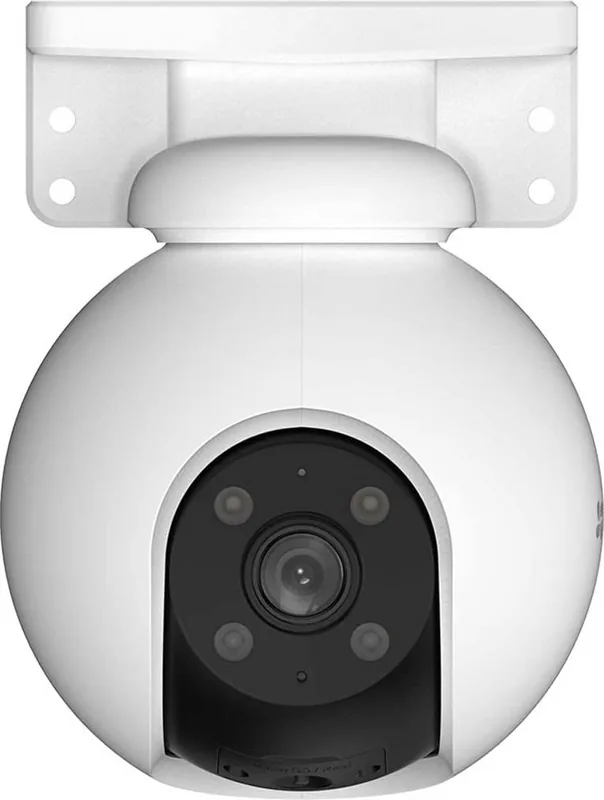
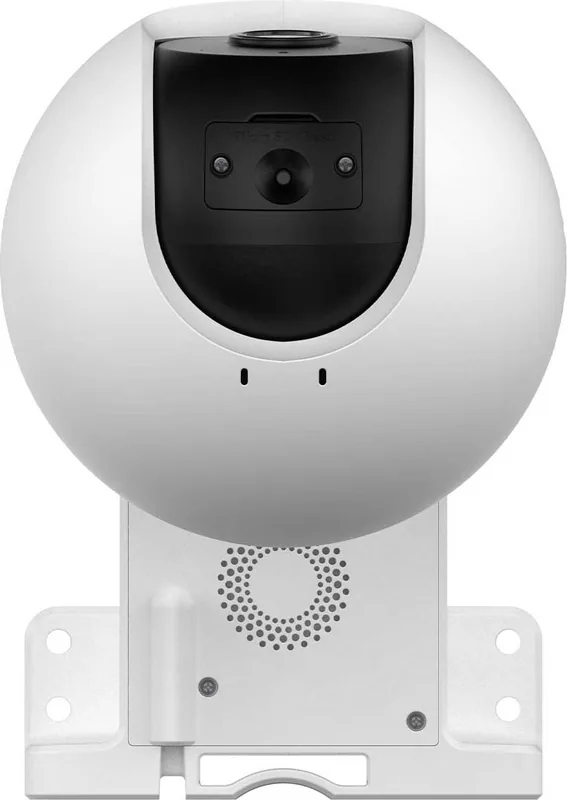
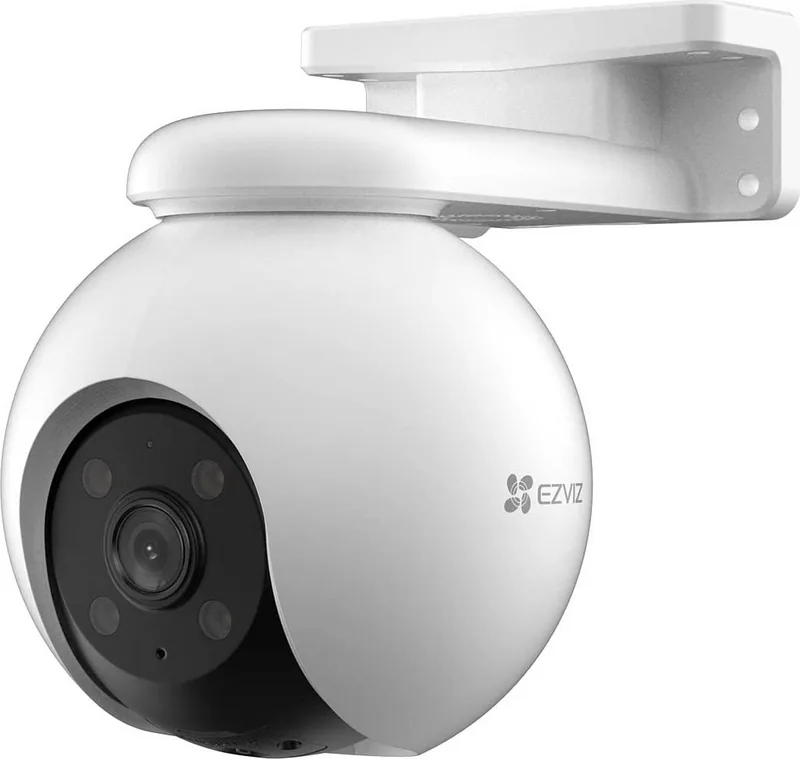
Experience superior home surveillance with the Ezviz H8 Pro 3K camera. This advanced device provides crystal clear footage ideal for protecting your residential space effectively. When you review the Ezviz H8 Pro 3K Manual you will discover comprehensive guidance for installation and daily operation ensuring optimal performance. The hardware features a 3K resolution lens that captures high detailed video streams suitable for identifying faces or objects from a significant distance. Night vision capabilities include infrared lighting and color night vision modes for clear images even in low light conditions during late hours. A built-in spotlight can be activated manually or via motion detection to discourage intruders visually when security is compromised.
Connectivity is flexible with support for both Wi-Fi and wired Ethernet connections allowing robust internet access without signal drops that compromise footage quality. Users can access live feeds through the EZVIZ App on smartphones or tablets for remote monitoring anywhere in the world. The interface offers live view, snapshots, recording, and PTZ control for rotating the camera to cover wide angles including 360 degree views. Preset locations enable quick movement to specific monitoring zones to check backyards or front doors. Two way audio is supported for intercom purposes if you wish to speak with visitors or deter animals roaming the property. Intelligent detection algorithms filter out false alarms by distinguishing between humans and vehicles to reduce nuisance notifications during the day.
Configuration allows enabling encryption for image security and adjusting notification settings for mobile alerts. Time zones can be selected to sync recorded timestamps accurately with local time formats. Image flipping is possible if mounted upside down to correct orientation visually. Audio settings let users mute sounds or enable custom tones for alarm triggers. Camera status lights can be toggled on or off to reduce light pollution at night. These granular controls make the system adaptable to specific household routines. Installation instructions are detailed to guide users through wall or ceiling mounts securely.
Waterproof kits protect against rain and moisture for long term outdoor reliability. Power cables must reach nearby outlets for stable electrical supply operation. App settings allow scheduling recording times to save storage space efficiently. Privacy modes can be activated when you are home to avoid unnecessary recording. Setup involves wall mounting or pole mounting using the included drilling template and screws designed for various surfaces. An optional waterproof kit ensures the camera survives outdoor exposure in humid environments preventing water damage to internal electronics. Storage options include Micro SD cards up to 512GB for local recording or cloud storage services for offsite backup preservation. Smart home integration works with Amazon Alexa and Google Assistant for voice commands like showing the camera feed instantly. LED indicators on the device provide status updates such as network connection or power status for troubleshooting ease. Reset buttons allow factory restoration if configuration errors occur by holding for five seconds. Legal notices emphasize privacy and compliance with local surveillance and data protection laws. Users are advised to define monitoring scopes carefully to respect third party privacy rights. Power consumption is managed via the included 12V adapter connecting to standard electrical outlets. The package contains the camera, power adapter, screw kit, and quick start materials for immediate use. Firmware updates are available to enhance features over time as technology advances. Always check the official website for the latest manual revisions before purchasing accessories. This system delivers reliability for modern security needs while offering extensive customization options through software settings and intelligent modes like device sleep.
Search for 67,732 Manuals online


Type-in Brand or Model