
Ezviz T30 Manual
PDF manual · 5 Pages
English



Quick check
Incorrect answer, please try again.
Chat with your Ezviz T30 manual using AI
Get instant AI answers from your Ezviz T30 manual
Ask anything about the Ezviz T30. Answers come from this manual, with the pages they are based on.
Ask a Question
Do you recommend T30?
Yes NoFrequently Asked Questions
Plug it in, open the EZVIZ app, tap the plus icon, scan the QR code on the plug, and follow the app instructions. Use the same 2.4 GHz Wi-Fi network on your phone and plug during configuration.
Is this answer helpful?
A fast flashing blue LED means the T30 is ready for Wi-Fi setup. If it is not flashing quickly, press and hold the button for five seconds to start configuration mode.
Is this answer helpful?
Yes. After the plug is connected to the internet and added to your EZVIZ account, the EZVIZ app can be used to check its status and switch power on or off remotely.
Is this answer helpful?
Yes. The EZVIZ app supports timed scheduling and countdown functions. These features can automate power for suitable connected devices at selected times or after a chosen delay.
Is this answer helpful?
Daily energy use, runtime, and current power data are specified for the T30-10B-EU model. Availability may differ for other versions of the product.
Is this answer helpful?
Yes. Link your EZVIZ account in the Alexa app through the EZVIZ skill, or in Google Home through Works with Google. Once linked and discovered, the plug can be controlled with compatible voice commands.
Is this answer helpful?
Advantages and Disadvantages
Advantages

- Remote on/off control is available through the EZVIZ app.
- Countdowns and schedules support automated daily routines.
- Amazon Alexa and Google Assistant support enable voice control.
- LED signals clearly show power, setup, and network status.
- T30-10B-EU supports daily energy use, runtime, and live power statistics.
Disadvantages

- Setup requires a 2.4 GHz Wi-Fi connection, not a 5 GHz-only network.
- Energy reporting is limited to the specified T30-10B-EU model.
- Voice control depends on separate Alexa or Google account linking.
- A lost Wi-Fi connection can cause the device to appear offline in voice platforms.
- Smart plugs should not be connected to each other.
Product Specification
Type
Actuator
Standard
Wi-Fi (802.11b/g/n)
Function
Smart plug (on/off)
Topology
Mesh
Dimensions
2.04 x 3.37 x 2.04 in
Special features
Voice assistant (Amazon Alexa, Google Assistant), app-controlled
Product Description
Ezviz T30 Smart Plug Manual: Smarter Everyday Power Control
The Ezviz T30 Smart Plug brings convenient, app-based control to ordinary household devices. Designed for a 230 V AC outlet, it lets you switch compatible appliances on or off from the EZVIZ app, whether you are at home or away. This compact smart plug is a practical addition to a connected home, helping users manage lamps, fans, coffee makers, and other suitable plug-in equipment with less effort.
Simple Setup Through the EZVIZ App
Getting started is straightforward. Plug the T30 into a wall outlet, sign in to the EZVIZ app, and scan the QR code located on the device. The app guides the connection process and adds the plug to your EZVIZ account. The plug works with 2.4 GHz Wi-Fi networks, so phones connected to a dual-band router should use the 2.4 GHz network during setup.
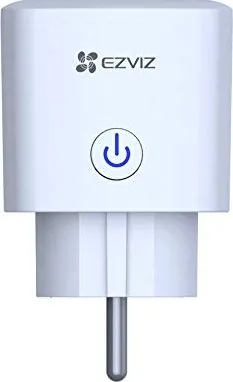
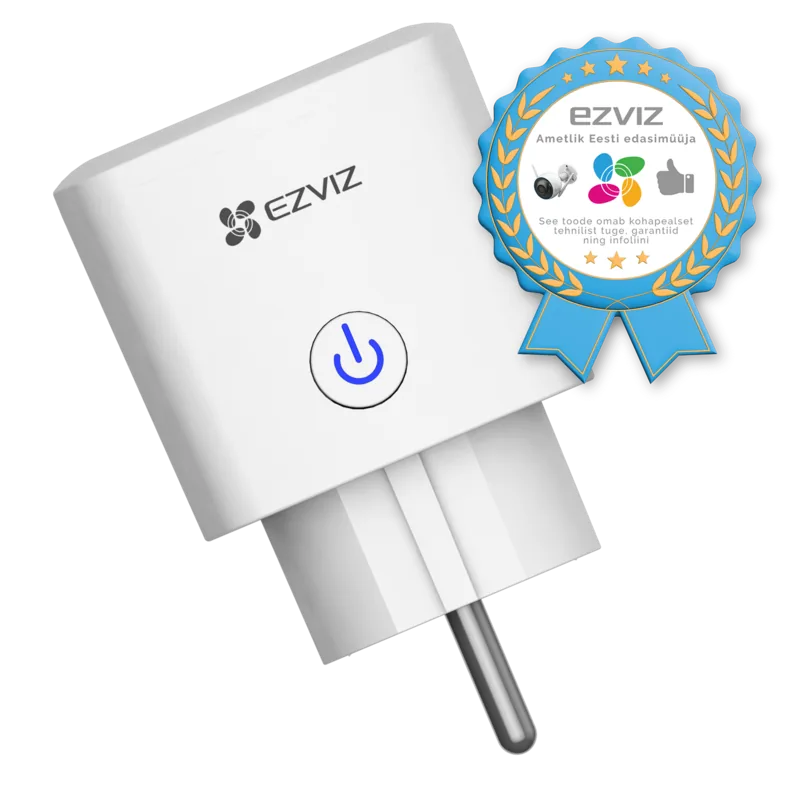
A blue LED provides helpful status information. A solid blue light means the plug is powered on, while no light indicates it is off. Fast blue flashing shows that it is ready for Wi-Fi configuration, and slow flashing indicates that it is disconnected from the network. If setup needs to be restarted, press and hold the physical button for five seconds until the indicator flashes quickly.
Control, Schedules, and Energy Awareness
The Ezviz T30 Smart Plug Manual highlights several useful controls in the EZVIZ app. Users can view the operating state, turn power on or off remotely, create countdowns, and schedule operation around daily routines. A timer can switch off a device after a chosen period, while scheduled automation can turn a lamp on in the evening or power down selected appliances at night.
Some versions also offer daily electricity statistics. On supported T30-10B-EU units, the app can show today's energy use, runtime, and current power draw. This can make it easier to understand how connected equipment is being used and identify devices that may be left running longer than intended.
Voice Control Compatibility
The T30 can be linked with Amazon Alexa for hands-free commands after enabling the EZVIZ skill and authorizing the EZVIZ account. Commands such as "Alexa, turn on plug" can control the connected device. Google Assistant integration is also available through Google Home, allowing compatible EZVIZ devices to be organized into rooms and controlled individually or as part of a group.
Notes
- Connect the plug and phone to the same 2.4 GHz Wi-Fi network during installation.
- Avoid plugging smart plugs into one another.
- Energy statistics are currently specified for the T30-10B-EU model.
- Check that the connected appliance is suitable for smart plug control before use.
Search for 67,732 Manuals online


Type-in Brand or Model