

Free Linksys Manuals – Read, Download & Print
20 Manuals
Manuals
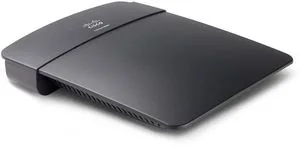
25 Pages
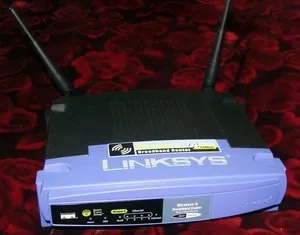
41 Pages
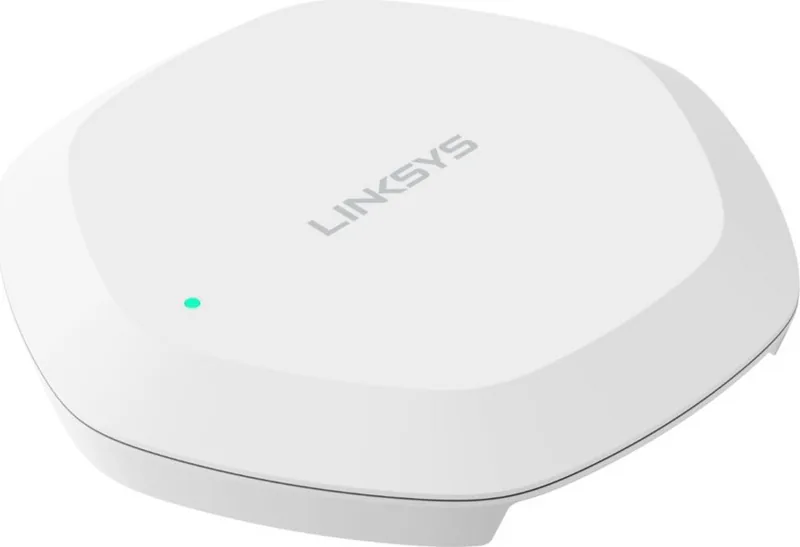
27 Pages
35 Pages

364 Pages

109 Pages
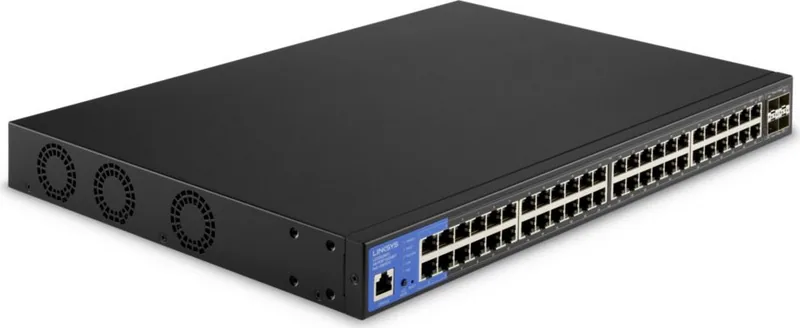
109 Pages
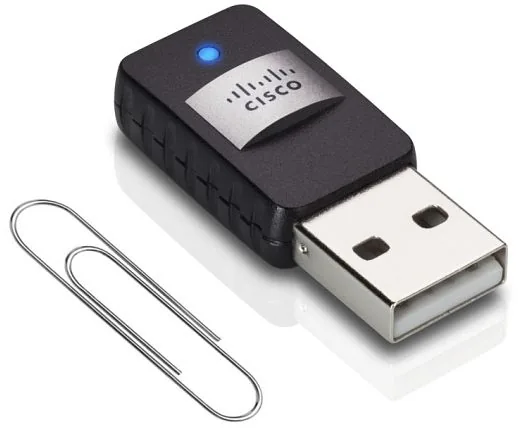
364 Pages
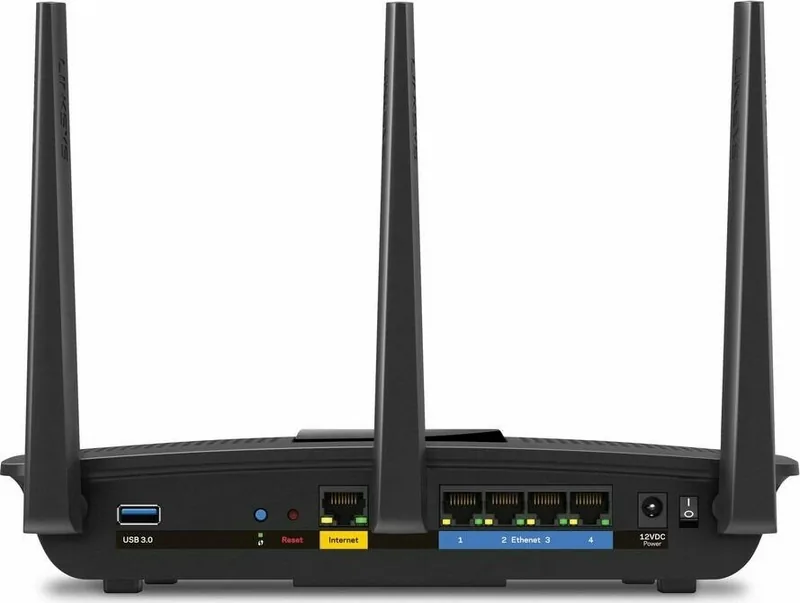
745 Pages
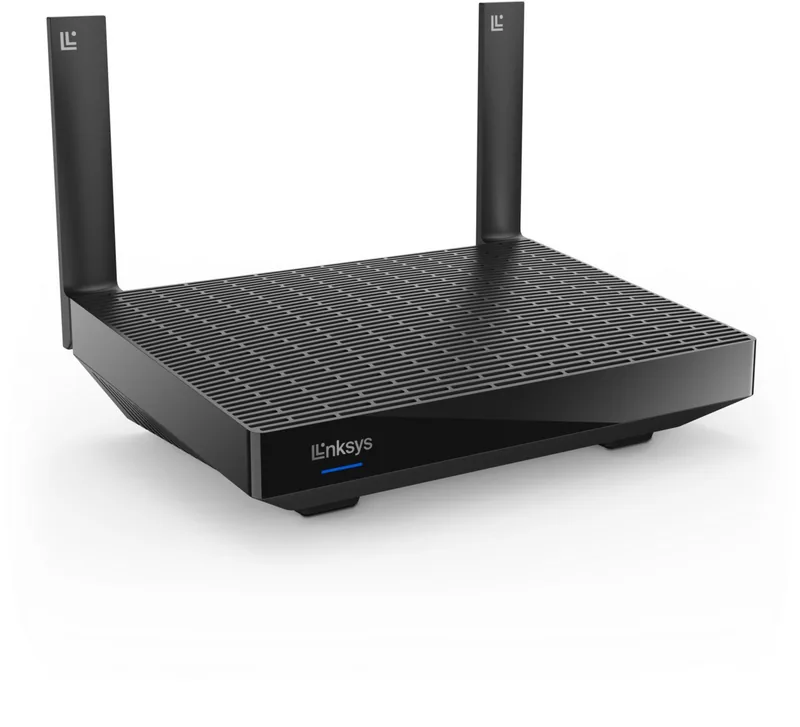
848 Pages

1183 Pages
1224 Pages
1180 Pages
1258 Pages
1317 Pages
1220 Pages
1161 Pages
877 Pages
1228 Pages
1208 Pages
Categories

Welcome to Your Complete Resource for Linksys Documentation
Navigating the world of home networking can sometimes feel overwhelming, especially when you need to set up a new router or troubleshoot an existing connection. Whether you are dealing with a classic WRT54G model or the latest E-series mesh system, having the right information at your fingertips is crucial. This page serves as your central hub for accessing Free Linksys Manuals. We understand that users often need to read instructions online quickly, download files for offline reference, or print specific pages to keep on hand during installation. Our goal is to streamline this process, ensuring you spend less time searching and more time enjoying a stable, high-speed internet connection.
Why Accessing Official Manuals Matters
Linksys devices are engineered with advanced features designed to optimize your network performance. However, unlocking these capabilities requires understanding the configuration options available within the device's interface. The official manual provides the most accurate and up-to-date information regarding hardware specifications, setup procedures, and troubleshooting steps. Unlike third-party guides that may become outdated or contain errors, our repository links directly to the documentation provided by the manufacturer. This ensures that you are following the correct protocols for firmware updates, security configurations, and hardware resets. Relying on the official documentation minimizes the risk of misconfiguring your network, which could lead to connectivity issues or security vulnerabilities.
Comprehensive Coverage of All Linksys Product Lines
One of the primary challenges users face is finding the specific manual for their exact model number. Linksys has a vast portfolio of products ranging from wireless routers and modems to range extenders, switches, and whole-home mesh systems. Our database is organized to help you locate the correct guide regardless of the product category. If you own a Linksys Velop mesh system, you will find detailed instructions on node placement and synchronization. For those with older N-series or AC-series routers, you can access legacy manuals that cover essential setup wizards and port configurations. We also include documentation for specialized devices such as VoIP phones and smart home hubs, ensuring that every aspect of your connected ecosystem is covered.
Navigating the Manual Library
Our library is structured to make navigation intuitive. Users can browse through categories based on product type or search directly using the model number found on the back or bottom of their device. Once you select a product, you will be presented with a list of available documents. These documents typically include the Quick Start Guide for immediate setup needs, the Full User Manual for in-depth technical details, and Firmware Release Notes for those planning upgrades. Each document is hosted securely and optimized for various devices, whether you are viewing it on a desktop computer, tablet, or smartphone. The responsive design ensures that text remains legible and images are clear, allowing you to follow diagrams and screenshots without frustration.
The Importance of Downloading for Offline Use
While reading manuals online is convenient, there are scenarios where an internet connection is unavailable or unreliable. During the initial setup of a router, you might be working in a location with spotty Wi-Fi signal, making it difficult to load web-based instructions. In such cases, downloading the PDF version of the manual is highly recommended. By saving the file to your local storage, you ensure that you have instant access to all necessary information without buffering or data usage concerns. Downloaded manuals remain accessible even after you have completed the setup process, serving as a valuable reference for future maintenance tasks. You can store them in a dedicated folder on your computer or cloud storage account, creating a personal knowledge base for all your networking equipment.
Benefits of Printing Physical Copies
For many technicians and homeowners, the tactile experience of a printed manual offers distinct advantages. Printing allows you to highlight key steps, write down custom passwords or IP addresses next to relevant sections, and place the document on your desk while you work. This is particularly useful during complex setups involving multiple devices or intricate wiring configurations. Having a physical copy means you do not need to squint at a screen while plugging cables into ports. Furthermore, printed manuals serve as excellent references for family members who may need to assist with basic troubleshooting later on. You can simply leave the printed guide on the router itself, providing immediate guidance for anyone encountering common issues like resetting the device or changing the SSID.
Detailed Troubleshooting and Maintenance Guides
Beyond basic setup, our collection includes extensive troubleshooting sections that address common problems faced by Linksys users. Issues such as slow internet speeds, intermittent disconnections, or inability to connect certain devices are frequently encountered. The manuals provide step-by-step diagnostic procedures to isolate the root cause of these problems. You will find instructions on how to perform a factory reset, update the firmware to the latest version, and configure Quality of Service (QoS) settings to prioritize traffic. Additionally, the documentation covers security best practices, including how to enable WPA3 encryption, set up guest networks, and configure parental controls to manage internet access for children. Understanding these features empowers you to take full control over your network environment.
Firmware Updates and Security Patches
Maintaining the security of your network is an ongoing responsibility. Linksys regularly releases firmware updates to patch vulnerabilities and improve performance. The user manuals contain critical information on how to check for and install these updates safely. They explain the difference between automatic and manual update methods and warn against interrupting the process, which could brick the device. By following the guidelines in the official documentation, you ensure that your router remains protected against emerging cyber threats. The manuals also detail how to interpret status lights and error messages, helping you identify when a firmware update is required or if a hardware failure has occurred.
Optimizing Your Network Performance
A well-configured network is essential for modern digital life, supporting everything from video streaming and online gaming to remote work and smart home automation. The advanced settings sections in the Linksys manuals offer insights into optimizing your network for specific use cases. You can learn how to adjust channel widths to reduce interference from neighboring networks, configure port forwarding for hosting game servers, or set up static IP addresses for printers and cameras. These technical details are often buried in general consumer guides, but our comprehensive resources bring them to the forefront. By mastering these settings, you can maximize the potential of your hardware and ensure a seamless experience for all connected devices.
Conclusion: Empowering Your Networking Journey
Accessing free Linksys manuals is a simple yet powerful step toward becoming a proficient network administrator. Whether you are a novice looking to get your first router online or an experienced user seeking advanced configuration options, the resources available here are designed to meet your needs. By utilizing the ability to read, download, and print these documents, you equip yourself with the tools necessary to maintain a robust and secure home network. We encourage you to explore the library, find your specific model, and download the documentation today. With the right information, setting up and managing your Linksys devices becomes a straightforward and rewarding task, ensuring that your digital life remains uninterrupted and efficient.
Search for 67,706 Manuals online


Type-in Brand or Model