
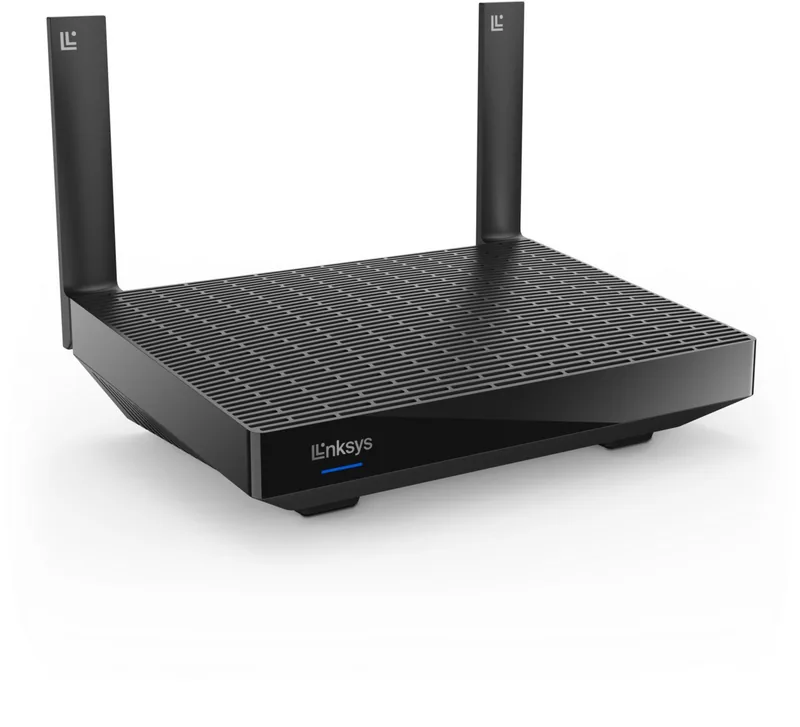
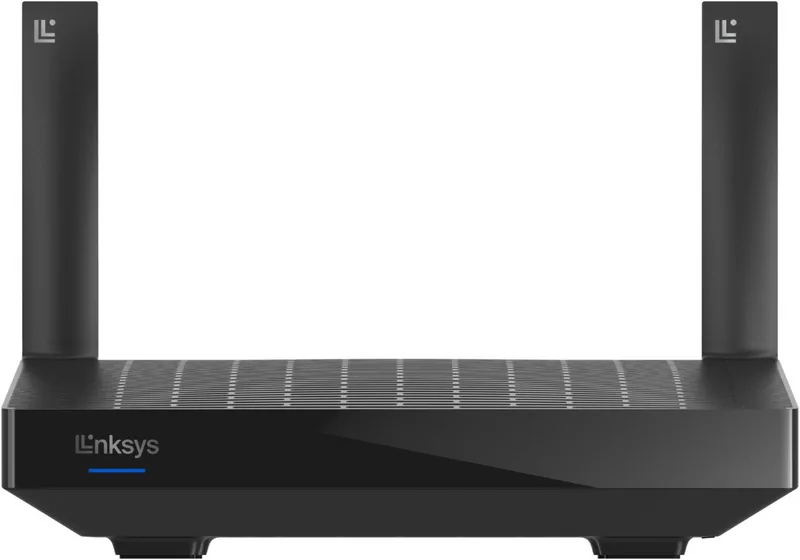
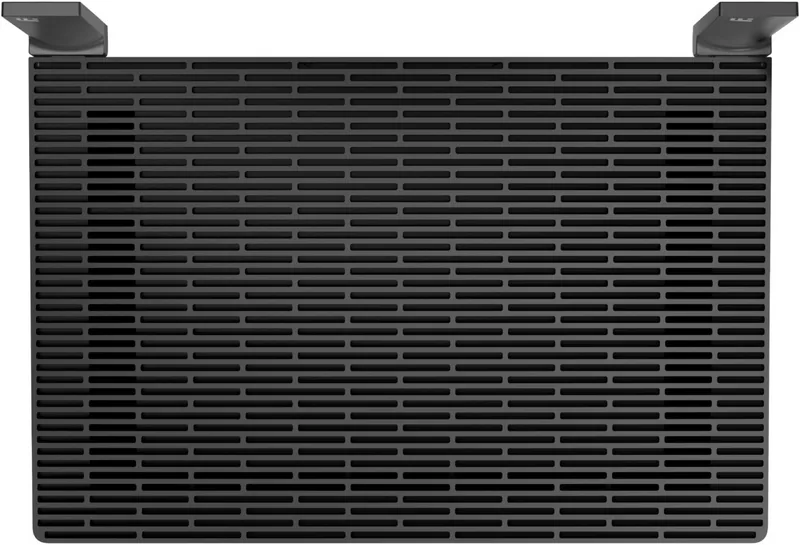
Linksys Hydra Pro 6 MR5500 Manual
How many stars do you give the Hydra Pro 6 MR5500 manual?
PDF manual · 848 Pages
English



/ 848

Quick check
Incorrect answer, please try again.
Chat with your Linksys Hydra Pro 6 MR5500 manual using AI
Get instant AI answers from your Linksys Hydra Pro 6 MR5500 manual
Ask anything about the Linksys Hydra Pro 6 MR5500. Answers come from this manual, with the pages they are based on.
Ask a Question
Do you recommend Hydra Pro 6 MR5500?
Yes NoFrequently Asked Questions
The Linksys Hydra Pro 6 is rated as an AX5400 router, which means it can theoretically reach speeds up to 5400 Mbps by combining the 2.4 GHz and 5 GHz bands. Actual speeds will depend on your ISP plan, distance from the router, and interference.
Is this answer helpful?
Yes, but if you want to use the MR5500 as the parent node for an existing Velop system, you must factory reset all existing nodes first. Then set up the MR5500 and add the reset nodes to the new system to ensure compatibility.
Is this answer helpful?
Absolutely. You can create a separate Guest Network through the Linksys app. This allows visitors to access the internet while keeping them isolated from your main network and private devices for added security.
Is this answer helpful?
Simply press the Wi-Fi Protected Setup button on the router until the light blinks. Then, within two minutes, press the WPS button on your wireless device. They will pair automatically without entering a password.
Is this answer helpful?
Yes, the Device Prioritization feature allows you to select up to three devices. These devices will receive priority bandwidth allocation when multiple devices are active, ensuring smooth performance for gaming or streaming.
Is this answer helpful?
Advantages and Disadvantages
Advantages

- Supports latest WiFi 6 (AX) standards for superior speed and efficiency
- Easy setup and management via the user-friendly Linksys mobile app
- Flexible mesh system allows for wireless or wired node expansion
- Advanced security features including WPA3 encryption protection
- Includes USB 3.0 port for convenient network file sharing
Disadvantages

- Requires a smartphone or tablet for initial configuration process
- External antennas are non-detachable limiting customization options
- Parental controls require active internet connection for full remote access
- No built-in voice assistant integration out of the box
- Performance may vary significantly based on physical building materials
Product Specification
Modem
N/A
WAN
1x 1000Base-T
LAN
4x 1000Base-T
Wireless
WLAN 802.11a/b/g/n/ac/ax (Wi-Fi 6), simultaneous
Transfer Rate
574 Mbps (2.4GHz), 4804 Mbps (5GHz)
Security
WPS, WPA2, WPA3
Antennas
2x external
Ports
1x USB-A 3.0
Power Consumption
Not specified, not specified (max. power supply rating)
Dimensions
8.46x6.10x2.20 inches
Features
Bluetooth, Bluetooth LE, MU-MIMO, Roaming (Qualcomm Wi-Fi SON), Mesh (split band)
Band Capability
Dual Band (simultaneous), Mesh (split band)
Manufacturer Warranty
three years
Transfer Rate 802.11ax (Wi-Fi 6 / Wi-Fi 6E) 2.4GHz
574 Mbps (Spatial Streams: 2x2, Bandwidth: 40MHz, Modulation: 1024-QAM)
Transfer Rate 802.11ax (Wi-Fi 6 / Wi-Fi 6E) 5GHz
4804 Mbps (Spatial Streams: 4x4, Bandwidth: 160MHz, Modulation: 1024-QAM)
Note
Specification of transfer rate for 802.11ax at 2.4GHz and 5GHz. (802.11ax (2.4GHz) 2x2 40MHz 1024-QAM: 574 Mbps, 802.11ax (5GHz) 4x4 160MHz 1024-QAM: 4804 Mbps)
Product Description
Experience Seamless Connectivity with the Linksys Hydra Pro 6 AX5400
The Linksys Hydra Pro 6, also known as the MR5500 series, represents a significant leap in home networking technology. This Dual-Band Mesh WiFi 6 router is designed to provide robust coverage and high-speed performance for modern households. Whether you are streaming 4K video, gaming online, or working from home, this device ensures a stable connection throughout your entire living space.
Equipped with advanced WiFi 6 standards, the AX5400 model offers faster data transmission rates and improved efficiency compared to previous generations. The system supports both 2.4 GHz and 5 GHz frequencies, allowing you to balance range and speed effectively. Its mesh architecture means you can add child nodes wirelessly or via Ethernet to eliminate dead zones, creating a unified network that covers every corner of your home.
Setup is remarkably straightforward thanks to the dedicated Linksys app. Users can configure their network in minutes without needing extensive technical knowledge. The app provides an intuitive dashboard where you can monitor connected devices, adjust Wi-Fi names and passwords, and manage parental controls with ease. Advanced features like Channel Finder automatically select the least congested channels to optimize performance, while Device Prioritization ensures critical tasks get the bandwidth they need.
Security is a top priority with WPA3-Personal support, protecting your data from unauthorized access. The router also includes a USB 3.0 port for external storage, enabling you to share files across your network or stream media directly to compatible devices. With its sleek design and wall-mounting capabilities, the Linksys Hydra Pro 6 fits seamlessly into any home environment while delivering powerful connectivity.
Search for 67,706 Manuals online


-
No results found.
Type-in Brand or Model