
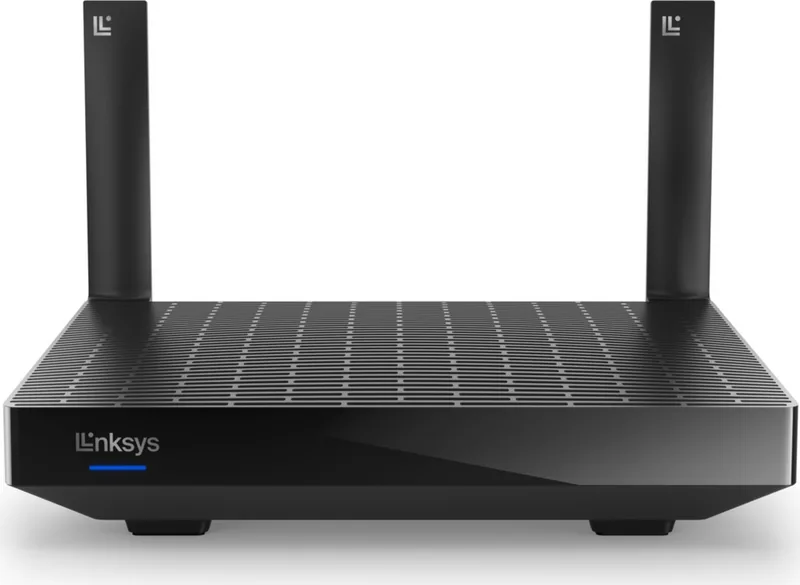
Linksys Hydra 6 MR2000 Manual
How many stars do you give the Hydra 6 MR2000 manual?
PDF manual · 1208 Pages
English



/ 1208

Quick check
Incorrect answer, please try again.
Chat with your Linksys Hydra 6 MR2000 manual using AI
Get instant AI answers from your Linksys Hydra 6 MR2000 manual
Ask anything about the Linksys Hydra 6 MR2000. Answers come from this manual, with the pages they are based on.
Ask a Question
Do you recommend Hydra 6 MR2000?
Yes NoFrequently Asked Questions
The primary benefit is its support for WiFi 6 technology, which offers faster speeds, greater capacity for multiple devices, and reduced latency compared to older WiFi 5 routers.
Is this answer helpful?
Yes, the MR2000 series can act as a parent or child node in a Linksys whole-home mesh Wi-Fi system, allowing you to expand coverage seamlessly.
Is this answer helpful?
You can use the Wi-Fi Protected Setup (WPS) button on the router to quickly connect compatible devices without manually typing in security credentials.
Is this answer helpful?
Absolutely. The Linksys app includes powerful parental controls that allow you to pause internet access for specific devices or block certain websites entirely.
Is this answer helpful?
Yes, it features a USB 3.0 port that allows you to connect external hard drives or flash drives to share files and media across your network.
Is this answer helpful?
A factory reset erases all custom settings, including Wi-Fi names and passwords, returning the device to its original out-of-box state requiring full re-setup.
Is this answer helpful?
Advantages and Disadvantages
Advantages

- Supports latest WiFi 6 (802.11ax) for superior speed and capacity
- Easy setup and management via the user-friendly Linksys mobile app
- Dual-band operation on 2.4 GHz and 5 GHz frequencies for flexible coverage
- Includes USB 3.0 port for convenient file and printer sharing
- Advanced security features including WPA3 and parental controls
Disadvantages

- Requires the Linksys app for initial configuration and most management tasks
- Maximum performance depends heavily on ISP speed and distance from nodes
- No built-in cellular backup for internet connectivity
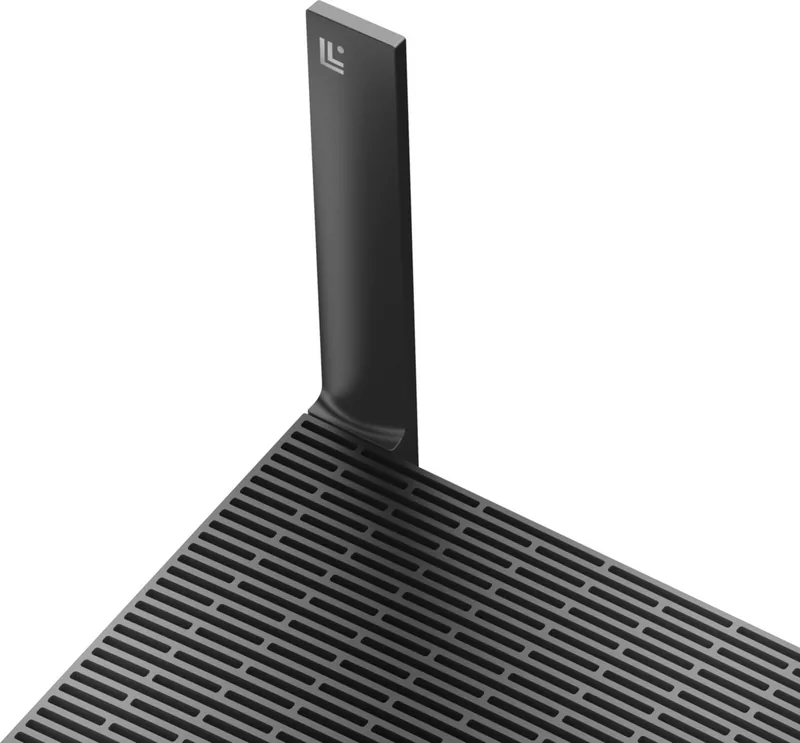
- External antennas are not detachable for replacement or upgrade
- Wall mounting requires separate M3 x 20 mm screws not included in box
Product Specification
Modem
N/A
WAN
1x 1000Base-T
LAN
4x 1000Base-T
Wireless
WLAN 802.11a/b/g/n/ac/ax (Wi-Fi 6), simultaneous
Transfer Rate
574Mbps (2.4GHz), 2402Mbps (5GHz)
Security
WPS, WPA2, WPA3
Antennas
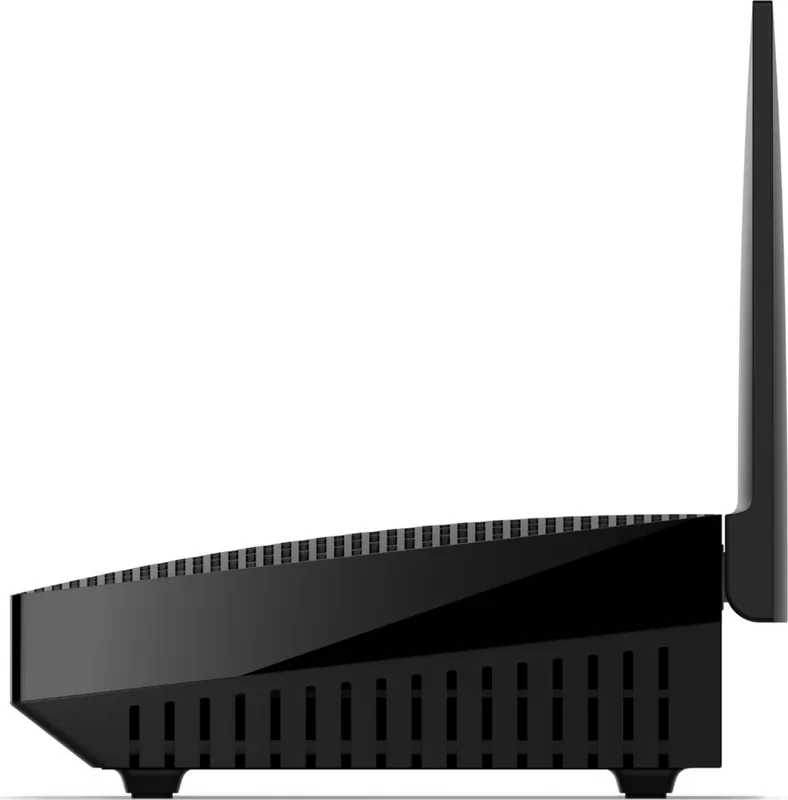
2x external
Ports
1x USB-A 3.0
Power Consumption
Not specified, 12V/1.5A/18W (max. power supply output)
Dimensions
8.46x6.10x2.20 inches
Features
MU-MIMO, Roaming, Mesh (split band)
Band Capability
Dual Band (simultaneous), Mesh (split band)
Manufacturer Warranty
three years
Transfer Rate 802.11ax (Wi-Fi 6 / Wi-Fi 6E) 5GHz
2402Mbps (Spatial Streams: 2x2, Bandwidth: 160MHz, Modulation: 1024-QAM)
Note
Transfer rate specification for 802.11ax at 2.4GHz and 5GHz. 802.11ax (5GHz) 2x2 160MHz 1024-QAM: 2402Mbps
Note #2
In some cases, the manufacturer's maximum power consumption specification only reflects the maximum output power of the power supply and is therefore not a meaningful indicator of daily power consumption.
Product Description
Linksys Hydra 6 AX3000: The Ultimate Home Networking Solution
The Linksys Hydra 6, model AX3000, represents a significant leap forward in home networking technology. Designed as a dual-band WiFi 6 router, it delivers robust performance suitable for modern households filled with smart devices, streaming services, and gaming consoles. This router supports the latest IEEE 802.11ax standard, ensuring faster data rates and improved efficiency compared to previous generations.
Setting up your network has never been easier thanks to the intuitive Linksys app. Whether you are installing this unit as a parent node connected directly to your modem or adding it as a child node to an existing mesh system, the guided setup process handles the heavy lifting. You can customize your network name and password, manage guest access, and even set up parental controls to keep your family safe online. The dashboard provides a clear snapshot of all connected devices, allowing you to prioritize bandwidth for specific gadgets like laptops or gaming systems.
Security is paramount with the Hydra 6. It features WPA2 and WPA3 encryption standards to protect your data from unauthorized access. Advanced users will appreciate the ability to configure port forwarding, MAC filters, and adjust channel settings to minimize interference. The router also includes a USB 3.0 port, enabling you to share files or printers across your network easily. With its sleek design and versatile mounting options, including wall-mounting capabilities, the Linksys Hydra 6 fits seamlessly into any home environment while providing reliable, high-speed connectivity throughout your living space.
Search for 67,706 Manuals online


-
No results found.
Type-in Brand or Model