
Linksys Max-Stream MR9000 Manual
How many stars do you give the Max-Stream MR9000 manual?
PDF manual · 1317 Pages
English



/ 1317

Quick check
Incorrect answer, please try again.
Chat with your Linksys Max-Stream MR9000 manual using AI
Get instant AI answers from your Linksys Max-Stream MR9000 manual
Ask anything about the Linksys Max-Stream MR9000. Answers come from this manual, with the pages they are based on.
Ask a Question
Do you recommend Max-Stream MR9000?
Yes NoFrequently Asked Questions
The Linksys MR9000 is an AC3000 router, meaning it combines speeds from 2.4 GHz and dual 5 GHz bands to reach theoretical maximums around 3000 Mbps depending on device capabilities and network conditions.
Is this answer helpful?
Yes, but if adding to an existing Velop system, you must factory reset all existing nodes and add them to the system after the MR9000 is set up and functioning as the primary node.
Is this answer helpful?
Connect an Ethernet cable from your modem's output to the yellow Internet port on the back of the MR9000. For best performance, use CAT5e or higher rated cables.
Is this answer helpful?
The USB 3.0 port is currently intended for future capability. While the hardware exists, full functionality for media sharing may require a specific firmware update from Linksys.
Is this answer helpful?
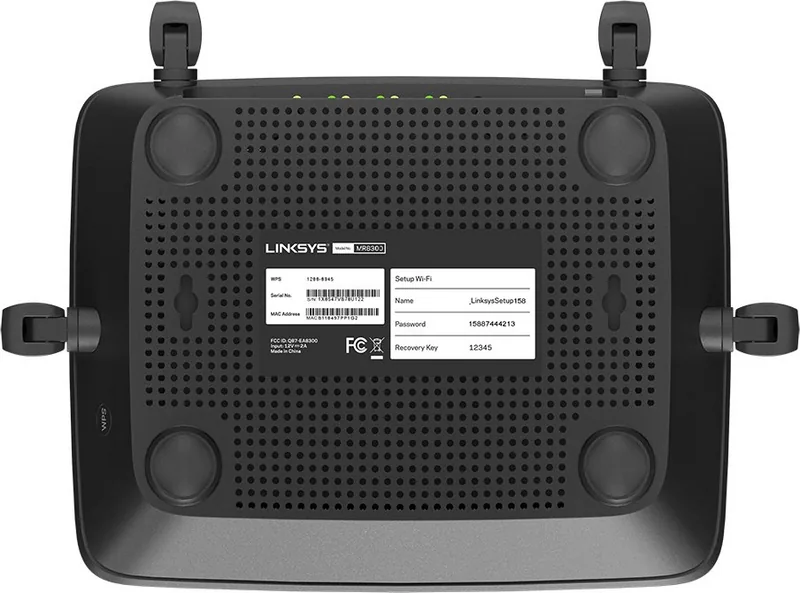
With the router powered on, press and hold the Reset button on the back panel while the light blinks red. Keep holding until the light goes out and turns bright red again.
Is this answer helpful?
Yes, the Linksys app allows you to easily set up Guest Access, letting visitors connect to the internet while restricting their access to your main network resources.
Is this answer helpful?
Advantages and Disadvantages
Advantages

- Tri-band architecture minimizes network congestion for superior performance
- Linksys app simplifies setup and allows remote management of all settings
- Supports whole-home mesh systems for seamless coverage extension
- Includes USB 3.0 port for versatile storage and printing capabilities
- Advanced parental controls and device prioritization enhance user experience
Disadvantages

- Requires the Linksys app for initial setup which may be inconvenient for some
- USB 3.0 functionality is limited until specific firmware updates are released
- Physical reset button requires holding for several seconds to avoid accidental triggers
- Performance varies based on ISP speeds and environmental interference factors
- May be overkill for small apartments requiring only basic internet access
Product Specification
Modem
N/A
WAN
1x 1000Base-T
LAN
4x 1000Base-T
Wireless
WLAN 802.11a/b/g/n/ac/h (Wi-Fi 5), simultaneous
Transfer Rate
400Mbps (2.4GHz), 867Mbps (5GHz)
Security
WPA2, WPS
Antennas
4x external
Ports
1x USB-A 3.0
Power Consumption
Not specified (operating consumption), not specified (max. power supply output)
Dimensions
8.43x6.38x2.17 inches
Features
IPv6, MU-MIMO, TPC/DFS, Bluetooth LE, Roaming (Qualcomm Wi-Fi SON), Mesh (separate band, 1733Mbps)
Band Capability
Tri Band (Dual Band simultaneous + separate Mesh band), Mesh (separate band, 1733Mbps)
Manufacturer Warranty
one year
Product Description
Linksys MR9000: The Ultimate Tri-Band Mesh WiFi 5 Router
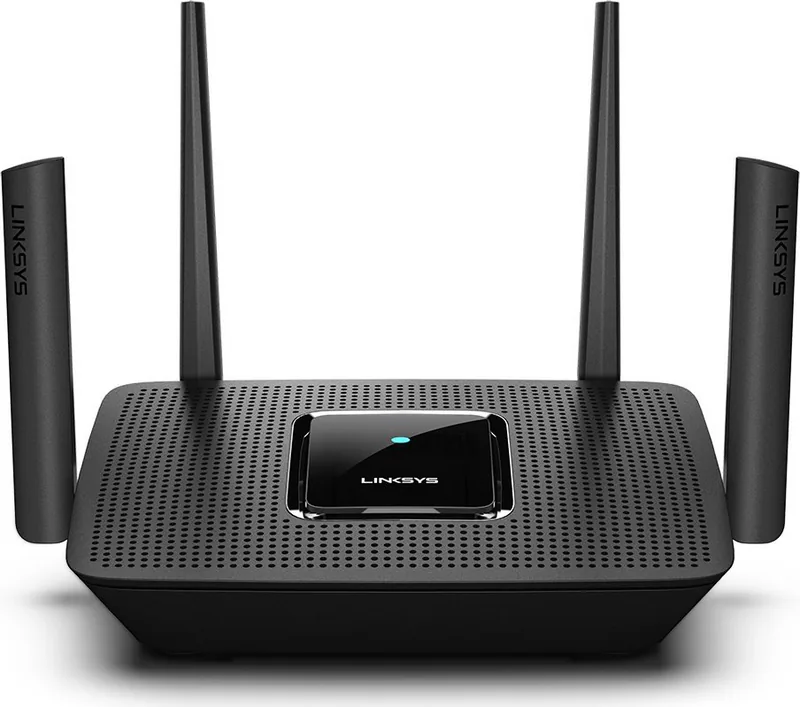
The Linksys MR9000 MAX-STREAM AC3000 is a powerful tri-band mesh router designed to deliver high-speed internet coverage throughout your entire home. With its advanced AC3000 performance, this device ensures that streaming, gaming, and large file transfers happen without interruption. Whether you are working from home or hosting a virtual event, the MR9000 provides the robust connectivity needed for modern digital lifestyles.
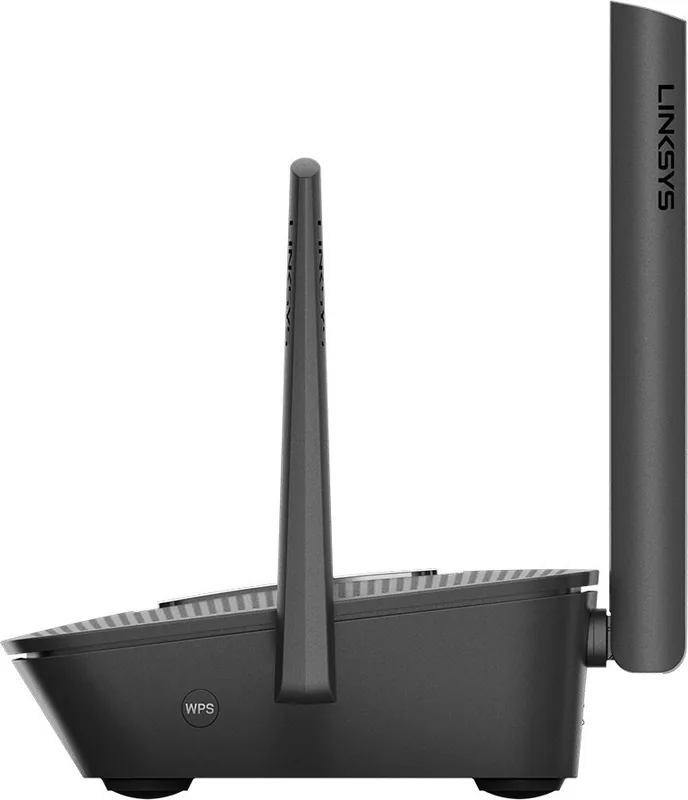
This router excels in managing multiple devices simultaneously thanks to its tri-band technology. By utilizing three separate frequency bands, it dedicates one band specifically for communication between nodes in a mesh system, leaving two other bands free for your actual devices. This separation significantly reduces congestion and maximizes throughput across your network. The sleek design features four external adjustable antennas that optimize signal strength and range, ensuring reliable connections even in larger homes or those with thick walls.
Setting up your network has never been easier. The Linksys app guides you through every step of the installation process, allowing you to configure your Wi-Fi name, password, and security settings with just a few taps. Once active, the app serves as a comprehensive dashboard where you can monitor connected devices, run speed tests, and adjust parental controls. You can prioritize specific devices like gaming consoles or smart TVs to ensure they always get the bandwidth they need.
Security is a top priority with the MR9000. It supports WPA2 encryption to keep your data safe from unauthorized access. Advanced users will appreciate the granular control over port forwarding, MAC filtering, and custom DNS settings. The router also includes a USB 3.0 port, offering potential for future media sharing or storage expansion via firmware updates. With its ability to act as both a primary node and a child node in a whole-home mesh system, the MR9000 offers unmatched flexibility for expanding your coverage seamlessly.
Search for 67,706 Manuals online


-
No results found.
Type-in Brand or Model