

Free Club 3D Manuals – Read, Download & Print
21 Manuals
Manuals
2 Pages
2 Pages
4 Pages

29 Pages
1 Pages

1 Pages
1 Pages
1 Pages
1 Pages

9 Pages
5 Pages
11 Pages

34 Pages
6 Pages
12 Pages
4 Pages

2 Pages
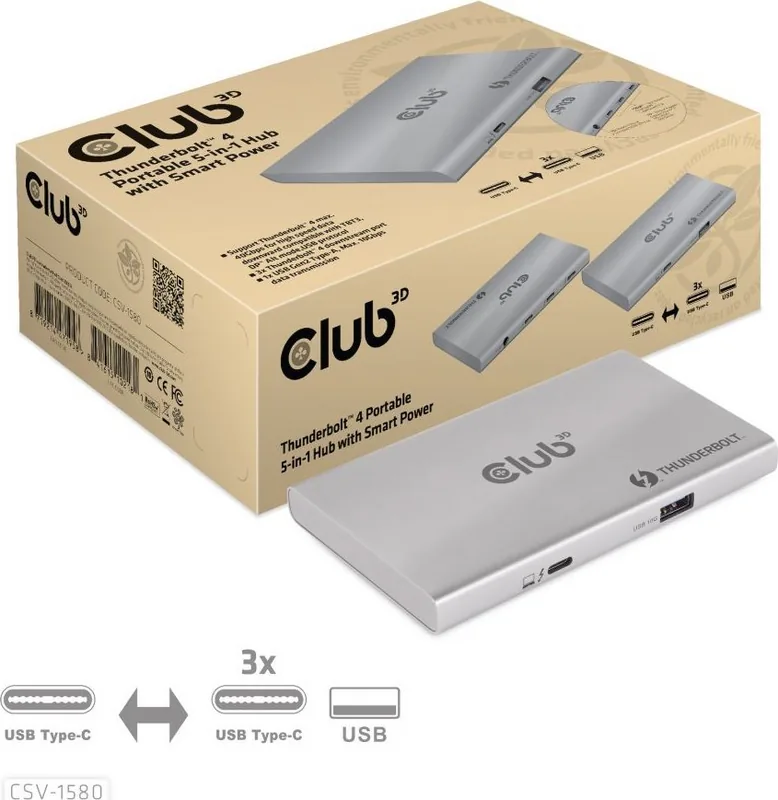
1 Pages

1 Pages
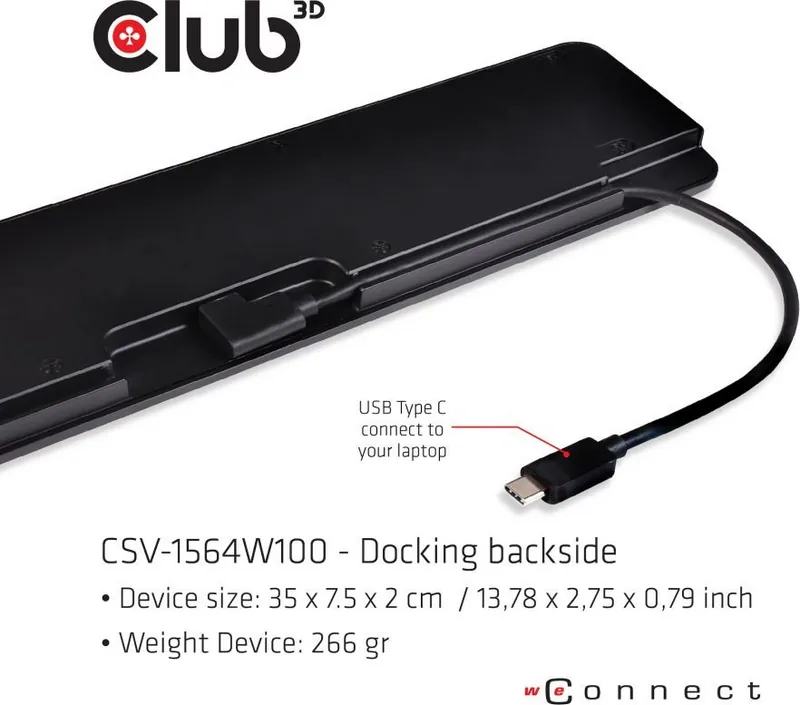
1 Pages
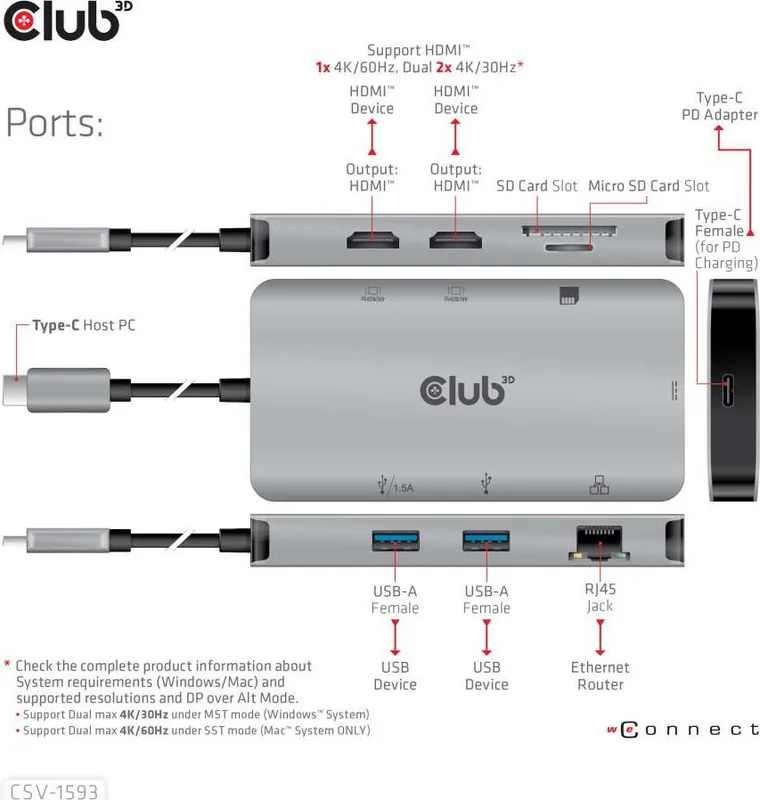
1 Pages
Categories


Discover the Ultimate Resource for Club 3D Documentation
Welcome to the comprehensive hub dedicated to providing free access to Club 3D manuals. Whether you are a seasoned IT professional, a hardware enthusiast, or a casual user looking to optimize your graphics card performance, this resource is designed to meet your needs. The world of computer hardware can be complex, and having accurate, detailed documentation is essential for troubleshooting, installation, and maximizing the potential of your equipment. Our platform aggregates official and community-verified guides to ensure that every user has the information they need at their fingertips.
Why Accessing Manuals is Crucial for Hardware Users
Owning high-performance hardware like a Club 3D graphics card is an investment in your computing experience. These components drive everything from gaming and video editing to scientific simulations and artificial intelligence tasks. However, hardware is only as good as the knowledge you have about how to use it effectively. Without proper documentation, users often struggle with driver conflicts, overheating issues, or suboptimal performance settings. Official manuals provide the blueprint for understanding the architecture, specifications, and capabilities of your device. They explain the technical jargon, define port functions, and offer step-by-step procedures for setup and maintenance. By accessing these documents, you empower yourself to make informed decisions rather than guessing or relying on trial and error.
Furthermore, safety is a paramount concern when dealing with electronic components. Manuals contain critical warnings regarding power requirements, ventilation needs, and handling precautions. Ignoring these guidelines can lead to hardware damage or even personal injury. Our collection ensures that these vital safety instructions are always available for review before you begin any installation or modification process. This proactive approach helps prevent costly mistakes and extends the lifespan of your valuable equipment.
Comprehensive Coverage of Product Lines
Club 3D has established itself as a leading manufacturer of graphics cards and display adapters over the years. Their product lineup spans various generations and market segments, catering to entry-level gamers, content creators, and enterprise solutions. Consequently, the manual repository we offer covers a wide array of models. You will find documentation for classic series, modern high-end accelerators, and specialized cards designed for specific applications such as cryptocurrency mining or multi-monitor setups.
Each manual within our database is categorized by model number and generation. This organization allows you to quickly locate the exact guide you need without sifting through irrelevant files. For instance, if you own a legacy card, you can find the original driver installation guide and BIOS update instructions. Similarly, owners of the latest releases can access cutting-edge feature descriptions and compatibility lists for new operating systems. The breadth of our collection means that whether your hardware is brand new or several years old, there is likely a relevant document waiting for you.
Key Features of Our Manual Collection
Our commitment to quality extends beyond simply aggregating files. We curate our library to ensure that every manual is complete, legible, and up-to-date. When you download a file from our site, you can expect a full PDF document that includes all chapters, diagrams, and appendices. We prioritize clarity and accuracy, removing any watermarks or redactions that might obscure important details. This dedication ensures that you receive the same information directly from the manufacturer, preserving the integrity of the technical data.
The collection also includes supplementary materials such as quick start guides, warranty information, and regulatory compliance sheets. These additional documents provide context and support for the main user manual. For example, the warranty section outlines your rights and the steps required to claim service if a defect arises. Regulatory sheets inform you about energy efficiency ratings and electromagnetic interference standards, which are crucial for business deployments or strict office environments. Having all these resources in one place saves time and reduces the frustration of searching multiple websites for different pieces of information.
Seamless Read, Download, and Print Options
One of the core advantages of using our platform is the flexibility it offers in consuming the content. We understand that different users have different preferences and workflows. Some prefer to read directly on their screen while working on their computer, while others like to have a physical copy handy for reference during installation. To accommodate these varied needs, we provide three distinct modes of interaction: reading online, downloading for offline access, and printing for hard copies.
Reading online allows you to view the manual instantly in your browser. This method is ideal for quick lookups or when you do not want to clutter your local storage with large files. The interface is optimized for both desktop and mobile devices, ensuring a smooth reading experience regardless of the screen size. If you prefer to keep a permanent record, the download option lets you save the PDF to your computer or tablet. Once downloaded, you can access the manual anytime, even without an internet connection. This is particularly useful for technicians working in remote locations or users who want to archive their documentation for future reference.
For those who value traditional methods, the print function enables you to generate a physical copy of the manual. High-quality printers can produce crisp text and clear diagrams, making it easy to follow along with complex instructions. You can choose to print the entire document or select specific pages based on your immediate needs. This versatility ensures that the information is accessible in whatever format best suits your current situation.
Troubleshooting and Support Integration
Beyond standard operational guides, our manual collection often includes dedicated troubleshooting sections. These parts address common issues such as driver installation failures, display artifacts, system crashes, and noise problems. Each solution is presented with logical steps to isolate the problem and apply the correct fix. In many cases, the manual provides diagnostic tools or command-line instructions that can help advanced users dig deeper into system logs and configuration settings.
Additionally, the documentation frequently points users toward further support channels. If a problem persists after following the manual's advice, you will find contact information for Club 3D customer support, links to official forums, and references to firmware update utilities. This integrated approach creates a supportive ecosystem where the manual serves as the first line of defense, backed by direct assistance from the manufacturer. It bridges the gap between theoretical knowledge and practical application, ensuring that users never feel stuck.
Staying Updated with New Releases
Technology evolves rapidly, and so do the products that Club 3D produces. To maintain the relevance of our database, we regularly update our manual collection with the latest releases. As soon as a new graphics card hits the market, we work to source the corresponding documentation and make it available to our users. This ensures that early adopters have immediate access to the necessary information to get their systems running smoothly. We also monitor for updates to existing manuals, such as revised safety warnings or corrected technical specifications, and replace older versions with the latest editions.
By subscribing to our updates or checking back frequently, you can stay ahead of the curve. This proactive stance on documentation management reflects our commitment to serving the community with reliable and timely information. Whether you are building a new PC, upgrading an existing one, or maintaining a fleet of workstations, having access to the most current manuals is key to success. Explore our extensive library today and unlock the full potential of your Club 3D hardware with confidence and ease.
Search for 67,706 Manuals online


Type-in Brand or Model