
Club 3D CAC-1335 Manual
PDF manual · 1 Pages
English


Quick check
Incorrect answer, please try again.
Chat with your Club 3D CAC-1335 manual using AI
Get instant AI answers from your Club 3D CAC-1335 manual
Ask anything about the Club 3D CAC-1335. Answers come from this manual, with the pages they are based on.
Ask a Question
Do you recommend CAC-1335?
Yes NoFrequently Asked Questions
Yes, the device supports resolutions up to 3840x2160 at 120Hz. This allows for smooth high-fidelity gaming and video playback, provided your monitor and source device can handle the bandwidth.
Is this answer helpful?
Yes, this is an active adapter. It requires a 5V 1.5A power supply via the included USB Type A to Micro USB cable to function correctly and maintain signal integrity.
Is this answer helpful?
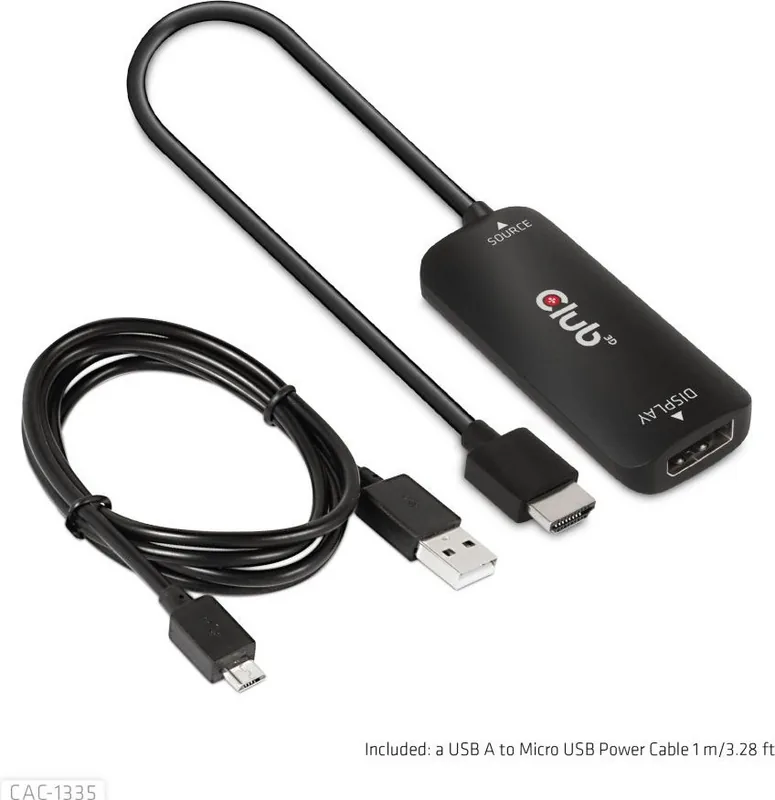
The included USB A to Micro USB Power Cable is one meter long. This provides short flexibility for connecting a power adapter near the adapter unit without cluttering your workspace.
Is this answer helpful?
Yes, it supports resolutions up to 7680x4320 at 30Hz for 8K content. However, 4K at 120Hz offers a more fluid experience for activities like gaming compared to standard 8K frame rates.
Is this answer helpful?
While compatible with different HDMI standards, optimum results for high resolutions require HDMI 2.0 or higher. We recommend verifying your source device capabilities for best performance.
Is this answer helpful?
Advantages and Disadvantages
Advantages

- Supports 4K resolution at 120Hz for smooth gaming
- Supports 8K resolution at 30Hz for ultra HD content
- Includes necessary USB power cable for external power
- Active adapter ensures signal stability across standards
- Simple installation process for most users
Disadvantages

- Requires external power adapter for full functionality
- 4K120Hz requires specific games designed for that spec
- Conversion from HDMI to DisplayPort only
- Power cable is limited to one meter in length
- Compatibility depends on source device GPU capabilities
Product Specification
Type
Adapter cable
Plug
HDMI 2.1 (max. 3840x2160@120Hz or 7680x4320@30Hz)
Socket
DisplayPort 1.4
Cable length
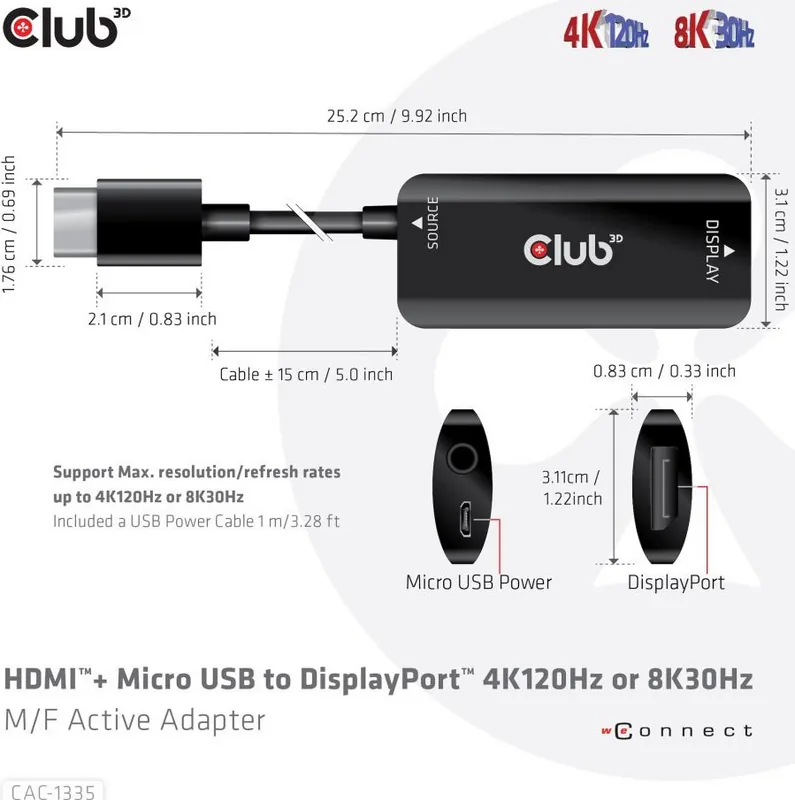
5.91 inches
Features
active, Power supply via USB Micro-B (5V/1.5A), incl. USB-A to Micro-B cable, HDCP 2.2
Product Description
Unlocking Next Gen Visuals
Upgrading your display setup often requires bridging the gap between different connection standards effectively. This requires the Club 3D HDMI 2.1 [Plug] on DisplayPort 1.4 [Socket] Adapter Cable--Active--Black Manual solution to be effective for high performance. We have designed this active adapter to support high refresh rates and stunning resolution levels that modern graphics cards demand. It ensures that your output signal meets the specific requirements of your monitor perfectly.
Technical Specifications
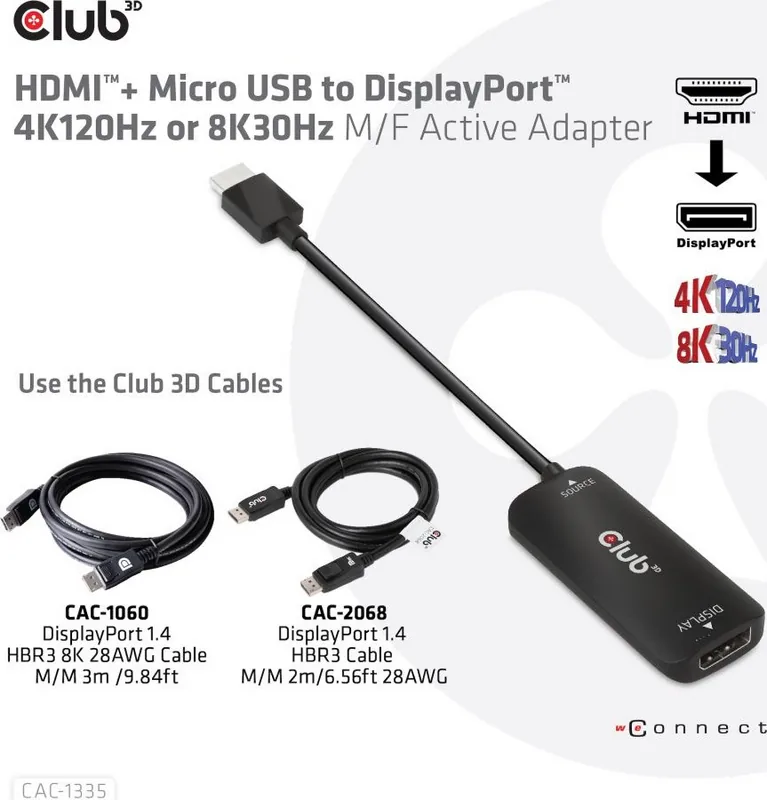
The device supports resolutions up to 3840x2160 at 120Hz or 7680x4320 at 30Hz easily. This means the hardware is capable of handling the massive bandwidth required for smooth gaming and crisp images without lag. Please note that only games specifically designed for 4K at 120Hz will provide this full immersive experience. The adapter converts HDMI signals to DisplayPort signals seamlessly. It is an active adapter which requires external power to function correctly during operation.
Installation Process
Connecting the components is a straightforward process for most users. You must connect the source to your HDMI device first to establish the signal path. Then, connect your DisplayPort cable to the display screen. It is absolutely crucial to connect the power cable with the Micro USB connector to the adapter unit. Finally, connect the USB Type A connector with a USB power source to complete the circuit. Check that your external power source supports 5V at 1.5A strictly.
Important Considerations
Power supply is the most critical factor for stable performance in this setup. Without the included USB A to Micro USB Power Cable, the signal may fail to transmit at full speed or resolution. The included power cable is one meter long for flexibility. Always inspect the package contents upon unpacking carefully. Ensure all items are present and undamaged before use to avoid issues.
This tool provides immense flexibility for users upgrading their systems with new monitors. It allows connectivity where ports might not match directly without additional hardware. Reliable performance depends on proper power delivery and quality connections throughout the system. Enjoy seamless integration.
Compatibility Guide
The adapter works by taking an HDMI female source and sending it to a DisplayPort male sink. Compatibility depends on the source GPU output capabilities. Always verify your source device supports HDMI 2.0 or higher for best results. This ensures maximum data throughput is maintained across the connection interface. Ensure your GPU drivers are up to date before running this software to avoid potential conflicts with signal processing. This step helps maintain stability.
Search for 67,706 Manuals online


Type-in Brand or Model