
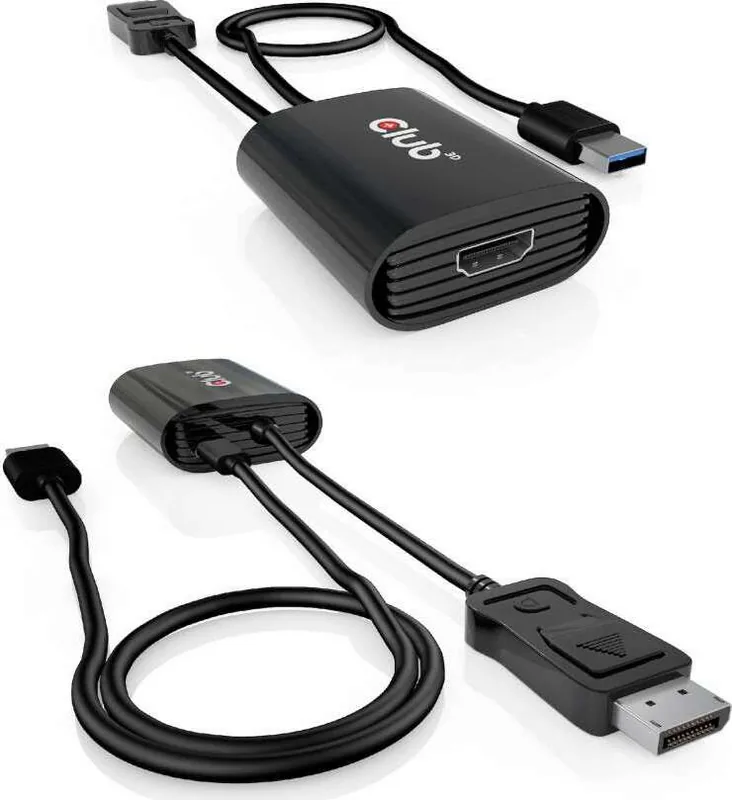
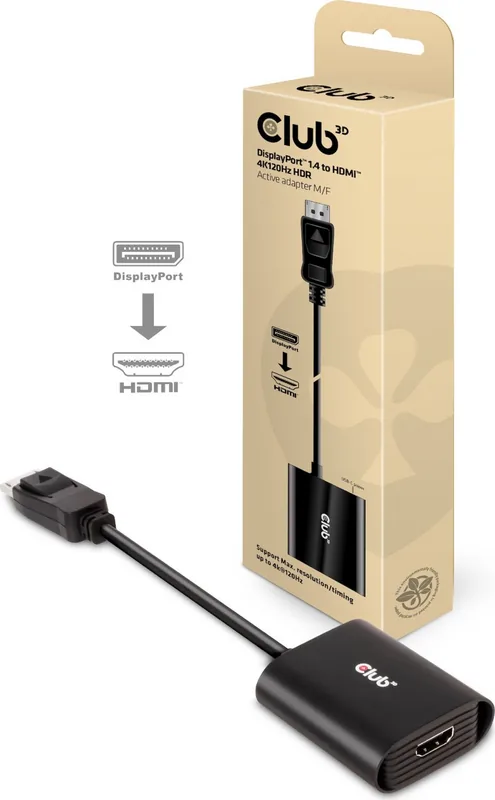
Club 3D CAC-1085 Manual
PDF manual · 1 Pages
English


Quick check
Incorrect answer, please try again.
Chat with your Club 3D CAC-1085 manual using AI
Get instant AI answers from your Club 3D CAC-1085 manual
Ask anything about the Club 3D CAC-1085. Answers come from this manual, with the pages they are based on.
Ask a Question
Do you recommend CAC-1085?
Yes NoFrequently Asked Questions
The adapter supports up to 4K resolution at 120Hz with HDR technology. Users must ensure their HDMI cable handles 48Gbps to achieve these specifications. Updating drivers is necessary for optimal performance.
Is this answer helpful?
Yes, the adapter requires external power via the USB Type C port using the supplied adapter to function correctly. You can use the Club 3D Dual Wall Power Charger for this purpose.
Is this answer helpful?
Connect the DisplayPort source first. Then link the USB power cable. Finally, attach the HDMI cable to your display device. Always inspect the package for all included items before starting.
Is this answer helpful?
No, the HDMI cable must handle 48Gbps to support 4K120Hz. The maximum length allowed is two meters or roughly six and a half feet. Using longer cables may cause signal degradation.
Is this answer helpful?
If any parts are missing or damaged, please inform your supplier immediately. You should have the CAC-1085 adapter and a USB Type A to USB Type C cable.
Is this answer helpful?
Yes, you must update your graphic drivers to support the high resolutions and refresh rates. Additionally, update your TV firmware to the version which supports these requirements.
Is this answer helpful?
Advantages and Disadvantages
Advantages

- Supports high resolution up to 4K at 120Hz HDR
- Active adapter ensures signal integrity and conversion
- Includes USB power cable for stable operation
- Compatible with various gaming and display devices
- Easy to install with clear connection steps
Disadvantages

- Requires external power source for full functionality
- HDMI cable limited to maximum length of two meters
- Graphic driver and TV firmware must be updated
- Specific cable speed requirements must be met
- Product details may change without prior notice
Product Specification
Type
Adapter
Connector
DisplayPort 1.4
Port
HDMI 2.1
Cable Length
5.91 inches
Features
HDCP 2.2
Manufacturer Warranty
Power supply via USB-C, including USB-C cable, including USB-A cable
USB Designation
Link
Product Description
Elevate Your Visual Experience with the Club 3D DisplayPort Adapter
Upgrading your entertainment setup often involves connecting modern displays to older or specific source devices. The Club 3D DisplayPort 1.4 to HDMI 2.1 Adapter Manual introduces users to the capabilities of the CAC-1085 adapter. This active converter allows users to bridge the gap between DisplayPort 1.4 sources and HDMI 2.1 destinations. It supports resolutions up to 4K at 120Hz with HDR technology. This ensures smooth gaming and high-fidelity video playback. Many gamers seek fluid motion, and this adapter delivers that performance standard.
To get the most out of this adapter, you must ensure your hardware matches its specifications. First, update your graphic drivers to support the high resolutions and refresh rates. Next, check your television or monitor firmware for compatibility. Crucially, the HDMI cable must handle 48Gbps to support 4K120Hz. The maximum length is restricted to two meters or roughly six and a half feet. Using longer cables might degrade signal quality significantly.
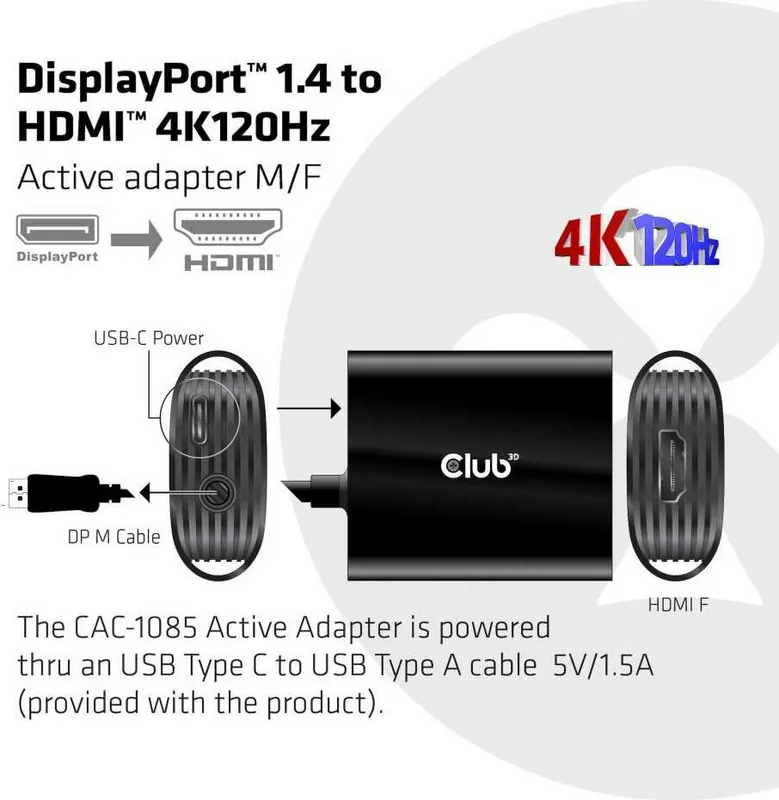
Power requirements are also specific. The adapter requires external power via a USB Type C port using the provided USB Type A to USB Type C cable. Without this, the adapter may not function correctly or at full speed. Users can utilize external power solutions like the Club 3D Dual Wall Power Charger if needed. This charger supports up to 60 watts. It also features dual USB Type A and C connectors. It has an integrated AC connector for direct use into a wall socket.
Proper installation ensures no signal loss. Connect the adapter to the DisplayPort source first. Then link the USB power cable. Finally, attach the HDMI cable to your display device. HDMI port connection is the final step. Always inspect the package contents immediately upon receiving the product. The box should contain the adapter and the power cable. If parts are missing, contact the supplier. Club 3D emphasizes accuracy in their documentation. However, users should note that product details may change without prior notice. All other brands remain trademarks of their owners.
Compatibility is key for high performance systems. Ensure your DisplayPort source supports version 1.4 for full bandwidth allocation. The manual suggests updating firmware to avoid conflicts. This prevents latency issues during high refresh rate gameplay. Additionally, HDR content requires matching display capabilities. When connected to a compatible screen, colors are vibrant and contrast is deep. For professional setups, stability is paramount. External power helps mitigate voltage drops over time. This setup minimizes flickering and unexpected disconnection during critical tasks. Whether for home entertainment or professional monitoring, this tool offers reliable expansion.
Search for 67,706 Manuals online


Type-in Brand or Model