
Club 3D CAC-1336 Manual
PDF manual · 1 Pages
English


Quick check
Incorrect answer, please try again.
Chat with your Club 3D CAC-1336 manual using AI
Get instant AI answers from your Club 3D CAC-1336 manual
Ask anything about the Club 3D CAC-1336. Answers come from this manual, with the pages they are based on.
Ask a Question
Do you recommend CAC-1336?
Yes NoFrequently Asked Questions
The adapter supports video signals up to 3840 by 2160 pixels at 120Hz or 7680 by 4320 pixels at 30Hz. This allows for high fidelity output suitable for advanced displays.
Is this answer helpful?
Yes, the device requires external power. It uses the included USB A to Micro USB cable connected to a 5V 1.5A outlet to function correctly.
Is this answer helpful?
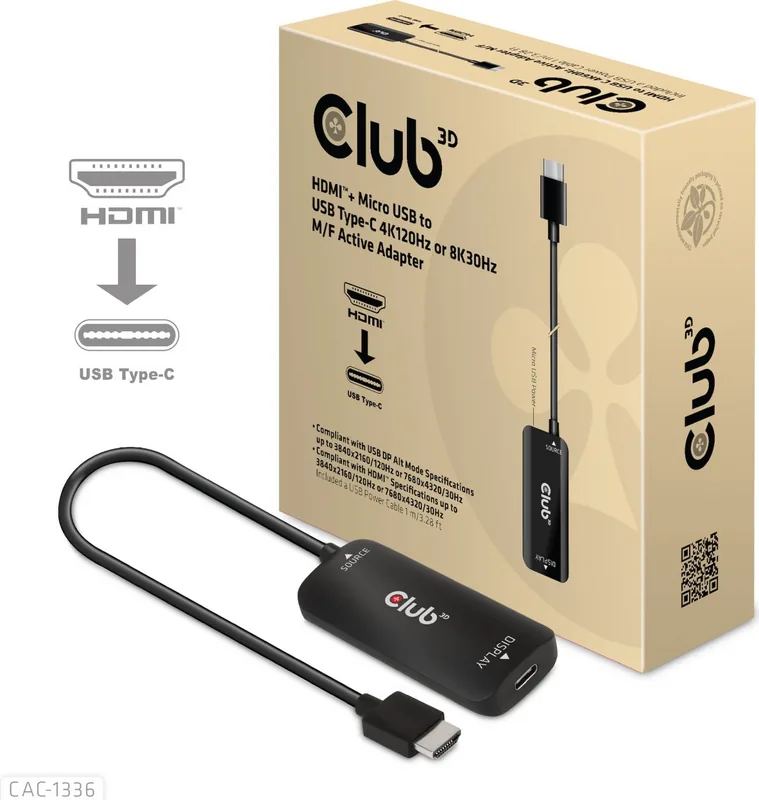
You will receive the CAC-1336 HDMI to USB Type-C active adapter and a USB A to Micro USB power cable that is one meter long.
Is this answer helpful?
The display hardware must support USB C DisplayPort Alternate mode to work correctly with the adapter for video transmission.
Is this answer helpful?
Yes, you can use this for gaming. However, to achieve 4K 120Hz, you need games specifically designed to support this high refresh rate target.
Is this answer helpful?
Engineers highly recommend using certified extension cables like the CAC-1576 or CAC-1571 for optimal performance stability and connection reliability.
Is this answer helpful?
Connect your HDMI source device directly to the HDMI Male port on the HDMI to USB Type-C active adapter first.
Is this answer helpful?
Advantages and Disadvantages
Advantages

- Supports 4K 120Hz and 8K 30Hz resolutions for high quality visuals
- Active signal conversion ensures compatibility with HDMI sources
- Includes a one-meter USB A to Micro USB power cable
- Easy installation process for connecting devices quickly
Disadvantages

- Requires external power source via USB Type A port
- Display must support USB C DisplayPort Alternate mode
- 4K 120Hz experience needs games specifically designed for it
- Limited to HDMI input compatibility only
Product Specification
Type
Adapter cable
Plug
HDMI 2.1 (max. 3840x2160@120Hz or 7680x4320@30Hz)
Socket
USB-C with DisplayPort 1.4
Cable Length
5.91 inches
Features
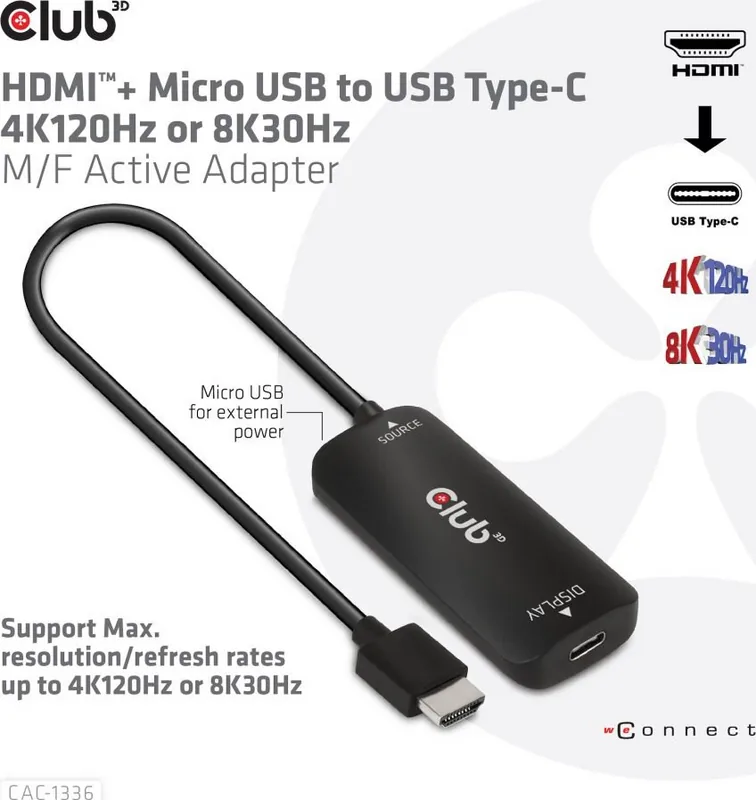
active, powered via USB Micro-B (5V/1.5A), including USB-A to Micro-B cable, HDCP 2.2
Product Description
Unlocking High Performance with Video Connectivity
In the modern landscape, seamless video transmission is crucial for gamers and professionals alike. The Club 3D HDMI 2.1 [Plug] to USB-C [Socket] Adapter cable, active, black Manual represents a significant step forward in display technology integration. This device is designed to bridge the gap between HDMI sources and modern USB-C displays effectively. It solves the problem of connecting legacy HDMI devices to the latest USB-C enabled monitors without signal loss.
Understanding the Core Capabilities
The central strength of this converter lies in its impressive ability to support high resolutions effortlessly. It handles video signals up to 3840 by 2160 pixels at 120Hz or 7680 by 4320 pixels at 30Hz. This flexibility makes it ideal for next-gen gaming consoles and powerful workstations. However, it is critical to note that the display hardware must support USB C DisplayPort Alternate mode to function correctly. For the absolute best gaming experience with 4K120Hz, ensure you are using specific games or content designed to support this high refresh rate target.
Installation Process and Power Needs
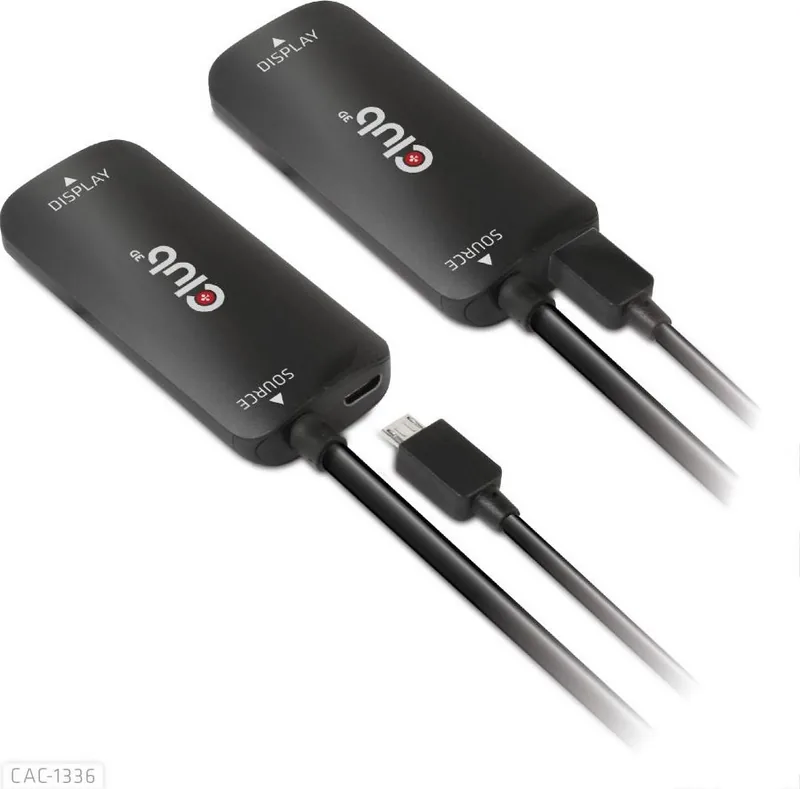
Setting up the entire system is a straightforward process for any user. The package securely includes the CAC-1336 HDMI to USB Type-C active adapter and a dedicated USB A to Micro USB power cable measuring one meter in length. Connection involves linking your HDMI source device directly to the adapter first. Next, attach the USB Type-C cable to the display screen. Finally, power the adapter by connecting the Micro USB port. The power requirement is specific, necessitating a standard 5V 1.5A outlet or laptop port. Using certified extension cables like the CAC-1576 or CAC-1571 is highly recommended by engineers for optimal performance stability.
Important Warnings and User Notes
Users should handle the product very carefully immediately after unpacking to check for physical damage during shipping. Any missing parts or defects must be reported to the supplier immediately to ensure warranty support. While Club 3D aims for maximum accuracy, documentation may evolve over time, and all brand names remain property of respective owners. Always refer to official terms and conditions for legal clarity regarding the content. This tool simplifies connectivity but requires strict attention to power mode compatibility for guaranteed success.
Final Thoughts on Usage
This adapter remains a robust solution for high bandwidth video needs in 2023. It ensures broad compatibility between older HDMI standards and newer USB-C displays found on laptops. By following the setup instructions meticulously, users can enjoy crisp visuals without compatibility headaches ruining setup. The simple physical design masks complex signal conversion technology inside, offering a reliable path for visual expansion on any desk.
Search for 67,706 Manuals online


Type-in Brand or Model