
Club 3D CSV-1550 Manual
PDF manual · 2 Pages
English



Quick check
Incorrect answer, please try again.
Chat with your Club 3D CSV-1550 manual using AI
Get instant AI answers from your Club 3D CSV-1550 manual
Ask anything about the Club 3D CSV-1550. Answers come from this manual, with the pages they are based on.
Ask a Question
Do you recommend CSV-1550?
Yes NoFrequently Asked Questions
The reset button clears temporary glitches in the MST Hub. Press it for at least one second to restart the signal processing for all three ports if displays fail to show images.
Is this answer helpful?
Yes, ensure your host system has the latest drivers installed before connecting the hub to guarantee proper functionality and compatibility with your monitors.
Is this answer helpful?
This adapter allows you to connect up to three external monitors simultaneously using DisplayPort connections via a single USB-C port on your computer.
Is this answer helpful?
No, this specific model provides DisplayPort 1.4 outputs. You would need active adapters to convert DisplayPort signals to HDMI for non-native monitors.
Is this answer helpful?
The package contains the CSV-1550 MST Hub and a Quick Installation Guide. Check for damage or missing parts immediately after unpacking.
Is this answer helpful?
For technical questions or configuration help, visit the official Club 3D website forum section where community members and experts provide assistance.
Is this answer helpful?
Advantages and Disadvantages
Advantages

- Supports three independent DisplayPort 1.4 outputs from a single USB-C connection
- Includes a physical reset button for quick troubleshooting of display signals
- Compatible with standard USB-C hosts provided drivers are updated
- Compact design simplifies desk management and cable routing
Disadvantages

- Requires manual driver updates on the host system prior to installation
- Displays must be powered on sequentially during initial setup
- Reset process requires holding the button for at least one second
Product Specification
Input
1x USB-C 3.0
Output
3x DisplayPort 1.4
Resolution
max. 3840x2160@60Hz
Features
HDCP 2.2
Product Description
Unlock Multi-Monitor Productivity with the Club 3D MST Hub
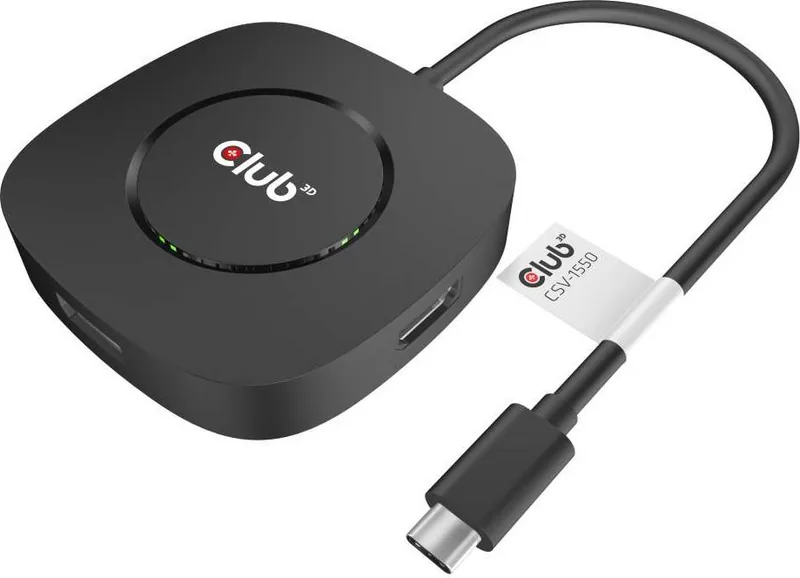
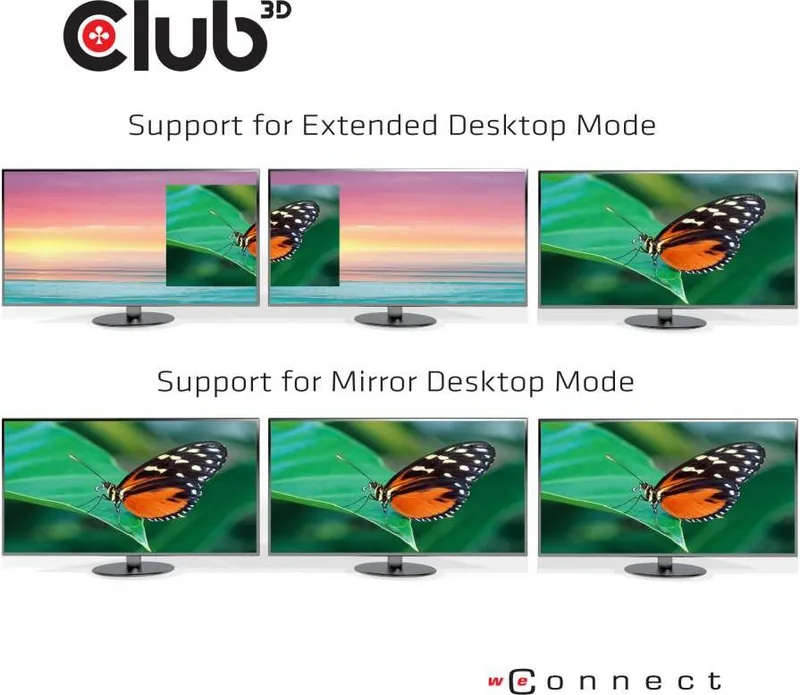
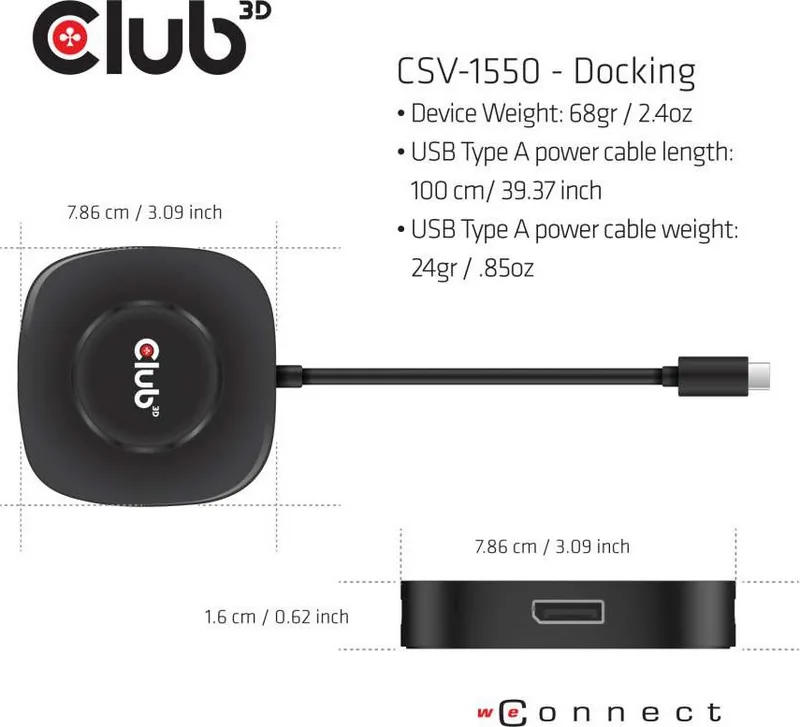
The modern workspace demands flexibility and high performance. The Club 3D Multi Stream Transport MST Hub, specifically the USB-C 3.0 to 3x DisplayPort 1.4 Adapter, serves as a powerful solution for professionals seeking to expand their display capabilities without upgrading their entire computer system. This device transforms a single USB-C port into three independent DisplayPort outputs, enabling users to drive multiple monitors simultaneously from one source.
Designed for seamless integration, this hub supports the latest DisplayPort 1.4 standard, ensuring crisp visuals and high refresh rates across all connected screens. Whether you are managing complex data sets, coding on multiple environments, or creating immersive multimedia presentations, the ability to utilize three external displays significantly enhances workflow efficiency. The installation process is straightforward, requiring only that your host system has updated drivers before connecting your preferred monitors one by one.
A standout feature of this adapter is its user-friendly reset mechanism. In the rare event of display issues or signal loss, a dedicated reset button located on the bottom of the unit allows for a quick hardware reboot. Simply press and hold this button for at least one second to clear any temporary glitches and restore connectivity across all three ports. This thoughtful design minimizes downtime and ensures a stable connection for critical tasks.
For those looking to maximize their desktop real estate, this MST hub offers a compact and reliable way to achieve a triple-monitor setup using a single cable connection. It eliminates the need for multiple graphics cards or expensive docking stations, providing an economical path to a multi-display environment. Users can easily find support and community discussions regarding optimal configurations on the manufacturer's forum.
Key Installation Notes
- Ensure your host system drivers are up to date before plugging in the hub.
- Connect displays individually and power them on sequentially.
- Use the reset button if images do not appear correctly on any screen.
- Verify all components including the CSV-1550 hub and guide upon unpacking.
Search for 67,706 Manuals online


Type-in Brand or Model