

Free PeakTech Manuals – Read, Download & Print
87 Manuals
Manuals
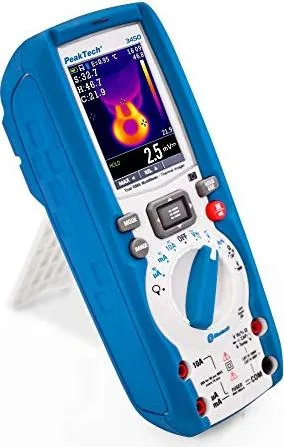
74 Pages
68 Pages
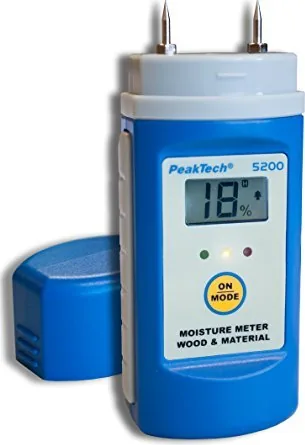
20 Pages
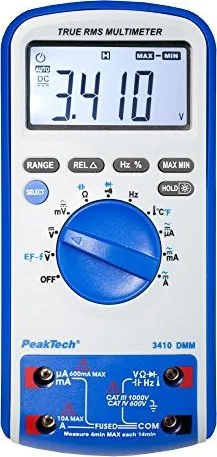
54 Pages
128 Pages

96 Pages
64 Pages
122 Pages
120 Pages
56 Pages
170 Pages
46 Pages

31 Pages
17 Pages
24 Pages

60 Pages
111 Pages

28 Pages
52 Pages
20 Pages
76 Pages
24 Pages
28 Pages
48 Pages
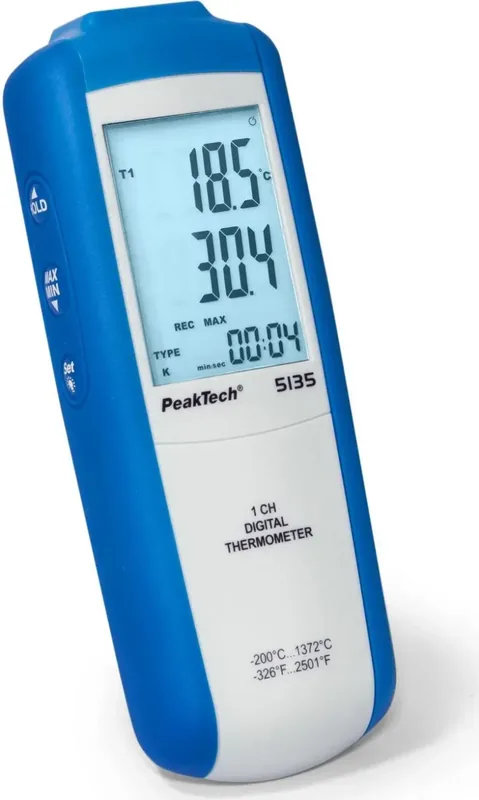
43 Pages

16 Pages

16 Pages
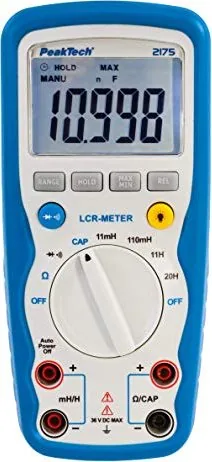
40 Pages
61 Pages
60 Pages
48 Pages

20 Pages
36 Pages
60 Pages
60 Pages
68 Pages

37 Pages
120 Pages
36 Pages
122 Pages
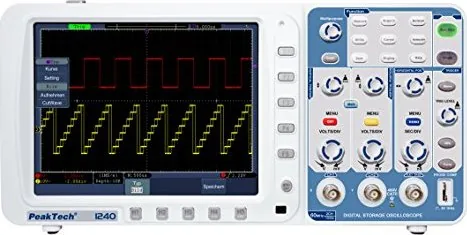
183 Pages
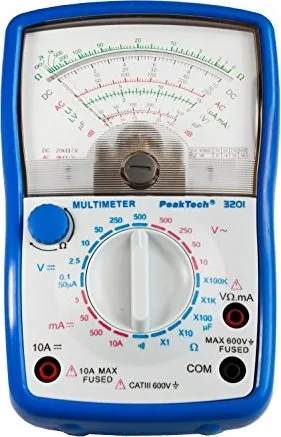
43 Pages
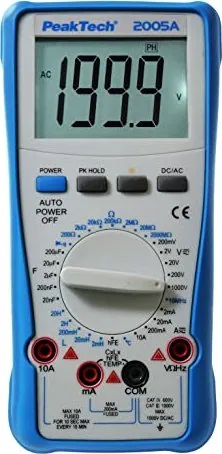
58 Pages
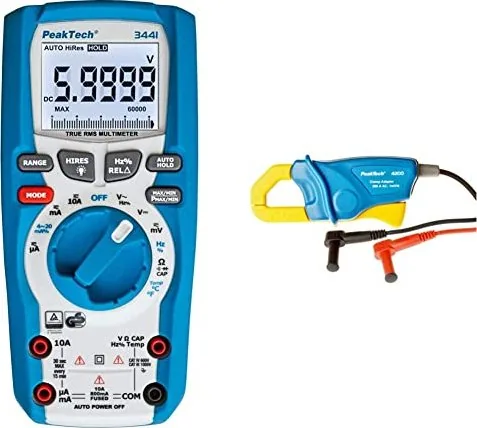
82 Pages
57 Pages
84 Pages
72 Pages

97 Pages
56 Pages

41 Pages
Categories

Free PeakTech Manuals - Read, Download & Print
Find PeakTech Manuals for Your Test and Measurement Equipment
Looking for a PeakTech manual? This page helps users locate clear, practical documentation for PeakTech measuring instruments, including multimeters, clamp meters, power supplies, oscilloscopes, insulation testers, thermal cameras, environmental meters, cable testers, and other workshop or laboratory tools. Whether you need to identify a control, understand a measurement range, replace a missing instruction booklet, or prepare equipment for safe use, the right manual is an essential resource.
PeakTech devices are used by electricians, technicians, students, hobbyists, service engineers, and maintenance professionals. Because models can vary in features, safety ratings, connectors, modes, and calibration procedures, it is important to use documentation that matches the exact product number shown on the device label. A correct manual can make routine operation easier while helping users avoid measurement errors and unsafe connections.
Read PeakTech Instructions Online
Reading a PeakTech instruction manual online is a convenient way to get answers without waiting for a printed guide. Digital manuals often include the same core information found in the original booklet, such as product specifications, display symbols, button functions, input terminal diagrams, operating limits, battery replacement instructions, and troubleshooting guidance.
Online reading is particularly useful when working at a bench, in a workshop, or on a job site with a phone, tablet, or computer nearby. Users can quickly search within a document for terms such as AC voltage, continuity, diode test, capacitance, current measurement, hold function, backlight, fuse, or CAT rating. This can save time when a device has multiple operating modes or when a measurement needs to be verified before connecting test leads.
Check the Exact Model Number First
Before opening or downloading documentation, confirm the full PeakTech model number. It is usually printed on the front panel, rear label, packaging, or identification plate. Similar-looking instruments may have different ranges, menus, accessories, and safety categories. For example, one multimeter may support true RMS readings and temperature measurements, while another model may not. Selecting the correct manual ensures that the information applies to the instrument in your hand.
Download PeakTech Manuals for Offline Access
Downloading a manual provides a reliable reference when internet access is unavailable. A saved PDF can be stored on a computer, tablet, phone, or shared company drive for future maintenance, training, and field work. Offline copies are useful for technicians who regularly work in basements, industrial facilities, remote sites, or areas with limited connectivity.
When saving a manual, use a clear file name that includes the brand, model number, and language, such as "PeakTech-Model-Number-English-Manual.pdf." Keeping documents organized makes it easier to find them later. If you manage several instruments, consider creating separate folders for electrical testing, bench equipment, environmental measurement, automotive diagnostics, or network testing.
Always obtain manuals from legitimate sources when possible, including the manufacturer's official support pages, authorized distributors, product documentation archives, or the original supplier. Official documents are more likely to contain accurate safety information, current specifications, and complete accessories lists. Check that the manual matches the revision and language you require before relying on it for installation, testing, or repair work.
Benefits of Keeping a Digital Copy
A downloaded PeakTech manual can be searched, enlarged, printed, and shared with authorized team members. Digital copies are especially helpful for finding small wiring diagrams, table values, warning labels, and measurement limits that may be difficult to read in a compact printed booklet. They also reduce the risk of losing an important reference during transport or storage.
For workplaces, maintaining a folder of equipment manuals supports consistent procedures. New employees can review basic operation, supervisors can verify intended use, and maintenance teams can quickly access battery, fuse, and service information. Documentation should be reviewed alongside local safety rules and company procedures.
Print a PeakTech User Manual When You Need a Paper Copy
A printed PeakTech manual can be useful in locations where electronic devices are inconvenient or not permitted. Paper copies work well in tool cabinets, training rooms, mobile service vehicles, laboratories, and equipment binders. Printing only the sections you need, such as safety warnings, operating instructions, specifications, or maintenance pages, can create a compact reference for regular tasks.
Before printing, review the document settings. Choose the correct paper size, confirm page orientation, and use scaling only when necessary so diagrams and symbols remain legible. For long manuals, duplex printing can reduce paper use. A durable folder, binder, or protective sleeve can help preserve frequently used pages in workshop environments.
Print Safety Pages and Connection Diagrams
For electrical measurement tools, the most useful pages to print often include safety instructions, maximum input ratings, terminal layouts, fuse specifications, and current measurement procedures. These details are important because incorrect lead placement or range selection can damage equipment and create a hazard. Keep these pages near the instrument if the device is used regularly by multiple people.
What You Can Learn From a PeakTech Manual
PeakTech manuals usually provide more than basic startup instructions. They explain how to use the equipment within its intended limits and help users interpret readings correctly. Depending on the product type, a manual may include detailed information about measurement functions, environmental conditions, accuracy figures, accessories, interface software, data logging, and storage requirements.
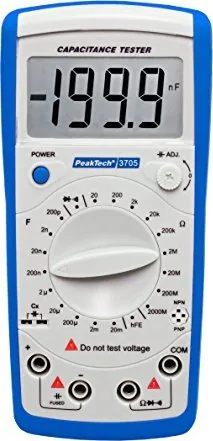
For a digital multimeter, the documentation may explain voltage, current, resistance, continuity, frequency, duty cycle, capacitance, temperature, and diode testing. It may also describe automatic or manual range selection, maximum current duration, input impedance, low-battery indicators, and fuse protection. For a clamp meter, the manual can explain jaw positioning, conductor limits, inrush current functions, and precautions for measuring live circuits.
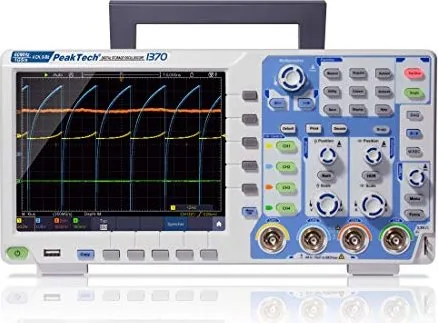
Oscilloscope manuals may cover probe compensation, trigger settings, bandwidth, sampling rate, waveform storage, and USB connectivity. Power supply documentation can explain constant-voltage and constant-current modes, output controls, remote sensing, series or parallel operation, and overload protection. Environmental meters may include sensor placement, response time, humidity limits, calibration notes, and data recording instructions.
Safe Use Starts With the Manual
Test equipment should always be used according to the applicable safety instructions. Read warning sections before measuring mains voltage, high current, energized panels, batteries, capacitors, or industrial systems. Pay close attention to measurement category ratings, maximum input values, test lead condition, fuse type, and required personal protective equipment.
A manual can help confirm whether a device is suitable for a particular task, but it does not replace professional training or site-specific safety procedures. Inspect the instrument and leads before use. Do not use damaged equipment, exposed probes, cracked insulation, or accessories that are not rated for the intended measurement. Disconnect power when required and follow established lockout, verification, and maintenance procedures.
Common Manual Sections to Review
Look for these sections when setting up or troubleshooting a PeakTech device:
- Safety symbols, warnings, and measurement category information.
- Control descriptions and display indicator definitions.
- Input terminal locations and permitted measurement ranges.
- Step-by-step operating instructions for each function.
- Accuracy specifications and operating conditions.
- Battery, fuse, cleaning, storage, and maintenance guidance.
- Troubleshooting tables and error message explanations.
- Included accessories, optional probes, cables, sensors, and software.
Troubleshooting With the Right Documentation
If a PeakTech instrument does not switch on, shows unstable readings, or appears to give unexpected results, the manual is a useful first reference. It may identify common causes such as a depleted battery, blown fuse, incorrect input socket, unsuitable range, contaminated sensor, disabled function, or an invalid measurement setup.
Start by checking basic items described in the documentation. Confirm that the selector is set to the correct mode, leads are in the proper terminals, and the device is within its specified operating range. For current measurements, verify the fuse and lead position carefully. For temperature or environmental instruments, confirm that the correct sensor is connected and allowed adequate time to stabilize.
Avoid opening, modifying, or attempting to repair an instrument unless the documentation specifically permits user service and you have suitable qualifications. Internal components may retain hazardous energy or require specialized calibration after repair. For service needs beyond routine battery or fuse replacement, contact an authorized repair provider or the manufacturer.
Locate the Manual You Need
Use the PeakTech product number as your main search term when looking for a manual. Add terms such as "manual," "user guide," "operating instructions," "PDF," or the preferred language to narrow results. Compare the product image, feature list, and technical specifications with your device before downloading a file.
Free PeakTech manuals can be a valuable resource for reading, downloading, and printing essential product information. With the correct documentation at hand, you can operate your equipment more confidently, maintain organized records, and make better use of the functions designed for your measurement tasks.
Search for 67,706 Manuals online


Type-in Brand or Model