

Free Fantec Manuals – Read, Download & Print
25 Manuals
Manuals
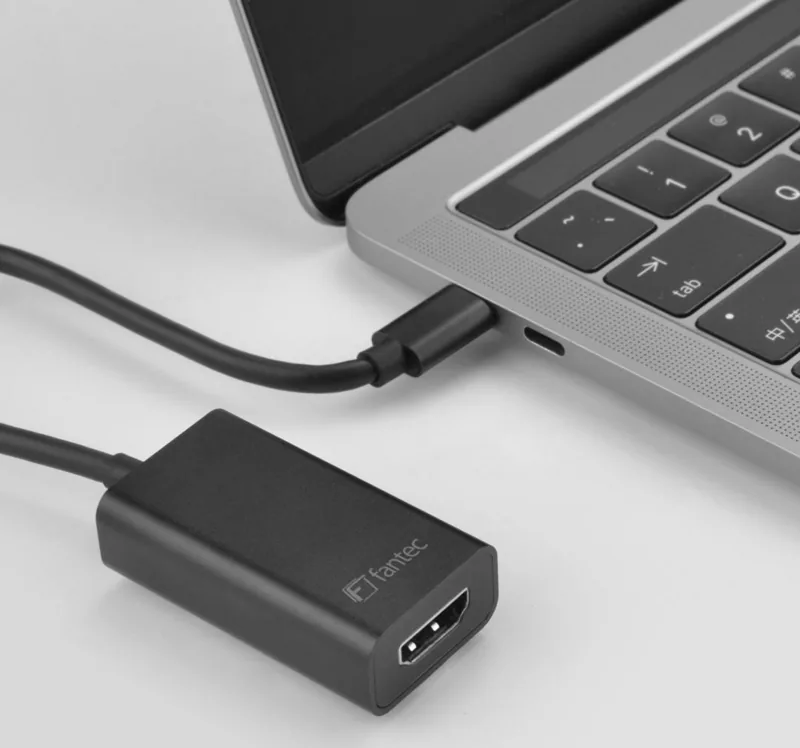
2 Pages
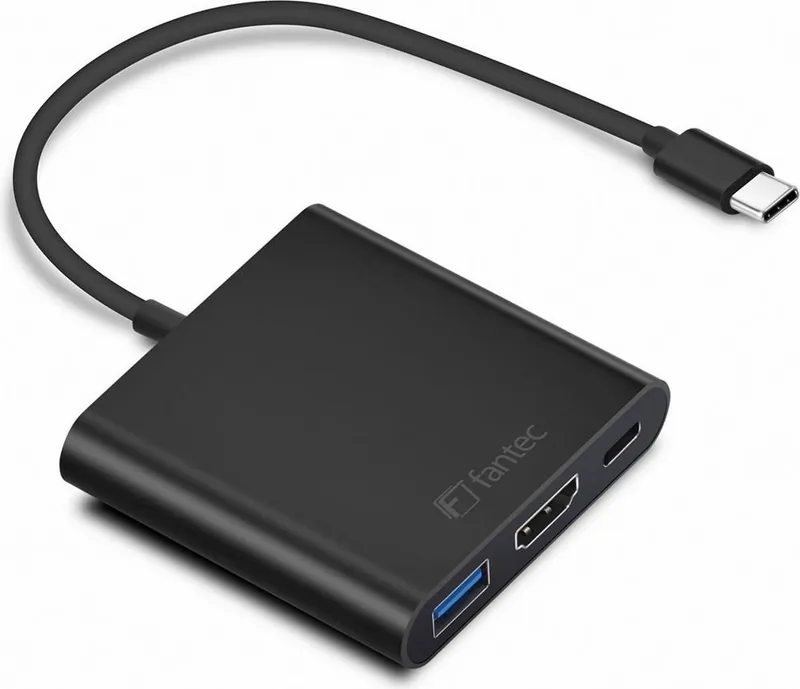
2 Pages
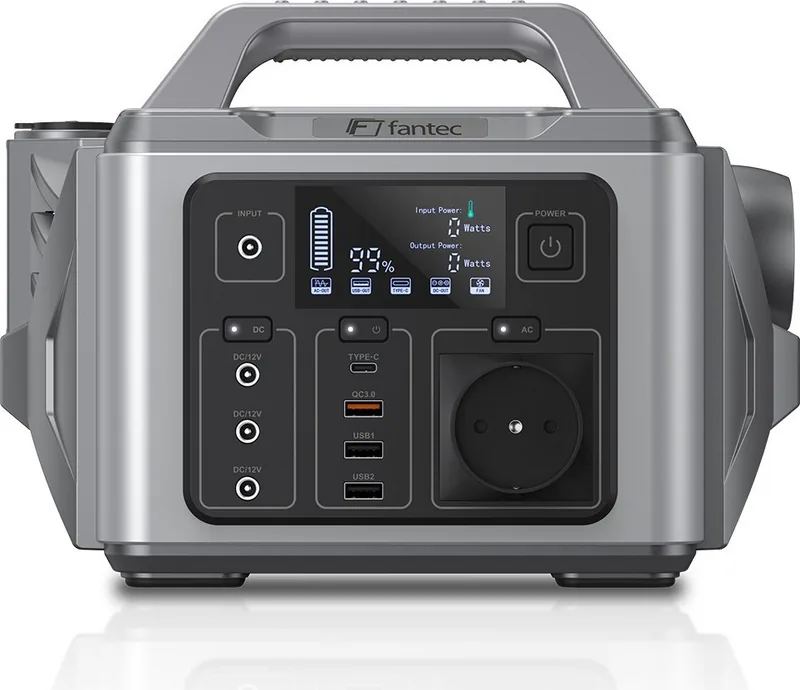
14 Pages

2 Pages
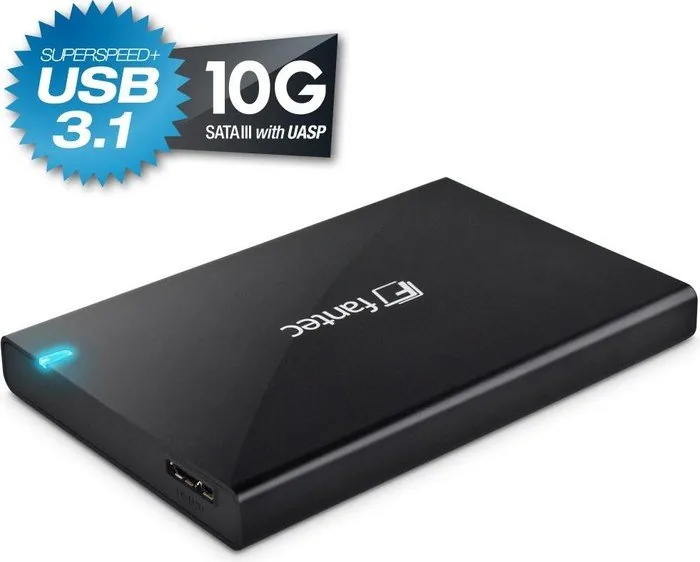
2 Pages
13 Pages
12 Pages
12 Pages
12 Pages
12 Pages
12 Pages
12 Pages
2 Pages
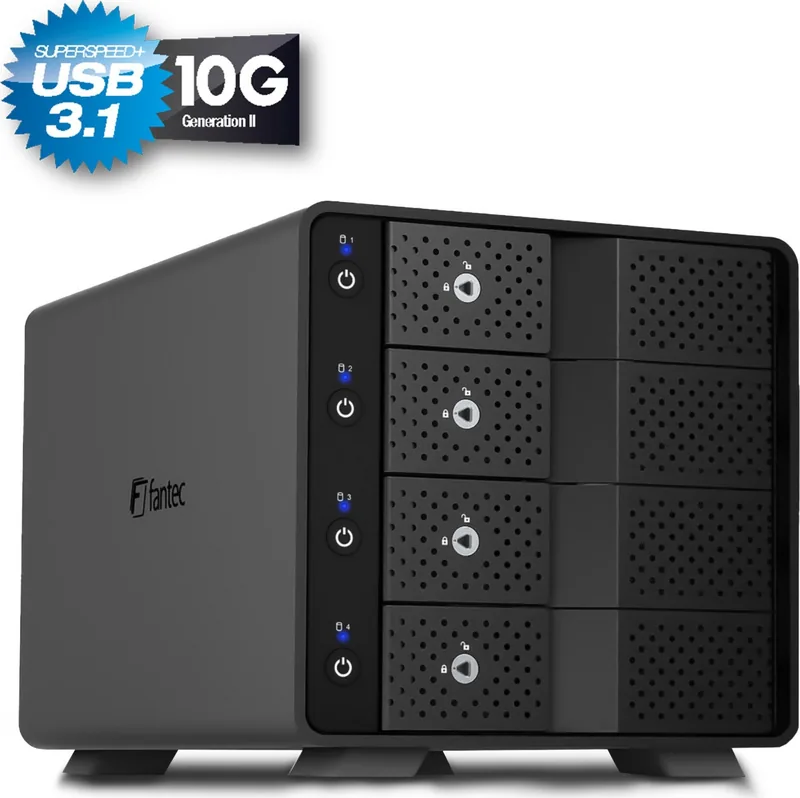
8 Pages
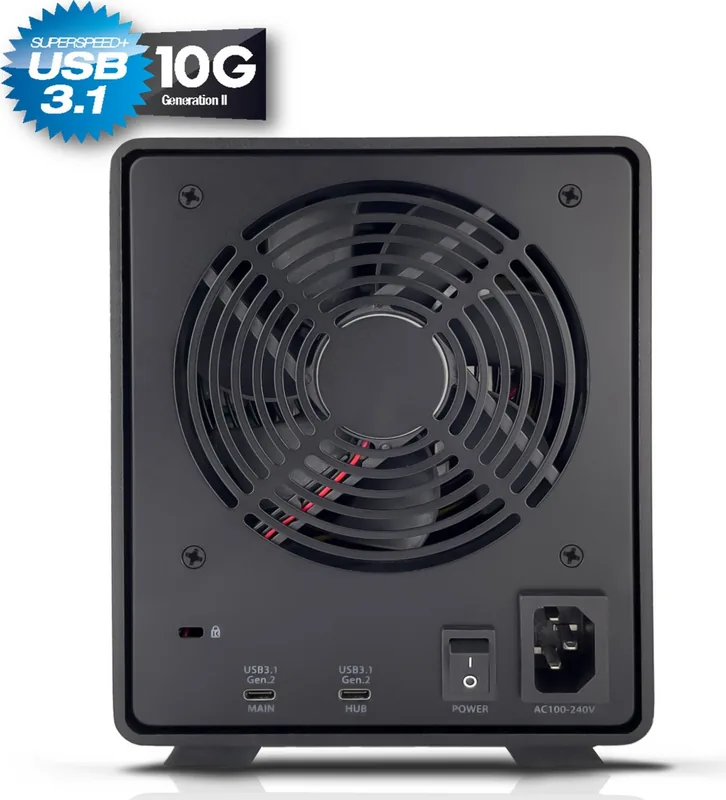
8 Pages
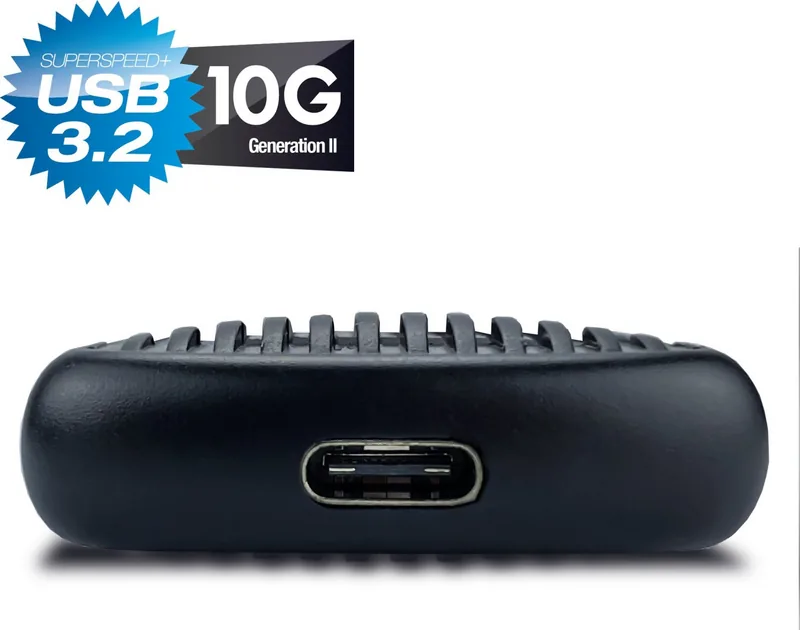
13 Pages
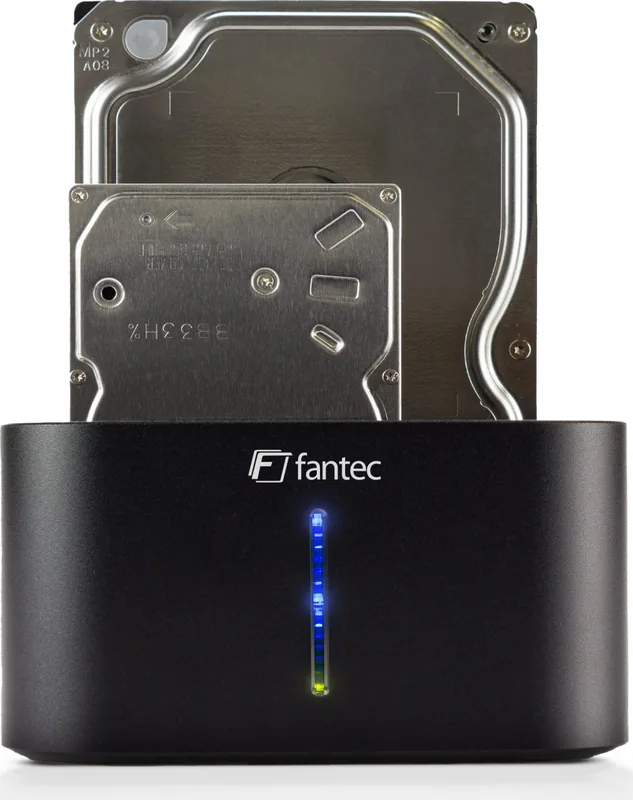
29 Pages
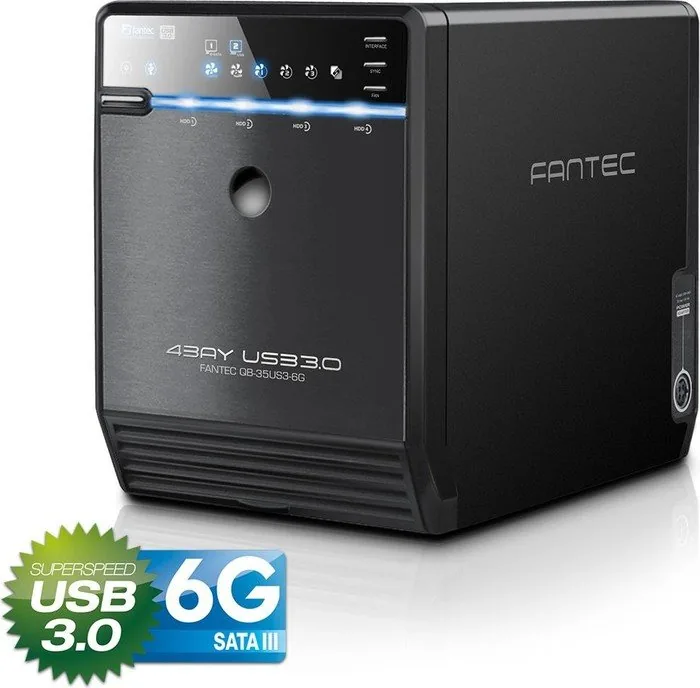
5 Pages
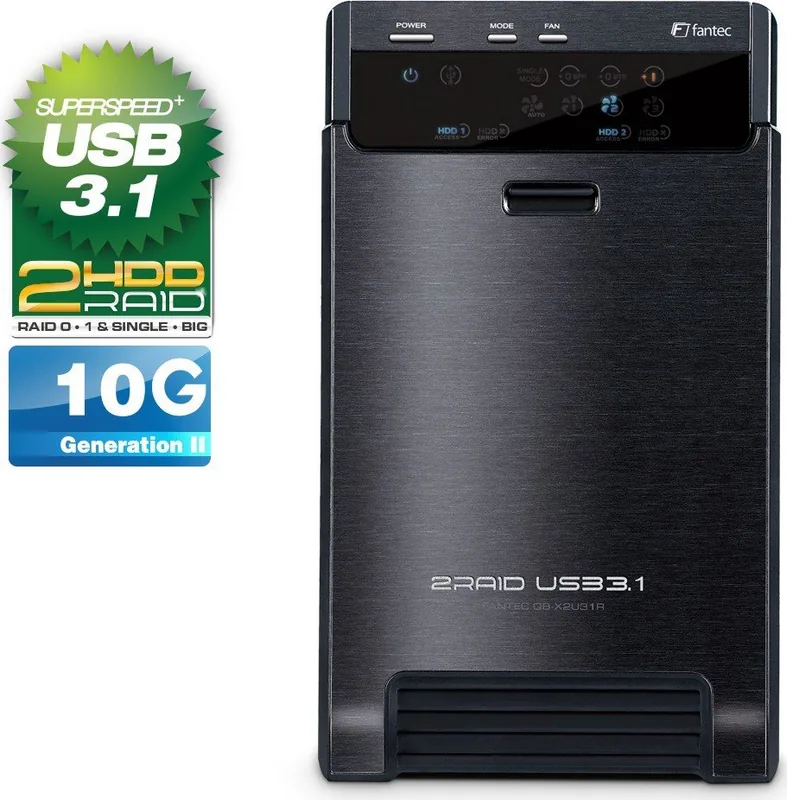
48 Pages
1 Pages
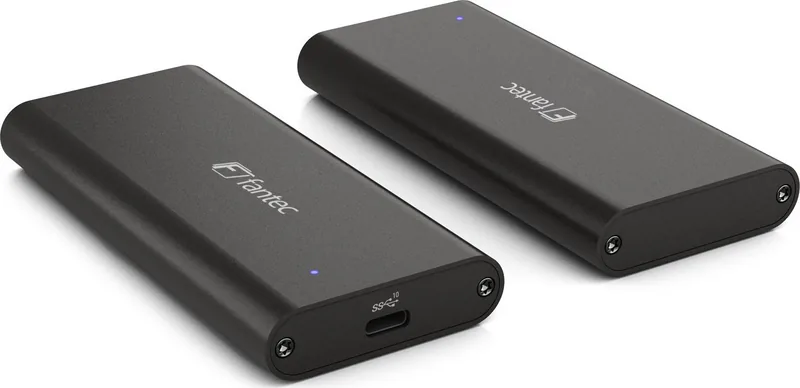
2 Pages
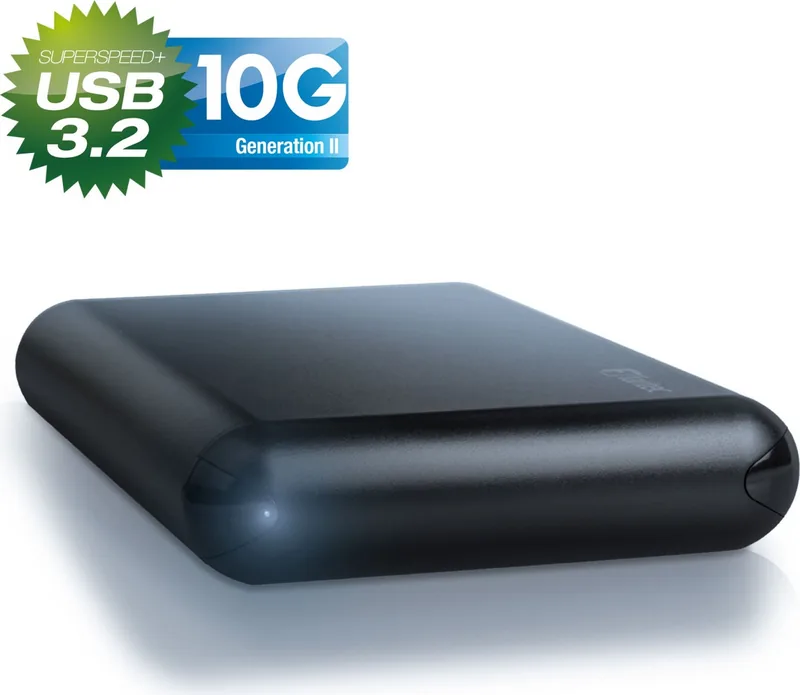
1 Pages
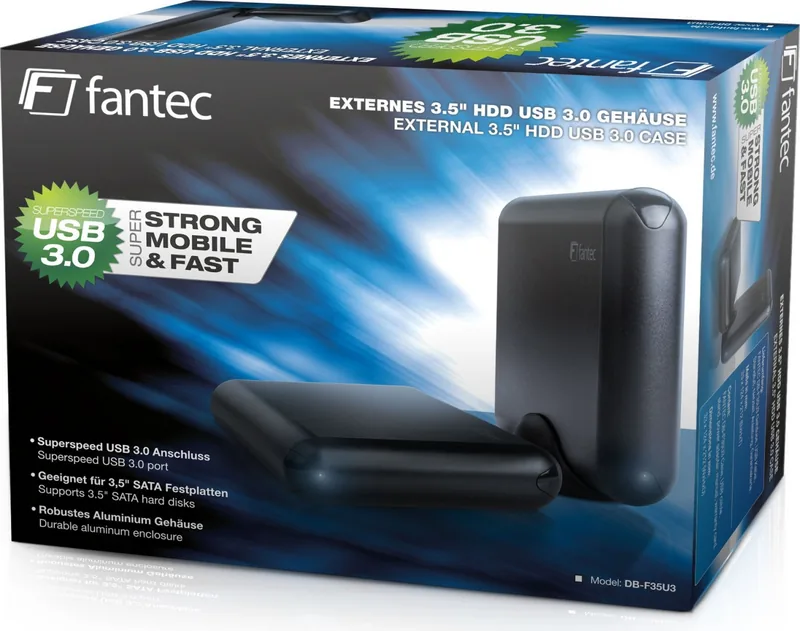
1 Pages
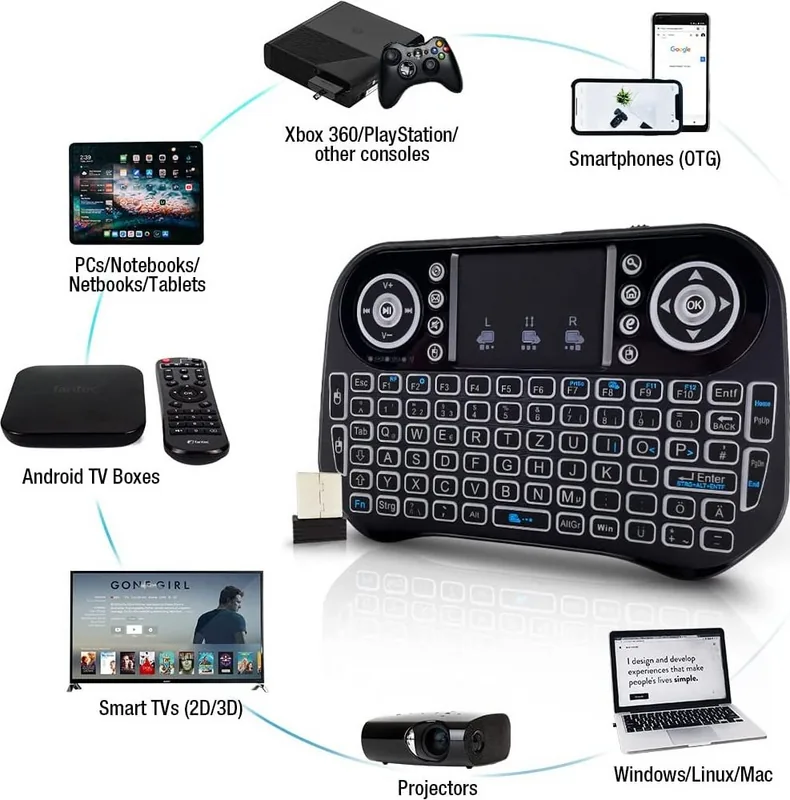
2 Pages
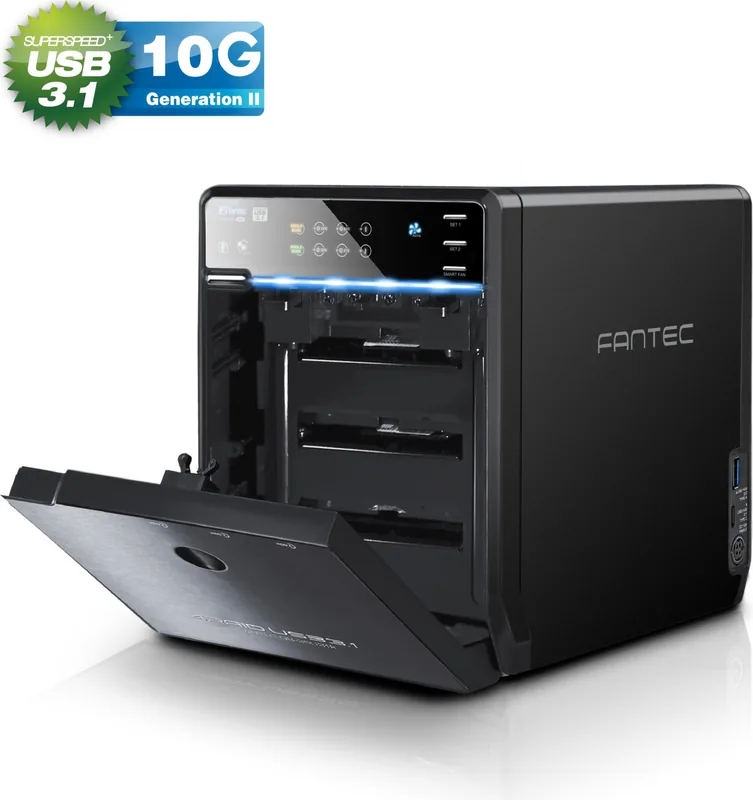
22 Pages
Categories


Welcome to Your Source for Fantec Documentation
Navigating the world of computer peripherals and storage solutions can sometimes feel overwhelming, especially when you are trying to configure a new device or troubleshoot an existing one. This is where comprehensive documentation becomes essential. Our platform serves as a dedicated hub for enthusiasts, IT professionals, and everyday users seeking access to Free Fantec Manuals. Whether you are setting up a new external hard drive enclosure, configuring a network-attached storage (NAS) unit, or simply need to find the specifications for an older model, having the right manual at your fingertips is crucial. We have streamlined the process of finding these resources so that you can read, download, and print the information you need without any hassle.
The Importance of Accurate User Guides
When you invest in high-quality hardware from Fantec, you are expecting reliability and performance. However, the true potential of these devices is unlocked only when they are configured correctly. User manuals provide the step-by-step instructions necessary to get the most out of your equipment. They cover everything from initial unboxing and cable connections to advanced software installation and firmware updates. Without these guides, users might struggle with compatibility issues, fail to optimize settings, or inadvertently damage their hardware due to incorrect usage. By providing free access to these documents, we empower our community to make informed decisions and ensure their devices operate at peak efficiency.
Comprehensive Coverage of Fantec Product Lines
Fantec has established itself as a leader in various sectors of the technology industry. Their product range is extensive, covering multiple categories that cater to different needs. Our database includes manuals for all major product lines, ensuring that no matter what device you own, you will likely find the specific documentation you require.
External Storage Solutions
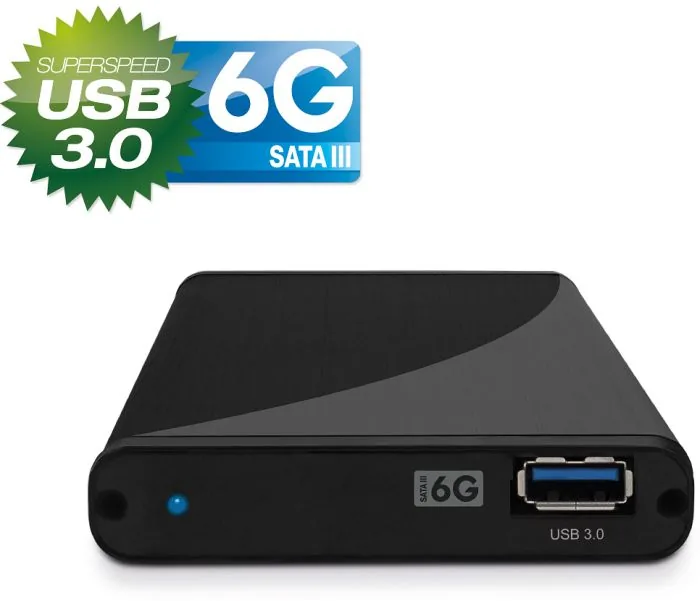
One of the most popular categories for Fantec is external storage. This includes USB 3.0 and USB-C hard drive enclosures, SSD adapters, and portable hard drives. These devices often come with specific mounting instructions, power requirements, and compatibility lists for different operating systems like Windows, macOS, and Linux. Our collection includes detailed guides on how to assemble these enclosures, how to format drives for cross-platform use, and how to utilize RAID configurations for enhanced data security and speed. For users managing large media libraries or running backup servers, these manuals are indispensable tools.
Network Attached Storage (NAS)
For home offices and small businesses, NAS units are vital components of modern data management strategies. Fantec offers a variety of NAS systems ranging from single-bay entry-level models to multi-bay enterprise-grade servers. The manuals for these devices are particularly important because they involve complex networking concepts. You will find instructions on setting up IP addresses, configuring file sharing protocols like SMB and NFS, managing user permissions, and integrating with cloud services. Additionally, troubleshooting guides help resolve common connectivity issues, ensuring your data remains accessible around the clock.
Multimedia and Home Entertainment
Fantec also produces a range of multimedia accessories, including HDMI splitters, audio/video converters, and docking stations for laptops and tablets. These products often require specific driver installations or configuration steps to function correctly with different display setups. Our manuals provide clear diagrams showing port layouts, resolution settings, and audio output options. Whether you are connecting a gaming console to a TV or expanding the connectivity of a workstation, these guides simplify the setup process.
How to Access and Utilize the Manuals
We understand that users have different preferences when it comes to consuming digital content. That is why we have designed our platform to offer maximum flexibility. You can choose to view the manuals directly in your web browser, download them as PDF files for offline reading, or print them out for a physical copy. This versatility ensures that you can access the information whether you are sitting at your desk, working on a mobile device, or standing next to the hardware you are installing.
Reading Online
Reading the manuals online is the fastest way to get answers. Our interface allows you to search for keywords within the document, jump to specific chapters using a table of contents, and zoom in on technical diagrams for better clarity. This method is ideal for quick reference when you just need to verify a cable connection or check a default password.
Downloading for Offline Use
Sometimes internet access is not available, or you prefer to keep a local archive of your documentation. With our download feature, you can save the complete manual to your computer or tablet. Once downloaded, the PDF file retains all its formatting, links, and interactive elements. This is particularly useful for IT technicians who carry a library of manuals on their laptops to service clients' devices on-site.
Printing Physical Copies
For those who prefer a tactile approach or need to share instructions with colleagues, printing is fully supported. The manuals are formatted to print efficiently on standard paper sizes, minimizing ink usage while maintaining readability. You can print individual pages or the entire document, making it easy to create a binder of reference materials for your workspace.
Troubleshooting and Support Resources
Beyond basic setup instructions, our collection includes dedicated troubleshooting sections. These parts of the manual address common problems such as drives not being recognized by the operating system, slow transfer speeds, or overheating issues. They provide diagnostic steps, such as checking cable integrity, updating drivers, or adjusting thermal settings. If the standard troubleshooting steps do not resolve the issue, the manuals often direct users to official support channels, warranty information, and contact details for further assistance.
Keeping Up with Updates and New Releases
Technology evolves rapidly, and manufacturers frequently release firmware updates or new versions of their products. We strive to keep our repository current by regularly adding the latest manuals and updating existing ones to reflect the most recent software revisions. This commitment ensures that you always have access to the most accurate and up-to-date information. We encourage users to check back frequently to see if there are new additions to the library or if there have been significant changes to the documentation for their specific model.
Conclusion
Access to reliable documentation is a fundamental part of the user experience for any tech enthusiast. By offering free, easy-to-use manuals for the entire Fantec product line, we aim to remove barriers between you and your hardware. Whether you are a casual user looking to connect a simple external drive or a professional administrator managing a complex NAS environment, our resources are here to help. Take advantage of the ability to read, download, and print these guides today to ensure your Fantec devices perform exactly as intended. Your satisfaction and the longevity of your equipment depend on understanding the tools you use, and we are dedicated to providing the knowledge you need to succeed.
Search for 67,706 Manuals online


Type-in Brand or Model