
Fantec DB-ALU31 Manual
PDF manual · 1 Pages
English


Quick check
Incorrect answer, please try again.
Chat with your Fantec DB-ALU31 manual using AI
Get instant AI answers from your Fantec DB-ALU31 manual
Ask anything about the Fantec DB-ALU31. Answers come from this manual, with the pages they are based on.
Ask a Question
Do you recommend DB-ALU31?
Yes NoFrequently Asked Questions
Yes, the power adapter is required to operate 3.5-inch hard drives reliably without overloading your computer.
Is this answer helpful?
Navigate to Disk Management in your OS, locate the unallocated drive, and initialize it with a standard file system for use.
Is this answer helpful?
Yes, attach the included stand to the case to position the device vertically for a compact desk footprint.
Is this answer helpful?
Standard length is provided to suit typical desk setups and connect the unit to your computing device easily.
Is this answer helpful?
The aluminum casing dissipates heat passively, so it stays cool during normal operation compared to plastic cases.
Is this answer helpful?
The package contains the case, USB cable, power adapter, stand, mounting screws, fixing pad, and rubber feet.
Is this answer helpful?
Yes, it works with Mac but you may need to format the drive to exFAT for cross-platform compatibility.
Is this answer helpful?
Advantages and Disadvantages
Advantages

- Durable aluminum enclosure protects internal data securely from physical damage.
- USB 3.1 interface offers fast transfer speeds for large file operations efficiently.
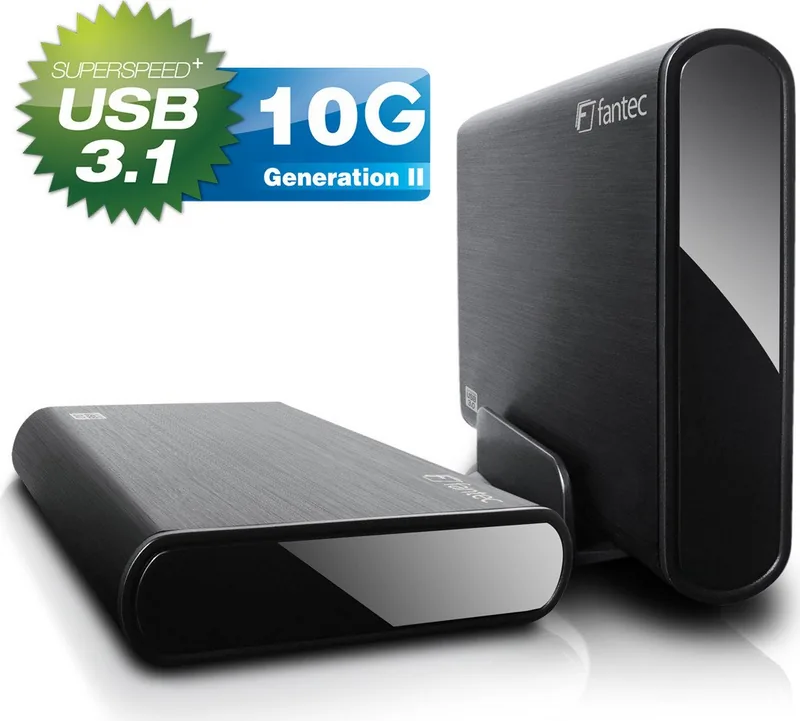
- Includes stand for vertical use or rubber feet for horizontal stability.
- Easy installation with clear SATA and power connections for quick setup.
- Passive cooling design reduces noise and heat accumulation naturally.
Disadvantages

- Requires external power adapter, making it not bus-powered for portability.
- New drives need manual formatting steps before they can be accessed.
- 3.5-inch size limits portability compared to smaller 2.5-inch drive options.
- Screws must be manually tightened to secure the drive inside the case.
- No built-in encryption or password protection features for data security.
Product Specification
Form Factor
3.5 inch
Internal Interface
1x SATA 6Gb/s
External Interface
1x USB-C 3.1 (10Gb/s)
RAID Level
N/A
Fan
N/A
Dimensions
8.35 x 4.88 x 1.30 inches
Weight
0.77 lbs
Color
Black
Features
External power supply, aluminum enclosure, On/Off switch, incl. USB cable (USB-C)
Manufacturer Warranty
2 years
USB Notation
Link
Product Description
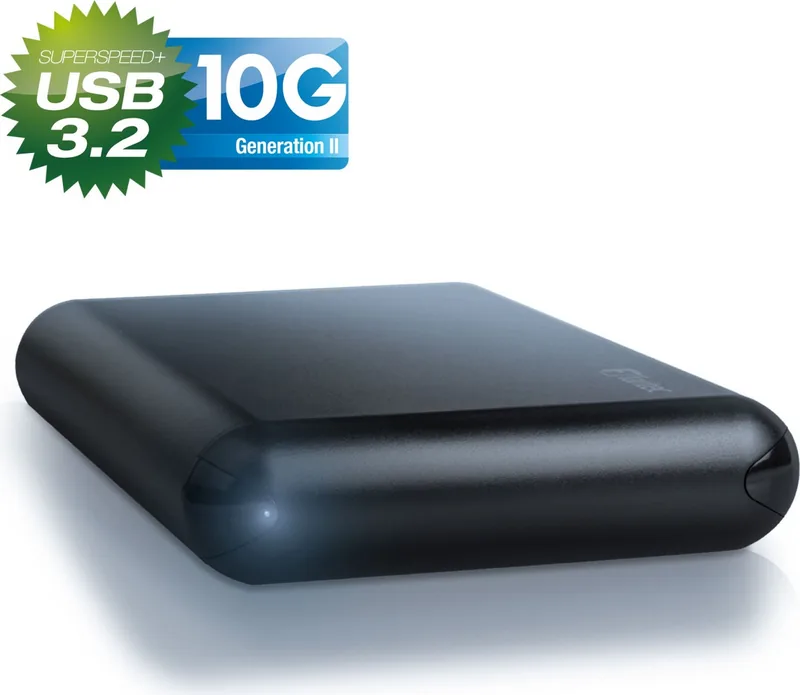
Discover the Fantec DB-ALU31 USB-C 3.1 for Better Storage
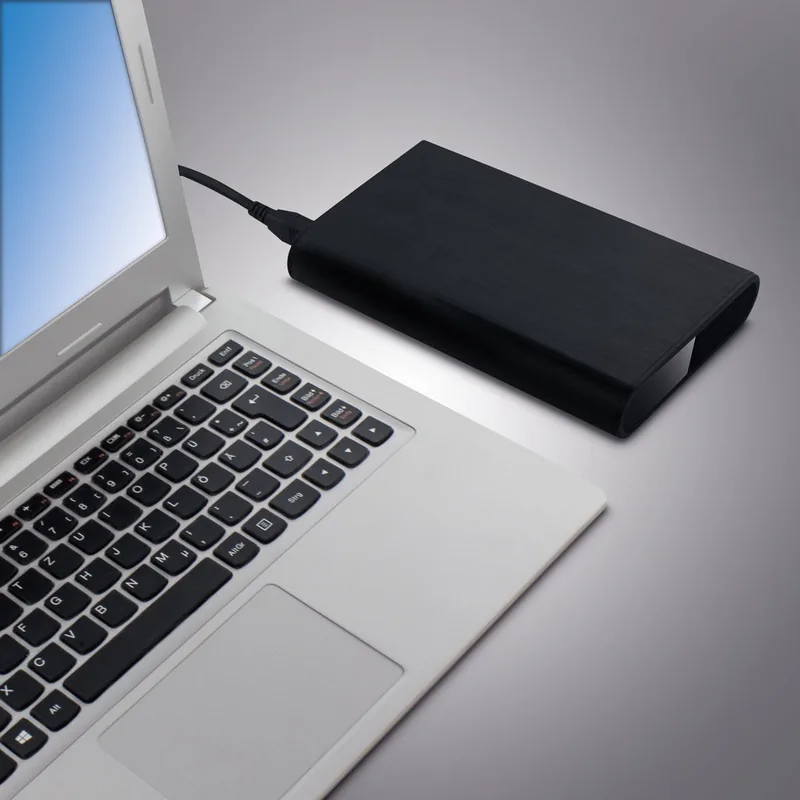
Upgrading data storage requires reliable hardware to handle expanding file needs effectively. The Fantec DB-ALU31 USB-C 3.1 serves as a robust solution for 3.5-inch hard drives that need external compatibility. Users often refer to detailed installation guidance like the Fantec DB-ALU31 USB-C 3.1 Manual to ensure their setup is performed safely and correctly without damaging sensitive electronics. This aluminum enclosure protects your internal storage components effectively while maintaining a sleek aesthetic for any desk environment. The build quality ensures durability during regular daily use and frequent transport if needed. Power is supplied via an included external adapter, which guarantees consistent performance under heavy load without draining host computer resources. Connectivity relies on the standard USB 3.1 interface, allowing for fast data transfer speeds and backward compatibility with USB 2.0 ports.
Installation and Usage Guide
You can position the device vertically in a compact space using the provided stand base. If a horizontal layout is preferred for your specific workspace, rubber feet should be mounted on the bottom of the case. This flexibility suits various desktop environments and cable management styles. New hard disks typically require formatting before operation becomes possible. To do this, connect the unit via USB to your computer first. Activate the power switch on the adapter. Navigate to disk management utilities in your operating system settings. You will likely see the drive marked as unallocated space initially. Initialize the disk carefully to make it readable and usable. The hardware installation guide outlines how to open the enclosure safely to access the internals. Slide the hard drive into the guiding rails slowly. Connect the SATA data link securely to the motherboard inside the case. Secure the drive with screws or the fixing pad provided in the box. Close the rear cover and tighten the bolts firmly. This completes the assembly process reliably every time.
Performance and Stability
Packaging includes the main case, USB cable, power adapter, stand, and screws for mounting. Rubber feet ensure stability to prevent sliding on smooth surfaces. This setup is ideal for expanding storage capacity on desktop systems quickly. It offers a simple way to repurpose internal drives for external backup or media archiving. The metallic casing helps dissipate heat generated during intense data processing sessions. This passive cooling is beneficial for long-term hardware longevity and performance stability. Whether for backup or media storage, this enclosure provides a stable platform for your drives. Always remember to handle the internal components with care to avoid electrostatic discharge damage. Following the instructions ensures maximum uptime for your stored information and data safety. The system is plug and play compatible with most modern operating systems globally. It represents a solid choice for tech enthusiasts seeking affordable expansion options for their computing infrastructure today.
Search for 67,706 Manuals online


Type-in Brand or Model
cschinner11
5 months ago
Does this Fantec enclosure maintain advertised USB 3.2 speeds with standard 3.5 SATA hard drives, or do users typically experience slower transfer rates?
Manual.ly
5 months ago
Thank you for your inquiry. Performance depends heavily on the specific hard drive and host system hardware. While certain users report peak speeds up to 285 MB/s with optimized setups, standard mechanical 3.5-inch SATA drives usually achieve 150 to 200 MB/s via USB 3.2 Gen 1. This is due to mechanical drive limitations rather than the enclosure itself. Please verify your cable quality and ensure the power supply is stable. The Fantec enclosure provides robust connectivity and reliability for long-term use.