
Fantec 225U3-6G Manual
PDF manual · 2 Pages
English



Quick check
Incorrect answer, please try again.
Chat with your Fantec 225U3-6G manual using AI
Get instant AI answers from your Fantec 225U3-6G manual
Ask anything about the Fantec 225U3-6G. Answers come from this manual, with the pages they are based on.
Ask a Question
Do you recommend 225U3-6G?
Yes NoFrequently Asked Questions
It supports 2.5-inch SATA drives including both traditional hard disk drives and solid state drives.
Is this answer helpful?
No, the package contains a USB 3.0 cable for faster data transfer speeds.
Is this answer helpful?
Yes, the SATA-6G interface is backward compatible with SATA I and SATA II.
Is this answer helpful?
Use the included foam pads to absorb shocks and vibrations during transport.
Is this answer helpful?
Yes, it is designed for simple assembly using the provided screws and guides.
Is this answer helpful?
No, the drive is powered directly through the USB connection.
Is this answer helpful?
Installing an SSD drive is recommended for the best read and write performance.
Is this answer helpful?
Advantages and Disadvantages
Advantages

- High speed USB 3.0 connectivity for rapid data transfers
- Sturdy aluminum enclosure provides excellent heat dissipation
- Backward compatible with SATA I and SATA II drives
- Includes anti-shock foam pads to protect the drive
- Easy assembly process with included screws and cable
Disadvantages

- Requires specific small screws which are easy to lose
- Limited to 2.5-inch drives, cannot fit 3.5-inch models
- Performance may lag if using older spinning hard drives
- No external power adapter included, relies on USB power
- Aluminum casing can feel cold to the touch if unheated
Product Specification
Form Factor
2.5 in
Internal Interface
1x SATA 6Gb/s (up to 0.37 in)
External Interface
1x USB-A 3.0 (5Gb/s)
RAID Level
N/A
Fan
N/A
Dimensions
5.12 x 2.99 x 0.63 in
Weight
0.22 lbs
Color
Black
Features
Aluminum Housing
USB Label
Link
Product Description
Unlock Portable Storage Potential with Fantec 225U3-6G
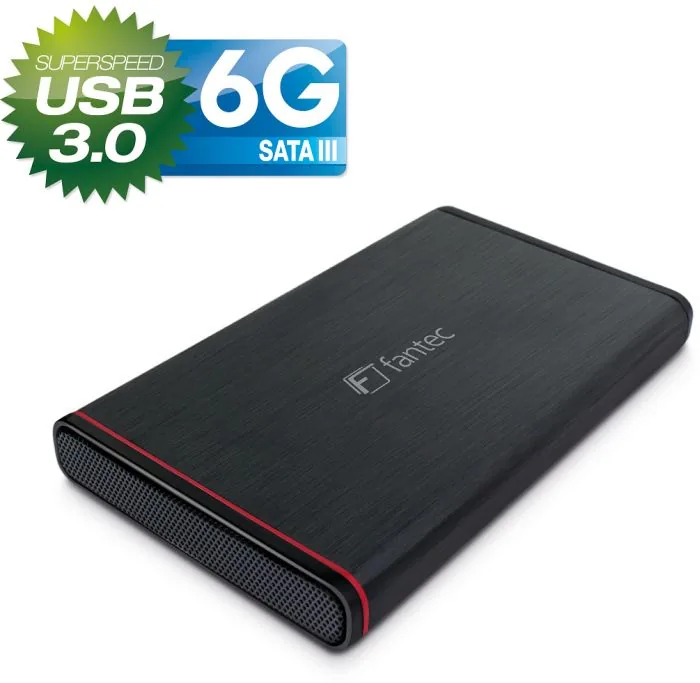
In the modern era of data management, flexibility is key. The Fantec 225U3-6G offers a superior solution for converting internal drives into high-speed external storage. This device leverages advanced aluminum chassis engineering to ensure durability and protection. It features a USB-A 3.0 interface, which provides data transfer rates significantly faster than older USB 2.0 standards. This makes it ideal for transferring large video files, game backups, or critical system archives quickly and efficiently.
Installation and Build Quality
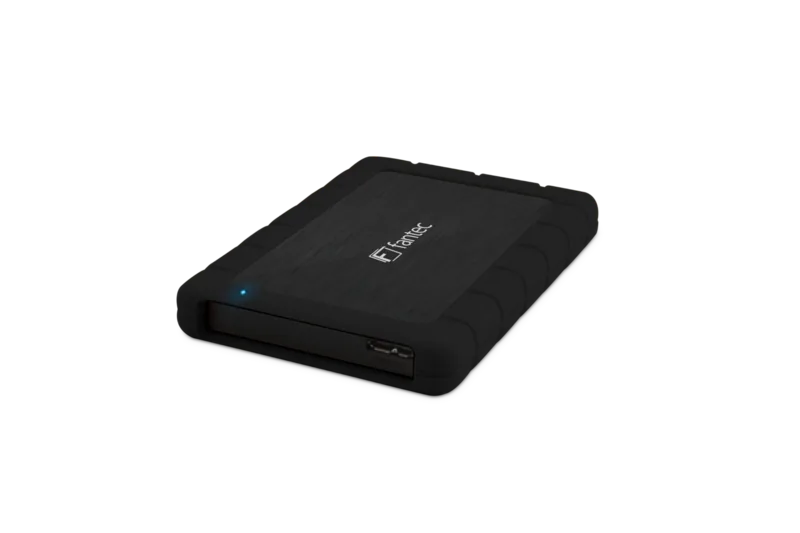
Setting up this enclosure is a straightforward process for most users. The package contains the aluminum case, a USB 3.0 cable, screws, and anti-shock foam pads. The assembly begins by removing the rear bezel from the chassis. Next, the foam padding is secured to the hard drive to absorb vibrations and prevent physical damage. The drive is then pushed into the SATA connector on the circuit board. Finally, the rear section is screwed back into place to close the unit. This design ensures the drive rests securely within the metal shell. The screws provided are specifically sized to hold the housing tight against dust and impact.
Technical Specifications and Performance
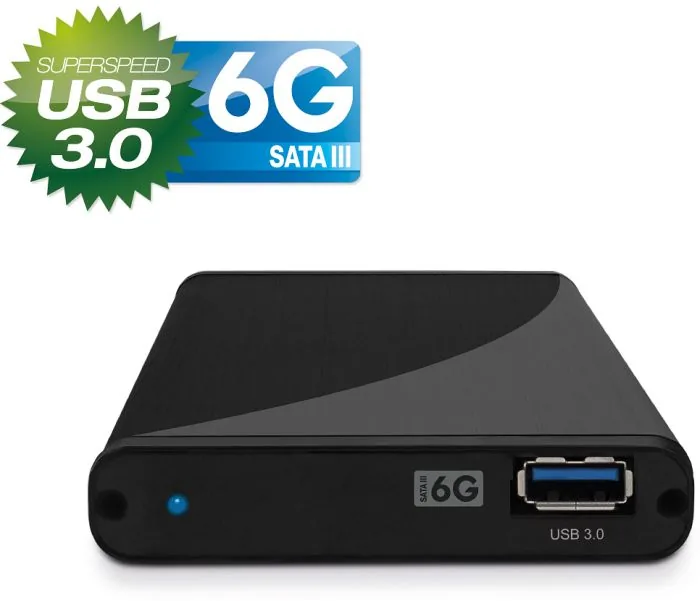
The Fantec 225U3-6G supports SATA-6G connections, also known as SATA III 6GBit/s. This interface is backward compatible with SATA I and SATA II drives. You can utilize existing older storage mediums without issues or needing new drives immediately. However, for optimal performance regarding read and write speeds, installing a Solid State Drive is strongly recommended. SSDs eliminate mechanical lag and provide instant access to stored information. The aluminum construction also acts as a passive heatsink, helping the drive stay cool during prolonged operation and data transfer.
Versatility and Compatibility
One major advantage of this setup is its versatility and ease of use. Since it uses standard SATA ports, it works with various 2.5-inch drives from different manufacturers. Whether you need extra space for media files or a backup drive for a laptop, this product delivers consistent results. The included screws and materials make it a complete kit for immediate use in most scenarios. Users do not require additional tools to complete the hardware installation successfully. It simplifies the workflow for IT maintenance tasks.
Conclusion on Value
Ultimately, this product provides a reliable path to external storage without breaking the bank. It combines sturdy protection with high-speed connectivity standards. The focus on anti-shock features ensures longevity for the internal components. It serves well for home users and professionals requiring on-the-go data access. With SATA-6G support, the future remains bright for this enclosure even as storage technology evolves further. The USB power draw ensures no external plug is needed for these smaller forms.
Important Note: Handle all small parts with care to prevent loss during the assembly process.
Search for 67,706 Manuals online


Type-in Brand or Model
Alex Johnson
8 months ago
Does this enclosure hold the drive securely, or do I need to add padding to prevent rattling during transport?
Manual.ly
8 months ago
Many users report that the included foam pads are small, which can lead to rattling. For secure transport, we recommend adding thin cardboard or extra foam strips to fix the drive in place. The drive sits mostly at the front, so ensure it is firmly held before closing the case. The small screws require careful tightening to avoid stripping the plastic threads attached. Despite these minor assembly adjustments, the build quality and SATA 3.0 performance are generally excellent for the price point.