
Fantec QB-X2U31R Manual
PDF manual · 48 Pages
English



Quick check
Incorrect answer, please try again.
Chat with your Fantec QB-X2U31R manual using AI
Get instant AI answers from your Fantec QB-X2U31R manual
Ask anything about the Fantec QB-X2U31R. Answers come from this manual, with the pages they are based on.
Ask a Question
Do you recommend QB-X2U31R?
Yes NoFrequently Asked Questions
Yes. The device begins to rebuild automatically when a new drive is installed after replacing a defective one. Ensure you use a new drive of equal or larger capacity.
Is this answer helpful?
Yes. It supports Windows 7, Windows 10, and Mac OS X 10.13 and higher operating systems for full functionality.
Is this answer helpful?
Press and hold the Mode button on the front until the indicator blinks, then press the Confirmation button on the rear panel.
Is this answer helpful?
UASP increases performance by reducing CPU usage and enhancing throughput significantly compared to standard USB protocols.
Is this answer helpful?
Yes. Changing RAID modes typically results in data loss. You should back up your data before making changes to the mode.
Is this answer helpful?
Use Disk Management (diskmgmt.msc). Initialize the drive, create a partition, and then format it according to your needs.
Is this answer helpful?
Yes. The Smart Power SYNC feature allows the device to enter sleep mode or power down automatically when your PC shuts down.
Is this answer helpful?
Advantages and Disadvantages
Advantages

- High data transfer speed up to 10Gbps
- Flexible RAID modes for security and speed
- Smart fan with auto/manual modes
- Durable metal housing design
- Power sync with operating system
Disadvantages

- Requires external AC power adapter
- Risk of data loss with RAID 0 failures
- Configuration requires access to rear confirmation button
- 3.5 inch drive size only supported
- Fan noise may occur at maximum speed settings
Product Specification
Form Factor
3.5"
Internal Connection
2x SATA 6Gb/s 3.5" (Hot-Swap)
External Connection
1x USB-C 3.1 (10Gb/s)
RAID Level
Single/0/1/BIG
Fan
1x 2.36" (temperature controlled)
Dimensions
8.23"x6.30"x3.66"
Weight
2.43 lbs
Color
Black
Features
Aluminum enclosure, integrated fan control
Manufacturer Warranty
2 years
USB Writing
Link
Product Description
Fantec QB-X2U31R USB-C 3.1 Overview
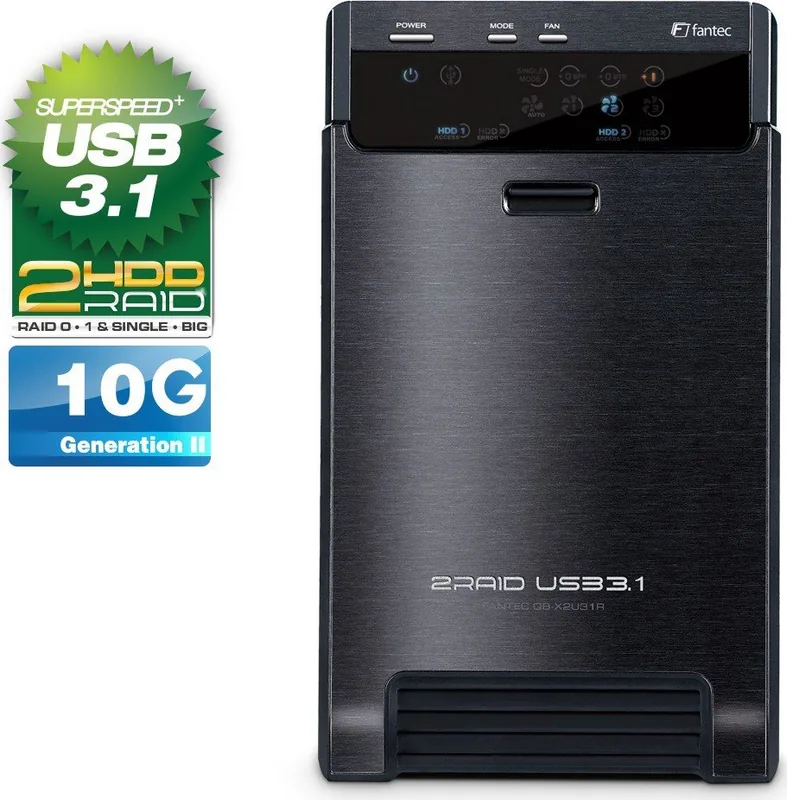
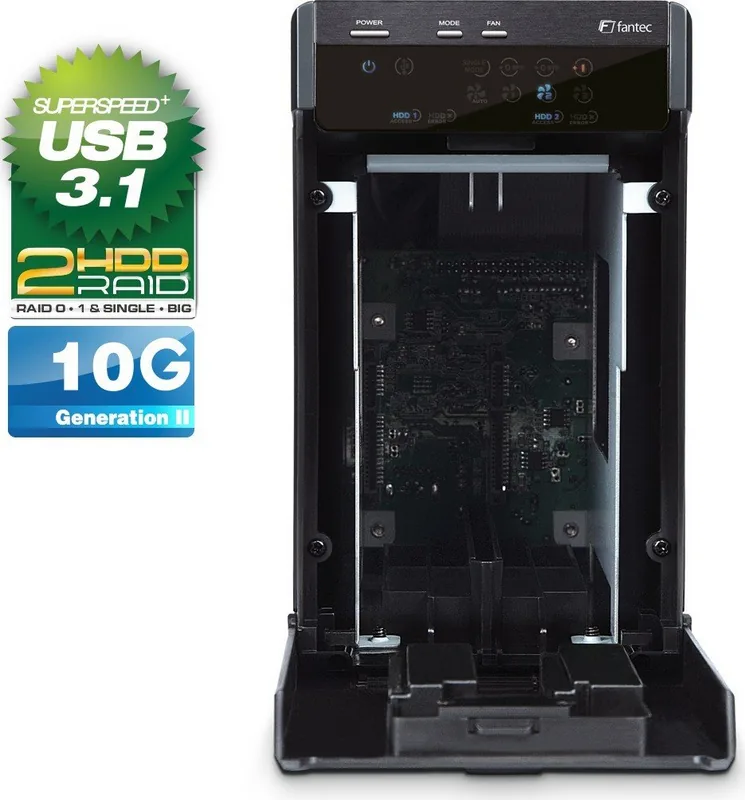
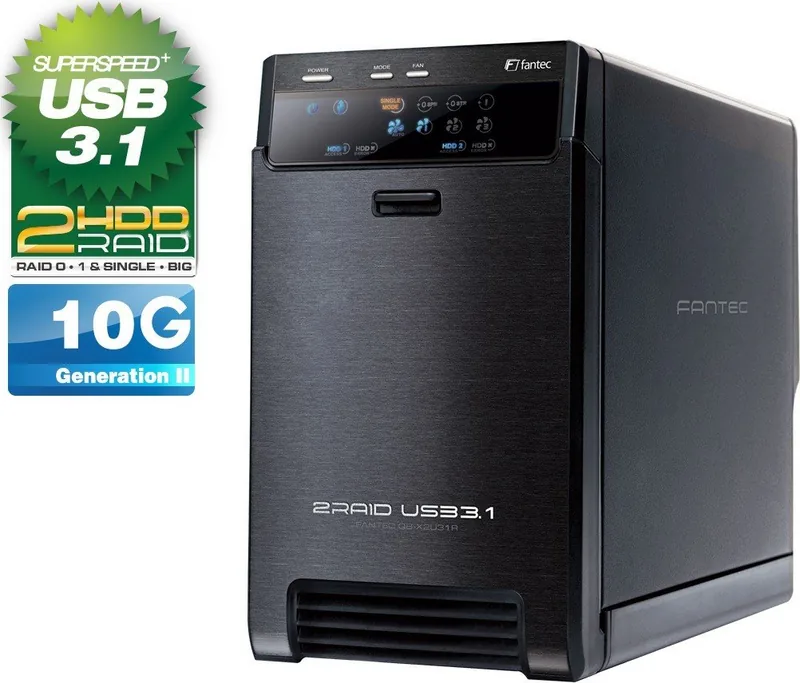
The Fantec QB-X2U31R USB-C 3.1 represents a significant step in external storage technology for home and office environments. This enclosure is designed to hold two 3.5-inch SATA hard drives securely within a high-quality metal casing. While the build quality ensures durability, protecting sensitive data from physical damage is a priority. One of the standout features is the versatile RAID support. Users can configure the drive array in multiple ways to suit their specific needs for security or speed. The options include SINGLE mode, BIG mode, RAID 0, and RAID 1. Each mode presents different benefits regarding data redundancy and available storage space. The SINGLE mode treats drives independently, which is useful when mixing different drives. RAID 0 increases speed by striping data across both disks, while RAID 1 mirrors data for safety. Referencing the Fantec QB-X2U31R USB-C 3.1 Manual clarifies these configurations for new users.
Connectivity and Thermal Performance
Connectivity is another major advantage. The device features a USB 3.1 Gen-II interface capable of transferring data up to 10Gbps. This ensures that large files move quickly between the computer and the storage unit. The UASP transport protocol further enhances performance by reducing CPU usage and increasing throughput significantly compared to standard USB 3.0. Thermal management is handled by an integrated 60mm smart fan. It operates in automatic mode using a built-in temperature sensor or allows manual selection among three speed levels. This prevents overheating during intensive writing tasks. The fan speed adapts dynamically based on internal temperature thresholds to maintain optimal operating conditions. Additionally, the smart power feature allows the enclosure to power down automatically when the host computer is shut down, saving energy and reducing wear on the components.
Setup and Compatibility
Setting up the unit requires following specific steps. Users must ensure the confirmation button is pressed to finalize the RAID mode selection to prevent accidental changes during operation. Initialization and formatting depend on the operating system, with Windows supporting MBR or GPT based on drive capacity. Mac OS users have their native utilities for disk management. The package includes a USB 3.1 cable, power adapter, and mounting handles for easy installation. Compatibility extends to Windows 7 and 10 as well as Mac OS X 10.13 and higher. Careful handling of cables and regular cleaning of vents ensures longevity. By utilizing this advanced storage solution, users maintain control over their data access and safety standards effectively. Data backup before mode changes is crucial to avoid loss. Troubleshooting tips suggest checking drivers or power settings if the device is not recognized. Status LEDs indicate power, sleep mode, and drive activity clearly. This robust device stands out as a reliable method for expanding your digital storage capacity significantly. With these capabilities, it serves as a practical hub for multimedia files and critical business data alike. Cable management is simplified as the included USB 3.1 cable is Type-C for modern connectivity standards.
Search for 67,706 Manuals online


Type-in Brand or Model
Max Weber
6 months ago
Is this RAID case reliable for large file transfers or does it suffer from performance issues?
Manual.ly
6 months ago
Feedback on this Fantec RAID case is mixed. Some users report instant recognition, fast USB-C speeds, and quiet operation. However, others experience significant slowdowns with many small files, stuttering during read and write tasks, and drive initialization delays. While SATA3 limits throughput to 6 GB per second despite 10 GB marketing claims, real-world performance varies greatly. If high speed video streaming or heavy multitasking is required, testing may be necessary as some users recommend alternative solutions like QNAP.