
Fantec DS-X2U3 Manual
PDF manual · 29 Pages
English



Quick check
Incorrect answer, please try again.
Chat with your Fantec DS-X2U3 manual using AI
Get instant AI answers from your Fantec DS-X2U3 manual
Ask anything about the Fantec DS-X2U3. Answers come from this manual, with the pages they are based on.
Ask a Question
Do you recommend DS-X2U3?
Yes NoFrequently Asked Questions
Insert the source drive in the front HDD A slot and the destination drive in the rear HDD B slot. Ensure the USB port is not connected to a computer. Power on the device and press the clone button for five seconds. The LEDs will indicate progress until completion. Note that data on the destination drive will be erased.
Is this answer helpful?
The device supports 2.5-inch and 3.5-inch SATA hard drives or SSDs. These can be SATA I, II, or III interfaces. The internal connection is SATA 6 Gbit/s. It accepts standard consumer drives for both laptops and desktops with appropriate size fittings.
Is this answer helpful?
Yes, the device is compatible with Windows 10, Mac OS X 10.6 and higher, and Linux. You can plug it into any supported OS and it will appear as a storage device. Ensure you have the necessary permissions to access or format drives within those operating systems.
Is this answer helpful?
The cloning process requires the destination drive to have a capacity equal to or greater than the source drive by the byte. If the destination is smaller, the process cannot complete successfully. The data must fit exactly or the system will not overwrite the source data.
Is this answer helpful?
For Windows, use diskmgmt.msc to initialize and create partitions. For Mac, use Disk Utility to erase and format. Always ensure you are selecting the correct drive to avoid data loss. Select MBR for drives under 2TB and GPT for larger capacities when initializing.
Is this answer helpful?
No, the device is plug and play. It does not require additional driver installation for basic storage access. It functions as a standard USB mass storage device recognized automatically by the operating system when connected properly.
Is this answer helpful?
Support is available via email at [email protected] or by phone. The address for returns is FANTEC GmbH in Hamburg. The support team operates on weekdays during business hours. Please read the user manual first for common troubleshooting steps.
Is this answer helpful?
Advantages and Disadvantages
Advantages

- Integrated one-touch cloning function for 1:1 drive copies without computer connection
- Supports dual SATA drives simultaneously with USB 3.0 high-speed data transfer
- Tool-free installation design allows quick and easy hard drive access
- Compatible with multiple operating systems including Windows, Mac OS, and Linux
- LED indicators provide clear visual feedback on power and cloning status
Disadvantages

- Destination drive data is lost completely once the cloning process begins
- Physical construction uses plastic material rather than durable metal
- USB 3.0 speed benefits require a host system that supports USB 3.0 specifications
- External power adapter is required for operation and adds cable clutter
- New drives must be manually initialized and formatted before first use
Product Specification
Form Factor
2.5"/3.5"
Drive Bays
2
External Interface
USB-B 3.0
Internal Interface
SATA 6Gb/s
Dimensions
4.98x4.51x3.27"
Weight
0.64 lbs
Features
On/Off Switch, Clone Function
Warranty
2 years
Product Description
Fantec DS-X2U3-Aluminum, USB-B 3.0 Overview
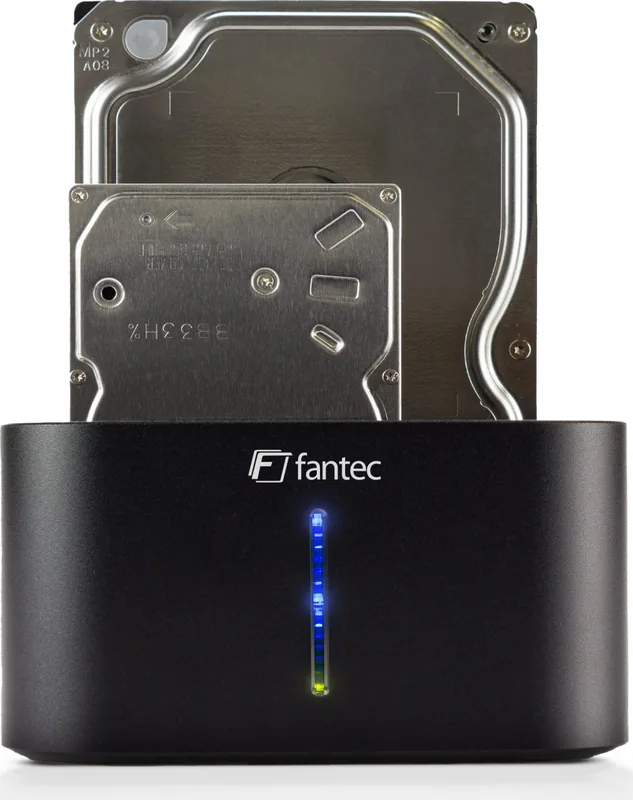
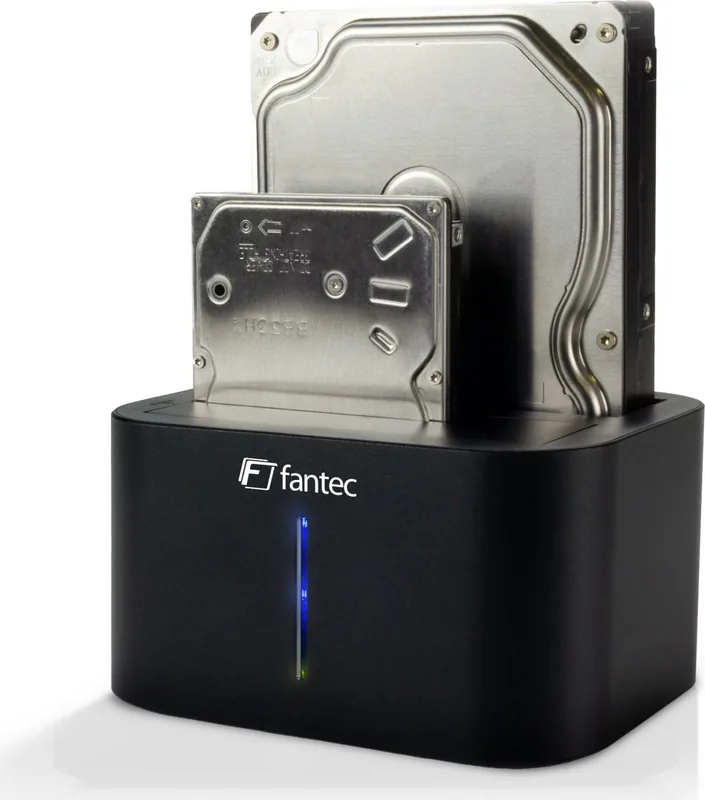
This device provides a practical storage solution combining speed and reliability for modern computing needs. The Fantec DS-X2U3-Aluminum, USB-B 3.0 Manual details its capabilities as a versatile docking station for efficient data management and system expansion. It supports up to two SATA drives simultaneously without requiring complex setup procedures or additional software tools. Users can easily access data from internal hard drives or solid-state drives with high efficiency across various platforms.
A standout feature is the integrated cloning function which allows for one-touch copying of storage media. This ensures that operating systems and data are duplicated perfectly regardless of the content. It is ideal for system upgrades or data migration tasks where accuracy and integrity are paramount. The device utilizes USB 3.0 technology to maximize transfer speeds compared to older standards significantly. This ensures minimal downtime when working with large file sets or performing critical backups on busy schedules.
Installation is tool-free and designed specifically for user convenience and rapid deployment. The housing accommodates both 2.5-inch and 3.5-inch drives securely within a compact chassis. LED indicators provide visual feedback regarding power status, connection health, and cloning progress throughout operations. Compatibility extends widely to Windows, Mac OS, and Linux operating systems with modern updates. This cross-platform support makes it highly suitable for mixed environments in professional or home settings.
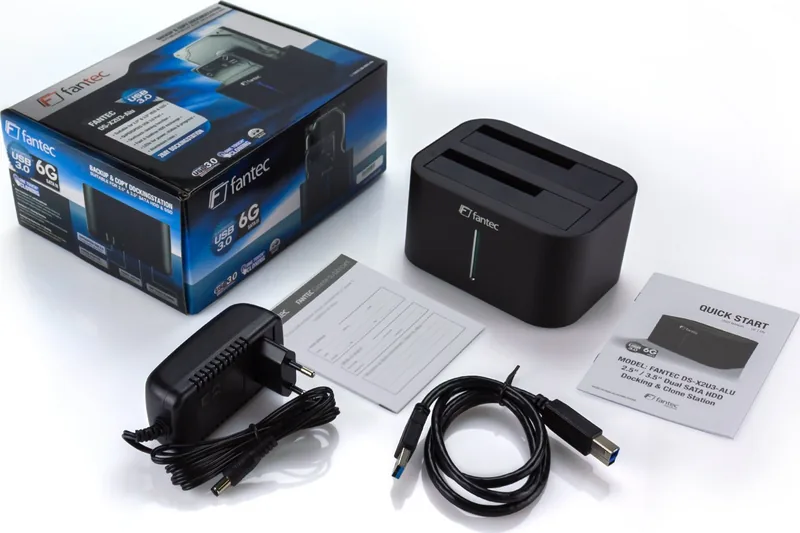
Power is supplied via an external adapter included in the standard package contents for reliable operation. When connected to a PC, it functions primarily as a peripheral storage unit accessible by the operating system. New drives may require initialization and formatting before data can be written or utilized fully. This process is straightforward and guided by standard operating system tools provided with your system. The design facilitates quick swapping of drives for increased productivity during daily workflows.
Notes: Ensure destination drives are large enough during cloning to accommodate source data. Always back up valuable data before starting critical operations to prevent potential loss.
Contact and Support
The manufacturer offers technical support for issues encountered during use. Contact information is available for warranty claims or specific troubleshooting requirements. Customers are encouraged to read the guides thoroughly before first usage to maximize performance.
Search for 67,706 Manuals online


Type-in Brand or Model
Andreas Schmidt
5 months ago
Is the build quality solid enough for daily use since reviews say it works flawlessly?
Manual.ly
5 months ago
Yes, consistent feedback highlights robust construction and stable performance. You can rely on it for everyday tasks.