

Free Worx Manuals – Read, Download & Print
71 Manuals
Manuals
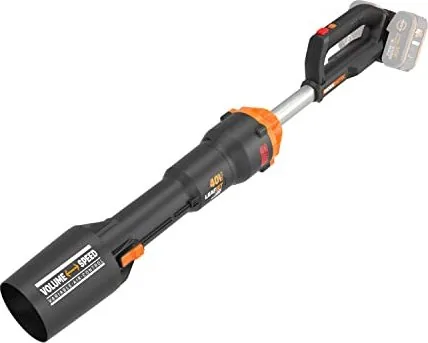
156 Pages
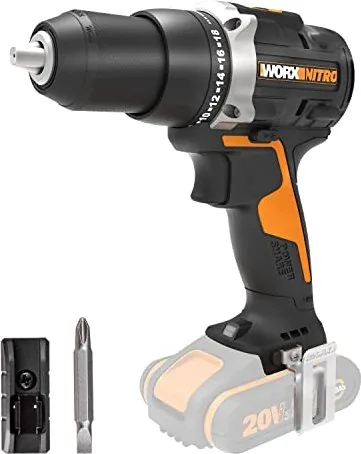
16 Pages
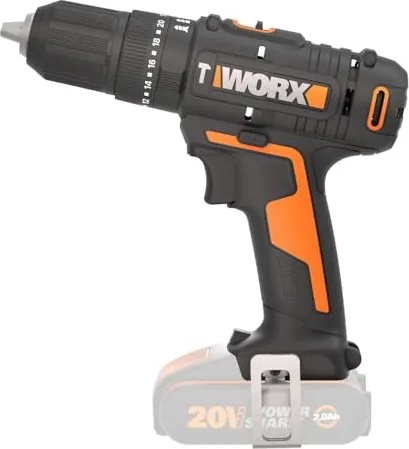
20 Pages
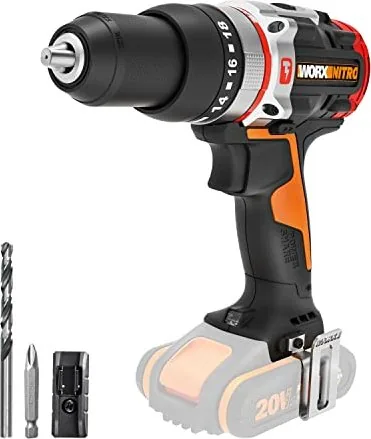
116 Pages
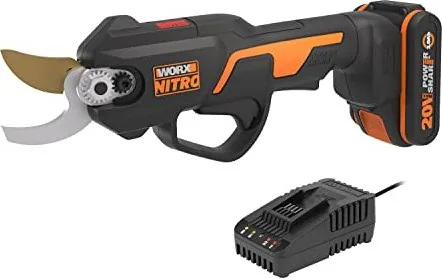
20 Pages
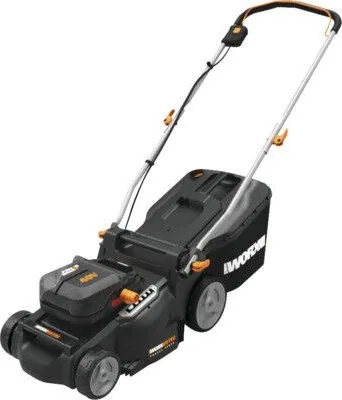
204 Pages
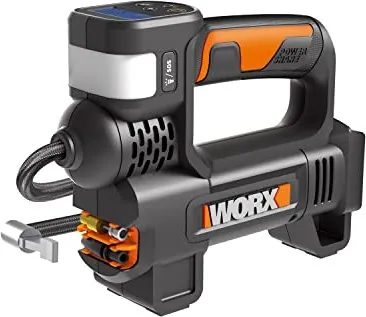
92 Pages
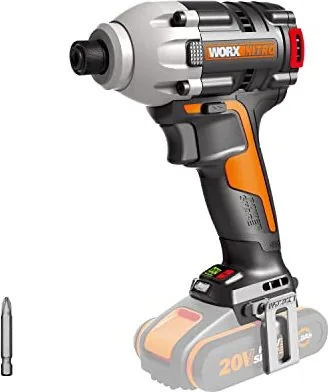
128 Pages

124 Pages
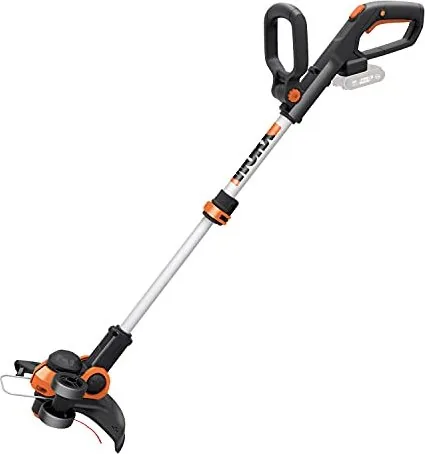
124 Pages
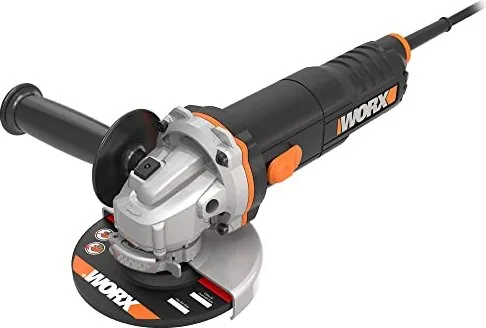
92 Pages
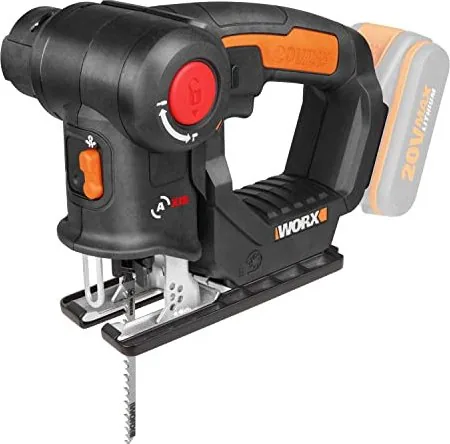
80 Pages
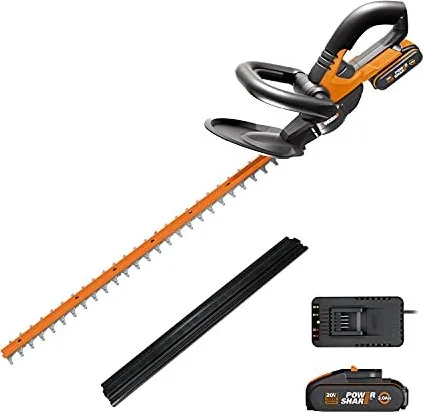
124 Pages
76 Pages

204 Pages
28 Pages

12 Pages
24 Pages

176 Pages
228 Pages
192 Pages
132 Pages
136 Pages
108 Pages
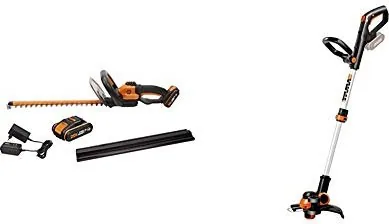
92 Pages
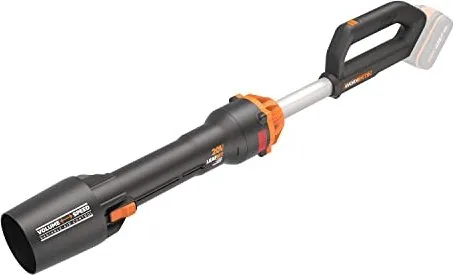
136 Pages
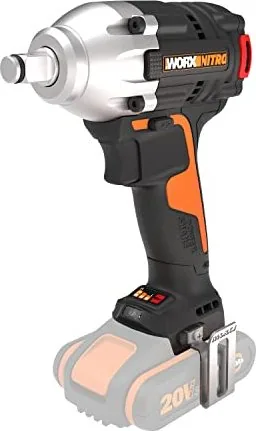
112 Pages

76 Pages
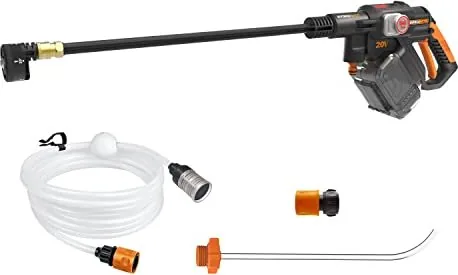
24 Pages
344 Pages
140 Pages

260 Pages
16 Pages

168 Pages
96 Pages
88 Pages
6 Pages
12 Pages
8 Pages
76 Pages
132 Pages
132 Pages
128 Pages
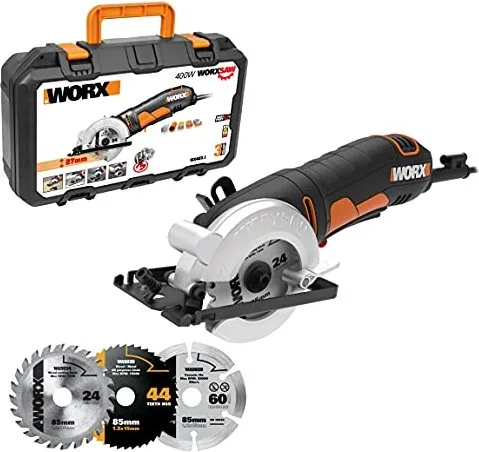
64 Pages
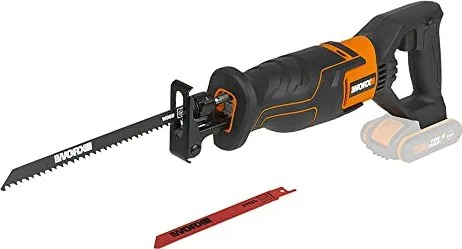
104 Pages
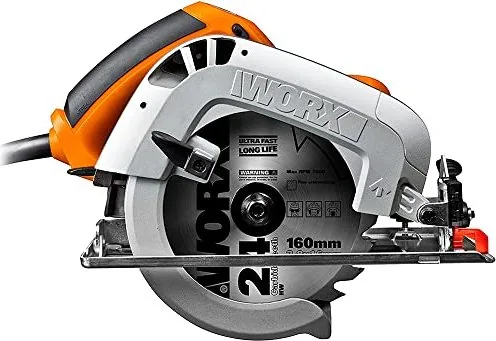
148 Pages
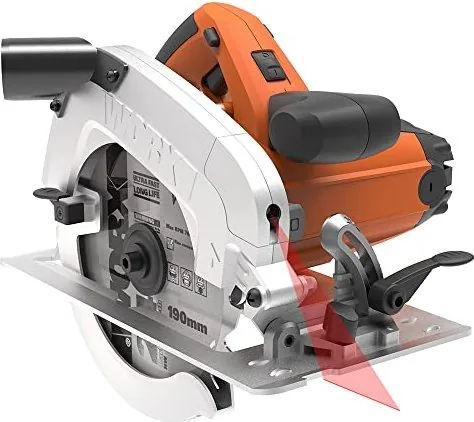
144 Pages
108 Pages
108 Pages
120 Pages
Categories


Free Worx Manuals - Read, Download & Print
Find the Right Worx Manual for Your Tool
Looking for a Worx manual? This resource helps owners locate clear operating instructions for a wide range of Worx tools, outdoor equipment, garden machines, lawn care products, and home improvement devices. Whether you need setup guidance for a robotic mower, safety information for a cordless drill, charging instructions for a battery, or troubleshooting advice for a pressure washer, the correct user manual is an essential reference.
Worx products are designed for practical work around the home and garden, but every model has specific controls, accessories, power requirements, maintenance needs, and safety instructions. A manual provides the details needed to use equipment correctly from the first day. It can also be useful years later when replacing a part, changing a setting, interpreting an error code, preparing a machine for seasonal storage, or checking compatible batteries and chargers.
Read Worx Manuals Online
Reading a Worx manual online is a convenient option when you need an answer quickly. Digital manuals make it easier to review product information from a phone, tablet, laptop, or desktop computer while standing near the tool or working in the garden. Instead of searching through drawers for a printed booklet, users can look up the relevant model and move directly to the instruction section they need.
Online manuals commonly include the same core information supplied with a new product. This may include product diagrams, technical specifications, assembly steps, operating controls, safety warnings, cleaning directions, storage recommendations, warranty information, and a list of included accessories. Many manuals also contain illustrated parts lists and diagrams that help identify handles, guards, blades, nozzles, charging ports, switches, wheels, and other components.
For best results, confirm the full model number shown on the product label before opening a manual. Similar Worx products can have different features, battery systems, cutting widths, motor ratings, or regional specifications. Using the exact model number helps ensure that the instructions match your equipment.
Download Manuals for Easy Access
Downloading a Worx manual gives you a reliable copy that can be saved for future use. A downloaded manual is especially useful when working in a garage, shed, workshop, basement, or garden where internet access may be limited. Save the file to a device, cloud folder, or product-maintenance archive so it is available whenever service or operating information is needed.
Keeping a digital manual can simplify routine ownership tasks. You can return to it before changing mower blades, fitting a new trimmer spool, cleaning an air intake, replacing a line, installing a battery, or checking recommended charging conditions. It is also helpful when multiple people use the same equipment, since everyone can access the same reference material without needing the original paper copy.
A downloadable manual can be searched electronically for words such as "battery," "charging," "blade," "filter," "error," "maintenance," or "storage." This can save time compared with paging through a long booklet. If the manual includes a table of contents or bookmarks, use those features to jump directly to the required chapter.
Print Important Worx Instructions
Printing a manual, or selected pages from one, is useful for hands-on work. A printed copy can be kept near the tool storage area, placed in a maintenance binder, or carried outside while setting up lawn and garden equipment. Some users prefer to print only the pages covering assembly, quick-start steps, safety precautions, maintenance schedules, and troubleshooting instructions.
Printing selected pages also helps protect the original digital file while providing a practical reference for dirty or wet working environments. For example, a mower owner may print seasonal care instructions, while a pressure washer owner may keep winterization steps in the garage. If you print a manual, keep it organized by model number and product type so it can be found quickly later.
Before printing, review the page range and choose only what is necessary. This reduces paper use while ensuring that the most important instructions are available at the work site. Safety pages, warning labels, and diagrams should remain clear and readable in any printed copy.
Worx Product Categories Covered
Worx manuals can cover many categories of equipment used for lawn care, gardening, cleaning, repairs, and everyday home projects. Popular product types may include robotic lawn mowers, cordless lawn mowers, grass trimmers, edgers, leaf blowers, hedge trimmers, chainsaws, pole saws, pressure washers, garden vacuums, drills, drivers, saws, work lights, and power-sharing battery products.
Lawn Mowers and Robotic Mowers
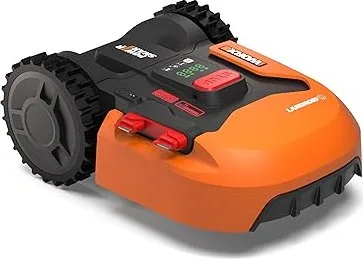
Manuals for lawn mowers explain initial assembly, height adjustment, grass collection, blade care, battery use, and cleaning. Robotic mower manuals can include boundary wire installation, charging station placement, app connection, scheduling, rain sensors, obstacle handling, error messages, and winter storage. These details are important because installation and programming procedures vary between models.
Trimmers, Edgers, and Blowers
Trimmer and edger manuals often explain guard installation, line feed operation, spool replacement, cutting-angle adjustment, and safe trimming practices. Leaf blower manuals may cover nozzle attachment, variable speed controls, collection functions, battery installation, and clearing blockages. Always review recommended protective equipment before operating powered garden tools.
Power Tools and Batteries
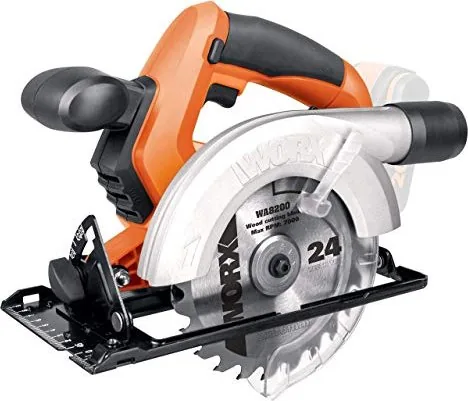
For drills, impact drivers, saws, and other workshop tools, manuals provide information about intended use, bit or blade fitting, speed settings, workpiece support, dust control, and safe operating positions. Battery and charger instructions are equally important. They explain approved battery types, charging indicators, temperature limits, storage conditions, and precautions that can help protect battery performance.
Use Manuals Safely and Correctly
A product manual should be read before first use, even if you have experience with similar equipment. Features that appear familiar can operate differently between models. Safety instructions are not just formal warnings: they identify hazards involving moving blades, rotating lines, kickback, electrical power, batteries, hot components, flying debris, and improper accessories.
Wear the personal protective equipment recommended for the specific task. Depending on the product, this may include safety glasses, hearing protection, gloves, sturdy footwear, long trousers, and a dust mask. Keep children, pets, and bystanders away from the working area. Inspect the tool before use, and do not operate equipment with damaged guards, loose parts, worn cables, cracked housings, or unsuitable attachments.
For cordless products, use only compatible batteries and chargers specified for the model. For corded equipment, use suitable outdoor-rated extension leads where required and keep electrical connections dry. Disconnect power or remove the battery before cleaning, clearing jams, changing accessories, or performing maintenance.
Troubleshooting and Maintenance Help
Many Worx manuals include a troubleshooting table for common problems. These sections can help with issues such as a tool not starting, reduced runtime, uneven cutting, poor collection performance, unusual noise, a blocked mechanism, charging difficulties, or a robotic mower warning. Follow the recommended checks in order and stop using the product if there is a condition that requires qualified service.
Routine maintenance helps equipment remain safe and effective. Clean grass, dirt, leaves, and dust from the product after use. Check blades, lines, fasteners, air vents, wheels, and guards regularly. Store tools in a dry, secure location away from extreme temperatures. For seasonal garden equipment, consult the manual for correct shutdown and storage procedures.
Choose the Exact Model Number
To locate the most relevant Worx manual, look for the model number on the product rating label, packaging, receipt, or previous documentation. The label may also show voltage, serial information, and manufacturing details. Record the model number in a safe place and keep it with purchase and warranty records.
Using the exact manual supports safer operation, more accurate maintenance, and better product care. Read it online when you need a fast answer, download it for convenient long-term access, and print the pages that matter most for your next Worx project.
Search for 67,706 Manuals online


Type-in Brand or Model