
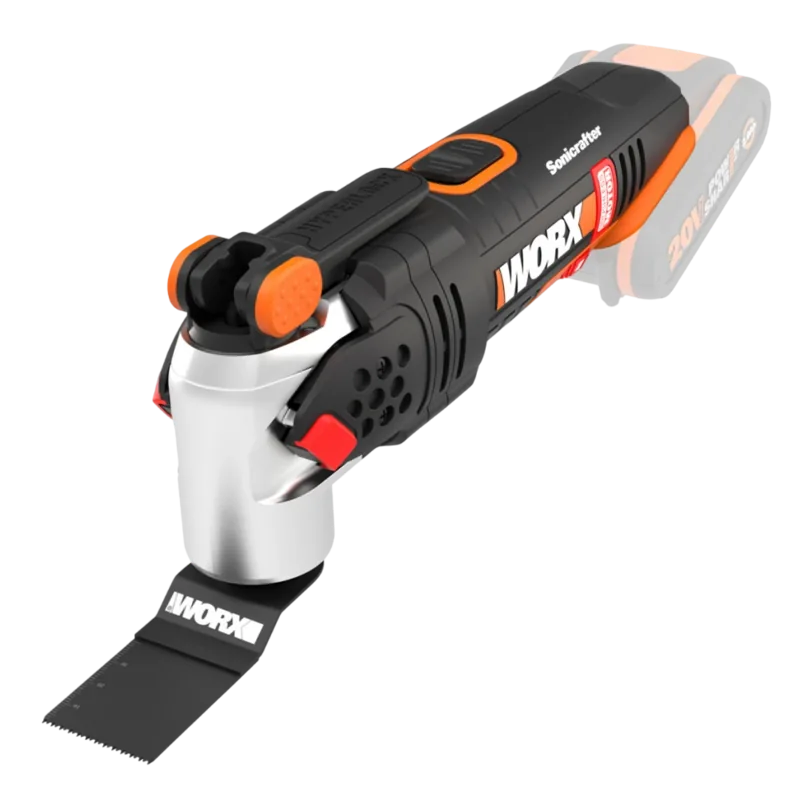
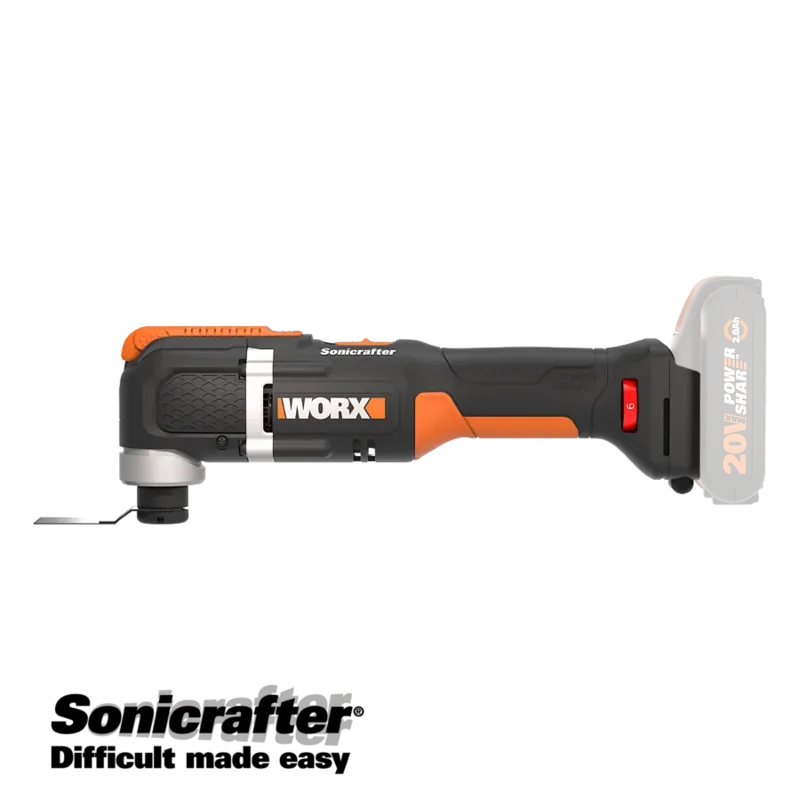
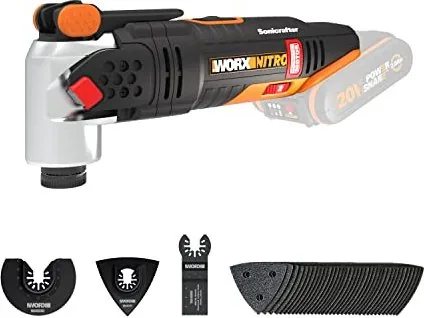
Worx Sonicrafter WX693.9 Manual
PDF manual · 12 Pages
English



Quick check
Incorrect answer, please try again.
Chat with your Worx Sonicrafter WX693.9 manual using AI
Get instant AI answers from your Worx Sonicrafter WX693.9 manual
Ask anything about the Worx Sonicrafter WX693.9. Answers come from this manual, with the pages they are based on.
Sonicrafter WX693.9 Maintenance Schedule
Never use water or chemical cleaners. Wipe the power tool clean with a dry cloth after each use to maintain it.
Keep the motor ventilation slots and all working controls free of dust to ensure proper cooling and operation.
Replacing the accessory regularly will maintain optimum working efficiency. Do not allow sandpaper to wear away completely.
Ask a Question
Do you recommend Sonicrafter WX693.9?
Yes NoFrequently Asked Questions
This tool is designed to saw and remodel wooden materials, plastic, plaster, non-ferrous metals, and fasteners. It also works on soft wall tiles and for dry grinding small surfaces.
Is this answer helpful?
Yes, it features a Universal-Fit accessory interface that works with brands like Bosch, Dremel, Makita, Ryobi, and others, though not all accessories are included with the tool.
Is this answer helpful?
If the tool gets too hot, set the speed to maximum and run it without a load for two to three minutes to cool the motor. Avoid prolonged usage at very low speeds.
Is this answer helpful?
Always wear eye protection, ear protection since sound pressure exceeds 80dB, and a dust mask to protect against airborne particles generated during cutting or sanding.
Is this answer helpful?
No, this model is sold as a solo unit without a battery or charger. You must purchase them separately, preferably using the WORX PowerShare system.
Is this answer helpful?
Advantages and Disadvantages
Advantages

- Variable speed dial allows precise control for different materials
- Universal Fit interface works with many third-party brand accessories
- Lightweight design at 1.4kg reduces user fatigue
- Hyperlock system enables fast and easy accessory changes
- LED indicator shows remaining battery power clearly
Disadvantages

- Battery pack sold separately requires additional investment
- Can overheat if used at low speeds for prolonged periods
- High-frequency operation generates significant noise levels
- No included carrying case in standard delivery package
- Requires specific charger for safe battery recharging only
Product Specification
Battery
20V, Li-Ion
No-load speed
8000-18000 rpm
Oscillation angle
4°
Tool attachment
Hyperlock quick-change system
Features
Speed control
Weight
3.09 lbs
Package contents
Without charger and battery
Product Description
Discover the Worx WX693.9 Sonicrafter PowerShare Multifunction Tool
The Worx WX693.9 Sonicrafter is a versatile oscillating tool designed for DIY enthusiasts and professionals alike. Powered by the 20V Max PowerShare battery system, this cordless device offers freedom from cords while delivering high performance. It features a variable speed dial that allows users to adjust oscillation frequency between 8000 and 18000 per minute, ensuring optimal control for various tasks ranging from sanding wood to cutting metal.
One of the standout features is the Hyperlock accessory clamping lever, which enables quick and tool-free changes. The Universal-Fit interface ensures compatibility with accessories from other major brands like Bosch, Dremel, and Makita, expanding the tool's utility significantly. Whether you are scraping old paint, grinding grout, or making flush cuts near edges, this multifunction tool handles it all with precision.
Safety is paramount in its design. The tool includes clear warnings regarding vibration exposure and noise levels, advising users to wear protective gear such as ear protection and dust masks. The LED light indicates battery capacity, helping you manage your work sessions effectively. With a lightweight build of just 1.4kg, it reduces user fatigue during extended projects.
Important Notes
- Always ensure the blade is sharp before starting.
- Keep ventilation slots clean to prevent overheating.
- Remove the battery when changing accessories.
- Do not expose the tool to rain or water.
Search for 67,706 Manuals online


Type-in Brand or Model