

Free MERCUSYS Manuals – Read, Download & Print
16 Manuals
Manuals
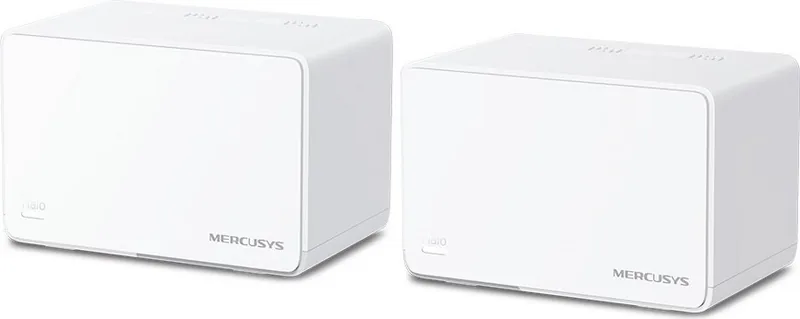
26 Pages
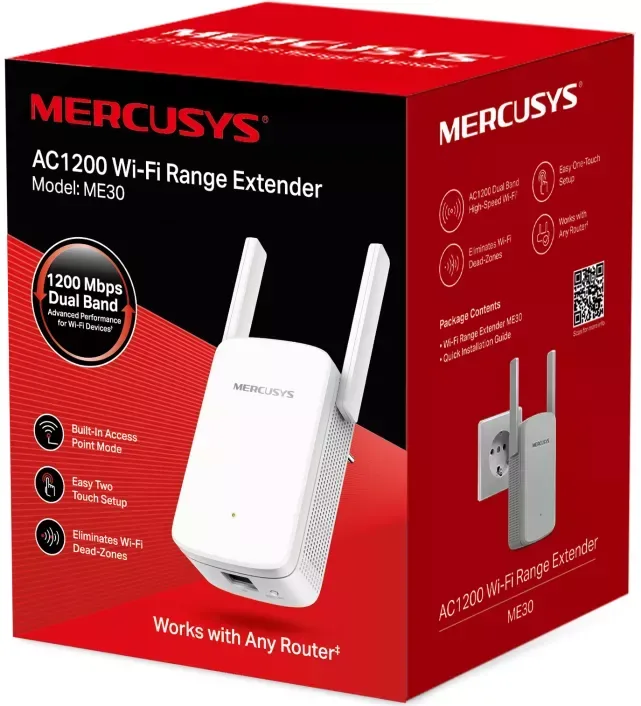
36 Pages
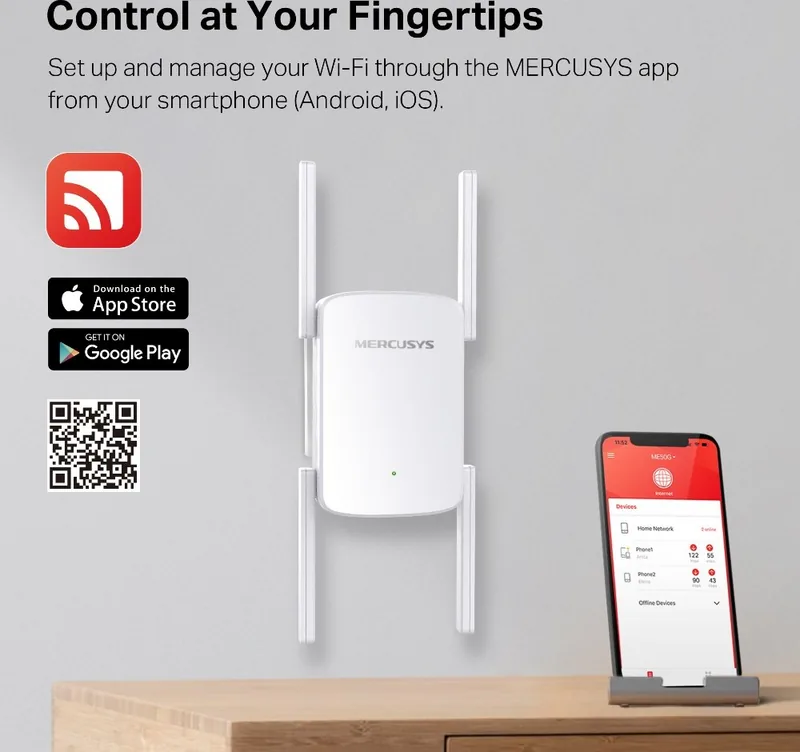
40 Pages
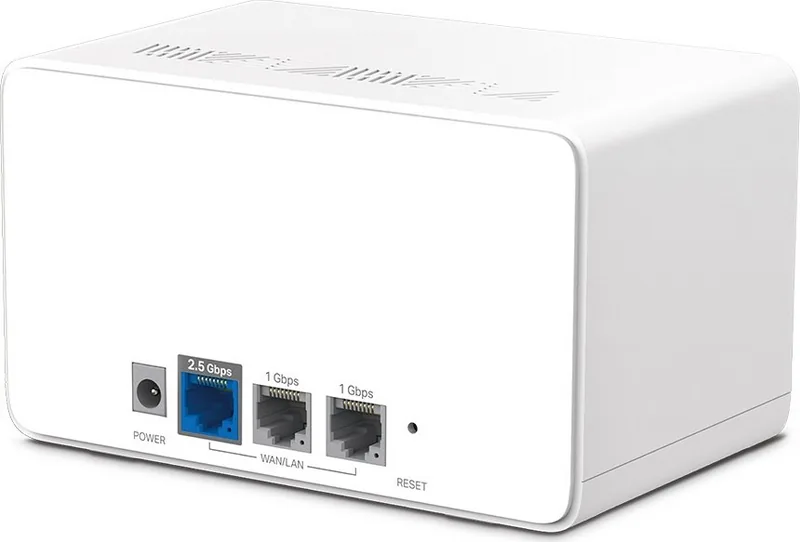
26 Pages
96 Pages
95 Pages
26 Pages

60 Pages
67 Pages
85 Pages
80 Pages
85 Pages
77 Pages
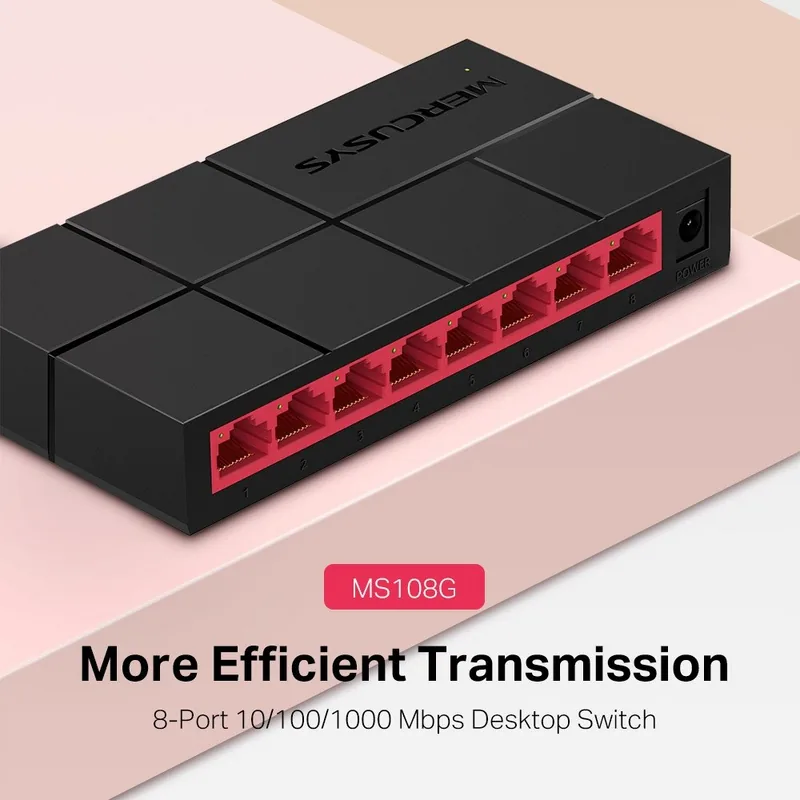
2 Pages
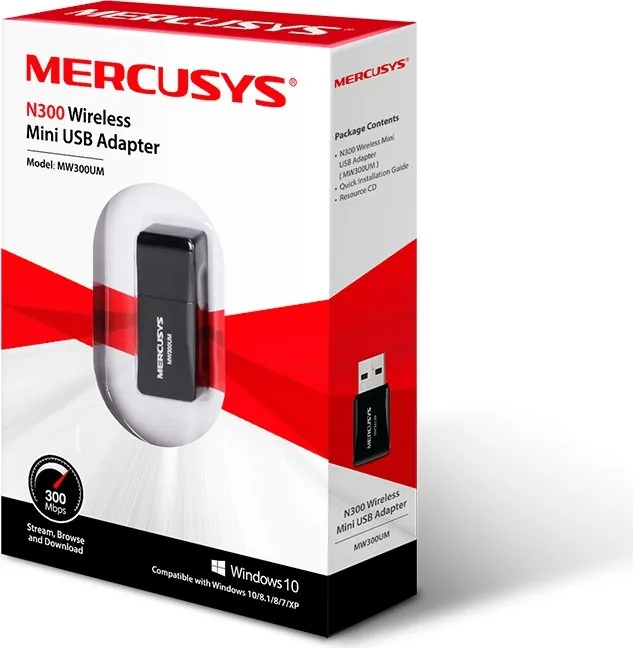
28 Pages
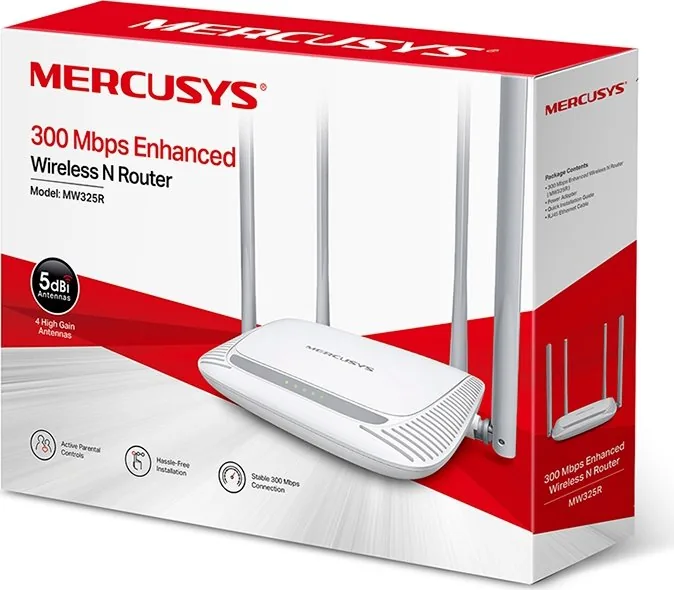
59 Pages
Categories

Free MERCUSYS Manuals - Read, Download & Print
Find free MERCUSYS manuals for routers, Wi-Fi range extenders, mesh Wi-Fi systems, access points, switches, and other networking devices. This page helps users locate clear product documentation for setup, configuration, troubleshooting, maintenance, and everyday use. Whether you are installing a new home network, changing wireless settings, or looking for a specific feature, the right manual can provide step-by-step guidance.
Browse MERCUSYS Product Manuals
MERCUSYS devices are designed to support reliable home and small-office networking, but each model may include different ports, buttons, wireless standards, settings, and management options. A manual is useful for identifying your exact device and understanding how its features work. Product documentation commonly includes model diagrams, package contents, hardware descriptions, installation instructions, safety information, and technical specifications.
Use the model name printed on the product label, retail box, or device underside to find the correct manual. Selecting documentation for the exact model helps ensure that setup instructions, default settings, LED behavior, and available options match your equipment.
Common MERCUSYS Device Categories
Available documentation may cover a wide range of MERCUSYS networking products, including:
- Wi-Fi routers for broadband internet connections
- Dual-band and high-speed wireless routers
- Wi-Fi range extenders and repeaters
- Whole-home mesh Wi-Fi systems
- Wireless access points
- Desktop and rack-compatible network switches
- Powerline networking products
- USB Wi-Fi adapters
- Network cameras and related accessories, where applicable
Each category has different setup requirements. For example, a router manual may explain internet connection types and Wi-Fi security, while an extender manual may focus on placement, pairing, and signal indicators.
Read Manuals Online
Reading a MERCUSYS manual online is a convenient way to check information without saving a file first. Online manuals can help you quickly review installation steps, locate button functions, confirm indicator light meanings, or compare supported features before making changes to the network.
Many users consult documentation when they need to reconnect a router after an internet service change, update the wireless password, create a guest network, enable parental controls, or adjust device placement. The manual can also explain the web-based management interface and mobile app options available for a particular model.
Useful Information Found in a Manual
A typical MERCUSYS user guide may include sections covering:
- Initial hardware connection and power-up instructions
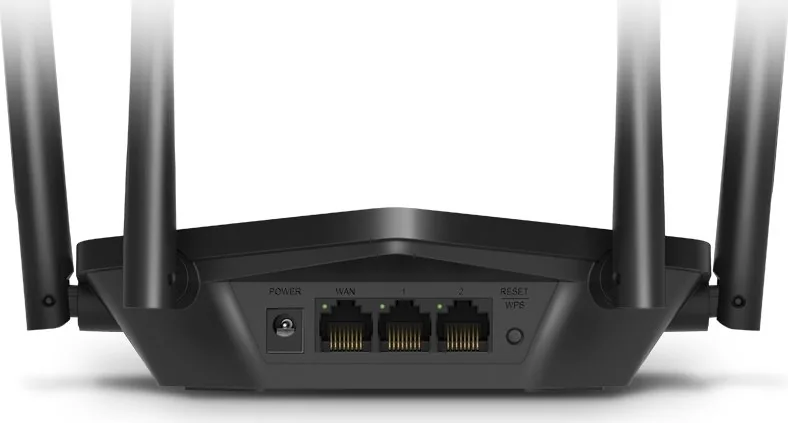
- WAN, LAN, Ethernet, and power port descriptions
- Default wireless network name and password details
- Router login and administration page access
- Internet connection configuration for DHCP, PPPoE, static IP, or other connection types
- Wireless network settings for 2.4 GHz and 5 GHz bands
- Wi-Fi password, network name, and encryption options
- Guest network setup and access controls
- Range extender placement and connection methods
- Mesh node pairing and network expansion
- Firmware update instructions
- Reset procedures and default settings
- LED status explanations and troubleshooting tips
Download MERCUSYS Manuals for Offline Use
Downloading a manual lets you keep important product information available when an internet connection is unavailable or when you need to refer to instructions during installation. A saved manual is especially helpful when setting up networking equipment in a new home, office, workshop, or area where wireless coverage is still being configured.
Before downloading, verify the complete model number and, when listed, the hardware version. Products with similar names can have different interfaces or capabilities. Hardware version information is often printed near the model number on the product label. Using the matching documentation reduces the risk of following outdated or incompatible instructions.
Benefits of Keeping a Digital Copy
A downloaded manual can be useful for:
- Reviewing setup instructions before connecting equipment
- Sharing installation details with family members or IT support staff
- Searching for terms such as "reset," "WPS," "bridge mode," or "firmware"
- Keeping a reference copy with other household or office records
- Checking specifications such as wireless standards, port speeds, and power requirements
- Printing selected pages for hands-on installation work
When opening a downloaded file, use a current PDF reader or compatible document viewer. Keep files organized by model number so they are easy to find later.
Print Setup and Troubleshooting Instructions
Printing a MERCUSYS manual can make installation easier when working away from a computer or phone. Printed pages are practical when connecting cables, mounting an access point, positioning extenders, or navigating a web management screen from another device.
Instead of printing an entire document, consider printing only the pages most relevant to your task. For example, you may want the quick installation guide, router connection diagram, LED status table, reset instructions, or troubleshooting section. This approach saves paper while keeping essential information close at hand.
Printing Tips
For a more useful printed copy, consider these options:
- Confirm that the manual matches your exact MERCUSYS model.
- Print in landscape orientation if diagrams or tables are difficult to read.
- Select specific page ranges for setup instructions and troubleshooting charts.
- Use grayscale printing for text-heavy pages to reduce ink use.
- Keep the printed guide near the device or with your network records.
- Write down custom network details separately rather than adding passwords to a shared manual.
Set Up Your MERCUSYS Network with Confidence
Most MERCUSYS networking devices can be configured by following a few basic steps. Start by placing the device in a suitable location, connecting the required cables, and powering it on. For routers, this usually means connecting the internet source to the WAN or Internet port and connecting a computer or other device by Wi-Fi or Ethernet. For extenders, placement between the router and low-signal area is often important for best results.
The product manual should explain the recommended setup method. Depending on the device, configuration may be completed through a web browser, a dedicated mobile application, a WPS button, or a guided setup page. Follow the instructions for your model rather than assuming every device uses the same address, login method, or button sequence.
Important Setup Practices
For a more secure and dependable network, review these common recommendations:
- Change the default administrator password when prompted.
- Create a strong Wi-Fi password using a unique combination of characters.
- Use WPA2 or WPA3 security when supported by the device.
- Place routers in an open, central location when possible.
- Keep the device away from thick walls, metal surfaces, microwaves, and cordless phone bases.
- Update firmware only by following the official instructions for the exact model.
- Record your network name, administrator login details, and recovery information in a secure place.
Troubleshoot Common MERCUSYS Issues
A manual can be a valuable first resource when a network problem occurs. It may help identify whether the issue relates to an internet service connection, cable placement, wireless range, incorrect settings, or a device status indicator. Review the troubleshooting section before resetting equipment, because a factory reset removes custom settings and may require full reconfiguration.
Common issues covered in product guides include no internet access, weak Wi-Fi signal, inability to connect a phone or computer, forgotten management passwords, WPS pairing problems, extender connection failures, and unexpected LED patterns. Manuals often provide a recommended order of checks, such as confirming power, inspecting cables, restarting equipment, testing another device, and reviewing internet connection settings.
When a Reset Is Needed
If other troubleshooting steps do not resolve the problem, the manual may describe how to restore factory defaults. Reset procedures differ by model, but typically involve pressing and holding a reset button for a specified period while the device is powered on. Read the model-specific instructions carefully and be prepared to set up the network again after a reset.
Find the Right MERCUSYS Documentation
Use free MERCUSYS manuals to understand your device, complete installation tasks, and resolve common networking questions. Search by the full product model number for the best match, then read online, download a copy for offline reference, or print the pages you need. With the correct manual available, managing your MERCUSYS router, extender, mesh system, or network switch becomes simpler and more efficient.
Search for 67,706 Manuals online


Type-in Brand or Model