
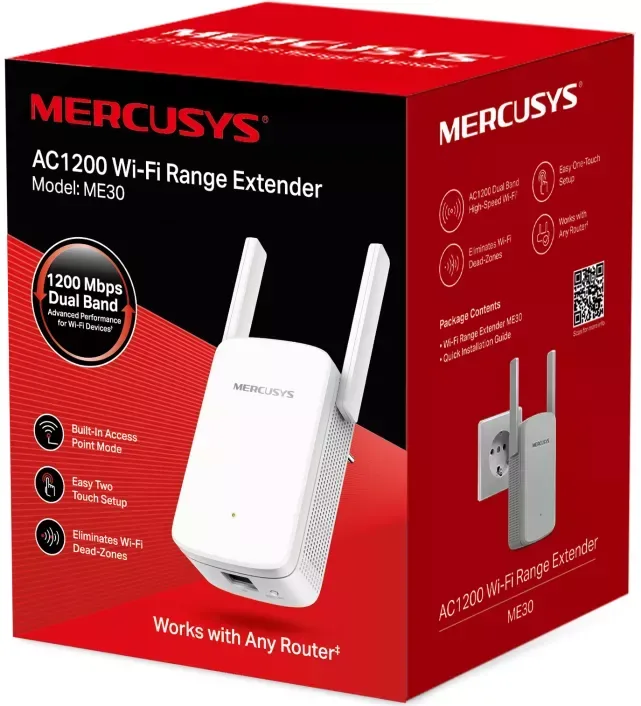
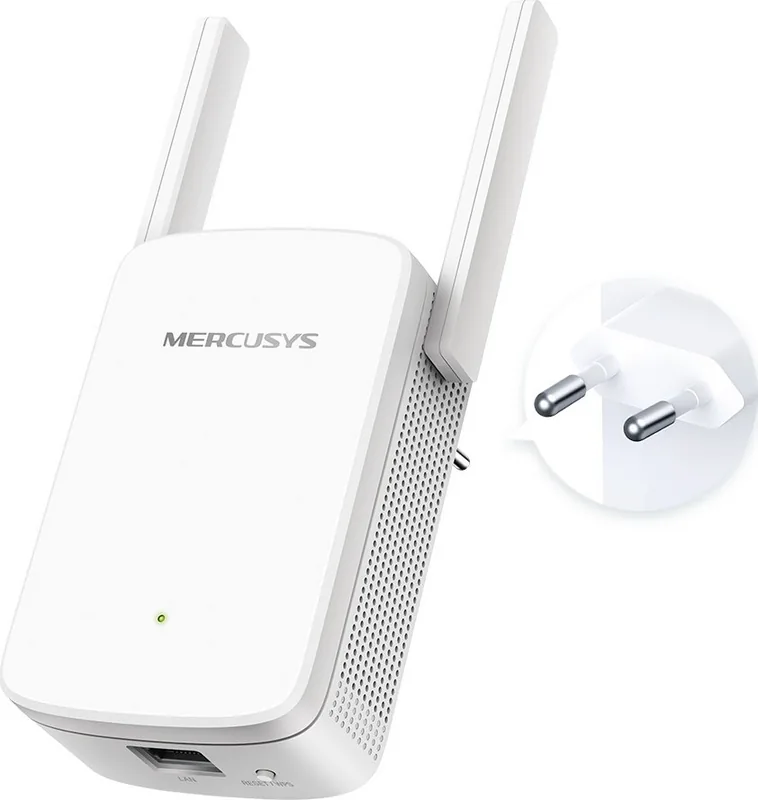
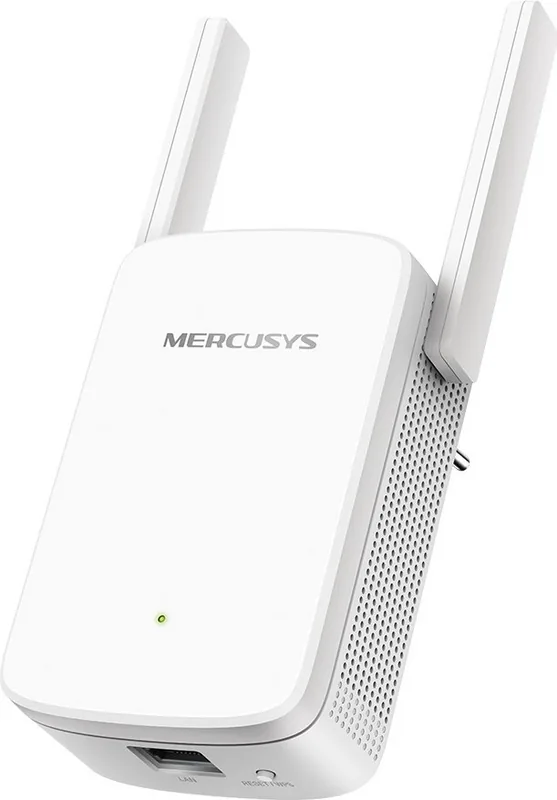
MERCUSYS ME30 Manual
PDF manual · 36 Pages
English



Quick check
Incorrect answer, please try again.
Chat with your MERCUSYS ME30 manual using AI
Get instant AI answers from your MERCUSYS ME30 manual
Ask anything about the MERCUSYS ME30. Answers come from this manual, with the pages they are based on.
Ask a Question
Do you recommend ME30?
Yes NoFrequently Asked Questions
Press and hold the RESET/WPS button for more than 5 seconds until the Signal LED turns off. Alternatively, log into the web management page and click FACTORY RESTORE under Backup & Restore.
Is this answer helpful?
You must restore the configuration to factory default settings by referring to the reset procedure, then create a new password when prompted upon login.
Is this answer helpful?
Ensure your device is connected to the extended network. Verify that http://mwlogin.net is correctly entered. Make sure your computer is set to obtain an IP address automatically.
Is this answer helpful?
Red indicates no connection or power off. Green means good location. Orange means connected but too far from the router. Blinking indicates starting or upgrading.
Is this answer helpful?
Yes, connect Ethernet-only devices like Blu-ray players or game consoles to the Ethernet port on the extender to join the network directly.
Is this answer helpful?
This feature switches off one of the wireless bands to leave one high-performance network. It is ideal for HD streaming and gaming applications on supported devices.
Is this answer helpful?
Yes, provided ventilation slots are not blocked and it is kept away from heat sources or water. Ensure the power socket has a good contact with ground.
Is this answer helpful?
Advantages and Disadvantages
Advantages

- Easy setup using WPS button or web browser for quick internet connection.
- Multicolor LED indicators provide clear visual feedback on signal quality.
- Supports both 2.4 GHz and 5 GHz bands for flexible network expansion.
- Access Control allows you to whitelist or blacklist specific devices for security.
- Can switch modes to function as an Access Point for wired devices.
Disadvantages

- Device is restricted for indoor use in most EU member nations.
- Ethernet port is for client devices only and does not support backhaul.
- Placement requires a power outlet, limiting flexibility in some locations.
- Wireless firmware upgrade is not recommended due to connection instability risks.
- Default IP address may conflict with some specific router configurations locally.
Product Specification
LAN
1x 100Base-TX
Wireless
WLAN 802.11a/b/g/n/ac (Wi-Fi 5), simultaneous
Data Rate
300Mbps (2.4GHz), 867Mbps (5GHz)
Security
WPA, WPA2, WPS
Antennas
2x external
Ports
N/A
Power Consumption
9.2W (Consumption, Operation), not specified (max. power supply rating)
Dimensions
4.76x3.23x2.93 inches
Band Capability
Dual Band (simultaneous)
Data Rate 802.11n (Wi-Fi 4) 2.4GHz
300Mbps (Spatial Streams: 2x2, Bandwidth: 40MHz, Modulation: 64-QAM)
Data Rate 802.11ac (Wi-Fi 5) 5GHz
867Mbps (Spatial Streams: 2x2, Bandwidth: 80MHz, Modulation: 256-QAM)
Note
In some cases, the maximum consumption specification from the manufacturer only corresponds to the maximum output power of the power supply and is therefore not a reliable indicator for power consumption in everyday use.
Product Description
Transform Your Home Connectivity Experience
Introduction to Wireless Extending
Modern homes often have weak spots due to walls or distance. The MERCUSYS ME30 AC1200 solves this problem effectively. It acts as a bridge between your router and devices that struggle to connect directly. By placing this extender strategically, you cover more ground without running new cables. The setup process is straightforward and guides you through every step clearly. Whether you choose web setup or WPS, connectivity is fast. This product stands out as a reliable solution for families needing consistent signal throughout their living space. It supports both 2.4GHz and 5GHz bands for maximum flexibility.
Understanding Signal Strength Indicators
One major benefit is the multicolor LED system. It simplifies placement significantly. Solid red indicates the device is powered but not yet connected. Solid green means you are in a good location. Solid orange shows it is connected but too far from the source router. Blinking green suggests it is trying to connect or upgrade. Solid red with power on means no connection. Understanding these lights saves time troubleshooting. You do not need to guess where to plug it in again. Simply move it until the light turns green before locking down the position.
Configuration and Management Features
Beyond basic extension, customization is key. You can change network names and passwords for each band. High Speed Mode optimizes performance for streaming by using only one strong band. Access Control provides security by managing which devices can browse the internet. You can block guests or whitelist family members easily. Changing LAN settings allows you to avoid IP conflicts on complex networks. The firmware upgrade option ensures security patches are applied promptly. Resetting to factory settings is helpful if configuration errors occur. The LED control feature lets you disable lights for sleeping hours. Power schedules offer automated energy saving during unused times. Using the unit as an access point connects wired consoles or TVs via the single Ethernet port. This port lets Blu-ray players or game consoles join the network securely.
Safety and Compliance Standards
Safety is prioritized in the design. It is intended for indoor use only in many regions. Do not expose it to water or excessive heat. Ensure the power socket is grounded properly. Ventilation slots should remain clear to prevent overheating. The device meets strict electromagnetic emission rules. Recycling helps reduce environmental impact at the end of its life cycle. Always read safety instructions before operating. Following these guidelines protects both the equipment and the users inside your home network. The MERCUSYS ME30 Manual covers all these points in depth for better understanding. Note: Actual speeds may vary based on environmental factors and client limitations.
Search for 67,706 Manuals online


Type-in Brand or Model