
MERCUSYS MR60X Manual
PDF manual · 95 Pages
English



Quick check
Incorrect answer, please try again.
Chat with your MERCUSYS MR60X manual using AI
Get instant AI answers from your MERCUSYS MR60X manual
Ask anything about the MERCUSYS MR60X. Answers come from this manual, with the pages they are based on.
Ask a Question
Do you recommend MR60X?
Yes NoFrequently Asked Questions
Connect modem to WAN port. Use app or browser at mwlogin.net. Follow wizard.
Is this answer helpful?
Use recovery feature or reset to factory defaults.
Is this answer helpful?
Yes, switch operation mode in system settings.
Is this answer helpful?
Use Parental Controls to specify keywords and devices.
Is this answer helpful?
Quick secure connection via button or PIN without password entry.
Is this answer helpful?
Go to system settings and select online update option.
Is this answer helpful?
Yes, supports 802.11ax features for faster speeds.
Is this answer helpful?
Advantages and Disadvantages
Advantages

- Fast speeds with Wi-Fi 6 technology
- Easy setup via app or web interface
- Multiple device support via MU-MIMO
- Parental controls for family safety
- Flexible router and AP modes available
Disadvantages

- Indoor use recommended for 5GHz band performance
- Some features need client device support
- LED brightness might be intense at night
- No external antenna options included
- Web interface requires specific browser settings
Product Specification
Modem
N/A
WAN
1x 1000Base-T
LAN
2x 1000Base-T
Wireless
WLAN 802.11a/b/g/n/ac/ax (Wi-Fi 6), simultaneous
Data Rate
300Mbps (2.4GHz), 1201Mbps (5GHz)
Security
WEP, WPA, WPA2, WPA3, WPS
Antennas
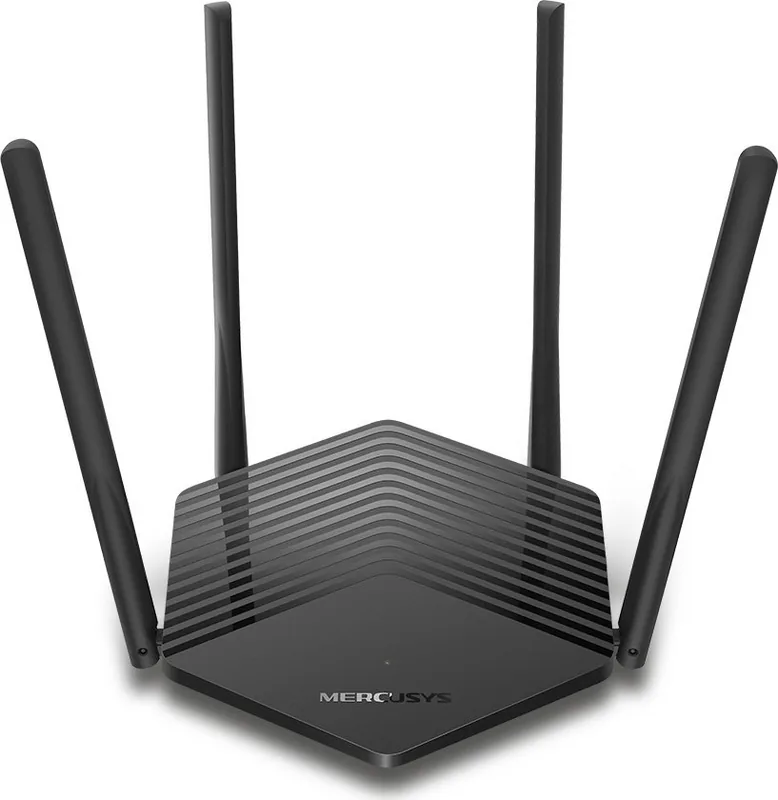
4x external
Power Consumption
Not specified (consumption, operation), Not specified (max. power supply rating)
Dimensions
8.22x6.76x1.64 inches
Features
IPv6, MU-MIMO, VPN passthrough (PPTP/L2TP)
Band Support
Dual Band (simultaneous), Mesh (shared band)
Data Rate 802.11n (Wi-Fi 4) 2.4GHz
300Mbps (Spatial Streams: 2x2, Bandwidth: 40MHz, Modulation: 64-QAM)
Data Rate 802.11ax (Wi-Fi 6 / Wi-Fi 6E) 5GHz
1201Mbps (Spatial Streams: 2x2, Bandwidth: 80MHz, Modulation: 1024-QAM)
Note
Data rate specification for 802.11ax at 5GHz. (802.11n (2.4GHz) 2x2 40MHz 64-QAM: 300Mbps, 802.11ax (5GHz) 2x2 80MHz 1024-QAM: 1201Mbps)
Product Description
Revolutionize Your Home Network with the MERCUSYS MR60X
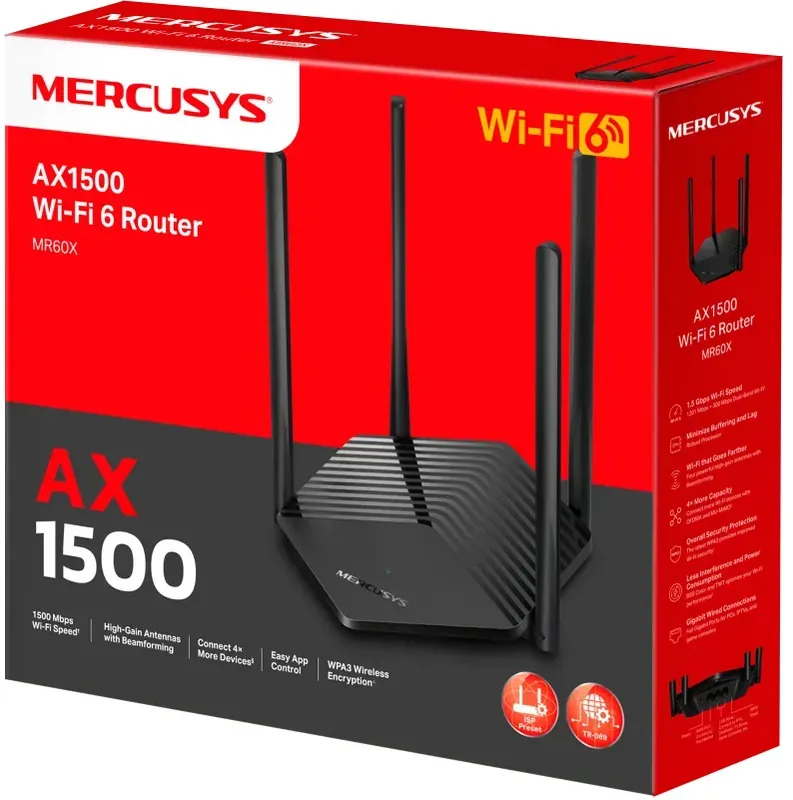
The MERCUSYS MR60X AX1500 brings next-generation connectivity to modern households. This Wi-Fi 6 router is designed to handle multiple devices simultaneously without lag. Users can expect dramatically fast wireless connections up to 1.5 Gbps. Large file downloads and uploads become smooth. Streaming 4K video happens without stuttering. The hardware supports various connection types including Dynamic IP, Static IP, and PPPoE.
Power and Efficiency
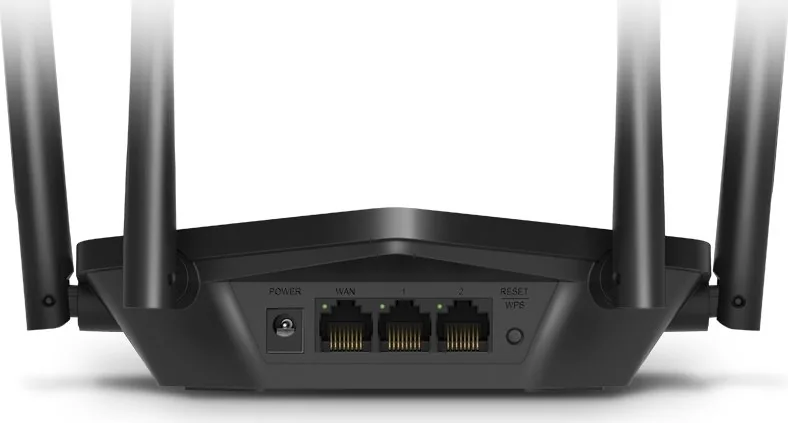
Technology like MU-MIMO and OFDMA significantly improves transmission efficiency. Multiple devices transmit data at the same time. This greatly reduces lag under heavy network conditions. Target Wake Time technology extends battery life for connected clients. The router features 1024-QAM for enhanced data throughput. Wireless antennas help receive and transmit data effectively. Rear panel ports include one WAN and multiple LAN ports for wired connections.
Easy Setup and Management
Setting up the device is straightforward. You can use the MERCUSYS App for smartphones or access the web interface. Simply visit mwlogin.net to log in. A step-by-step wizard guides you through the connection process. Guests can access a separate network without exposing your main system. You can bind your Mercusys ID for cloud management features. Remote management allows control from anywhere via the internet.
Versatile Operation Modes
The hardware supports different configurations to fit your needs. It can function as a standard Wireless Router or switch to Access Point Mode. This flexibility suits various home layouts perfectly. Parents can utilize Parental Controls to restrict internet access for children. QoS features prioritize specific devices for gaming or streaming sessions. Security settings include firewalls and access controls for safety. Additionally, you can configure IPv6 settings for future-proofing your network infrastructure.
Safety and Compliance
The device meets EU and UK declaration requirements for radiation. Users are advised to keep it indoors for the 5GHz band. RF exposure information indicates compliance with health standards globally. Keep the device away from water and excessive heat sources. Proper ventilation prevents overheating during long operation times. Recycling information follows WEEE directives for electronic waste disposal.
Conclusion
Overall, this router ensures reliable internet coverage for your home. It balances performance with ease of use for everyone. Whether for work or play, the network stays stable and fast. Enjoy seamless connectivity with this powerful AX1500 solution today.
Search for 67,706 Manuals online


Type-in Brand or Model