
MERCUSYS MR30G Manual
PDF manual · 77 Pages
English



Quick check
Incorrect answer, please try again.
Chat with your MERCUSYS MR30G manual using AI
Get instant AI answers from your MERCUSYS MR30G manual
Ask anything about the MERCUSYS MR30G. Answers come from this manual, with the pages they are based on.
Ask a Question
Do you recommend MR30G?
Yes NoFrequently Asked Questions
Connect your modem to the router's WAN port using an Ethernet cable. Power on the modem first, wait two minutes, then plug the router into a power source. Connect your computer wirelessly or via a LAN port to begin setup.
Is this answer helpful?
You can access the web management page by entering http://mwlogin.net in your browser. If the page does not load, check your proxy settings or ensure your device is connected to the router's network.
Is this answer helpful?
Yes, the MR30G supports Access Point Mode. Connect the WAN port to your main router's LAN port, log in to the web interface, select Access Point Mode under Operation Mode, and follow the setup wizard.
Is this answer helpful?
Press and hold the WPS/RESET button on the rear panel for more than five seconds until the LEDs flash. Alternatively, log in to the web interface and navigate to System > Backup & Restore to perform a factory restore.
Is this answer helpful?
Yes, the router includes Parental Controls. You can create profiles for family members, block specific websites, set daily time limits, and restrict internet access during specific hours like bedtime.
Is this answer helpful?
Advantages and Disadvantages
Advantages

- Dual-band AC1200 speeds up to 1200 Mbps for fast streaming and gaming
- Flexible Router and Access Point modes for versatile network setups
- Advanced parental controls and QoS for better traffic management
- Easy web-based configuration with guest network support
- WPS button for quick and secure device connections
Disadvantages

- Maximum speed is theoretical and depends on environmental conditions
- MU-MIMO functionality requires compatible client devices
- Indoor use only restriction in certain regions
- Default firmware may require manual updates for new features
- Limited to two LAN ports for wired connections
Product Specification
Modem
N/A
WAN
1x 1000Base-T
LAN
2x 1000Base-T
Wireless
WLAN 802.11a/b/g/n/ac (Wi-Fi 5), simultaneous
Transfer Rate
300Mbps (2.4GHz), 867Mbps (5GHz)
Security
WPA, WPA2, WPA3, WPS
Antennas
4 external
Power Consumption
Not specified (operating consumption), not specified (max power supply output)
Dimensions
6.29x4.96x1.46 in
Features
IPv6, MU-MIMO
Band Capability
Dual Band (simultaneous)
Manufacturer Warranty
two years
Product Description
Mercusys MR30G AC1200: Your Gateway to Blazing Fast Connectivity
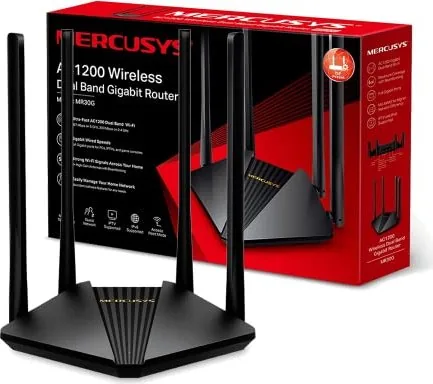
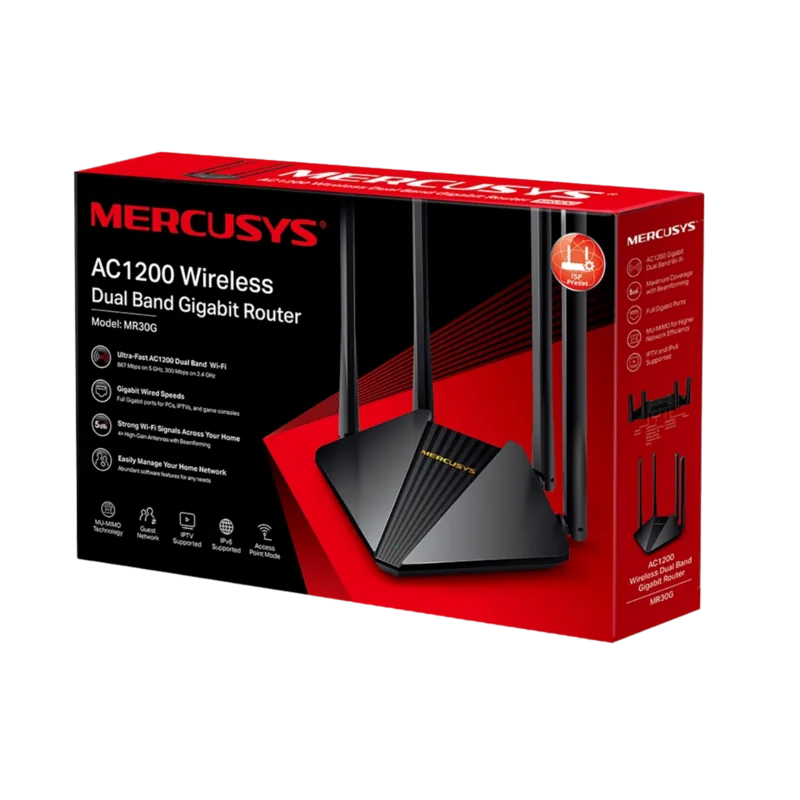
The MERCUSYS MR30G AC1200 Wireless Dual Band Gigabit Router stands as a powerful solution for modern home and small office networking needs. Designed with the latest 802.11ac technology, this device delivers impressive wireless speeds reaching up to 1200 Mbps. Users can enjoy seamless internet surfing, email, and social media on the reliable 300 Mbps 2.4 GHz band, while bandwidth-intensive activities like HD streaming and online gaming are handled effortlessly by the high-speed 867 Mbps 5 GHz band.
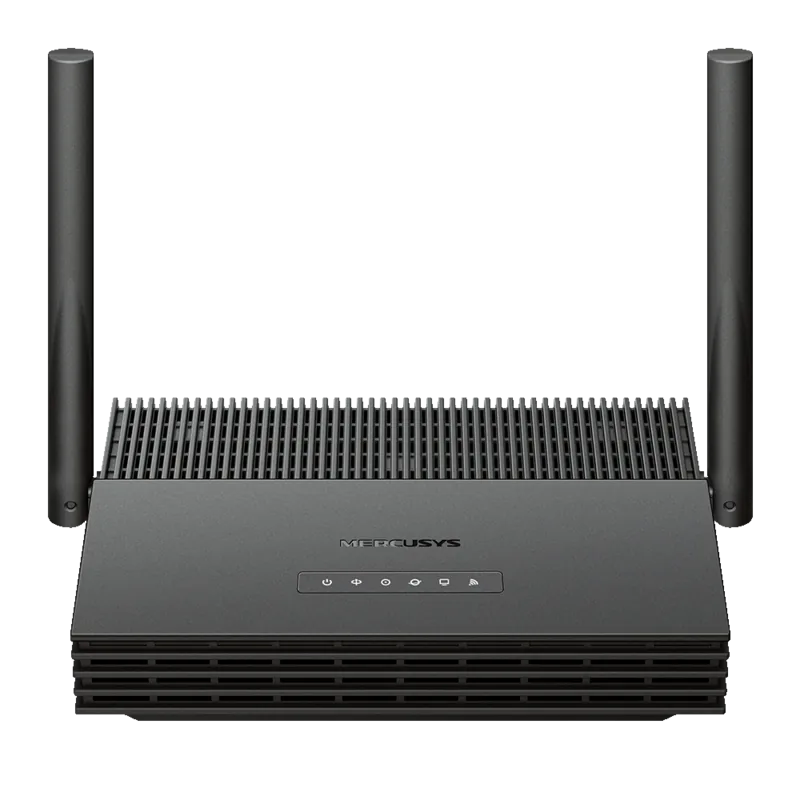
Setting up your network has never been easier with the MR30G. The router offers flexible operation modes, allowing you to choose between standard Router Mode for full internet access or Access Point Mode to extend an existing wired network into a robust wireless environment. The physical design is user-friendly, featuring a clear status LED panel that indicates power, connectivity, and wireless activity at a glance. The rear panel provides essential ports including a dedicated WAN port for modem connections, two LAN ports for wired devices, and a WPS/RESET button for quick setup or troubleshooting.
Security and control are paramount in the MR30G experience. Built-in parental controls allow parents to set time limits and block inappropriate content for specific family members. For gamers and streamers, Quality of Service (QoS) features ensure that critical applications receive priority bandwidth, preventing lag during peak usage times. Advanced security measures include a Stateful Packet Inspection Firewall, IP & MAC binding to prevent spoofing attacks, and comprehensive access control lists.
Managing your network is intuitive through a web-based interface accessible via http://mwlogin.net. From here, you can configure dynamic DNS, set up port forwarding for hosting servers, manage guest networks for visitors, and even schedule wireless shutdowns to save energy. The router supports firmware upgrades directly from the manufacturer's website, ensuring your device stays current with the latest features and security patches. Whether you need to bridge networks using WDS or simply want a stable connection for all your smart home devices, the MERCUSYS MR30G AC1200 delivers performance and reliability.
Important Notes
- Maximum wireless signal rates are theoretical values based on IEEE standards; actual throughput varies due to environmental factors.
- MU-MIMO requires client devices to also support the MU-MIMO protocol for optimal performance.
- The device must be used indoors in EU member states and Great Britain per regulatory restrictions.
Search for 67,706 Manuals online


Type-in Brand or Model