
MERCUSYS AC10 Manual
PDF manual · 80 Pages
English



Quick check
Incorrect answer, please try again.
Chat with your MERCUSYS AC10 manual using AI
Get instant AI answers from your MERCUSYS AC10 manual
Ask anything about the MERCUSYS AC10. Answers come from this manual, with the pages they are based on.
AC10 Maintenance Schedule
Enable Reboot Schedule to clear cache and enhance performance. Specify the time and frequency (e.g., daily or weekly) for automatic restarts.
Download the latest firmware from the official website and upgrade via the web management page to improve features and security.
Ask a Question
Do you recommend AC10?
Yes NoFrequently Asked Questions
Connect to the router's network, open a browser, and visit http://mwlogin.net. Enter the password you created during the initial setup process.
Is this answer helpful?
Router Mode creates a new network and handles internet sharing, while Access Point Mode extends an existing wired network to provide wireless connectivity without creating a new subnet.
Is this answer helpful?
Yes. Log in to the web management page, navigate to System > Administration, and enter your old password followed by a new one twice to update it.
Is this answer helpful?
Press and hold the Reset button on the rear panel for more than 5 seconds until the LEDs flash. Alternatively, use the Factory Restore option in the System menu after logging in.
Is this answer helpful?
Yes, the AC10 supports IPv6 configuration. You can enable it in the Advanced settings under the IPv6 section, selecting either Router or Pass-Through mode based on your ISP requirements.
Is this answer helpful?
Advantages and Disadvantages
Advantages

- Supports dual-band AC1200 speeds for superior performance compared to older N standards
- Offers flexible Router and Access Point modes for versatile network configurations
- Includes advanced security features like SPI Firewall and parental controls
- User-friendly web interface simplifies management and troubleshooting
- WPS function enables quick and secure wireless connections
Disadvantages

- External antennas are not detachable, limiting potential signal upgrades
- No USB ports available for storage sharing or printer connectivity
- Default firmware may require manual updates for latest features
- Limited to standard home/small office use rather than enterprise needs
- LED brightness cannot be adjusted individually per light
Product Specification
Modem
N/A
WAN
1x 100Base-TX
LAN
2x 100Base-TX
Wireless
WLAN 802.11a/b/g/n/ac (Wi-Fi 5), simultaneous
Data Rate
300Mbps (2.4GHz), 867Mbps (5GHz)
Security
WPA, WPA2, WPA3, WPS
Antennas
4 external
Power Consumption
Not specified (operating consumption), not specified (max power supply rating)
Dimensions
4.49x3.70x1.02 in
Features
IPv6, MU-MIMO
Band Capability
Dual Band (simultaneous)
Manufacturer Warranty
two years
Product Description
MERCUSYS AC10: The Gateway to Faster Wireless Connectivity
The MERCUSYS AC10 is a powerful AC1200 Wireless Dual Band Router designed to elevate your home or small office network experience. By leveraging the advanced 802.11ac technology, this device delivers speeds up to three times faster than traditional 802.11n routers. It intelligently manages data traffic across two distinct frequency bands: a 2.4 GHz band offering 300 Mbps for reliable surfing and email, and a robust 5 GHz band providing up to 867 Mbps ideal for HD streaming and online gaming. This dual-band capability ensures that you can allocate devices to dedicated networks, minimizing lag and maximizing efficiency for all your digital activities.
Versatile Operation Modes
One of the standout features of the MERCUSYS AC10 is its flexibility in operation modes. Users can switch seamlessly between Router Mode and Access Point Mode to suit their specific network topology. In Router Mode, the device acts as a central hub, providing internet access to multiple wired and wireless devices while handling complex tasks like NAT forwarding and DHCP services. Alternatively, Access Point Mode allows the router to extend an existing wired network into a wireless one, making it perfect for covering dead zones in larger homes without replacing your main gateway.
Advanced Management and Security
Managing your network has never been easier with the intuitive web-based utility accessible via http://mwlogin.net. The interface offers comprehensive control over various settings, including Parental Controls to restrict content and set time limits for family members, and Quality of Service (QoS) to prioritize bandwidth for critical applications like video calls or gaming. Security is paramount, with built-in SPI Firewall protection, Access Control lists for Blacklisting or Whitelisting devices, and IP & MAC Binding to prevent unauthorized ARP attacks. Additionally, features like Guest Networks allow visitors to connect safely without accessing your private local files.
Hardware and Reliability
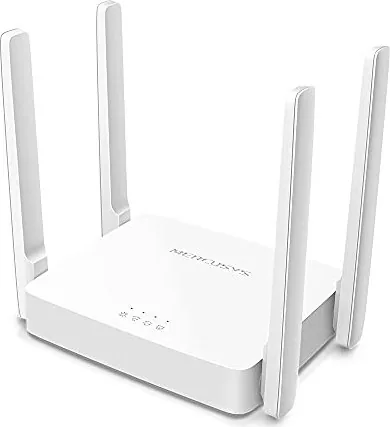
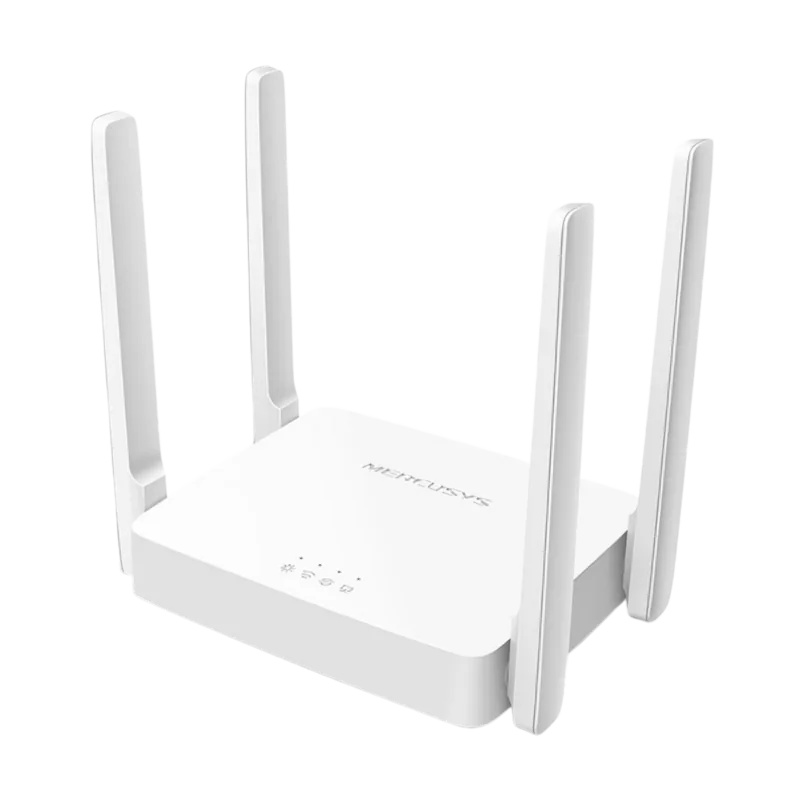
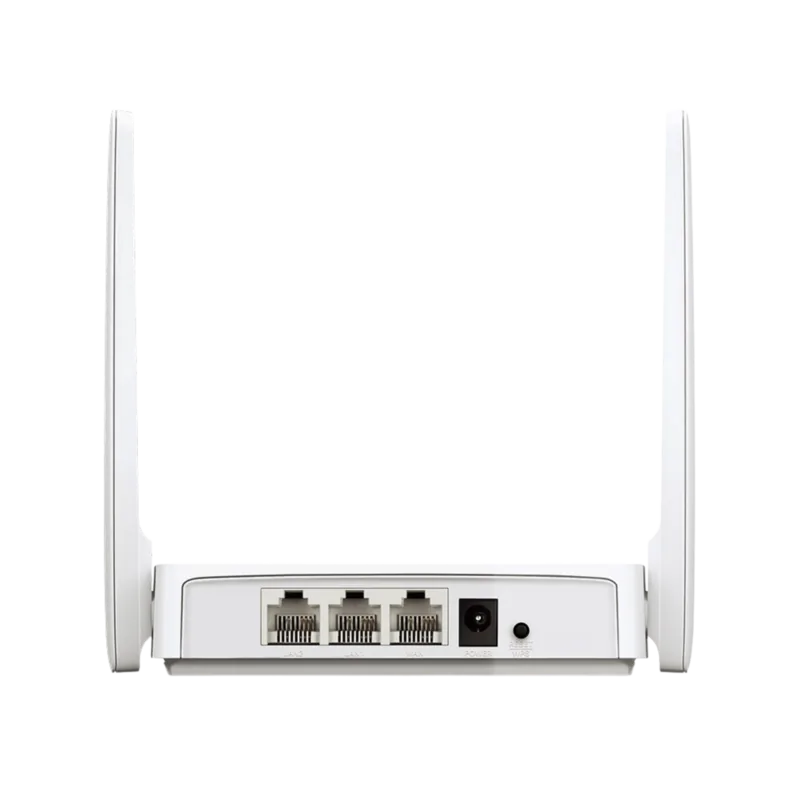
Physically, the AC10 features a user-friendly design with clear LED indicators on the front panel to monitor system status, Wi-Fi activity, and connection health. The rear panel houses essential ports including a WAN port for modem connection, four LAN ports for wired devices, and a WPS/Reset button for quick setup or recovery. The device includes external antennas optimized for signal transmission and reception, ensuring stable coverage throughout your space. Whether you are upgrading your current setup or building a new network from scratch, the MERCUSYS AC10 provides the performance and reliability needed for modern connectivity.
Search for 67,706 Manuals online


Type-in Brand or Model