
MERCUSYS MR50G Manual
PDF manual · 85 Pages
English



Quick check
Incorrect answer, please try again.
Chat with your MERCUSYS MR50G manual using AI
Get instant AI answers from your MERCUSYS MR50G manual
Ask anything about the MERCUSYS MR50G. Answers come from this manual, with the pages they are based on.
Ask a Question
Do you recommend MR50G?
Yes NoFrequently Asked Questions
Press and hold the Reset button on the back of the router for more than 5 seconds until the LEDs flash. This restores factory defaults. You will then need to reconfigure your internet settings and create a new login password.
Is this answer helpful?
Yes, the MR50G supports Access Point mode. Connect the WAN port to your main router's LAN port, log into the web interface, change the mode to Access Point, and follow the setup wizard to extend your existing network wirelessly.
Is this answer helpful?
The router supports Dynamic IP, Static IP, PPPoE, L2TP, and PPTP connection types. Most home users will select Dynamic IP, while DSL users often choose PPPoE. The interface allows you to auto-detect or manually enter ISP details.
Is this answer helpful?
Yes, it includes robust Parental Controls. You can create profiles for family members, block inappropriate websites by keyword, and set daily time limits or bed-time restrictions to manage internet usage effectively.
Is this answer helpful?
Navigate to Advanced > QoS in the web menu. Enable the feature, input your ISP's upload and download speeds, find your gaming device in the list, and toggle the Priority switch. You can also set a specific duration for the priority boost.
Is this answer helpful?
Advantages and Disadvantages
Advantages

- Supports dual-band 2.4GHz and 5GHz frequencies for reduced interference
- Features 3x3 MIMO technology for enhanced signal range and speed
- Includes comprehensive parental controls and QoS prioritization
- Easy setup process with a guided web interface wizard
- Offers multiple operating modes including router and access point
Disadvantages

- Limited to only three LAN ports which may require an external switch
- No USB ports for storage or printer sharing capabilities
- Firmware update process requires manual download from website
- Default login credentials must be changed immediately for security
- Advanced features like IPv6 may require technical knowledge to configure
Product Specification
Modem
N/A
WAN
1x 1000Base-T
LAN
2x 1000Base-T
Wireless
WLAN 802.11a/b/g/n/ac (Wi-Fi 5), simultaneous
Transfer Rate
600Mbps (2.4GHz), 1300Mbps (5GHz)
Security
WPA, WPA2, WPA3, WPS
Antennas
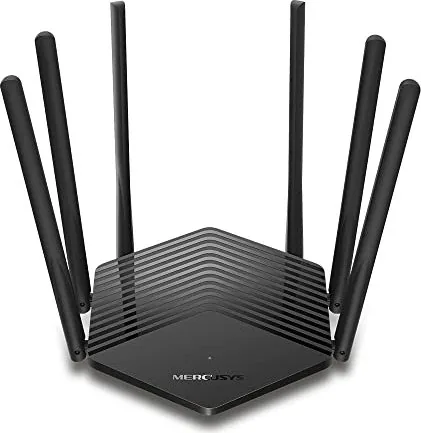
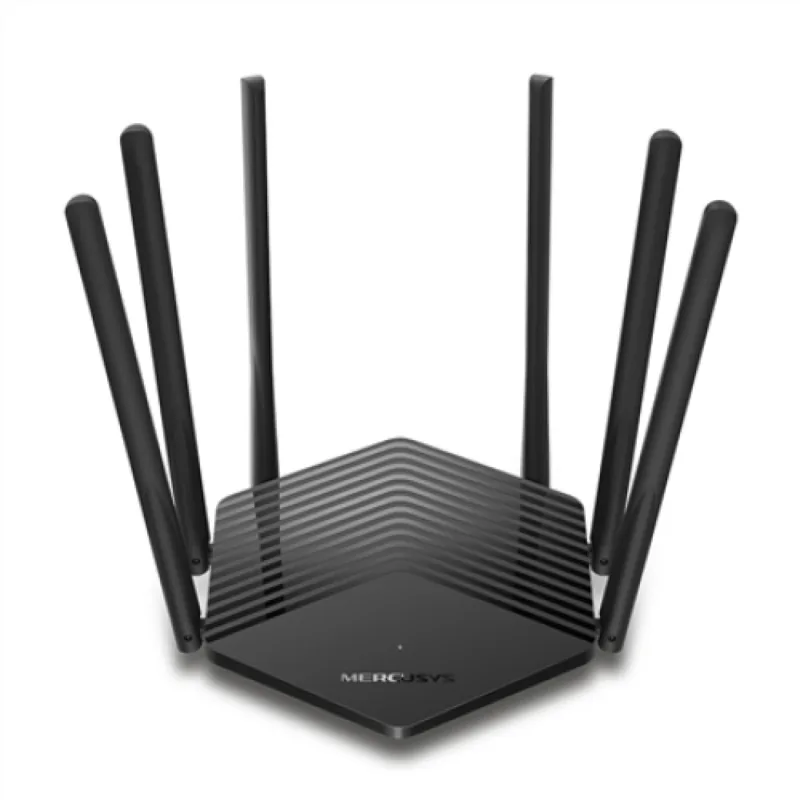
6x external
Power Consumption
Not specified (operating consumption), not specified (max power supply rating)
Dimensions
6.91x6.20x1.77in
Features
IPv6, MU-MIMO
Band Capability
Dual Band (simultaneous)
Manufacturer Warranty
two years
Product Description
MERCUSYS MR50G AC1900 Review
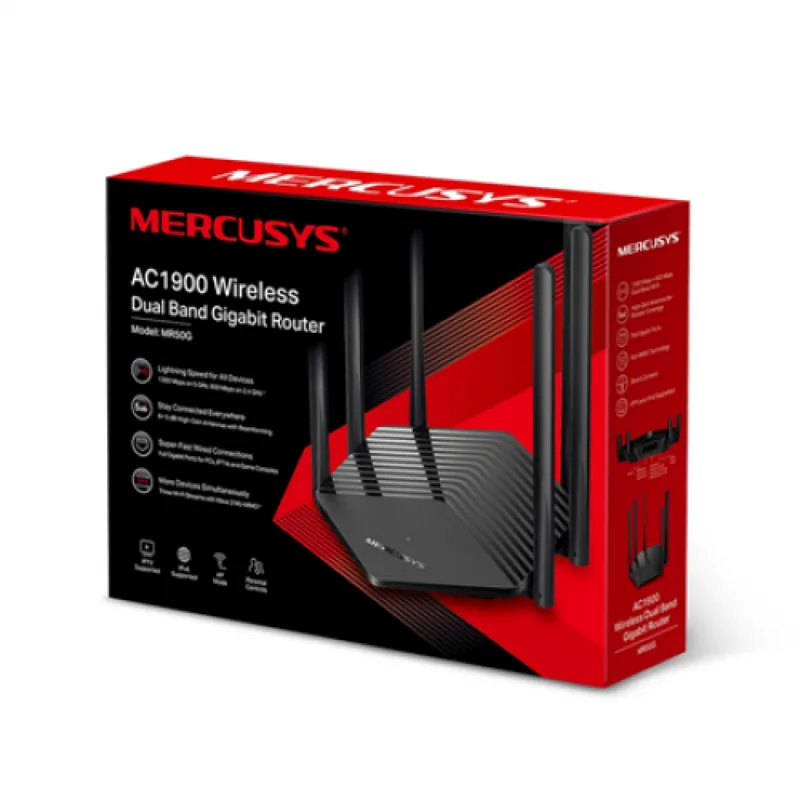
The MERCUSYS MR50G AC1900 is a powerful Wireless Dual Band Gigabit Router designed to meet the high-speed networking demands of Small Office/Home Office (SOHO) environments. Powered by advanced 3x3 MIMO technology, this device delivers exceptional range and speed, ensuring seamless connectivity for multiple devices simultaneously. Whether you are streaming high-definition video, gaming online, or working remotely, the MR50G provides the robust performance needed to keep your digital life running smoothly.
Key Features and Performance
This router integrates a 3-port switch, firewall, NAT-router, and wireless access point into a single compact unit. It supports both 2.4GHz and 5GHz bands, offering flexible channel widths and high transmit power options to minimize interference and maximize coverage. The device features a user-friendly web management interface accessible via http://mwlogin.net, allowing users to quickly set up their network using the Quick Setup Wizard. You can configure the router in Wireless Router mode for primary internet access or switch to Access Point mode to extend an existing wired network.
Advanced Configuration Capabilities
Beyond basic connectivity, the MERCUSYS MR50G offers extensive advanced configuration options. Users can manage Parental Controls to restrict internet access for specific family members based on time schedules and content filters. Quality of Service (QoS) settings allow you to prioritize bandwidth for critical applications like online gaming or video conferencing. For security-conscious users, the built-in SPI Firewall, Access Control lists (Blacklist/Whitelist), and IP & MAC Binding provide layers of protection against unauthorized access and cyber threats. Additionally, features like Port Forwarding, UPnP, and DMZ support make it easy to host local servers or play multiplayer games without complex port configurations.
Installation and Design
Installation is straightforward with clear LED indicators for system status, WAN connection, and LAN activity. The rear panel includes dedicated ports for power, WAN, and three LAN connections, along with a WPS button for quick wireless pairing. The router requires minimal maintenance and includes safety features such as overheat protection and surge prevention. With its reliable hardware and versatile software, the MERCUSYS MR50G stands out as a top choice for those seeking a balance between performance, ease of use, and affordability.
Search for 67,706 Manuals online


Type-in Brand or Model