

Free AZZA Manuals – Read, Download & Print
25 Manuals
Manuals
14 Pages
2 Pages
2 Pages
12 Pages
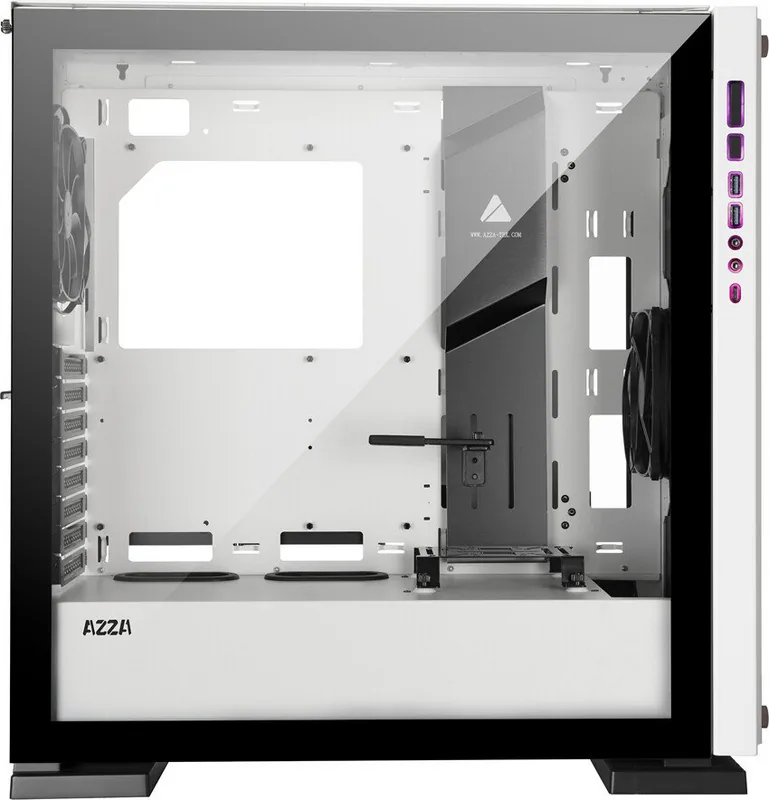
11 Pages
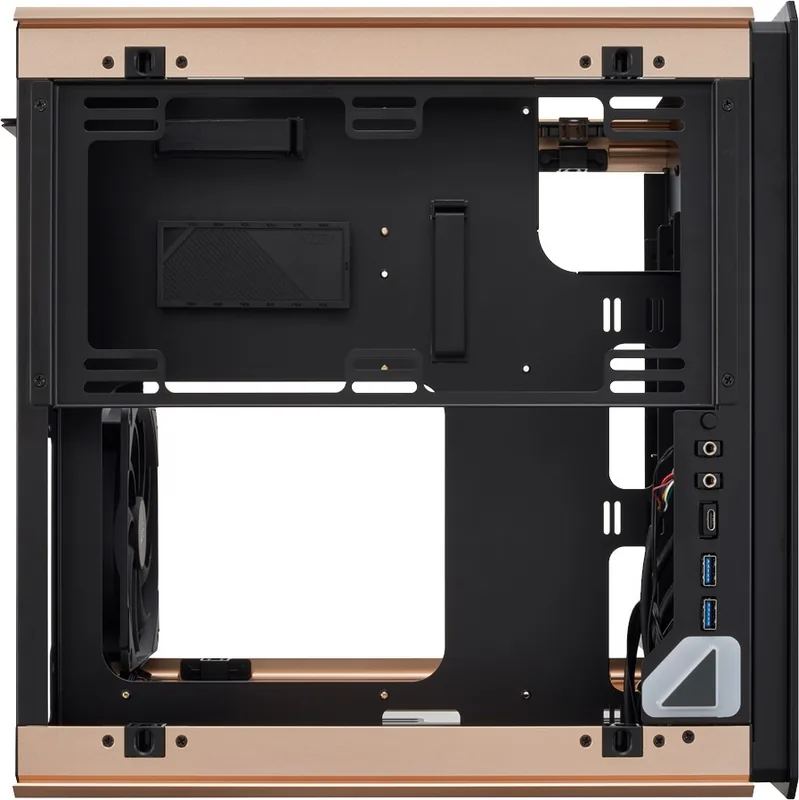
11 Pages
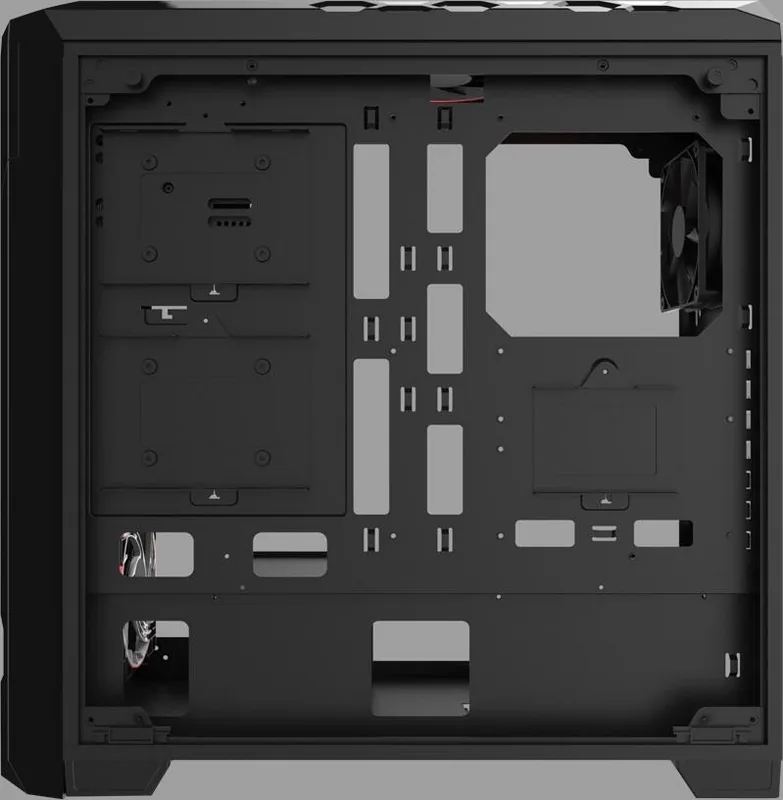
10 Pages
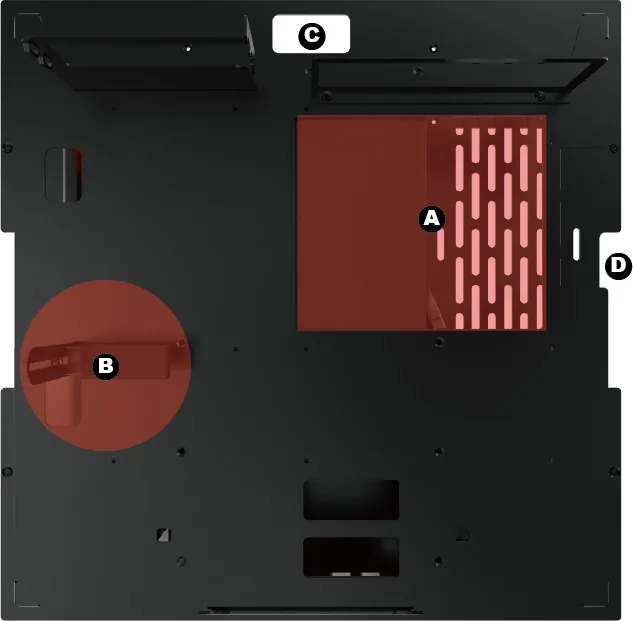
13 Pages
10 Pages
12 Pages

9 Pages
10 Pages
4 Pages
10 Pages
12 Pages
12 Pages
12 Pages
15 Pages
12 Pages
11 Pages
1 Pages
11 Pages
12 Pages
14 Pages
15 Pages
Categories

Free AZZA Manuals - Read, Download & Print
Find AZZA Manuals for Cases, Power Supplies, Cooling, and Accessories
Looking for an AZZA manual? This page helps you find product documentation for AZZA computer cases, power supplies, fans, cooling components, and related hardware. Manuals provide useful details for installation, system compatibility, connector layouts, safety information, maintenance, troubleshooting, and warranty guidance. Whether you are building a new desktop PC, replacing a component, or checking specifications for an older product, the right manual can make the process simpler.
AZZA products are designed for PC builders who want practical case layouts, airflow options, cable management features, and hardware support for modern systems. Depending on the model, an AZZA manual may include information about motherboard form factors, graphics card clearance, radiator support, drive bay placement, front-panel connections, fan mounting positions, and power supply installation. Reading the documentation before starting can help avoid installation mistakes and confirm that all parts will fit correctly.
Read AZZA Manuals Online
Online AZZA manuals are convenient when you need quick access to setup instructions without storing a file on your device. You can review product diagrams, installation steps, technical tables, and safety notes directly from a browser. This is especially useful when working at a desk, repair bench, or PC building station where you need to check a connector location or mounting instruction while assembling hardware.
Many manuals begin with an overview of the product and a list of included accessories. Case documentation may show the location of screws, brackets, filters, panels, and front input/output ports. Power supply manuals may explain cable types, electrical ratings, safety requirements, and connection recommendations. Cooling and fan documentation may cover mounting direction, airflow orientation, RGB or ARGB connections, and controller setup.
Reading the manual before installation can also help you plan the order of assembly. For example, it may be easier to install a power supply, route certain cables, or mount a radiator before placing a large graphics card inside the chassis. Documentation can identify removable components and explain how to access hidden mounting areas safely.
Download AZZA Product Documentation
Downloading an AZZA manual gives you a local copy that can be saved for later use. A downloaded document is useful when you expect to work offline, want to archive instructions for a specific PC build, or need to share installation information with a technician or customer. Keep manuals organized by product name or model number so they are easy to find during future upgrades, cleaning, or repairs.
Before downloading, verify that the documentation matches the exact AZZA model you own. Product families may include multiple versions with similar names but different dimensions, port configurations, fan support, or internal layouts. Check the model label on the product packaging, chassis rear panel, power supply label, or purchase record. Using the correct manual is important because even small design differences can affect installation steps and compatibility.
Downloaded manuals can be useful for comparing hardware before a purchase. You may be able to confirm maximum CPU cooler height, supported radiator sizes, drive capacity, PCI expansion slot count, or supported motherboard standards. These details help determine whether an AZZA product will work with your current components and future upgrade plans.
Print Instructions for PC Building and Service
Printing an AZZA manual can be helpful during assembly, service, and troubleshooting. A printed copy lets you keep key instructions nearby without switching between windows or devices. You can print the full document or select only the pages that cover installation diagrams, cable pinouts, specification charts, and safety guidance.
For a cleaner printout, use page preview to select the most relevant pages. Product dimensions, exploded diagrams, front-panel connector illustrations, and fan placement diagrams are often the most useful pages to have at a workbench. If the manual includes color-coded diagrams, printing in color may make connector labels and airflow arrows easier to understand. However, black-and-white printing is usually sufficient for standard installation instructions.
Printed documentation is also useful when building systems for others. A technician can include a copy of the relevant manual with a completed PC, or a builder can keep notes alongside the original instructions. This makes future upgrades easier, especially when the system owner needs to identify compatible drives, cooling options, or replacement parts.
What You Can Find in an AZZA Manual
AZZA manuals vary by product category, but they commonly include practical technical information. Computer case manuals may provide exterior and interior diagrams, panel removal steps, component clearances, fan locations, radiator compatibility, cable routing options, and storage mounting instructions. They may also describe dust filter cleaning and front-panel port connections.
Power supply documentation may list rated input voltage, output rails, connector types, protection features, operating conditions, and safety warnings. Always follow electrical safety instructions when installing a power supply. Disconnect the system from mains power before opening the case or connecting internal components. Do not open a power supply enclosure, as it may contain hazardous components even after being unplugged.
Cooling documentation can explain fan orientation, radiator mounting, pump connections, controller ports, and lighting synchronization. Correct airflow direction is important for system temperatures. In most cases, fans are marked with arrows showing blade rotation and airflow direction. Plan intake and exhaust locations carefully to support balanced airflow through the chassis.
Troubleshooting with the Right Manual
An AZZA manual can be a useful starting point when a component does not fit, a front-panel port is not working, or a fan and lighting connection is unclear. Review diagrams and connector labels before disconnecting or changing components. If you are troubleshooting a new build, confirm that all motherboard standoffs are in the correct positions, expansion cards are fully seated, power cables are connected securely, and front-panel headers are attached according to the motherboard documentation.
For cooling issues, check fan direction, controller connections, and power source requirements. Ensure that radiators and fans are mounted with the proper screws, as incorrect screw length can damage radiator fins or internal channels. For case-related issues, inspect removable panels, drive trays, filters, and brackets for proper alignment. Avoid forcing parts into place, since this can damage threads, connectors, or tempered glass panels.
If a manual does not answer a specific question, compare its specifications with the documentation for your motherboard, graphics card, cooler, and storage devices. Compatibility depends on the complete system, not just one component. Measure clearances when necessary and verify manufacturer specifications before making modifications.
Tips for Choosing the Correct AZZA Manual
Start by locating the full model name and any revision information. Similar-looking cases may have different front-panel ports, fan controllers, side panel types, or internal mounting hardware. Power supplies can also have different wattage ratings and cable configurations. Matching the exact product identifier helps ensure that the instructions and specifications are accurate.
Use the manual alongside official product information whenever possible. Product pages can provide current specifications, while manuals offer installation details and diagrams. If you are comparing models, focus on the features that matter most for your build, including motherboard compatibility, GPU length, CPU cooler height, radiator placement, included fans, storage options, and front connectivity.
Safe Installation and Maintenance
Always work on a clean, stable surface and use basic anti-static precautions when handling PC components. Turn off the computer, disconnect the power cable, and allow components to cool before service. Keep screws and small hardware organized, and use only the mounting hardware intended for the part being installed.
Regular maintenance can improve airflow and help reduce heat buildup. Clean dust filters, fan blades, and accessible vents carefully. Do not use excessive liquid cleaners near electronic components. Review the relevant product documentation for guidance on removing filters, panels, and fan brackets. Keeping your AZZA manual available makes routine cleaning, upgrades, and component replacement more straightforward.
Access Free AZZA Manual Information
Free AZZA manuals help builders, gamers, technicians, and everyday computer users understand their hardware. From initial installation to long-term maintenance, product documentation offers valuable instructions for using cases, power supplies, cooling products, and accessories safely and effectively. Read online for quick reference, download a copy for offline access, or print essential pages for your workspace. With the correct AZZA manual in hand, you can plan your build with greater confidence and keep your PC hardware organized, compatible, and properly installed.
Search for 67,706 Manuals online


Type-in Brand or Model