

Free Western Digital Manuals – Read, Download & Print
34 Manuals
Manuals
59 Pages
45 Pages
41 Pages
322 Pages
381 Pages
396 Pages
127 Pages
374 Pages
320 Pages
129 Pages
121 Pages
51 Pages
317 Pages
381 Pages
41 Pages
340 Pages
317 Pages
36 Pages
43 Pages
45 Pages
65 Pages
347 Pages
356 Pages
267 Pages
322 Pages
365 Pages
352 Pages
382 Pages
385 Pages
386 Pages
384 Pages
400 Pages
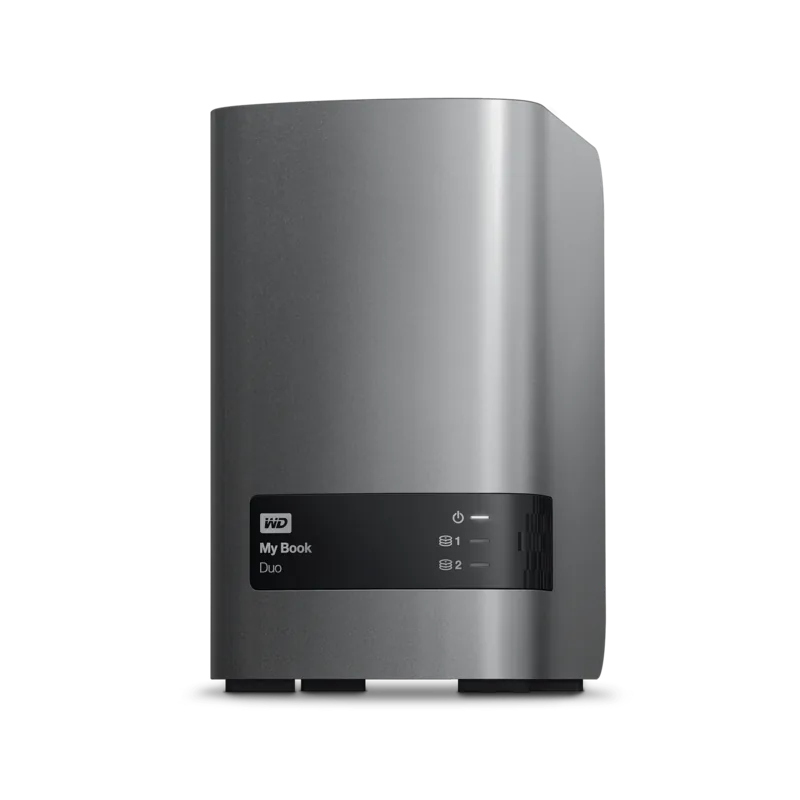
46 Pages
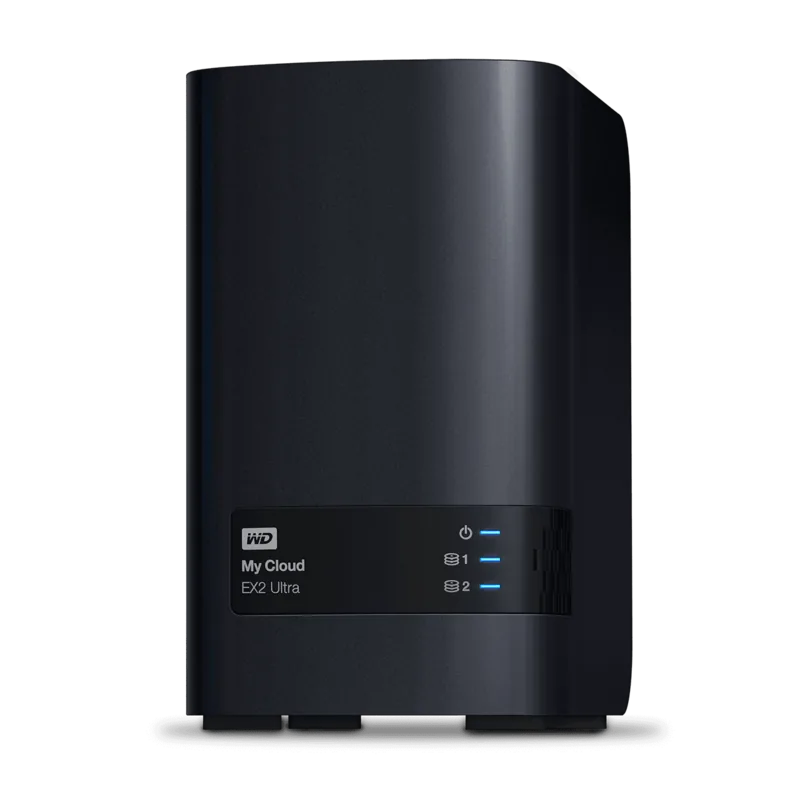
129 Pages
Categories

Free Western Digital Manuals - Read, Download & Print
Find Western Digital Manuals for Storage, Backup, and Network Devices
Access free Western Digital manuals for popular hard drives, solid-state drives, NAS systems, external storage products, and backup devices. Whether you need help setting up a new drive, connecting a My Book device, configuring a WD Red NAS drive, or troubleshooting a portable external disk, product documentation can provide clear instructions for everyday use and maintenance.
Western Digital products are widely used for personal storage, professional workflows, gaming systems, home media libraries, and business data management. Manuals help users understand product features, installation requirements, software compatibility, safety information, and support options. Reading the appropriate guide before use can also help protect valuable files and reduce the risk of configuration errors.
Read Western Digital User Guides Online
Online manuals offer a convenient way to review product instructions without keeping printed paperwork. Users can search for their device model and read guides directly from a computer, phone, or tablet. Digital documentation is useful when setting up a device in a home office, transferring data between systems, or solving a problem while traveling.
A Western Digital user manual may include information about:
- Connecting external drives through USB, USB-C, or other supported interfaces
- Installing internal HDD and SSD products in desktop computers or laptops
- Configuring network-attached storage devices for home or office use
- Creating user accounts and shared folders on compatible NAS systems
- Using backup and drive management software
- Understanding LED indicators, ports, cables, and buttons
- Updating firmware when applicable
- Maintaining reliable storage performance
- Safely disconnecting portable drives
- Reviewing warranty, regulatory, and safety details
Many manuals also include diagrams that identify the device components. These illustrations can be especially useful for users who are connecting a drive for the first time or need to locate a reset button, power connector, Ethernet port, or status light.
Download Western Digital Manuals for Offline Access
Downloading a Western Digital manual makes it easy to keep important instructions available when an internet connection is unavailable. PDF manuals can be saved to a computer, phone, tablet, or cloud storage folder for quick reference. Offline copies are useful for technicians, IT teams, remote workers, and users who manage multiple storage devices.
Before downloading a manual, verify the exact model number printed on the drive, enclosure, product label, packaging, or original purchase documentation. Western Digital product families can include several generations and capacity options, and manuals may differ between versions. Matching the documentation to the correct model helps ensure that setup steps, compatibility notes, and specifications are accurate.
Common product categories that may have manuals include:
External Hard Drives
External storage manuals often explain how to connect the device, register it, install optional software, format it for different operating systems, and back up files. Products in this category may include portable drives, desktop drives, and high-capacity backup solutions. Guides may also explain the differences between Windows and macOS file systems.
Internal Hard Drives and SSDs
Internal drive documentation can provide installation guidance, technical specifications, handling precautions, and interface details. Users may need these manuals when upgrading a desktop PC, building a workstation, replacing a failed drive, or expanding storage capacity in a compatible system.
NAS and Network Storage Systems
Network storage manuals are especially valuable because setup can involve hardware installation, network connections, user permissions, remote access settings, data protection features, and media services. Documentation may outline initial configuration through a browser-based dashboard or companion application.
Portable and Mobile Storage
Portable drive manuals generally cover cable connections, power requirements, software tools, encryption features, and safe transport. These guides can help users protect data when carrying drives between work, school, home, and travel locations.
Print Western Digital Documentation When You Need a Physical Copy
Printing a Western Digital manual can be helpful for hands-on installation, repair work, or training. A paper copy allows users to follow instructions while working around a computer case, network cabinet, or desk setup without switching between screens. Printed pages can also be useful in offices where multiple staff members need access to the same technical instructions.
For easier printing, consider selecting only the pages that are relevant to the task. For example, users installing an internal drive may only need the installation, specifications, and safety sections. Those configuring a NAS device may want to print network setup instructions, troubleshooting steps, and account management information.
When printing a manual, check that diagrams and tables remain readable. Landscape orientation may improve the appearance of wide charts, while grayscale printing can reduce ink use for long documents. Keeping printed guides in a labeled folder can make future maintenance and troubleshooting more efficient.
How to Identify the Correct Western Digital Model
The correct manual usually depends on the exact product name and model number. Look for identifying details on the device label, underside of an enclosure, drive packaging, or system management interface. Useful information may include the product family, model code, capacity, interface type, and hardware revision.
For example, an external drive manual may differ based on whether the device is designed for desktop backup, portable use, gaming, or professional content creation. NAS documentation can vary by number of drive bays, processor type, operating system version, and included features. Internal drive information may differ between SATA, NVMe, enterprise, surveillance, and NAS-oriented products.
If a device has been reformatted, renamed, or installed inside another enclosure, the label on the physical hardware is often the best source for identification. Using the right manual helps avoid incorrect setup procedures and unnecessary troubleshooting.
Helpful Topics Found in Western Digital Manuals
Western Digital documentation often includes more than basic installation steps. Depending on the product, users may find detailed guidance for data migration, backups, performance settings, drive health monitoring, power management, security, and recovery planning.
Setup and Connectivity
Setup sections explain how to connect the product to a computer, router, switch, or power source. They may list supported cables, required adapters, operating system requirements, and recommended network configurations. Follow connection instructions carefully to prevent interruption during initial setup or file transfers.
Formatting and Compatibility
Storage devices may be formatted differently depending on their intended use. Manuals can explain compatibility with Windows, macOS, gaming consoles, media players, or network environments. Reformatting a drive can erase existing data, so users should review instructions and back up important files before making changes.
Backup and Data Protection
Backup guidance may cover automatic backup schedules, file history, synchronization, cloud connections, RAID options, or recovery procedures. A storage device alone is not a complete backup strategy. Important files should be kept in more than one location, ideally with separate copies stored on different devices or locations.
Troubleshooting
Troubleshooting sections can help resolve common issues such as a drive not appearing on a computer, slow transfer speeds, connection interruptions, missing shared folders, or unusual status lights. Manuals may recommend checking cables, ports, power supplies, software updates, permissions, and system settings before seeking further support.
Safe Use and Storage Best Practices
Always handle hard drives and storage systems carefully. Avoid dropping portable drives, exposing devices to moisture, blocking ventilation openings, or disconnecting power during active transfers. For desktop external drives and NAS systems, use a stable surface with adequate airflow. Sudden power loss can affect data integrity, especially during updates, transfers, or RAID rebuilding.
Safely eject external storage before disconnecting it from a computer. This helps ensure that pending write operations are completed. For network storage systems, use the administration interface or documented shutdown procedure instead of simply unplugging the unit.
Keep firmware and related management software updated when updates are relevant to your model. Review release notes before installation and avoid interrupting a firmware update. If you store sensitive files, use strong account passwords, access controls, and encryption features where supported.
Use Manuals to Get More From Your Western Digital Device
Free Western Digital manuals are practical resources for new owners, experienced users, and IT professionals. They provide product-specific information that can make installation easier, support better data management, and help users understand the full range of available features. Read online for quick help, download a copy for offline reference, or print key pages for convenient use during setup and maintenance.
By selecting the correct guide, following safety instructions, and maintaining reliable backup habits, users can get more value from Western Digital storage products while helping keep important data organized, accessible, and protected.
Search for 67,706 Manuals online


Type-in Brand or Model