
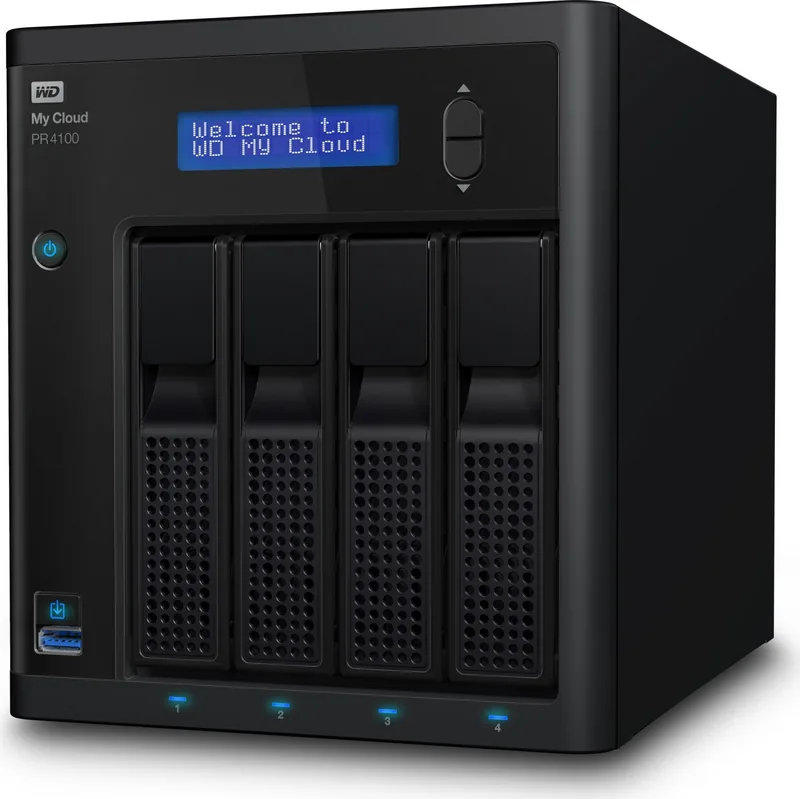
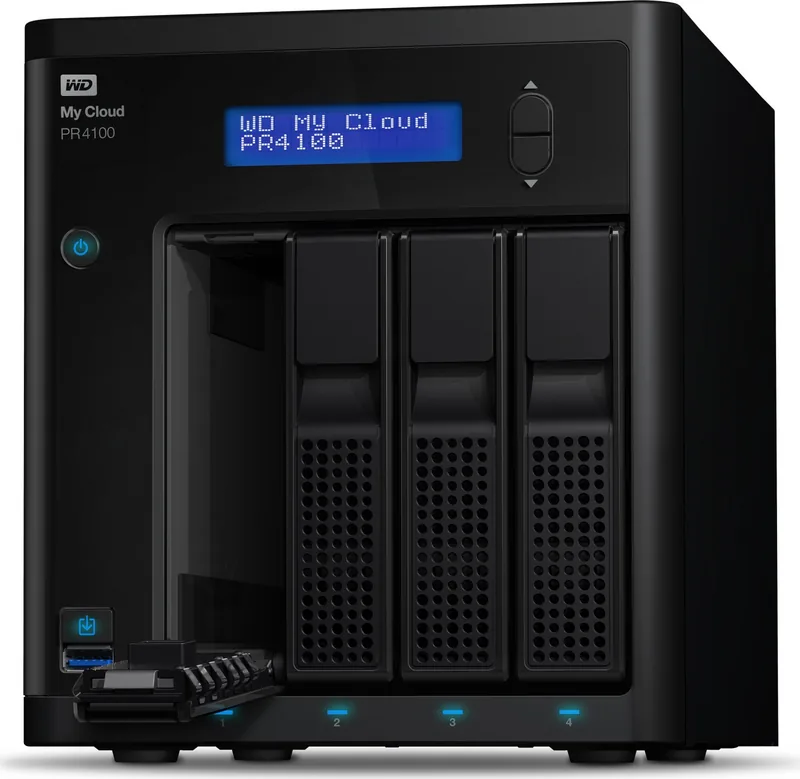
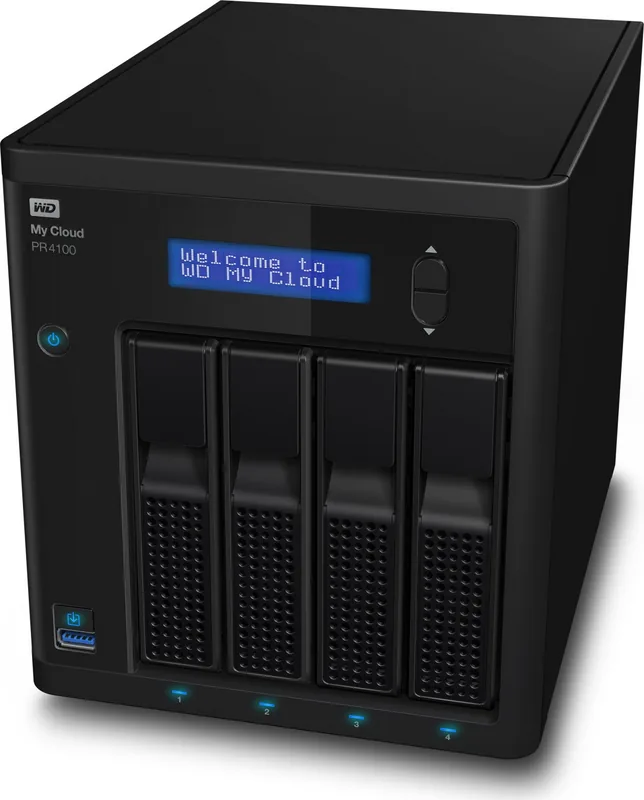
Western Digital My Cloud Pro PR4100 Manual
PDF manual · 121 Pages
English



Quick check
Incorrect answer, please try again.
Chat with your Western Digital My Cloud Pro PR4100 manual using AI
Get instant AI answers from your Western Digital My Cloud Pro PR4100 manual
Ask anything about the Western Digital My Cloud Pro PR4100. Answers come from this manual, with the pages they are based on.
Ask a Question
Do you recommend My Cloud Pro PR4100?
Yes NoFrequently Asked Questions
It is a network-attached storage device for storing, sharing, backing up, and streaming files across a home or office network. It also supports remote access and user permissions.
Is this answer helpful?
The dual LAN ports provide more flexible network connection options. They can help with traffic handling, improve access in shared environments, and support better overall network use.
Is this answer helpful?
Yes. The device supports several RAID modes, including RAID 0, RAID 1, RAID 5, RAID 10, JBOD, and Spanning. The available choices depend on the device and number of drives installed.
Is this answer helpful?
Yes. The device supports cloud access through user accounts and activation codes, plus mobile apps for iOS and Android. Remote access must be enabled in the dashboard.
Is this answer helpful?
Yes. It supports DLNA media serving and iTunes music streaming. Shared media folders let compatible devices find and play content on the network.
Is this answer helpful?
It supports USB backups, remote backups to another My Cloud device, internal backups between shares, cloud backups through supported services, and camera backups.
Is this answer helpful?
Advantages and Disadvantages
Advantages

- Dual Gigabit LAN adds networking flexibility and can improve performance in busy environments.
- 4-bay design supports multiple RAID choices, including redundancy-focused setups for safer storage.
- Strong user, group, and share controls make it easy to manage access across teams or households.
- Built-in backup and media features reduce the need for separate tools or services.
Disadvantages

- RAID mode changes can erase all data and user settings, so configuration must be planned carefully.
- Some features depend on internet access for setup, mobile apps, and cloud functions.
- The device offers many options, which can feel complex for first-time NAS users.
- USB and backup workflows are powerful, but they require careful job setup to avoid mistakes.
Product Specification
Hard Drive
N/A
Internal
4x 3.5", SATA 6Gb/s
External
2x Gb LAN
Additional Ports
3x USB-A 3.0 (Host)
RAID Level
0/1/5/10/5+1/10+1/JBOD
CPU
Intel Pentium N3710, 4C/4T, 1.60-2.56GHz, 2MB Cache, 6W TDP, 4W SDP, Codename "Braswell" (Airmont, Intel 14nm)
RAM
4GB DDR3
Fan
1x 4.72 in
Dimensions
6.69x7.56x9.13 in (WxHxD)
Weight
7.63 lb
Special Features
256bit AES Encryption, iSCSI, DLNA Server, FTP Server, BitTorrent Client, WebDAV, iTunes Server
Warranty
24 Months
USB Notation
Link
Product Description
Western Digital My Cloud Pro PR4100: A Practical NAS for Teams, Creators, and Home Power Users
Western Digital My Cloud Pro PR4100 is built for people who want more than simple file storage. With its 4-bay design and dual Gigabit Ethernet ports, it aims to deliver fast, flexible network storage for backups, media libraries, and shared workspaces. The setup flow is straightforward, but the real value shows up once the device is running and you start shaping it around your workflow.
Built for control and expansion
The PR4100 gives you multiple ways to organize data, from public shares for easy access to private shares with user permissions. It supports user and group management, quotas, and access rules, which makes it a strong fit for offices, creative studios, or families with mixed storage needs. The dashboard also helps you monitor system health, firmware, storage capacity, and active network usage at a glance.
Backup, access, and media in one place
This My Cloud model is more than a backup box. It can handle USB backups, internal backups, remote backups, cloud backups, and even camera imports. That flexibility means you can centralize important files and keep multiple copies without juggling several tools. The manual also shows how to connect remote users through cloud access and mobile apps, so files can stay available away from the local network.
For entertainment and content sharing, the device works as a media server with DLNA and iTunes support. Shared Music, Shared Pictures, and Shared Videos folders make it easy to stream content to compatible devices across the home or office. That combination of storage and media serving makes the PR4100 useful for both productivity and playback.
Why the dual LAN design matters
The 2x Gb LAN setup is one of its most useful hardware features. It helps improve network flexibility, supports better traffic handling, and can be valuable in environments where multiple users or devices are active at the same time. When paired with RAID options such as RAID 1, RAID 5, or RAID 10, the PR4100 can be tuned for a balance of speed, redundancy, and capacity.
Notes
- Best suited for users who want shared storage with advanced control.
- Some features, such as cloud access and updates, rely on internet connectivity.
- RAID changes can erase data, so planning ahead is important.
- Media and backup features are powerful, but setup rewards users who explore the dashboard carefully.
Search for 67,706 Manuals online


Type-in Brand or Model