
Western Digital My Passport Ultra BC3C Manual
PDF manual · 43 Pages
English



Quick check
Incorrect answer, please try again.
Chat with your Western Digital My Passport Ultra BC3C manual using AI
Get instant AI answers from your Western Digital My Passport Ultra BC3C manual
Ask anything about the Western Digital My Passport Ultra BC3C. Answers come from this manual, with the pages they are based on.
My Passport Ultra BC3C Maintenance Schedule
Check for and install updates for WD Backup, WD Security, and WD Drive Utilities when notifications appear in WD Discovery.
Run the drive status check, quick drive test, or complete drive test if you are concerned that your drive is not operating properly.
Free maintenance reminders
Timed to your purchase date. Always free, unsubscribe anytime.
Ask a Question
Do you recommend My Passport Ultra BC3C?
Yes NoFrequently Asked Questions
It is designed for portable storage, backup, and file protection. Users can store documents, media, and system files while using WD software tools to manage backups and security.
Is this answer helpful?
Yes. It uses a USB 3.1 Type-C interface, which supports high-speed data transfer and backward compatibility with USB 2.0 devices and ports.
Is this answer helpful?
Yes. WD Security lets you set a password to lock the drive. This helps prevent unauthorized access and can improve privacy for stored files.
Is this answer helpful?
For Windows users, yes. The drive comes preformatted for Windows compatibility and includes software for backup, security, and drive management.
Is this answer helpful?
Yes, but reformatting is required for full Mac use. The manual notes that Mac users may need to convert the drive to a compatible format first.
Is this answer helpful?
If the password is lost, access to the data is blocked. In some cases, the drive must be erased before it can be used again, so keeping a password hint is important.
Is this answer helpful?
Advantages and Disadvantages
Advantages

- Compact portable design makes it easy to carry and use for everyday storage.
- USB 3.1 Type-C support enables fast transfers and modern connectivity.
- Includes backup, security, and utilities software for better file protection.
- Password protection adds privacy and helps keep personal data safer.
Disadvantages

- Mac users may need to reformat the drive before full use.
- Forgetting the password can lead to data loss and may require drive erasure.
- Some features depend on installed WD software and operating system support.
- Erasing or reformatting removes the bundled WD software and utilities.
Product Specification
Form factor
2.5"
External connector
1x USB-C 3.0
RAID level
N/A
Fan
N/A
Dimensions
4.33x3.21x0.50in
Weight
0.29 lb
Special features
256bit AES encryption, incl. USB cable (USB-C), incl. USB adapter (USB-A)
Manufacturer warranty
three years
USB notation
Link
Product Description
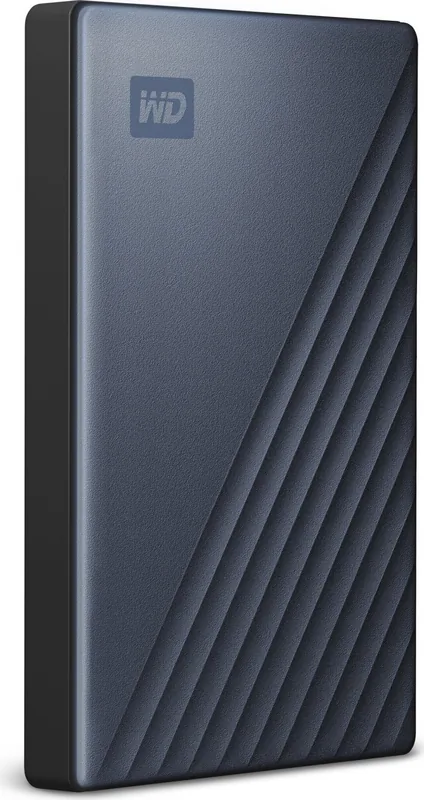
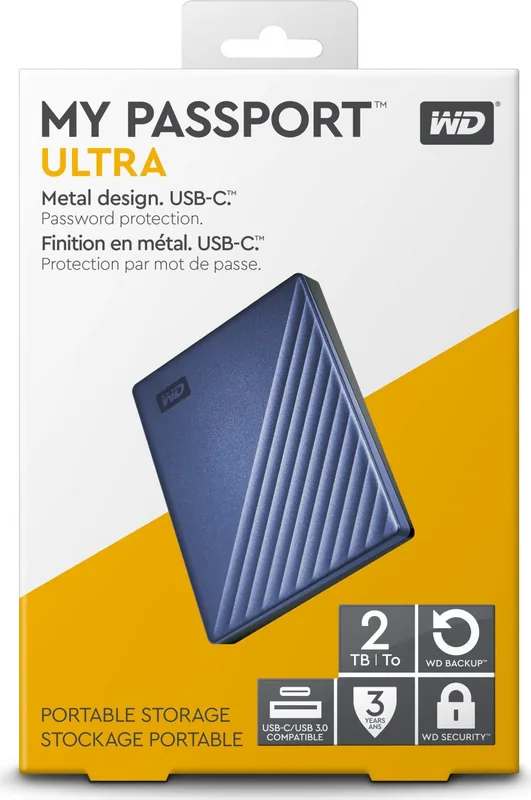
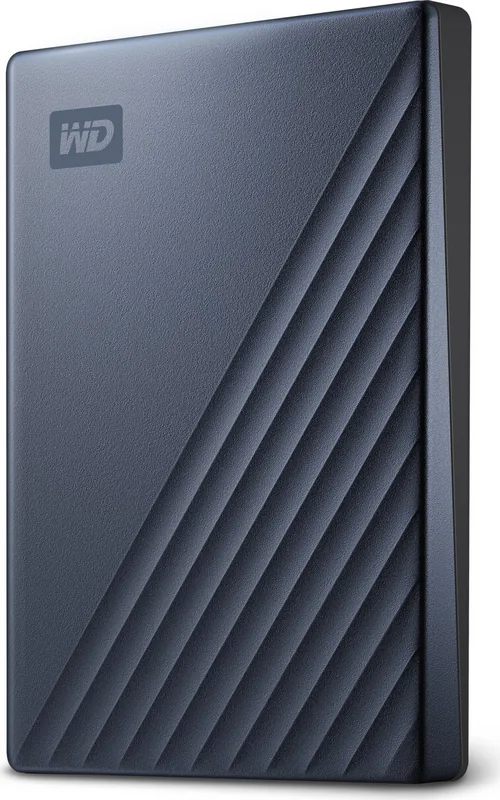
Western Digital WD My Passport Ultra BC3C External HDD: Portable Storage with Smart Protection
The Western Digital WD My Passport Ultra BC3C external HDD is built for people who want dependable storage in a compact, travel-friendly design. It combines a sleek portable body with USB 3.1 Type-C connectivity, making it a practical choice for quick file transfers, everyday backups, and secure storage on the move. The overall focus is simple: keep your files accessible, protected, and easy to manage.
One of its biggest strengths is the included software package. The drive works with WD Discovery, WD Backup, WD Security, and WD Drive Utilities, giving users tools for scheduling backups, checking drive health, setting passwords, and customizing settings. That means the drive is not just a storage device, but a small data-management system designed to help protect photos, videos, documents, and music.
The Western Digital WD My Passport Ultra BC3C external HDD Manual also shows that the drive is created for convenience right out of the box. It is formatted for Windows compatibility, supports local and cloud backup options, and can be unlocked with password protection for an added layer of privacy. For many users, that makes it especially appealing as a personal backup companion for laptops and desktop systems.
Another useful detail is its broad compatibility with Windows and, after reformatting, Mac systems. The drive includes guidance for safe removal, troubleshooting, firmware/software updates, and recovery steps if the drive is erased or reformatted. This makes it a flexible option for users who want portable storage with clear support resources behind it.
Notes
- Best suited for users who want easy backup and password protection.
- USB Type-C support helps keep the drive modern and convenient.
- Mac users may need to reformat before using it fully.
- Regular backups are strongly encouraged to avoid data loss.
Search for 67,706 Manuals online


Type-in Brand or Model