
Western Digital My Book Manual
PDF manual · 46 Pages
English



Quick check
Incorrect answer, please try again.
Chat with your Western Digital My Book manual using AI
Get instant AI answers from your Western Digital My Book manual
Ask anything about the Western Digital My Book. Answers come from this manual, with the pages they are based on.
Ask a Question
Do you recommend My Book?
Yes NoFrequently Asked Questions
The WD My Book features a USB 3.0 interface that supports data transfer rates up to 5 Gb/s. It is backward compatible with USB 2.0, which supports speeds up to 480 Mb/s.
Is this answer helpful?
Yes, the drive is formatted as a single exFAT partition, which makes it compatible with all updated Windows and Mac operating systems without requiring reformatting.
Is this answer helpful?
The drive uses 256-bit AES hardware encryption controlled by WD Security software. You can set a personalized password to lock the drive, preventing unauthorized access. If you forget the password, you must erase the drive to use it again.
Is this answer helpful?
Yes, the included WD Backup software allows you to create backup plans that run automatically on an hourly, daily, or monthly schedule. It backs up new and changed files from your selected sources.
Is this answer helpful?
The kit contains the My Book drive itself, a USB 3.0 cable, an AC adapter, and a quick install guide. It also includes pre-loaded software such as WD Discovery, WD Backup, WD Drive Utilities, and WD Security.
Is this answer helpful?
On Windows, use the Safely Remove Hardware icon in the system tray. On Mac, drag the drive icon to the trash before disconnecting. Due to the exFAT format, failing to follow these steps may result in data corruption.
Is this answer helpful?
Advantages and Disadvantages
Advantages

- High-speed USB 3.0 connectivity supports transfer rates up to 5 Gb/s
- Built-in 256-bit AES hardware encryption ensures data privacy
- Compatible with Windows and macOS via exFAT formatting
- Includes WD Backup software with scheduled automatic backups
- Ready to use out of the box with included cables and guides
Disadvantages

- Not designed for portable use; intended as a stationary desktop drive
- Forgotten passwords require erasing the drive to regain access
- WD Backup software is not available for Mac computers
- Special care required when disconnecting due to exFAT format risks
Product Description
Western Digital WD My Book Desktop Drive Overview
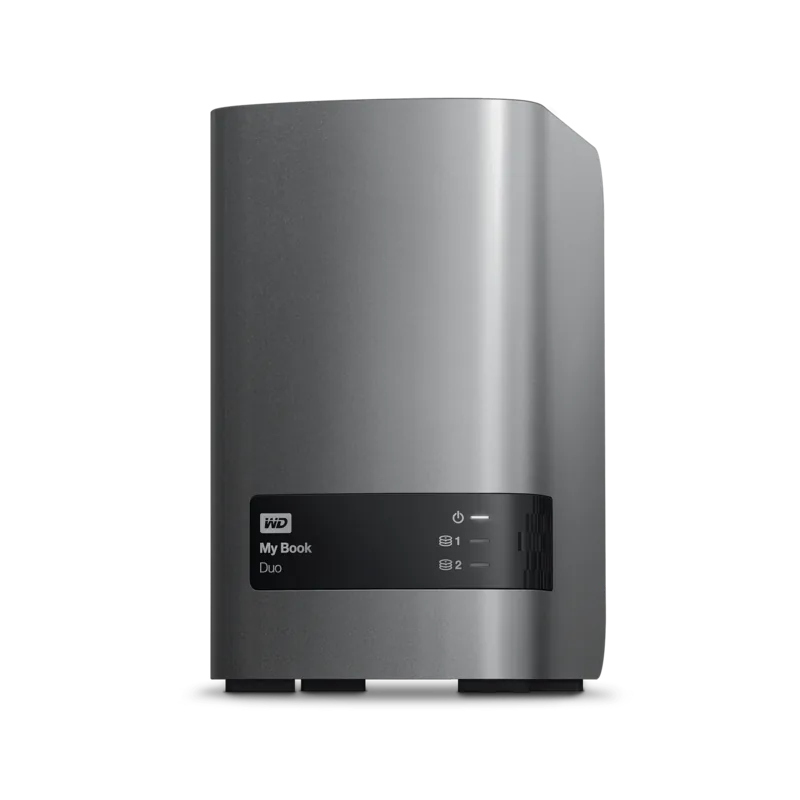
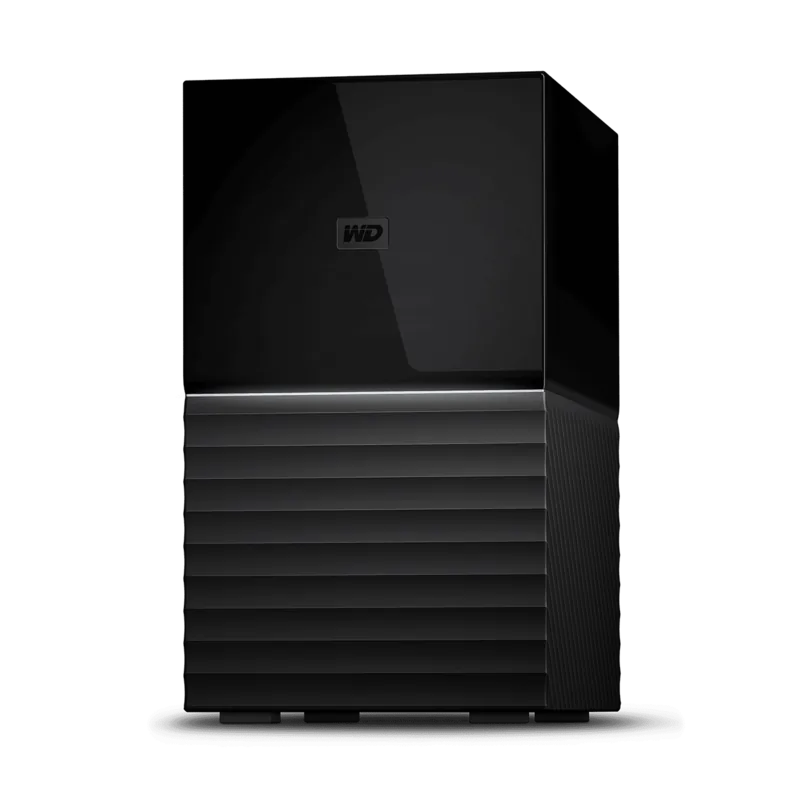
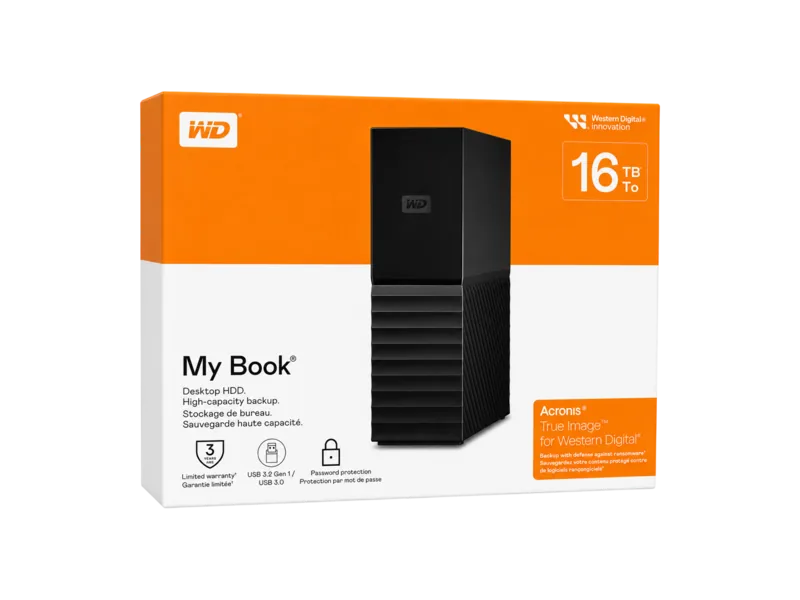
The Western Digital WD My Book desktop drive is a high-capacity external storage solution designed for users who need reliable data protection and easy access to their files. This sleek device features ultra-fast USB 3.0 connectivity, which supports interface transfer rates up to 5 Gb/s, ensuring that large file transfers are completed quickly. It is formatted as a single exFAT partition, making it compatible with both updated Windows and Mac operating systems without the need for reformatting.
Key Features and Functionality
One of the standout aspects of the WD My Book is its comprehensive backup capabilities. The drive comes equipped with WD Backup software, which allows users to schedule automatic backups of photos, videos, music, and documents. It also offers compatibility with Apple Time Machine and Acronis True Image WD Edition, providing a complete routine to help recover data in the event of computer failure or accidental deletion. For added security, the drive includes built-in 256-bit AES hardware encryption managed through WD Security software. Users can set personalized passwords to lock the drive, preventing unauthorized access to sensitive content.
Ease of Use and Management
Designed for simplicity, the WD My Book is ready to use out of the box. The kit includes all necessary components such as a USB 3.0 cable, AC adapter, and quick install guide. The WD Discovery application serves as a central hub for managing the drive, allowing users to check drive health, set sleep timers to conserve power, and safely disconnect the device. The drive also features a Kensington security slot for physical theft prevention and robust handling precautions to ensure longevity.
Support and Warranty
Western Digital provides extensive online support resources, including registration options, software downloads, and a knowledge base. The product comes with a limited warranty that varies by region but generally covers defects in material and workmanship for three years. Users are encouraged to register their devices to receive the latest updates and special offers.
Search for 67,706 Manuals online


Type-in Brand or Model