

Free Blaupunkt Manuals – Read, Download & Print
39 Manuals
Manuals
178 Pages
371 Pages
40 Pages
248 Pages
69 Pages
80 Pages
184 Pages
2 Pages
192 Pages
364 Pages
72 Pages
274 Pages
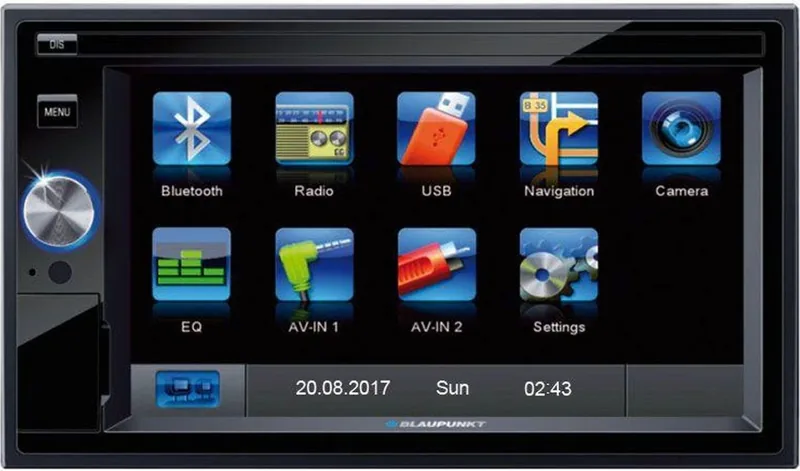
315 Pages
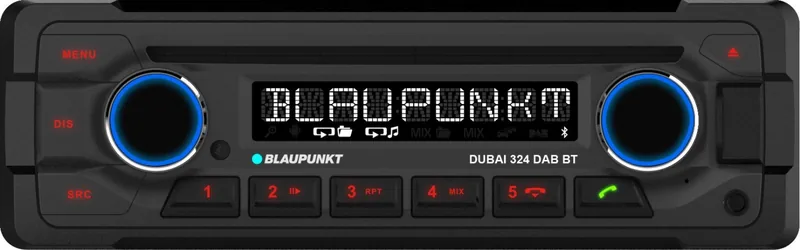
225 Pages
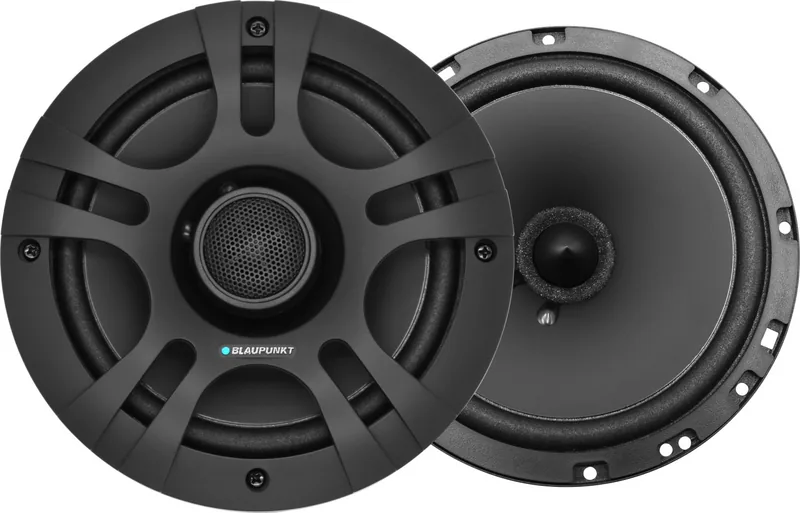
14 Pages
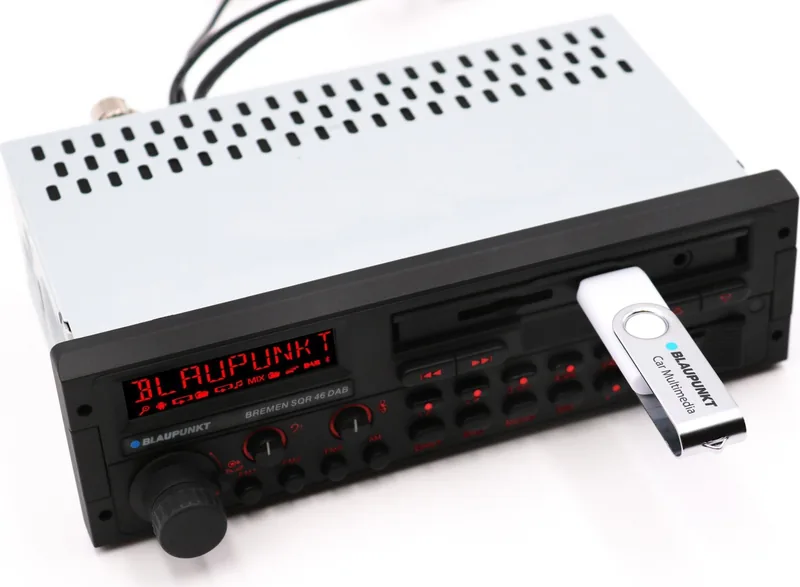
312 Pages
8 Pages

46 Pages
174 Pages
44 Pages
104 Pages
182 Pages
328 Pages
35 Pages
82 Pages
76 Pages
88 Pages
176 Pages
312 Pages
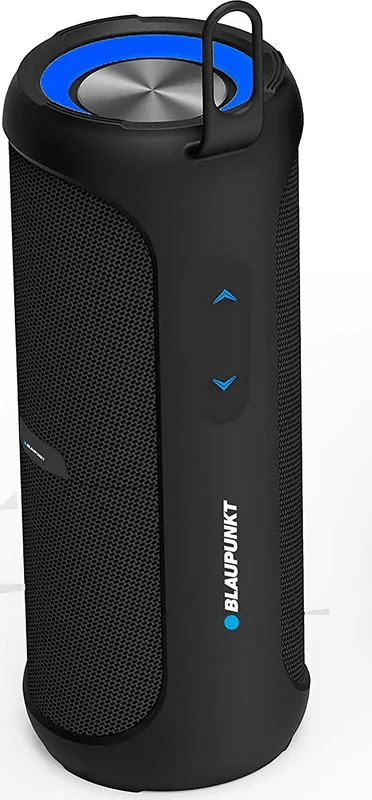
17 Pages
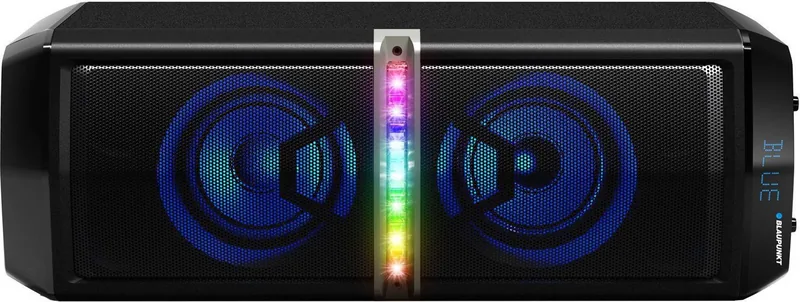
66 Pages
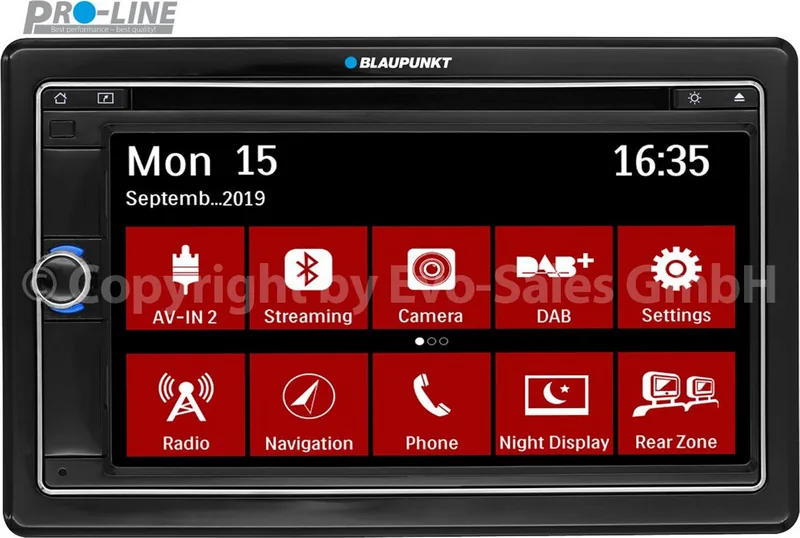
146 Pages
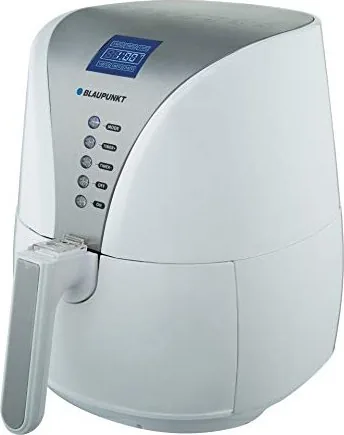
84 Pages
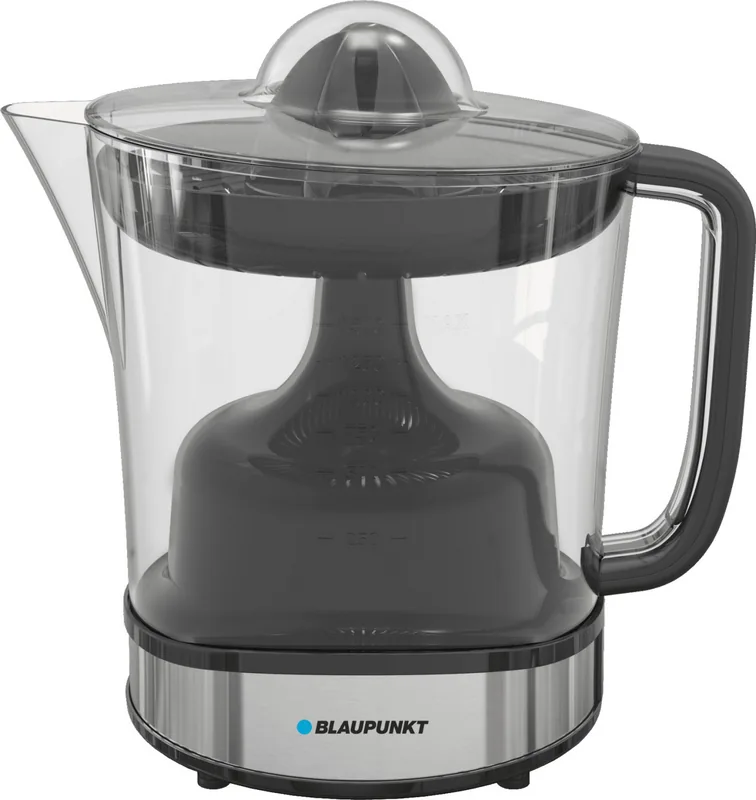
64 Pages
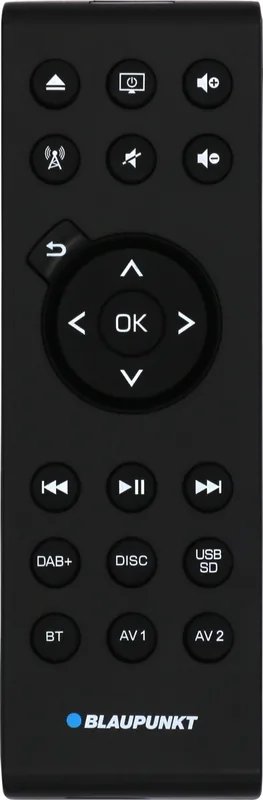
193 Pages
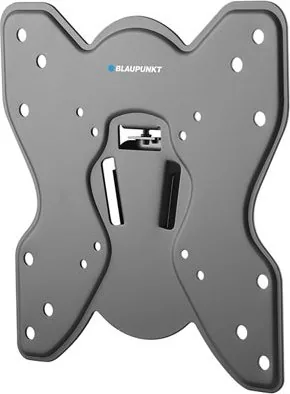
8 Pages
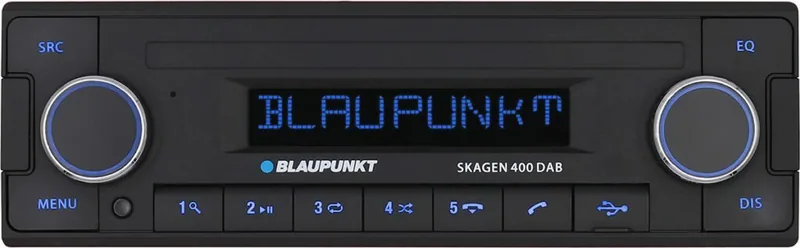
236 Pages
241 Pages
84 Pages
Categories


Free Blaupunkt Manuals - Read, Download & Print
Find the Right Blaupunkt Manual for Your Product
Looking for a Blaupunkt manual? Whether you need instructions for a television, car radio, speaker, dash camera, navigation system, kitchen appliance, or other Blaupunkt device, the right manual can help you understand every feature with confidence. Free Blaupunkt manuals make it easier to find setup guidance, operating instructions, technical specifications, troubleshooting steps, safety information, and maintenance recommendations in one convenient document.
A user manual is useful when a device is new, when it has been moved or reconnected, or when an unfamiliar setting needs to be adjusted. Instead of searching through menus without guidance, you can read the original instructions and follow the recommended steps for your exact model. Manuals are also valuable for replacing a lost paper booklet, checking compatible accessories, learning remote control functions, or resolving common problems before arranging a repair.
Read Blaupunkt Manuals Online
Reading a Blaupunkt manual online is a practical option when you need information quickly. Digital manuals can be opened on a computer, tablet, or phone, allowing you to search for specific words such as "Bluetooth," "reset," "installation," "sound settings," "USB," or "remote control." This can save time compared with looking through a printed booklet page by page.
Online reading is especially helpful for troubleshooting. If a television is not connecting to Wi-Fi, a car stereo is not pairing with a phone, or a speaker is not charging correctly, the manual may include a dedicated troubleshooting section. These sections often explain indicator lights, error messages, connection requirements, basic reset procedures, and recommended checks for power, cables, batteries, and settings.
Before making changes to a device, review the relevant safety notes in the manual. Blaupunkt manuals commonly include important guidance for ventilation, electrical connections, mounting, battery use, cleaning, and safe installation. Following these instructions helps protect both the product and the user.
Download Blaupunkt Manuals for Offline Access
Downloading a Blaupunkt manual provides convenient access even when an internet connection is unavailable. A saved PDF can be kept on a laptop, smartphone, tablet, cloud drive, or external storage device. This is useful for travel, vehicle installation, home moves, workshops, and locations with limited connectivity.
Offline manuals are easy to organize. Create folders by product type, room, vehicle, or model number so important documents remain easy to locate. For example, you may keep television manuals in one folder and automotive audio manuals in another. Naming downloaded files with the complete model number can make future searches faster.
When downloading a manual, verify that the document matches the exact Blaupunkt model. Similar products may have different buttons, ports, firmware options, wiring requirements, or supported features. The model number is usually found on a label on the rear, underside, side panel, packaging, purchase receipt, or original documentation. It may include letters and numbers, so copy it carefully when searching.
Print a Blaupunkt Manual When You Need a Paper Copy
Printing a Blaupunkt manual can be useful when you prefer to keep instructions near the product. A printed guide is easy to use during installation, especially when working with wall-mounted televisions, vehicle electronics, kitchen equipment, or devices that require several connections. It also provides a backup when batteries are empty or a phone is unavailable.
You do not always need to print the entire document. Consider printing only the most useful pages, such as the quick start guide, connection diagrams, remote control layout, installation instructions, safety warnings, troubleshooting chart, and warranty information. This reduces paper use while keeping essential details close at hand.
For the best printed result, use the PDF print settings to select the correct paper size and orientation. Diagrams, wiring layouts, and tables may be easier to read in landscape orientation. If the manual is long, duplex printing can reduce the number of pages. Keep printed manuals in a labeled folder or plastic sleeve to protect them from dust, moisture, and accidental damage.
Popular Blaupunkt Product Manual Categories
Blaupunkt has been associated with a broad range of consumer and automotive electronics, so manuals may cover many different product categories. The exact instructions depend on the model, but common categories include the following.
Blaupunkt TV Manuals
Television manuals explain initial setup, channel scanning, input selection, picture modes, audio settings, network connections, smart features, parental controls, subtitle options, and remote control functions. They may also include information about HDMI devices, antenna connections, USB media playback, software updates, and factory reset procedures.
Blaupunkt Car Radio and Car Stereo Manuals
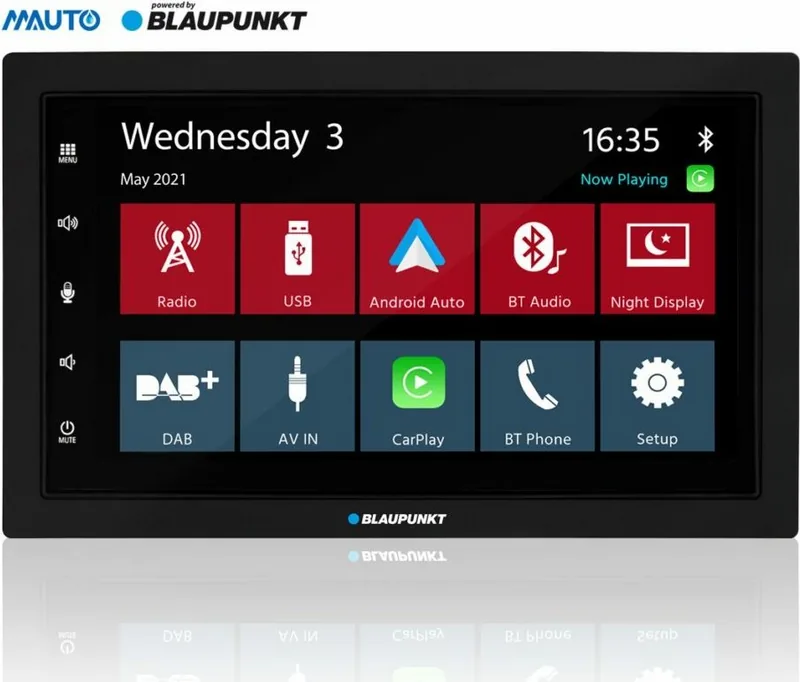
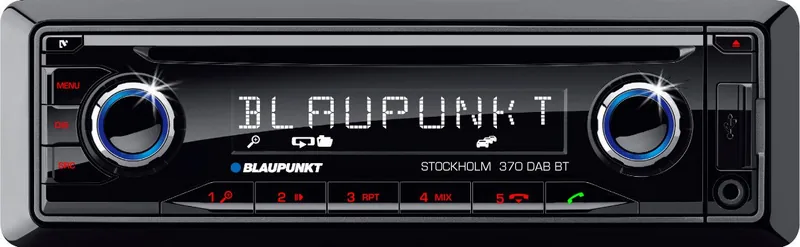
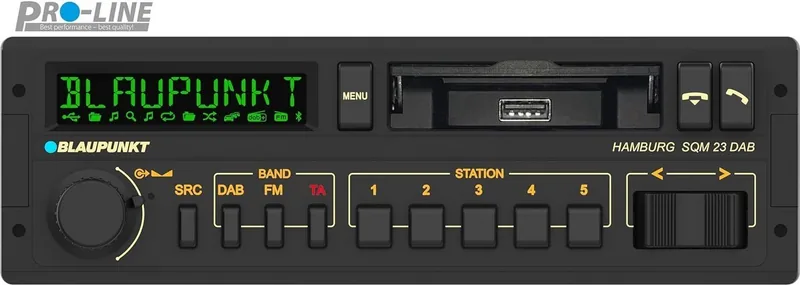
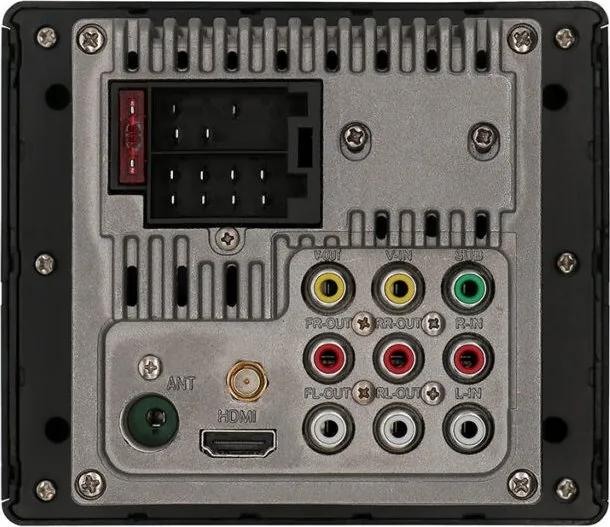
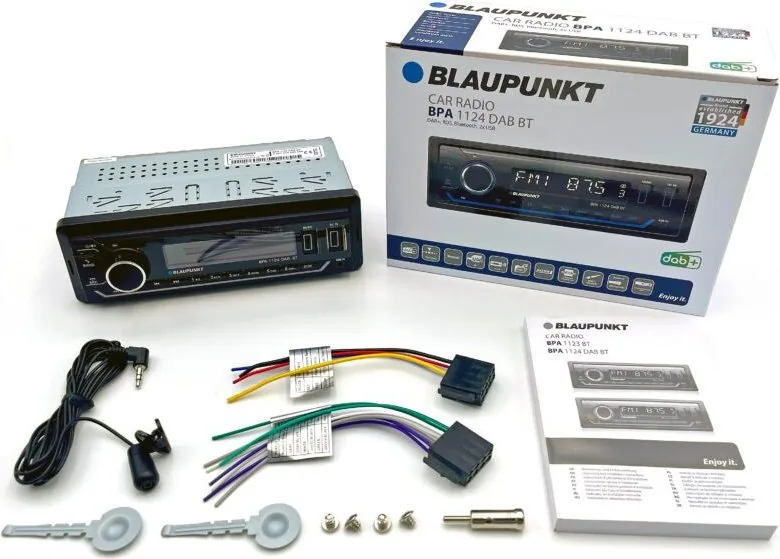
Automotive audio manuals are often essential for understanding radio presets, Bluetooth calling, media playback, USB connections, equalizer settings, steering wheel control compatibility, security functions, and installation requirements. Wiring diagrams and connector details should be reviewed carefully before fitting or replacing a head unit.
Blaupunkt Speaker and Audio Manuals
Manuals for speakers, sound systems, headphones, and related audio devices may describe Bluetooth pairing, charging times, playback controls, LED indicators, auxiliary inputs, microphone use, pairing multiple devices, and care instructions. If pairing fails, consult the manual for the correct pairing mode and reset sequence.
Blaupunkt Navigation and Dash Camera Manuals
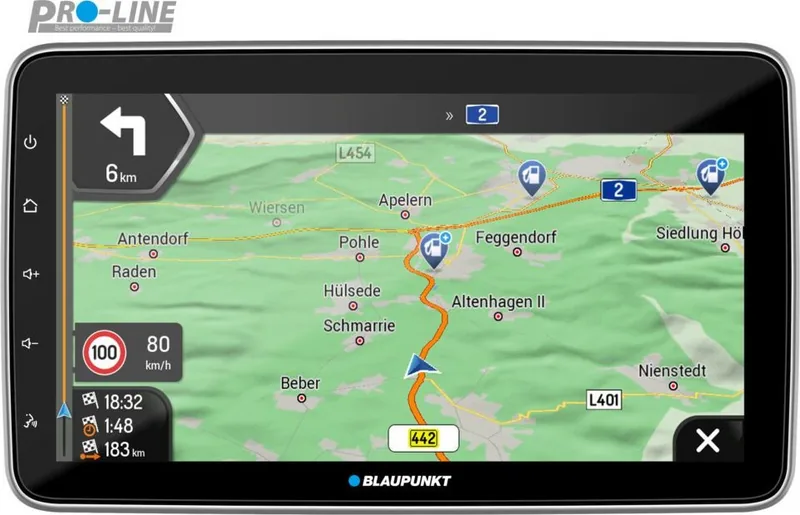
Navigation system and dash camera manuals can provide valuable details about mounting, power supply, memory cards, recording modes, GPS features, app connections, file management, and privacy settings. For vehicle-mounted equipment, make sure the installation does not obstruct the driver's view or interfere with safe vehicle operation.
Blaupunkt Home and Kitchen Appliance Manuals
Depending on the product range, manuals may also be available for household appliances and personal devices. These guides can cover assembly, operating modes, cleaning, storage, maintenance, technical data, and fault finding. Always follow product-specific cleaning and care instructions rather than using general assumptions.
How to Use Your Blaupunkt Manual Effectively
Start with the quick start or installation section if you are setting up a device for the first time. This part usually lists the contents of the package and identifies required cables, batteries, adapters, or tools. Follow the steps in order, especially for equipment that needs network setup, account registration, mounting, or electrical connections.
Use the table of contents and search function to locate topics efficiently. If you are trying to solve a problem, look for headings such as "Troubleshooting," "Frequently Asked Questions," "Specifications," "Error Messages," or "Maintenance." Read all notes associated with the relevant procedure, since some functions may require a particular mode, input source, cable type, or software version.
If a manual refers to firmware updates, check the instructions carefully before proceeding. Updating software can improve stability or add features, but interruption during an update may cause problems. Use the approved process for the exact model, ensure stable power, and avoid switching off the device until the update is complete.
Troubleshooting With a Blaupunkt Manual
Many everyday issues can be checked using the guidance in a manual. For power problems, confirm that the cable, outlet, adapter, fuse, battery, or vehicle ignition setting is correct. For sound issues, inspect volume levels, mute settings, selected output, connected cables, and audio source settings. For connection issues, confirm that Bluetooth, Wi-Fi, HDMI, USB, or antenna connections are configured according to the instructions.
A factory reset may be listed as a solution for persistent software or settings issues. However, a reset can erase saved stations, paired devices, network details, personalized settings, and other stored data. Read the relevant section first and use a reset only when appropriate for your situation.
For repairs involving electrical components, internal parts, vehicle wiring, or mounting hardware, follow the safety guidance in the manual and consider qualified service where needed. Do not attempt procedures that are outside the recommended user maintenance steps.
Keep Important Product Information Together
Along with your Blaupunkt manual, keep a record of the model number, serial number, purchase date, retailer details, and warranty information. This information can be useful when ordering accessories, checking compatibility, requesting service, or confirming the correct documentation. A photo of the product label can be a convenient backup.
Free Blaupunkt manuals provide a simple way to read instructions online, download documents for offline use, and print the pages that matter most. With the correct manual for your model, you can set up your device properly, use its features more effectively, maintain it safely, and troubleshoot common issues with reliable product-specific guidance.
Search for 67,706 Manuals online


Type-in Brand or Model