
Blaupunkt Hamburg SQM 23 DAB Manual
PDF manual · 364 Pages
English



Quick check
Incorrect answer, please try again.
Chat with your Blaupunkt Hamburg SQM 23 DAB manual using AI
Get instant AI answers from your Blaupunkt Hamburg SQM 23 DAB manual
Ask anything about the Blaupunkt Hamburg SQM 23 DAB. Answers come from this manual, with the pages they are based on.
Ask a Question
Do you recommend Hamburg SQM 23 DAB?
Yes NoFrequently Asked Questions
Enable Bluetooth on your phone, search for BP SQM23 on the radio display, select the device, and confirm any pairing codes shown on both screens to establish a secure connection for calls and audio.
Is this answer helpful?
Yes, the unit supports USB sticks formatted with FAT16, FAT32, or exFAT file systems playing formats like MP3, WMA, and FLAC for convenient offline listening.
Is this answer helpful?
Yes, it supports both standard DAB and advanced DAB+ protocols ensuring better sound quality and access to more stations without the static found on analog bands.
Is this answer helpful?
You need a standard DIN slot, correct wiring connections, an antenna adapter, and the removal tool provided in the box to fit the mounting frame securely into the dashboard.
Is this answer helpful?
Yes, you can set the radio to automatically switch off after a specific duration which helps conserve battery power if you forget to turn it off before sleeping.
Is this answer helpful?
When enabled the radio detects traffic signals, pauses your current music to play emergency updates or news, and then automatically resumes the previous track afterwards seamlessly.
Is this answer helpful?
Advantages and Disadvantages
Advantages

- Excellent DAB+ Reception for crystal clear audio quality without static noise or fading compared to traditional analog FM radios.
- Versatile Media Support Allows USB Stick playback and direct iPhone connection for instant music streaming and control via interface.
- Built-in Bluetooth Technology Enables hands-free calling and wireless music streaming from compatible smartphones safely while driving.
- Customizable Sound Profiles Allow adjustment of bass and treble levels to match personal preferences or specific vehicle acoustics effectively.
Disadvantages

- No Disc Drive Does not support playing CDs or DVDs limiting options for users who still possess large physical media collections at home.
- Steering Wheel Adapter Needed Requires specific interface cable for some cars to integrate existing steering wheel controls properly and fully.
- Hidden USB Port The front port is concealed behind a plastic flap which may require slight force to open and close frequently during trips.
Product Specification
Type
Digital Receiver, 1-DIN
Display
16-Segment
Navigation
No
Tuner
FM, AM, LW, DAB+
Media
USB Storage
Audio Formats
AAC, APE, FLAC, MP3, WAV, WMA
Power
4x 24W RMS, 4x 50W Peak
Connections
4x Preamplifier Output, 1x AUX In (Front), 1x USB-A (Front), 1x USB-A (Rear), Bluetooth 5.0
Software Features
Voice Control (Amazon Alexa, Apple Siri, Google Assistant)
Features
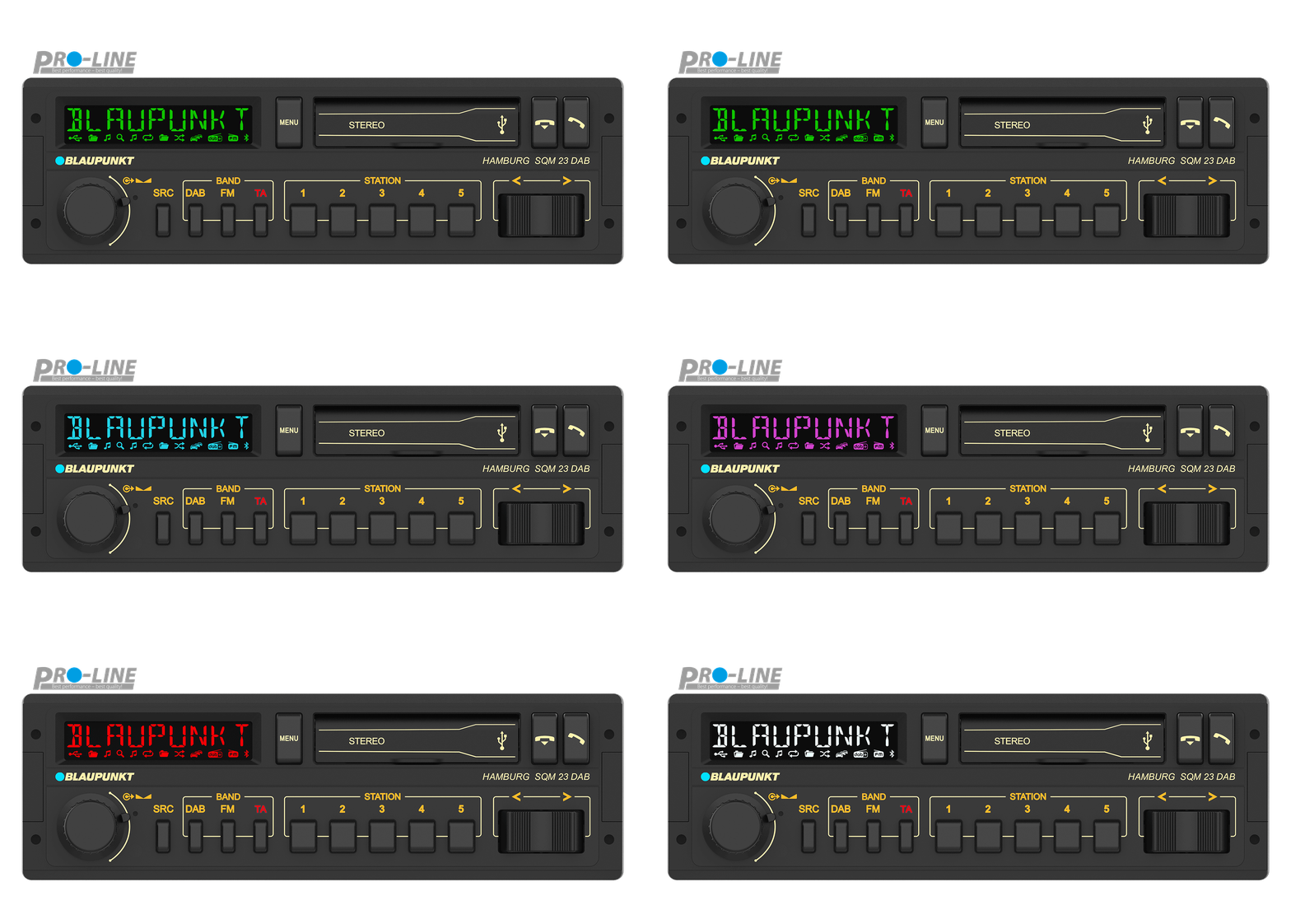
Hands-free, Variable Lighting
Product Description
Discover Superior Sound with the Blaupunkt Hamburg SQM 23 DAB
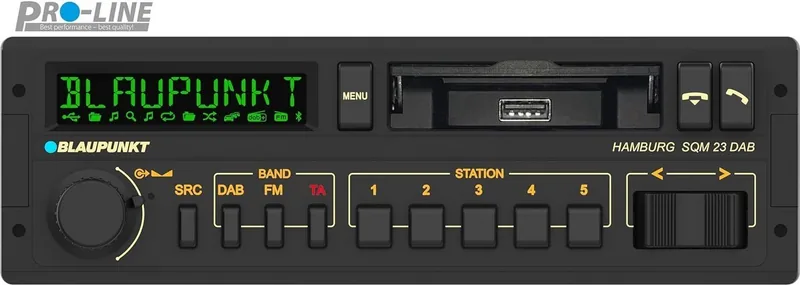
Welcome to the future of in-car entertainment. The Blaupunkt Hamburg SQM 23 DAB brings modern connectivity and high-quality audio reception to your vehicle. Whether you commute daily or take long weekend drives, this unit ensures you stay connected with the world around you through superior digital signals. It represents a significant upgrade for drivers seeking clarity and convenience during their journey.
Key Features Overview
One of the standout capabilities is its support for Digital Audio Broadcasting. You can enjoy crisp clear music without static interference typical of older systems. The device handles multiple sources including USB storage media and compatible Apple devices through direct connection. Wireless streaming via Bluetooth technology allows hands-free calls and music playback directly from your smartphone. Safety remains a priority with built-in traffic announcements that pause your current track when important news broadcasts occur. Additionally, users benefit from customizable sound profiles allowing adjustment of bass and treble levels to match personal preferences or vehicle acoustics.
User Experience and Controls
Navigating the interface is intuitive thanks to the multifunction button and rotary dial system. Adjusting volume or switching between radio presets requires minimal effort while driving. The display provides essential information such as station names or song titles clearly. For those who prefer remote operation, optional wireless controllers are available to manage playback functions from the dashboard area. Memory buttons allow quick access to favorite stations or saved phone numbers facilitating faster operation without distraction.
Installation and Maintenance
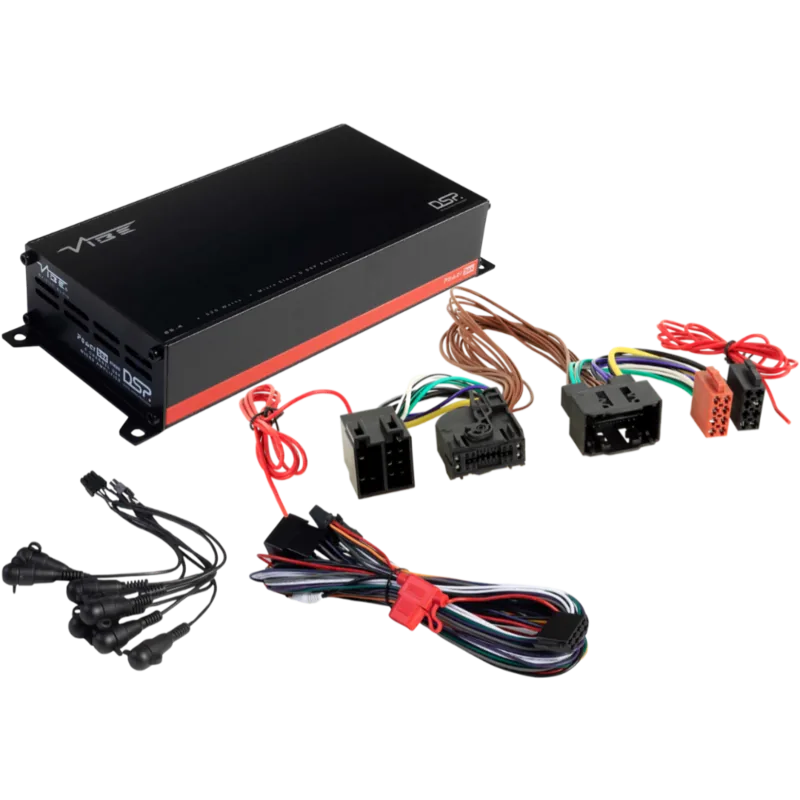
Proper setup involves connecting the unit into a standard DIN slot with attention to wiring diagrams found in technical guides. Ensuring the antenna receives strong signals is crucial for optimal performance especially in rural areas. Cleaning should be done gently using soft cloths to preserve the finish. Always disconnect power before making major changes to prevent electrical issues. Battery protection features prevent excessive drain when the vehicle sits unused for extended periods providing peace of mind for owners.
Reviewing the Blaupunkt Hamburg SQM 23 DAB Manual before installation helps avoid common errors and maximizes feature usage. Detailed instructions cover every aspect from securing mounting brackets to configuring audio equalizers. If problems arise consulting the troubleshooting section often resolves minor glitches without needing professional service visits. Regular software updates may also enhance compatibility with newer mobile operating systems over time. Additional functionality includes a Travelstore feature that automatically saves the strongest local channels for easy access later. A sleep timer allows the radio to turn off after a set duration helping preserve energy overnight. The clock function displays time even when the ignition is active offering utility beyond just entertainment purposes. Overall this receiver combines classic reliability with contemporary digital demands effectively meeting the needs of modern motorists seeking a seamless audio experience inside their vehicles regardless of location or weather conditions.
Search for 67,706 Manuals online


Type-in Brand or Model