
Blaupunkt Santa Cruz 370 Manual
PDF manual · 315 Pages
English



Quick check
Incorrect answer, please try again.
Chat with your Blaupunkt Santa Cruz 370 manual using AI
Get instant AI answers from your Blaupunkt Santa Cruz 370 manual
Ask anything about the Blaupunkt Santa Cruz 370. Answers come from this manual, with the pages they are based on.
Ask a Question
Do you recommend Santa Cruz 370?
Yes NoFrequently Asked Questions
Press the Navigation button in the main menu. If it is your first time using it, a setup wizard will guide you through language selection, voice output choice, and route preferences.
Is this answer helpful?
No, for safety reasons, video playback on the built-in monitor is only allowed when the vehicle is stopped and the handbrake is engaged. You can view videos on an external rear monitor while driving.
Is this answer helpful?
The device supports MP3 and WMA audio files. WMA files must not have Digital Rights Management (DRM) and should be created with Windows Media Player version 8 or later.
Is this answer helpful?
Go to the Bluetooth menu in the main menu, select Add New Device, and enter the pairing code on your phone when prompted. The device appears as BP 370 in the list.
Is this answer helpful?
Map updates can be downloaded once for free within 30 days of first GPS activation from www.naviextras.com directly to the included microSD card.
Is this answer helpful?
If the microSD card containing navigation data is lost or damaged, the navigation license associated with it is void. You must purchase a new license along with a replacement card.
Is this answer helpful?
Yes, in the European reception region, the radio can receive RDS traffic announcements. You can enable priority for these messages so they interrupt other audio sources automatically.
Is this answer helpful?
Advantages and Disadvantages
Advantages

- Advanced navigation system with downloadable map updates
- Versatile media playback supporting USB, microSD, and Bluetooth
- High-quality audio with customizable equalizer settings
- Integrated hands-free calling for safer driving
- Robust construction suitable for professional use
Disadvantages

- Video playback restricted on internal screen while driving
- Navigation license tied to specific microSD card
- Complex menu structure may require time to learn
- External microphone required for optimal Bluetooth call quality
- Initial setup involves multiple configuration steps
Product Specification
Type
Moniceiver, 2-DIN
Display
6.2, LCD, 800x480 Pixel, Touchscreen
Navigation
Yes
TMC
Yes
Maps
Europe
Tuner
FM, MW, DAB+
Media
USB drive, Memory card
Audio formats
FLAC, MP3, WMA
Video formats
AVI, MKV, MPEG, RM
Image formats
JPG
Power
4x 45W Peak
Connections
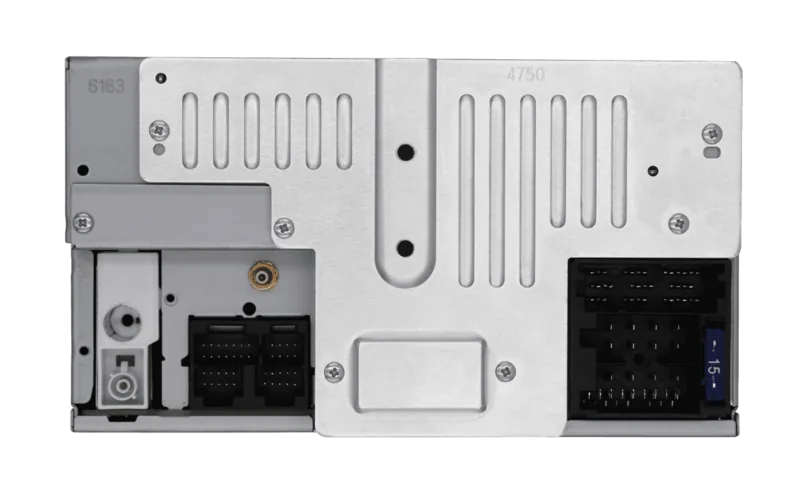
4x Preamp outputs (2V), 2x Audio/Video inputs, USB, Card reader (microSD/microSDHC), Bluetooth
Features
Hands-free kit, 10-band equalizer
Product Description
Blaupunkt Santa Cruz 370 EU Professional: A Comprehensive Multimedia Experience
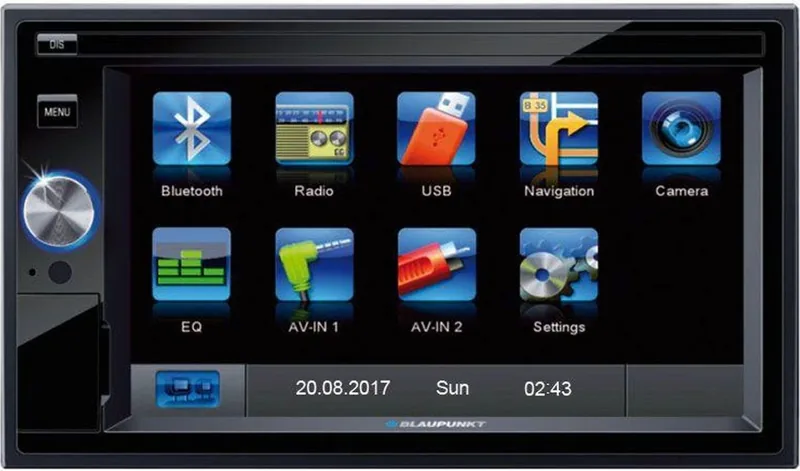
The Blaupunkt Santa Cruz 370 EU Professional represents a pinnacle of automotive audio engineering, designed to transform your daily commute into an immersive journey. This sophisticated car multimedia unit combines robust radio reception with advanced navigation capabilities, ensuring you stay connected and informed on every road trip. The device features a high-quality touchscreen interface that allows for intuitive control over all functions, from adjusting equalizer settings to navigating complex routes.
One of the standout features of this unit is its versatile media playback options. Whether you prefer streaming music via Bluetooth or playing files directly from a USB drive or microSD card, the Santa Cruz 370 handles it all with ease. It supports popular formats like MP3 and WMA, allowing you to enjoy your entire digital library without interruption. For those who rely on GPS, the integrated navigation system provides detailed maps and real-time guidance, with the ability to download the latest map data directly to the included microSD card.
Safety is paramount in the design of the Blaupunkt Santa Cruz 370 EU Professional. The unit includes specific safety protocols that prevent video playback on the main display while the vehicle is in motion, unless an external monitor is connected. This ensures that drivers remain focused on the road ahead. Additionally, the hands-free calling feature allows for safe communication, keeping your eyes on the road and hands on the wheel while staying in touch with loved ones.
Key Highlights
The device offers a seamless integration of audio, video, and navigation technologies. With support for RDS traffic announcements, AF (Alternative Frequencies), and PTY (Programme Type) selection, the radio experience is both intelligent and responsive. The built-in equalizer lets you customize sound profiles to match your preferences, whether you enjoy deep bass or crisp highs.
Important Notes
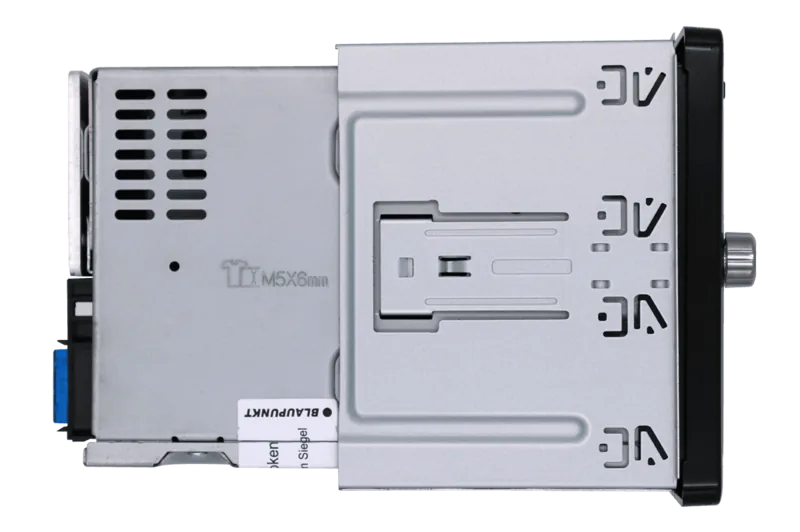
- Always remove transport screws before initial setup to ensure proper operation.
- Video playback on the internal screen is restricted to stationary vehicles for safety compliance.
- Navigation data requires a microSD card, which is included with the device.
- Regular software updates can be downloaded to keep map data current.
Search for 67,706 Manuals online


Type-in Brand or Model