
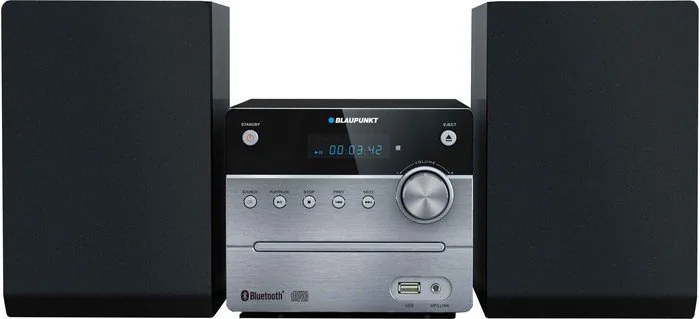
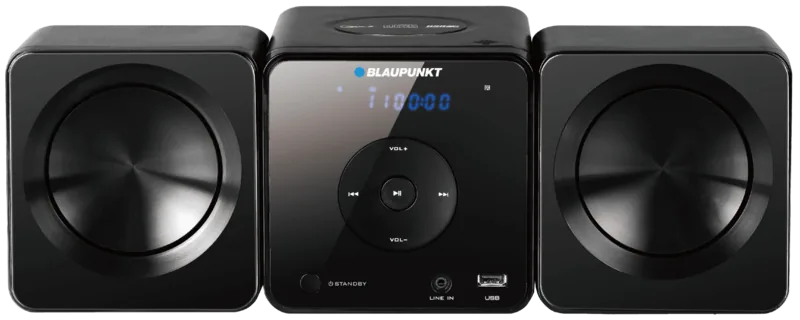
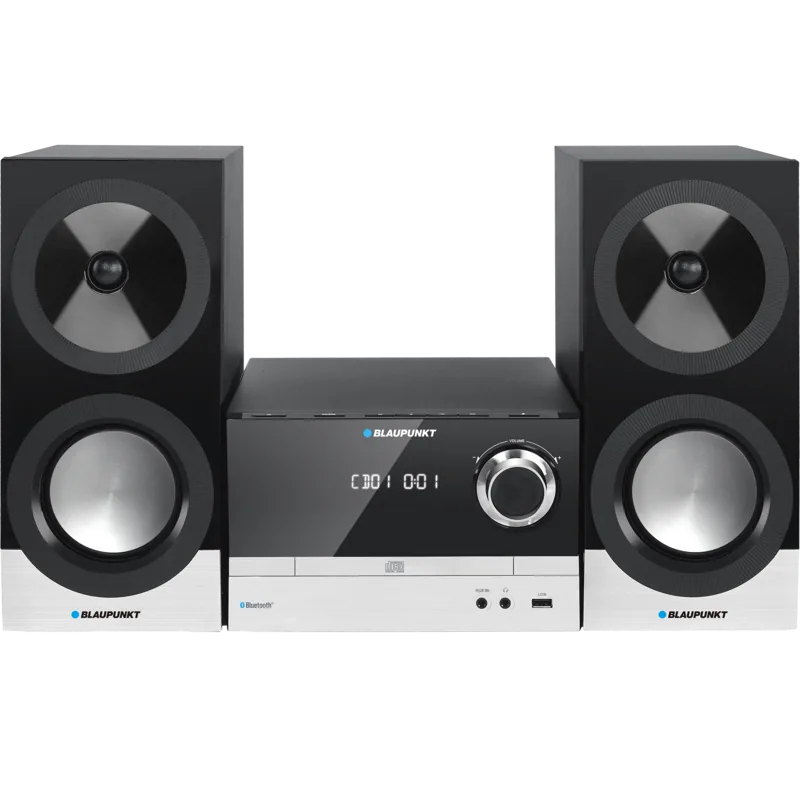
Blaupunkt MS12BT Manual
PDF manual · 69 Pages
English



Quick check
Incorrect answer, please try again.
Chat with your Blaupunkt MS12BT manual using AI
Get instant AI answers from your Blaupunkt MS12BT manual
Ask anything about the Blaupunkt MS12BT. Answers come from this manual, with the pages they are based on.
MS12BT Maintenance Schedule
Wipe dust and fingerprints with a soft cloth from center to edge. Do not use benzene or thinners.
Unplug before cleaning. Use a dry cloth for dust on the woofer. Do not use chemical solvents.
Ask a Question
Do you recommend MS12BT?
Yes NoFrequently Asked Questions
Press the BT button on the remote or source. Enable Bluetooth on your device and select BP MS12BT from the list. Use 0000 if a password is requested. Ensure the device is within 10 meters for stable connection.
Is this answer helpful?
The system supports MP3 format files on USB drives. The maximum supported capacity is up to 32GB. Ensure the drive is formatted correctly for the device to read it successfully.
Is this answer helpful?
You can save up to 30 preset FM stations using the search and save buttons on the remote control. This allows quick access to your favorite channels.
Is this answer helpful?
No, do not expose the product to rain or moisture. It should not be used in bathrooms or near sinks. Keep it in a dry environment for safety.
Is this answer helpful?
Check the power connection and ensure the unit is plugged in. Verify the power adapter is connected. Reset the product if interference is suspected. Check the fuse if power fails.
Is this answer helpful?
Press the TONE button to switch between Bass and Treble. Then use the Volume plus or minus buttons to adjust the level for your preference.
Is this answer helpful?
The highest suitable environmental temperature is 35°C. Do not place the unit near heat sources or in direct sunlight to avoid damage.
Is this answer helpful?
Advantages and Disadvantages
Advantages

- Bluetooth wireless streaming capability
- USB port supports digital media
- FM radio tuner with station memory
- Satellite speakers for stereo sound
- Remote control included for convenience
Disadvantages

- Bluetooth range limited to 10 meters
- USB capacity limited to 32GB
- Sensitive to high moisture environments
- Power consumption requires stable outlet
- Remote control needs AAA batteries
Product Specification
Includes
CD Player, Tuner, Speakers
Power
2 x 5 W RMS
Tuner
FM
Audio Formats
CD-Audio, CD-R/RW, MP3
Audio Connections
AUX In (3.5mm Jack)
Additional Ports
USB-A
Wireless
Bluetooth
Device Color
Silver
Speaker Color
Black
Device Dimensions
6.69 x 5.51 x 8.66 in (WxHxD)
Speaker Dimensions
5.71 x 8.66 x 6.97 in (WxHxD)
Weight
4.08 lbs
Product Description
Unleash Your Audio Potential with the Blaupunkt MS12BT
Start your journey into superior home entertainment with the Blaupunkt MS12BT micro system. This compact unit is engineered to blend classic music formats with modern digital streaming capabilities effectively for the ultimate home experience. Users can play standard compact discs, recordable versions, and MP3 formats for versatile playback options without limitations. The inclusion of a high speed USB port allows direct access to digital audio files, removing the dependency on physical media entirely. Wireless Bluetooth connectivity ensures seamless music streaming from your mobile devices or tablets via secure pairing.
Comprehensive Audio Features and Radio
The Blaupunkt MS12BT Manual provides essential guidance for the FM Radio tuner operation specifically. Users can scan and store favorite local stations for instant tuning without searching manually every time. Volume adjustments are straightforward using the front panel buttons or the dedicated remote control included in the box. Tone controls allow customization of bass and treble to suit personal listening preferences for better sound quality. Satellite speakers provide stereo sound suitable for bedrooms or living areas with clear output. The system operates efficiently with standby modes to conserve electrical energy for daily use.
Installation and Safety Precautions
Proper installation ensures longevity and safe operation for the user. Position the device away from direct sunlight and heating appliances to prevent potential damage from heat exposure. Maintain adequate ventilation around the unit to avoid overheating during extended playing sessions. Never place the system near water sources or in humid environments like bathrooms to prevent electrical shorts. Do not insert objects into the casing openings as this risks shock. The remote control battery must be installed correctly to function effectively. Unplug the unit during electrical storms or periods of non use to prevent surges.
Maintenance Requirements and Troubleshooting
Cleaning the lens requires a soft dry cloth to remove dust particles gently. Avoid chemical solvents that could damage the finish of the casing permanently. If sound distortion occurs, adjust the volume settings or check the speaker wiring securely for proper connection. For wireless connectivity issues, ensure the source device is within the recommended range of the receiver for stability. Do not attempt to service the device yourself due to high voltage risks hidden inside. Contact qualified service providers if repairs are needed for safety.
Notes on Safety and Usage
Always keep the power access point clear for easy unplugging. Do not cover the outlet or block ventilation slots. Ensure children are supervised when near the equipment.
Conclusion and Energy Efficiency
This device offers versatile entertainment solutions for modern homes. Always check the power supply label before connecting to ensure voltage compatibility. Adhering to these guidelines ensures years of reliable music playback for your enjoyment and convenience. The unit includes energy saving modes for reduced consumption during standby periods.
Search for 67,706 Manuals online


Type-in Brand or Model