

Free Victron Energy Manuals – Read, Download & Print
21 Manuals
Manuals
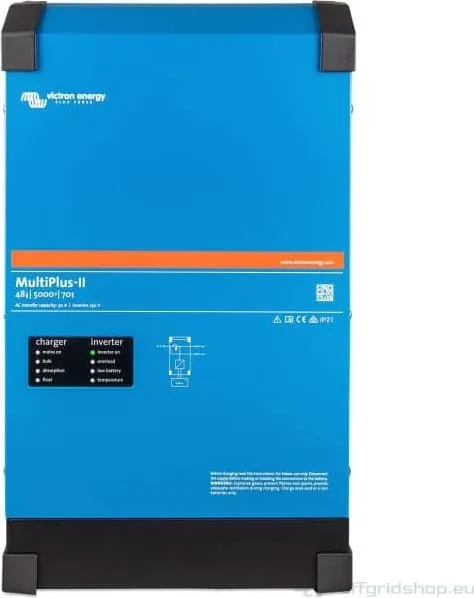
42 Pages
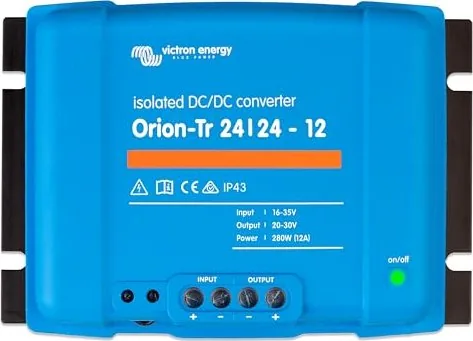
2 Pages

68 Pages
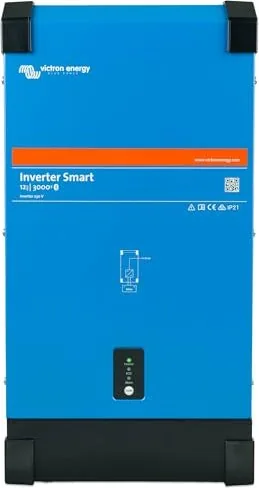
29 Pages
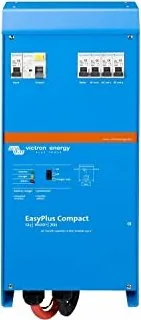
150 Pages
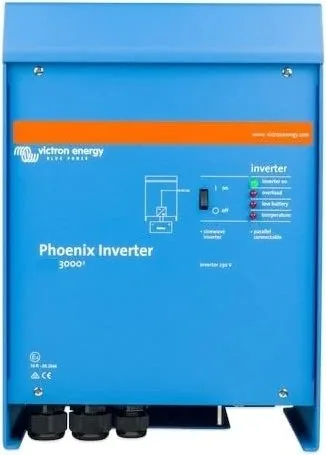
152 Pages
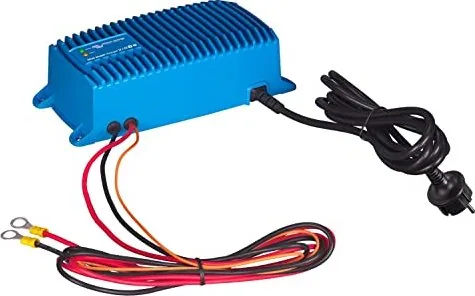
34 Pages
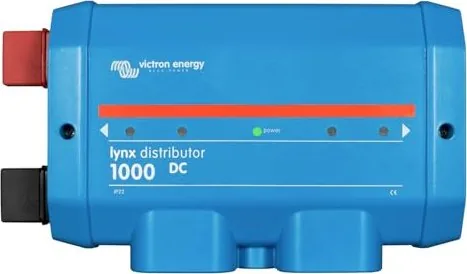
31 Pages
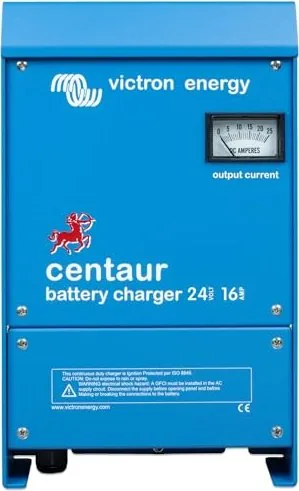
63 Pages
87 Pages

31 Pages
31 Pages
63 Pages
26 Pages
26 Pages
51 Pages
162 Pages
124 Pages
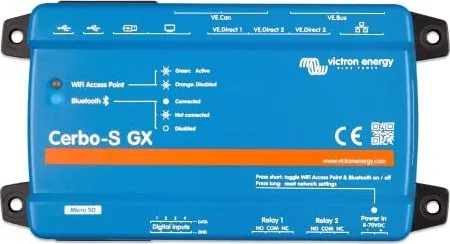
108 Pages
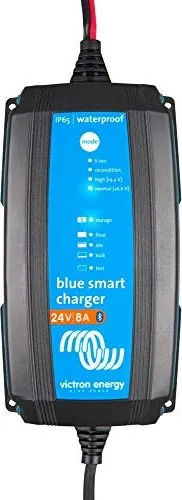
192 Pages
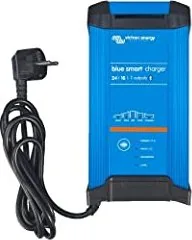
30 Pages
Categories


Free Victron Energy Manuals - Read, Download & Print
Find practical Victron Energy manuals for inverters, battery chargers, solar charge controllers, battery monitors, communication devices, marine electrical equipment, and complete power-system components. Manuals are useful for homeowners, RV owners, boat operators, off-grid users, installers, and technicians who need clear product information in one place.
Whether you are setting up a small solar system, maintaining a vessel, configuring a backup-power installation, or troubleshooting a charging issue, the correct documentation can help you work more confidently. Read manuals online, download a copy for offline reference, or print important pages to keep near your electrical equipment.
Documentation for Victron Energy Products
Victron Energy equipment is commonly used in mobile, marine, off-grid, industrial, and backup-power applications. Because these systems can include several connected devices, each manual can play an important role in safe installation and reliable operation.
Product documentation may cover topics such as:
- Product specifications and supported operating ranges
- Mounting location and ventilation requirements
- DC cable sizing and fuse guidance
- AC input and output connections
- Battery type selection and charging settings
- Solar panel connection procedures
- Remote monitoring and communication options
- Configuration through compatible software or displays
- Status lights, alarms, and error messages
- Routine maintenance and troubleshooting
Always refer to the manual that matches the exact model number, hardware revision, and firmware version of your equipment when applicable. Similar-looking products can have different terminals, limits, features, and setup procedures.
Read Manuals Online Before You Begin
Reading a manual online is a convenient way to quickly check whether a product is suitable for your system or to find answers while working near an installation. Digital manuals make it easy to search for terms such as "battery voltage," "fuse," "error code," "Bluetooth," "parallel operation," or "remote control."
Before installing or changing any Victron Energy device, review the safety section and the installation overview. This helps identify required tools, compatible components, environmental restrictions, and connection order. Electrical systems can involve high current, stored battery energy, hazardous voltages, and sensitive electronics. Following the published instructions is important for protecting people, equipment, and connected appliances.
Common Reasons to Consult a Manual
A product manual is often the fastest source of accurate information when you need to:
- Confirm input and output voltage requirements
- Identify the correct battery connection polarity
- Locate grounding or chassis connection points
- Check maximum charge current or inverter load limits
- Understand LED indicators and warning messages
- Select a charging profile for a battery chemistry
- Connect temperature, voltage, or current sensing accessories
- Pair a device with a phone, display, network interface, or monitoring system
- Restore normal operation after an alarm or shutdown
- Prepare equipment for seasonal storage or service
Manuals can also be helpful before purchasing accessories. They often list compatible cables, sensors, interfaces, displays, and expansion options, making it easier to plan a system that meets present and future needs.
Download Manuals for Offline Access
Downloading Victron Energy manuals gives you access to essential information when internet service is unavailable. This can be particularly valuable in remote cabins, on boats, during travel, at worksites, or in emergency backup-power situations.
Save manuals using a clear naming system that includes the product family, model, voltage, and date. For example, keep separate folders for inverter/chargers, solar controllers, battery equipment, monitoring devices, and networking components. If your installation includes multiple products, storing all documentation together can simplify future maintenance and troubleshooting.
Build a Digital System Reference Folder
A well-organized documentation folder can reduce confusion when you need support or make changes later. Consider keeping copies of:
- Product manuals and quick-start guides
- Installation drawings and wiring diagrams
- Datasheets and specification sheets
- Firmware release notes, where relevant
- Configuration records and settings screenshots
- Battery manufacturer instructions
- Warranty and purchase documents
- Notes about fuse sizes, cable routes, and disconnect locations
Record the serial numbers and model numbers of major components. These details are useful when verifying compatibility, locating the correct manual, obtaining replacement parts, or contacting a qualified installer or manufacturer support channel.
Print Important Pages for Your Installation
A printed manual or selected printed pages can be extremely useful near equipment rooms, electrical lockers, RV utility compartments, or onboard control panels. Printed references remain available when a phone battery is low, a computer is unavailable, or a network connection is interrupted.
You may not need to print every page. Many users print the sections most relevant to their installation, including safety instructions, wiring diagrams, terminal layouts, setup tables, error code lists, and maintenance schedules. Keep printed documents dry, clean, and protected from direct sunlight, moisture, fuel vapors, and other harsh conditions.
Helpful Pages to Keep Nearby
For quick reference, consider printing:
- Emergency shutdown and isolation procedures
- Connection diagrams for batteries, solar panels, and AC circuits
- Recommended fuse and cable information
- Device status indicator explanations
- Alarm and error code tables
- Reset and restart instructions
- Basic configuration menus
- Contact details for your installer or service provider
If the system is installed in a shared property, rental vehicle, boat, or workplace, a simple printed operating guide can help authorized users understand normal controls and know when to request professional assistance.
Manuals for Solar, Battery, Inverter, and Monitoring Equipment
Victron Energy systems often combine energy generation, storage, conversion, charging, and monitoring. Reviewing documentation for every connected device is important because the behavior of one component can affect the rest of the system.
Solar Charge Controllers
Solar controller manuals typically explain PV input limits, battery voltage options, charging stages, load output behavior, temperature considerations, and communication features. Check maximum PV open-circuit voltage carefully, especially in cold weather, because solar array voltage can rise as temperatures fall. The manual may also provide guidance for commissioning the battery connection before connecting the solar input.
Inverters and Inverter/Chargers
Inverter manuals commonly cover DC supply requirements, AC wiring, neutral and grounding arrangements, transfer switching, low-battery shutdown settings, load capacity, and ventilation. Inverter/charger documentation may include shore or generator input configuration, charging current settings, PowerAssist-style load support features where available, and multi-unit operation requirements.
Do not exceed specified power, voltage, current, or environmental limits. Ensure that protective devices, cable sizes, and battery capacity are suitable for the expected load and installation method.
Battery Chargers and DC-DC Chargers
Battery charger documentation can help you select the correct charge algorithm, understand temperature compensation, and set limits that suit your battery bank. DC-DC charger manuals are especially useful in vehicle and marine installations where alternator protection, ignition control, input voltage behavior, and cable losses may need consideration.
Battery settings should match the battery manufacturer's recommendations. Lithium, lead-acid, AGM, gel, flooded, and other battery types may have different charging requirements, temperature limits, and protection needs.
Battery Monitors and System Monitoring
Monitoring manuals explain how to install shunts, measure current flow, synchronize state-of-charge readings, connect voltage or temperature sensors, and configure alarms. Communication and monitoring devices may also describe network wiring, Bluetooth access, remote portals, display integration, and data logging.
Accurate monitoring depends on correct installation and configuration. A battery monitor, for example, needs the appropriate current path through its shunt to report meaningful consumption and charging data.
Use Manuals Safely and Responsibly
Electrical documentation is a guide, not a substitute for appropriate skills, tools, protective equipment, or local regulatory requirements. If you are uncertain about AC wiring, battery fault current, grounding, marine electrical rules, generator connections, or fire protection, consult a qualified professional.
Before opening enclosures or changing wiring, isolate all relevant energy sources. Depending on the system, this may include utility AC, generator AC, solar PV, battery banks, alternators, and auxiliary charging sources. Batteries and capacitors may retain hazardous energy even after equipment is switched off.
Basic Safety Reminders
- Verify polarity before making DC connections.
- Use correctly rated fuses, breakers, switches, and cables.
- Keep battery areas ventilated as required by the battery type.
- Prevent tools and conductive objects from bridging battery terminals.
- Follow torque specifications for terminals and busbars.
- Keep equipment dry unless it is specifically rated for the environment.
- Do not bypass protective devices or ignore recurring alarms.
- Use the latest applicable documentation for your exact product.
Find the Right Manual Quickly
To locate the most useful Victron Energy manual, begin with the label on the device. Search using the complete model name rather than a general product category. Include details such as voltage, amperage, generation, or communication version when they appear on the label.
Compare the manual cover, product image, specifications, and connector layout with your device before following instructions. If an installation has been modified over time, verify all wiring against the current system layout rather than assuming it matches an older diagram.
Free manuals make it easier to understand your equipment, plan upgrades, resolve common issues, and maintain a dependable energy system. Read online for immediate answers, download documents for offline access, and print essential reference pages for convenient use wherever your Victron Energy equipment is installed.
Search for 67,706 Manuals online


Type-in Brand or Model