

Victron Energy EV Charging Station NS Manual
PDF manual · 31 Pages
English



Quick check
Incorrect answer, please try again.
Chat with your Victron Energy EV Charging Station NS manual using AI
Get instant AI answers from your Victron Energy EV Charging Station NS manual
Ask anything about the Victron Energy EV Charging Station NS. Answers come from this manual, with the pages they are based on.
Ask a Question
Do you recommend EV Charging Station NS?
Yes NoFrequently Asked Questions
To prevent unauthorized use, disable the EV charger autostart in the general settings. This stops the station from starting to charge automatically once a vehicle is connected. Charging can only be initiated manually via the web interface, VRM App widget, VRM controls, or VictronConnect app after connecting the vehicle.
Is this answer helpful?
No, a GX device is not strictly necessary for all operations but is required for Automatic mode. For Manual and Scheduled modes, you can operate the station standalone. However, using a GX device enables remote monitoring and smarter power management with your solar system.
Is this answer helpful?
You can disable the light ring in the light ring menu. Simply change the brightness setting to 0 or a lower level. This completely turns off the light effects, preventing the LED ring from disturbing neighbors or affecting your indoor lighting conditions during the night.
Is this answer helpful?
This issue often relates to the CP line signal. Try calibrating the CP line via the web interface or VictronConnect settings. Differences in cable length or manufacturer resistance can cause signal deviations. Calibration adjusts the signal values to required ranges to ensure accurate vehicle detection.
Is this answer helpful?
Yes, control via Modbus TCP is possible. This method offers a higher degree of flexibility and access to a broader range of settings than standard interfaces. You must activate Modbus TCP on the GX device first. Please note that changes via Modbus TCP may void support, so use this feature carefully.
Is this answer helpful?
There are three ways to recover or reset the password. You can reset to factory defaults via the web interface or VictronConnect, which resets all settings. Alternatively, you can press the DEF button inside the unit for more than 5 but less than 15 seconds to reset only the password while keeping settings.
Is this answer helpful?
Yes, the station integrates with the VRM Portal to display real-time reports and custom reports for configurable time periods. You can see session statistics, total energy charged, and the cost of each session based on your configured price per kilowatt hour. This allows for detailed tracking of your EV charging expenses and efficiency.
Is this answer helpful?
Advantages and Disadvantages
Advantages

- Seamless integration with Victron energy ecosystems and GX devices
- Three charging modes including automatic solar surplus usage
- Built-in WiFi and Bluetooth for remote monitoring and control
- Customizable RGB light ring for status indication
- Durable IP44 rating suitable for harsh weather conditions
Disadvantages

- Requires installation by qualified electrical personnel
- Automatic mode necessitates a GX device for communication
- No built-in RFID functionality for user access control
- Potential IP conflicts if multiple GX devices are on the network
- CP line calibration may be needed for some vehicles
Product Specification
Number of Charge Points
1
Max Charging Power
22kW 3-phase, 7.3kW 1-phase
Charging Mode
IEC 61851-1 (Mode 3)
Number of Phases
3-phase
Voltage
230V (AC), 400V (AC)
Max Current per Phase
32A
Current Limit
Adjustable 6-32A
Connector Type
Type 2
Interface Type
Socket
Mounting Type
Wall-mounted
Authorization Method
App
Interfaces
Modbus TCP, Bluetooth, Wi-Fi 4 (802.11b/g/n)
Features
Shutter
IP Rating
IP44
Color
Blue
Dimensions
11.50 x 14.65 x 4.80 in (WxHxD)
Weight
6.61 lbs
Product Description
Victron Energy EV Charging Station NS Review
The Victron Energy EV Charging Station NS represents a significant step forward for electric vehicle owners integrating sustainable energy solutions. This smart charging unit works seamlessly within the Victron energy ecosystem ensuring that every drop of energy generated is utilized efficiently. Whether running off-grid or connected to main grid this device offers flexibility few competitors match. Users appreciate the robust build quality and the ability to control the charging process without complex external tools.
One of the standout features is managing charging through three distinct modes. Manual mode gives you complete control over the charging current allowing you to start or stop sessions as needed based on immediate requirements. Automatic mode ensures maximum photovoltaic system efficiency by detecting surplus solar power and using it to charge your vehicle before exporting excess energy. This is particularly beneficial for maximizing self-consumption from solar installations and reducing electricity costs. The Scheduled mode offers another layer of convenience enabling charging during specific time intervals when electricity rates might be lower or grid load is minimized effectively.
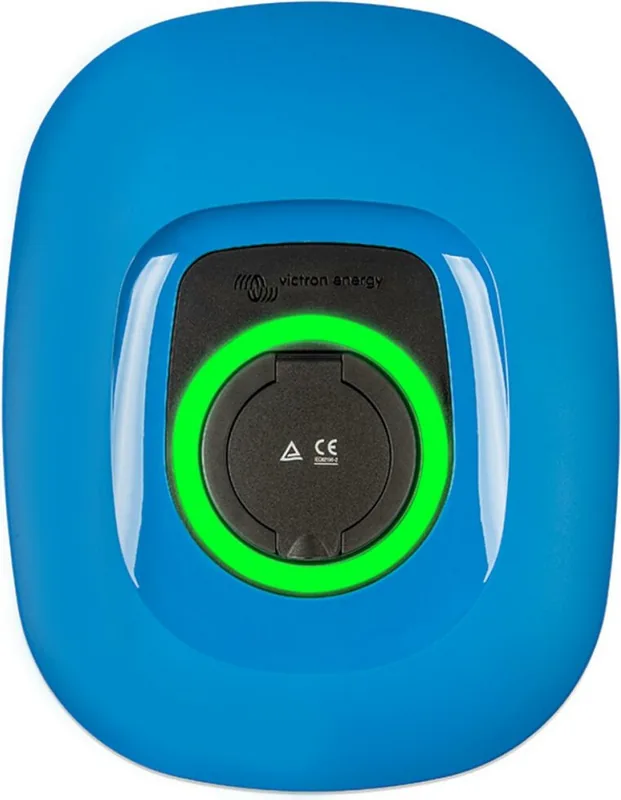
Connectivity plays a crucial role in this product utility. Through built-in WiFi and Bluetooth capabilities users can monitor and control the station using the VictronConnect app or web interface from virtually any smart device. The integration with GX devices allows for remote monitoring via the VRM Portal providing real-time reports and status updates from anywhere globally. A visually appealing and functional programming feature is the RGB light ring surrounding the charging port. This ring provides immediate visual feedback regarding the device state such as charging connected or finished and can be customized via web interface to suit personal preferences or lighting conditions at night.
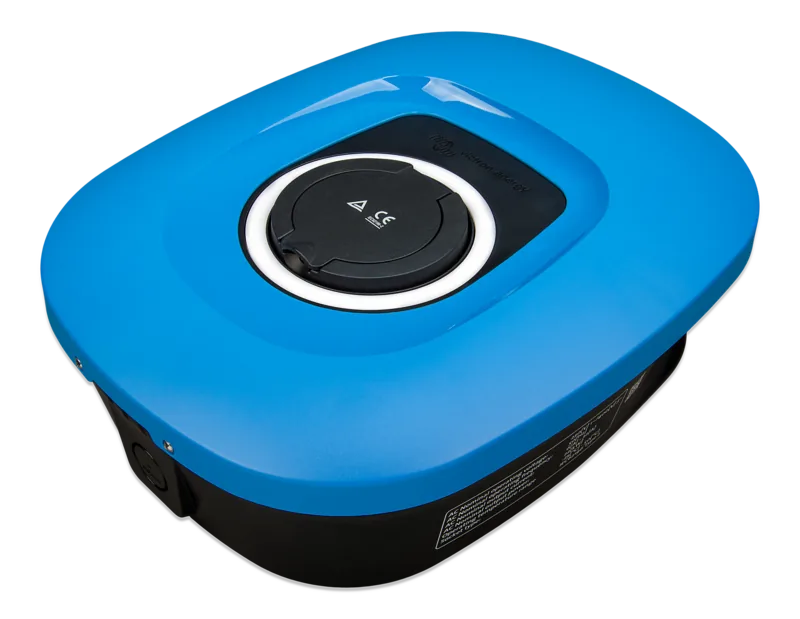
Installation requires adherence to safety protocols involving qualified personnel to ensure electrical safety and proper grounding. The unit supports wall or pole mounting and boasts an IP44 rating making it durable enough for harsh weather conditions whether mounted inside or outside environments. Technical specifications support up to 22kW on three-phase systems or 7.3kW on single-phase setups catering to various vehicle requirements. Setup involves connecting to a local network or utilizing the access point mode during initial configuration phases. Overall the Victron Energy EV Charging Station NS combines robust hardware with intelligent software to deliver a reliable and efficient charging experience for modern electric vehicle owners.
Search for 67,706 Manuals online


Type-in Brand or Model