
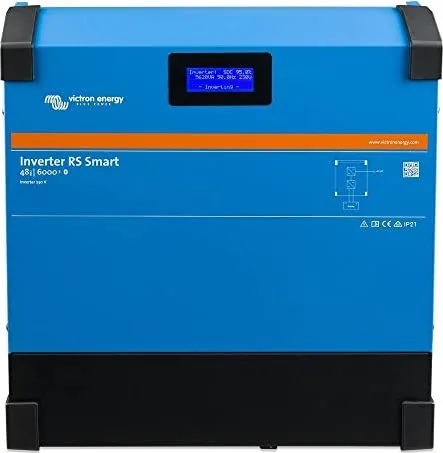
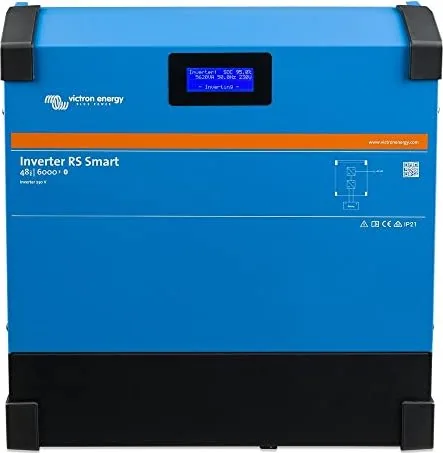
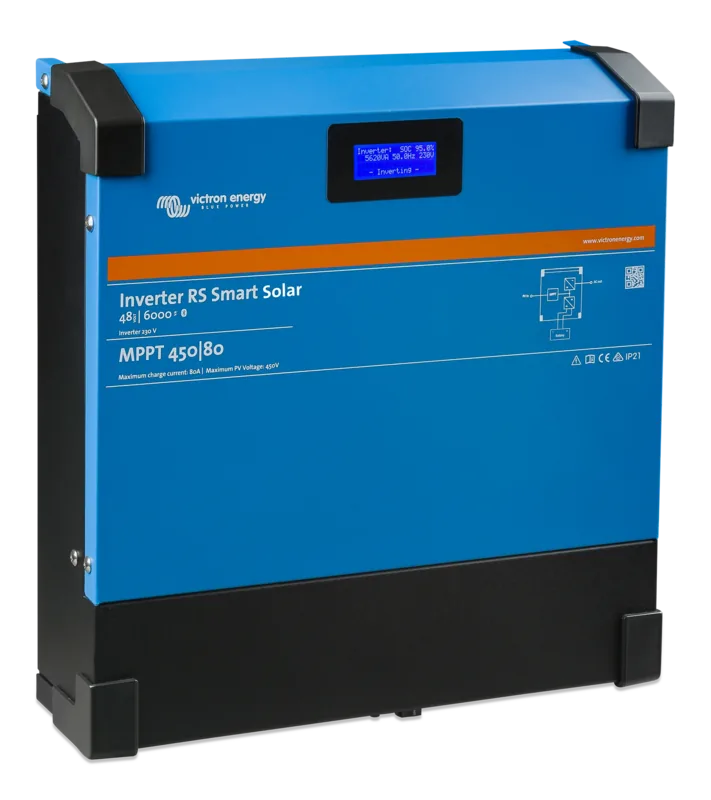
Victron Energy Inverter RS 48/6000 230V Smart Manual
PDF manual · 51 Pages
English



Quick check
Incorrect answer, please try again.
Chat with your Victron Energy Inverter RS 48/6000 230V Smart manual using AI
Get instant AI answers from your Victron Energy Inverter RS 48/6000 230V Smart manual
Ask anything about the Victron Energy Inverter RS 48/6000 230V Smart. Answers come from this manual, with the pages they are based on.
Ask a Question
Do you recommend Inverter RS 48/6000 230V Smart?
Yes NoFrequently Asked Questions
Enable Bluetooth on your phone, open the VictronConnect app, and scan for the device. Enter the default PIN code 000000 when prompted. Ensure you connect directly through the app, not the phone's system menu.
Is this answer helpful?
Yes, VictronConnect includes the latest firmware files locally. You do not need an internet connection to update the device as long as the app is up to date.
Is this answer helpful?
On certain models like Blue Smart IP67 or Lithium batteries, disabling Bluetooth is irreversible. Once turned off, it cannot be reactivated, so proceed with caution.
Is this answer helpful?
The VictronConnect application is available for download at no cost on major platforms including iOS, Android, Windows, and macOS.
Is this answer helpful?
You can reset the PIN to the default 000000 by holding specific buttons on the device, such as the Mode button or PIN delete button, depending on the product model.
Is this answer helpful?
Yes, by connecting the inverter to a GX product and linking it to a VRM account, you can monitor and configure the device remotely via the VictronConnect Remote feature.
Is this answer helpful?
Android requires location permissions because Bluetooth scanning uses network data to detect nearby devices. Enabling location services allows the app to find your Victron products.
Is this answer helpful?
Advantages and Disadvantages
Advantages

- Seamless Bluetooth Smart connectivity for real-time monitoring
- Comprehensive configuration options for voltage and frequency
- Automatic firmware updates keep the device current
- Robust alarm and relay settings for system protection
- Compatible with multiple operating systems including iOS and Android
Disadvantages

- Bluetooth cannot be re-enabled on some specific models once disabled
- Requires VictronConnect app for full feature utilization
- Remote access depends on having a compatible GX product installed
- Some older Android versions may experience connection instability
- Initial setup requires careful attention to PIN code procedures
Product Specification
Note
Prices include 0% VAT rates for AT and DE in some cases
Type
Hybrid inverter, with fan
Input voltage
38-450V DC
Max input current
20A
MPP voltage range
80-450V DC
Number of MPP trackers
1
Max PV generator power
4kWp
Output power
6kW
Efficiency
96.5% max.
Input
MC4
Output
Terminals
Interfaces
Bluetooth
Protection class
IP21
Ambient temperature
-40F to +149F
Dimensions
17.32x16.73x4.92in (WxDxH)
Weight
24.25lbs
Product Description
Victron Energy Inverter RS 48/6000 230V Smart Manual: A Comprehensive Guide to Power Management
The Victron Energy Inverter RS 48/6000 230V Smart Manual serves as an essential resource for users looking to maximize the performance and reliability of their off-grid or mobile power systems. This intelligent inverter is designed to provide robust power conversion, transforming DC battery voltage into stable AC power for a wide range of appliances. The manual guides users through the seamless integration of this device with the VictronConnect ecosystem, enabling powerful remote monitoring and configuration capabilities.
One of the standout features highlighted in the documentation is the ability to manage the inverter via Bluetooth Smart technology. Users can connect their smartphones or tablets directly to the unit without complex wiring. This wireless connectivity allows for real-time data access, including battery voltage, load status, and efficiency metrics. The VictronConnect app transforms a standard smartphone into a sophisticated diagnostic tool, making it easy to track system health from anywhere within range.
Configuration is streamlined through the app interface. The manual details how to adjust critical settings such as output voltage, frequency, and low-voltage shutdown thresholds. These parameters are vital for protecting connected batteries and ensuring that sensitive electronics receive clean, stable power. Additionally, the guide explains how to set up alarms and relays, allowing the system to react automatically to specific conditions like overloads or low battery states.
Firmware updates are another key aspect covered in the text. The Victron Energy Inverter RS 48/6000 230V Smart supports automatic firmware updates via the VictronConnect application. This ensures that the device remains compatible with the latest features and security patches without requiring physical intervention. The manual provides step-by-step instructions on how to initiate these updates, even using custom firmware files if necessary for advanced installations.
Troubleshooting is addressed comprehensively, offering solutions for common issues such as Bluetooth pairing failures or communication errors. The guide emphasizes the importance of keeping the VictronConnect software updated to maintain optimal compatibility across different operating systems, including Android, iOS, Windows, and macOS. Whether you are installing a solar power system in a van or setting up a backup generator for a home, understanding the nuances of the Victron Energy Inverter RS 48/6000 230V Smart Manual empowers you to build a reliable and efficient energy solution.
Important Notes
- Always ensure Bluetooth is enabled on your mobile device before attempting to pair.
- Use the standard PIN code 000000 for initial connections unless changed.
- Firmware updates do not erase existing user configurations.
- Remote management requires a GX product and VRM account for full functionality.
Search for 67,706 Manuals online


Type-in Brand or Model