

Free Turtle Beach Manuals – Read, Download & Print
14 Manuals
Manuals

28 Pages

1 Pages

25 Pages

5 Pages

1 Pages
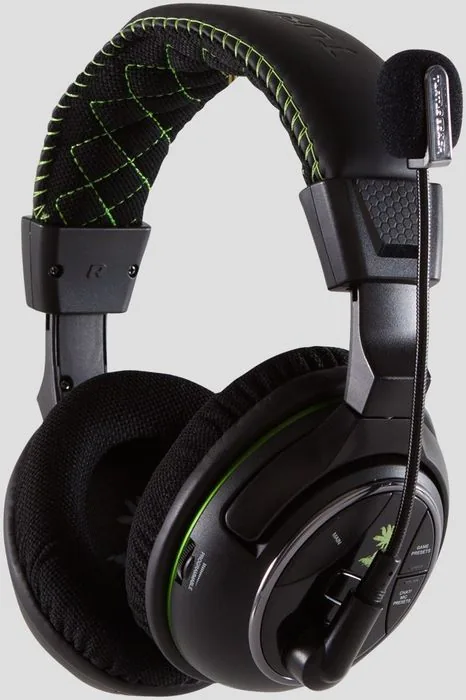
26 Pages

32 Pages

1 Pages
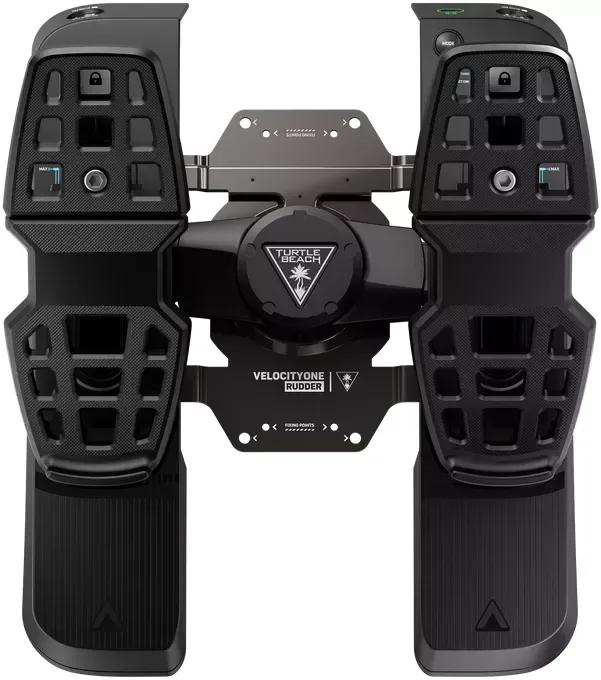
24 Pages
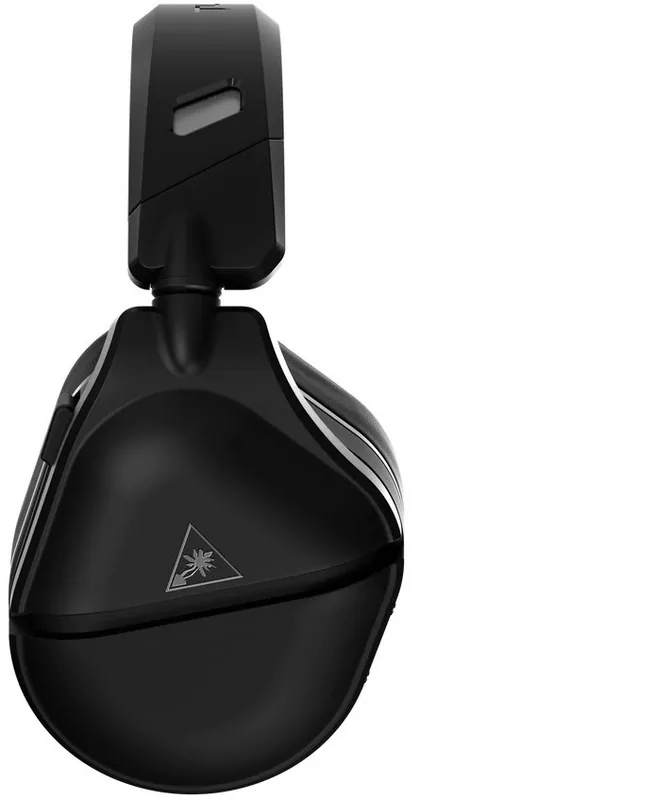
1 Pages
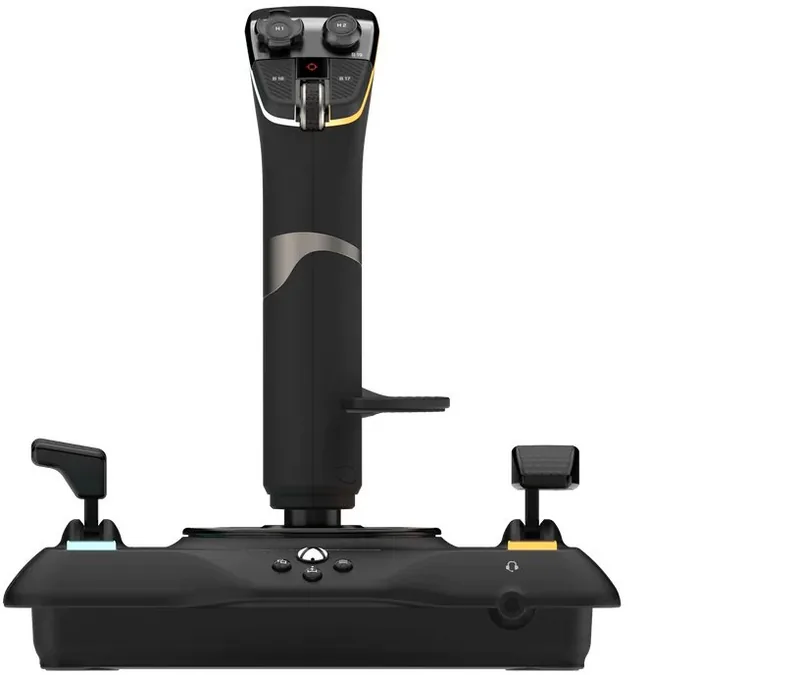
28 Pages

1 Pages

1 Pages

27 Pages
Categories


Turtle Beach Manuals: The Essential Guide to Audio Excellence
Turtle Beach has established itself as a premier manufacturer of gaming audio equipment, offering a wide range of headsets, speakers, and accessories designed to elevate the gaming experience. Whether you are a competitive esports athlete seeking every possible advantage or a casual gamer looking for immersive soundscapes, owning a Turtle Beach product is just the beginning. To truly unlock the potential of your device, understanding its specific features, configuration options, and troubleshooting steps is crucial. This comprehensive guide serves as your central resource for navigating the vast library of Turtle Beach manuals, ensuring you get the most out of your investment.
Understanding the Importance of Official Documentation
When you purchase a new headset or accessory, the included quick start guide often provides only the most basic instructions. While helpful for initial setup, it rarely covers advanced settings, software integration, or detailed maintenance procedures. This is where the full user manual becomes indispensable. Official documentation provided by Turtle Beach contains the complete technical specifications, firmware update instructions, and compatibility lists that are essential for long-term use. Relying on these official sources ensures that you are following guidelines tailored specifically to your model, preventing potential damage from incorrect usage or incompatible software versions.
Furthermore, manuals act as a primary troubleshooting tool before contacting customer support. Many common issues, such as connectivity problems, microphone muting errors, or driver conflicts, have step-by-step solutions outlined in the documentation. By consulting the manual first, users can often resolve complex technical glitches independently, saving valuable time and frustration. The depth of information available in these guides reflects the company's commitment to user empowerment and product longevity.
Navigating the Online Manual Repository
Accessing the correct manual for your specific device is straightforward through the official Turtle Beach website. The online repository is organized to facilitate easy searching and downloading. Users can utilize the search bar to enter their exact model number, which is typically found on the product packaging or printed directly on the headset band or ear cup. Alternatively, browsing by category allows users to explore all products within a specific series, such as the Stealth, Recon, or Elite lines. Each product page hosts a dedicated section for downloads, including user manuals, warranty information, and software drivers.
It is important to verify the version of the manual you are viewing. As manufacturers release firmware updates and hardware revisions, they often update their documentation to reflect changes in button layouts, feature sets, or safety warnings. Downloading the most recent version ensures that you are working with current information. The website supports various file formats, but PDF is the standard, allowing for easy printing and offline reading on any device with a PDF reader.
Key Sections Within Every Manual
While the length and specific content of each manual vary depending on the complexity of the device, most Turtle Beach manuals share a consistent structure designed for logical navigation. The introduction typically outlines the package contents, listing all included items such as the headset, cables, carrying cases, and adapters. This section helps users verify that nothing was lost during shipping and familiarizes them with the physical components.
The setup and installation chapter is often the most critical part of the document. It details the process for connecting the headset to various platforms, including PlayStation, Xbox, Nintendo Switch, PC, and mobile devices. For wireless models, this section explains the pairing process with the USB transmitter or Bluetooth connection. Wired models require specific instructions regarding jack placement and adapter usage. Clear diagrams accompany these text instructions to illustrate port locations and cable routing, reducing confusion during the initial connection phase.
Software integration is another major focus area for modern Turtle Beach headsets. Many models come with companion software, such as Turtle Beach Audio Hub or the specific app for Windows and Mac systems. The manual dedicates significant space to explaining how to install this software, create an account if necessary, and access the equalizer settings. These tools allow users to customize sound profiles, adjust microphone sensitivity, and manage chat mix levels. Detailed explanations of each slider and toggle ensure that even novice users can tailor the audio output to their personal preferences or the specific requirements of different game genres.
Advanced Features and Customization
Beyond basic connectivity, Turtle Beach manuals delve into advanced features that distinguish high-end models from entry-level ones. Features like active noise cancellation, surround sound modes, and multi-platform switching are explained in depth. For instance, manuals for premium models will describe how to switch between stereo and surround sound modes using onboard controls or software interfaces. They also explain the function of programmable buttons, allowing users to assign specific macros or commands to custom buttons for quicker access during gameplay.
Maintenance and care sections are equally vital for preserving the lifespan of the device. These parts of the manual provide guidance on cleaning the ear pads, storing the headset properly when not in use, and handling the charging cables for wireless models. Proper maintenance prevents common issues like degraded sound quality due to dirty drivers or battery failure caused by improper charging habits. The documentation often includes warnings about exposure to moisture, extreme temperatures, and direct sunlight, which can damage sensitive electronic components.
Troubleshooting Common Issues
One of the most valuable aspects of the manual is the troubleshooting guide. This section addresses a wide array of potential problems, ranging from no sound output to intermittent connectivity drops. The guide typically uses a problem-solution format, starting with the most likely causes and progressing to more complex fixes. For example, if a user experiences no audio, the manual will first suggest checking volume levels and mute switches before moving on to driver reinstallation or port testing.
Wireless interference is a frequent concern, and manuals offer specific advice on minimizing this issue. Suggestions may include relocating the USB transmitter to a different USB port, removing obstructions between the headset and the transmitter, or updating the firmware to improve signal stability. Battery life issues are also covered, with tips on fully charging the unit before first use and calibrating the battery indicator if it displays inaccurate readings.
Warranty and Support Information
Every manual concludes with important legal and support information. This includes the terms of the warranty, outlining what is covered and for how long. It also provides contact information for customer support, including phone numbers, email addresses, and links to live chat services. Understanding the warranty terms is essential for making a claim if a defect arises within the coverage period. The manual may also reference the registration process, encouraging users to register their product immediately after purchase to activate warranty coverage and receive notifications about future firmware updates.
In conclusion, the Turtle Beach manuals are far more than simple instruction booklets; they are comprehensive resources that empower users to master their audio gear. By taking the time to read and understand these documents, gamers can ensure optimal performance, extend the life of their equipment, and enjoy a superior audio experience across all their favorite games and platforms. Whether you are setting up a new rig or trying to fix an existing one, the official documentation remains your best ally in achieving gaming audio excellence.
Search for 67,706 Manuals online


Type-in Brand or Model