
Turtle Beach VelocityOne Rudder Manual
PDF manual · 24 Pages
English



Quick check
Incorrect answer, please try again.
Chat with your Turtle Beach VelocityOne Rudder manual using AI
Get instant AI answers from your Turtle Beach VelocityOne Rudder manual
Ask anything about the Turtle Beach VelocityOne Rudder. Answers come from this manual, with the pages they are based on.
Ask a Question
Do you recommend VelocityOne Rudder?
Yes NoFrequently Asked Questions
Use the 2m USB-A to USB-C cable. Windows recognizes it automatically, and the LED turns white to indicate connection in PC mode.
Is this answer helpful?
Yes, connect the pass-through cable to the VelocityOne Flight system and enable pedals in the FMD menu to ensure compatibility.
Is this answer helpful?
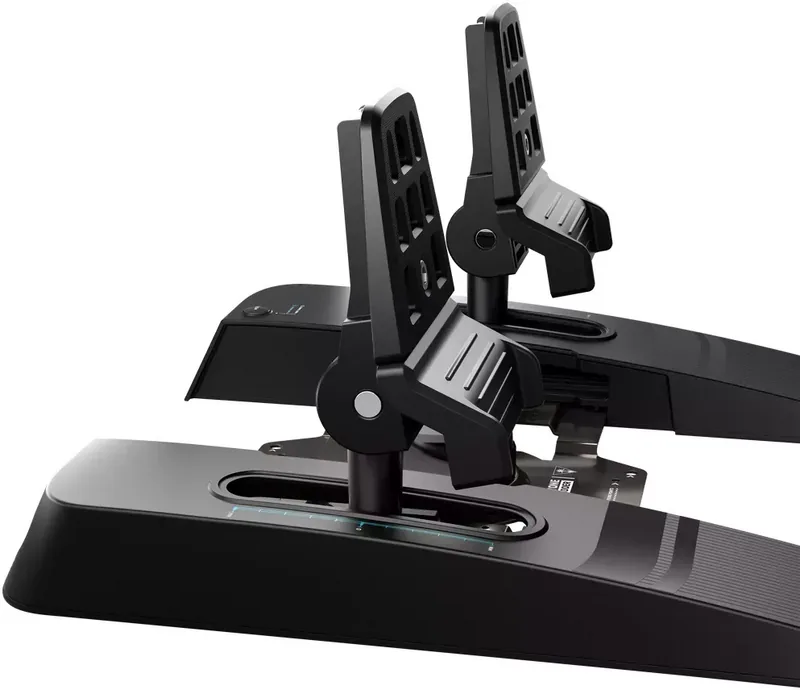
Two sets are provided, one flat for large planes and one steep for smaller private aircraft to simulate different cockpits.
Is this answer helpful?
Push the lock handle, move the base to the desired position, and release the handle. Ensure both pedals match the same width.
Is this answer helpful?
Yes, use the included Allen key to swap 60N or 80N springs in the spring chamber to alter tension levels.
Is this answer helpful?
Yes, power cycle the device and move the rudder axis through full deflection so new calibration data is set correctly.
Is this answer helpful?
Visit turtlebeach.com/support for the latest Tech Support information and firmware updates for Windows and Xbox.
Is this answer helpful?
Advantages and Disadvantages
Advantages

- Includes two distinct pedal sets for flat and steep configurations to match specific aircraft types.
- Adjustable resistance with 60N and 80N spring sets allows tailored tension preferences.
- Pedal width adjusts across six positions from 350mm to 450mm for comfort.
- Compatible with PC directly and Xbox via VelocityOne Flight pass-through connection.
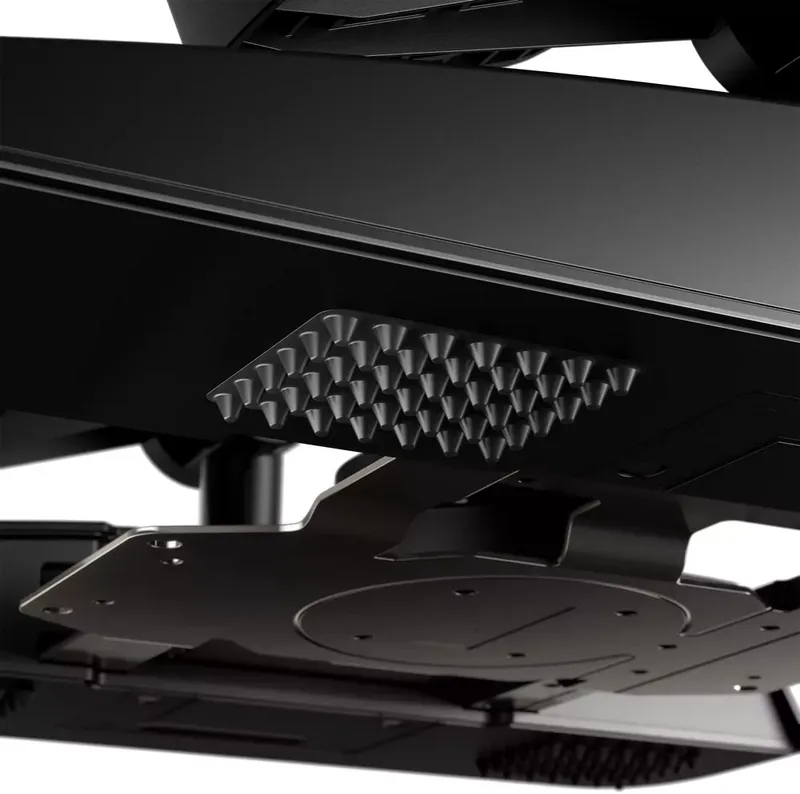
- Includes rubber grip pads for flat surfaces and spiked sets for carpets.
Disadvantages

- Xbox compatibility requires the VelocityOne Flight system as a pass-through hub.
- Strong internal springs require caution during adjustment to avoid injury.
- Installation requires mounting screws not suitable for all cockpit surfaces.
- Calibration reset is needed via power cycle after changing pedal width settings.
- Does not offer direct connectivity to Xbox without the specific flight system accessory.
Product Specification
Type
Pedals
Compatibility
Xbox One, Xbox Series S, Xbox Series X, PC
Connection
Wired, USB
Power Supply
USB
Pedals
2 standing
Features
Adjustable resistance
Product Description
Elevate Your Flight Simulation Experience with Precision Controls
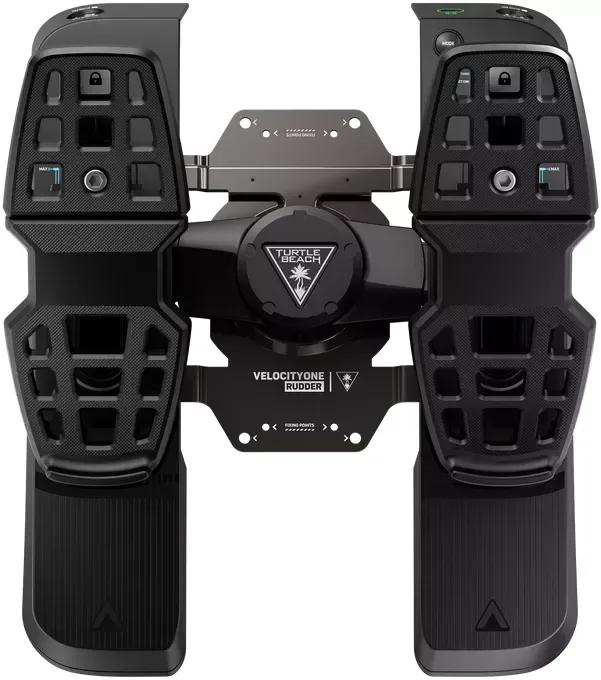
Are you ready to take your flight simulator to the next level? The Turtle Beach VelocityOne Rudder Pedals (PC/Xbox SX/Xbox One) Manual highlights an essential tool for serious aviators. These rudder pedals offer a high degree of realism that standard controllers simply cannot match. By installing these accessories, you gain full control over the yaw axis of your virtual aircraft.
Customizable Pedal Configurations
This unit includes two distinct pedal sets. You receive both flat pedals designed for commercial jetliners and steep pedals suited for smaller private aircraft. This versatility allows you to mimic the cockpit layout of various real-world planes instantly. Simply swap the pedal plates depending on your current mission or preferred aircraft type.
Tailored Resistance and Width
Control is further refined through adjustable springs within the device. The package includes 60N and 80N spring settings, letting you customize the tension to your personal preference. Heavier resistance helps build muscle memory for realistic inputs, while lighter tension suits casual sessions. Additionally, the pedal width is adjustable across six positions ranging from 350mm to 450mm.
Seamless Platform Integration
Connecting to your gaming system is straightforward and reliable. For Windows users, a standard USB-A to USB-C cable enables immediate plug-and-play functionality. The LEDs indicate connection status clearly with white light for PC mode. Xbox gamers can utilize the pass-through connection via the VelocityOne Flight system using the 2.5m cable. This setup integrates the pedals directly into the existing flight stick hardware.
Installation and Safety
The installation process involves using provided screws for fixed setups. Rubber grip pads are available for flat surfaces or carpets to prevent slippage. Users are advised to avoid standing on the pedals due to internal spring tension. Adjustments should be made carefully to prevent damage to the mechanism. Proper installation ensures long-term durability and performance during simulation.
The calibration process is automated for the most part, though power cycling is recommended after changing pedal widths. For further assistance, the manufacturer provides dedicated support resources online. Users should ensure their Flight Management Display is updated to the latest firmware for Xbox compatibility. Ultimately, this peripheral bridges the gap between console gaming and professional simulation hardware.
Search for 67,706 Manuals online


Type-in Brand or Model
GamerAlex99
7 months ago
Does this add-on significantly improve aircraft handling for Microsoft Flight Simulator 2020?
Manual.ly
7 months ago
Yes. Based on user feedback, this update simplifies aircraft controls significantly. Many customers report a much better overall gaming experience with improved handling compared to the standard version.