
Turtle Beach Ear Force XC1 Manual
PDF manual · 5 Pages
English



Quick check
Incorrect answer, please try again.
Chat with your Turtle Beach Ear Force XC1 manual using AI
Get instant AI answers from your Turtle Beach Ear Force XC1 manual
Ask anything about the Turtle Beach Ear Force XC1. Answers come from this manual, with the pages they are based on.
Ask a Question
Do you recommend Ear Force XC1?
Yes NoVideo Manual
Testing Turtle Beach XLC
Frequently Asked Questions
Plug the headset’s 2.5mm connector into the expansion port on the bottom of your Xbox 360 controller. Then press the Xbox guide button, go to Settings → Preferences → Voice, and select "Play Through Headset" to route chat audio through the headset.
Is this answer helpful?
Yes. The slotted ear cup design allows external and in-game sounds to be heard while you use the headset for team chat, preserving situational awareness instead of fully isolating your ear.
Is this answer helpful?
The XC1 includes a convenient mic mute switch on the inline module. Flip or press the mute control to instantly silence your microphone without changing console settings.
Is this answer helpful?
The headset is engineered for comfort and extended use, but users should always keep volume at safe levels. Start with volume low and increase gradually. Prolonged exposure to high volumes can cause permanent hearing damage; lower volume if you hear ringing or cannot hear nearby sounds.
Is this answer helpful?
The XC1 is designed specifically for Xbox 360 controller expansion port use with a 2.5mm connector. Compatibility with other devices depends on the device’s jack and audio routing; many modern consoles and phones may not natively support the same connector or microphone wiring.
Is this answer helpful?
For product support, warranty details, and accessories, visit TurtleBeach.com/support. The manufacturer provides resources and contact options for troubleshooting and repairs.
Is this answer helpful?
Advantages and Disadvantages
Advantages

- Direct 2.5mm connection to Xbox 360 controller for plug-and-play setup.
- Slotted ear cup preserves awareness of game and room sounds while chatting.
- In-line volume control lets you balance chat level without digging into menus.
- Dedicated mic mute switch provides immediate privacy control.
- Lightweight, comfortable design suitable for extended gaming sessions.
Disadvantages

- Single-ear design lacks full stereo immersion for game audio.
- Limited to Xbox 360 controller port; not a universal modern headset solution.
- Basic feature set compared to newer headsets with surround or multi-device support.
- Wired connection can restrict movement compared with wireless alternatives.
- No advanced audio tuning or multiple drivers for richer soundstage.
Product Specification
Type
Headphones (Over-Ear)
Form Factor
Headband
Microphone
Boom Microphone
Connection
0.10 in Jack
Wireless
no
Controls
Volume Control, Mute Button
Certified for
Xbox 360
Color
black, green
Product Description
Turtle Beach Ear Force XC1 — Clear Team Chat for Xbox 360
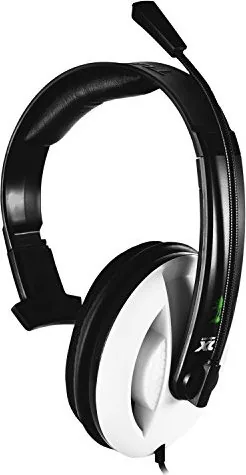
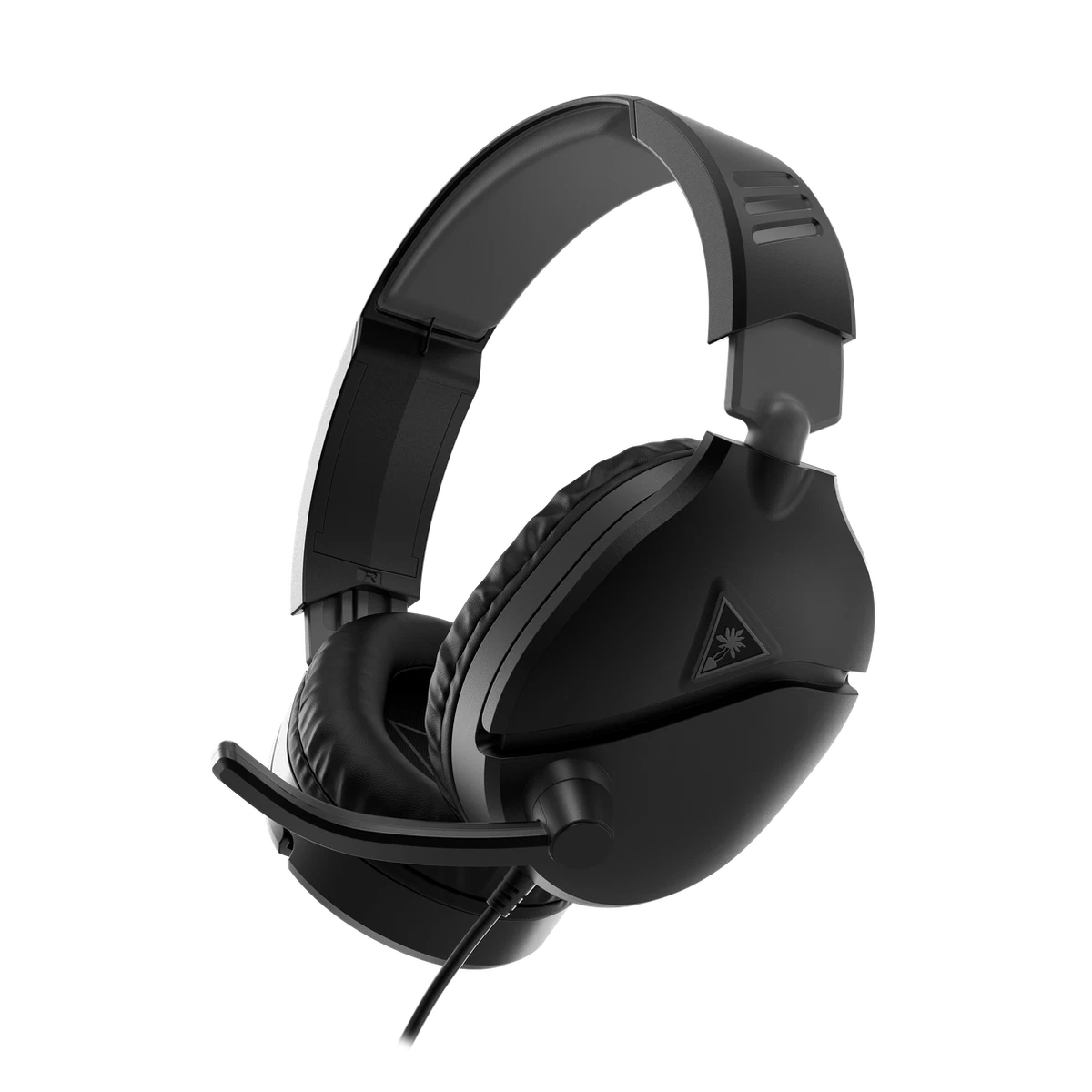
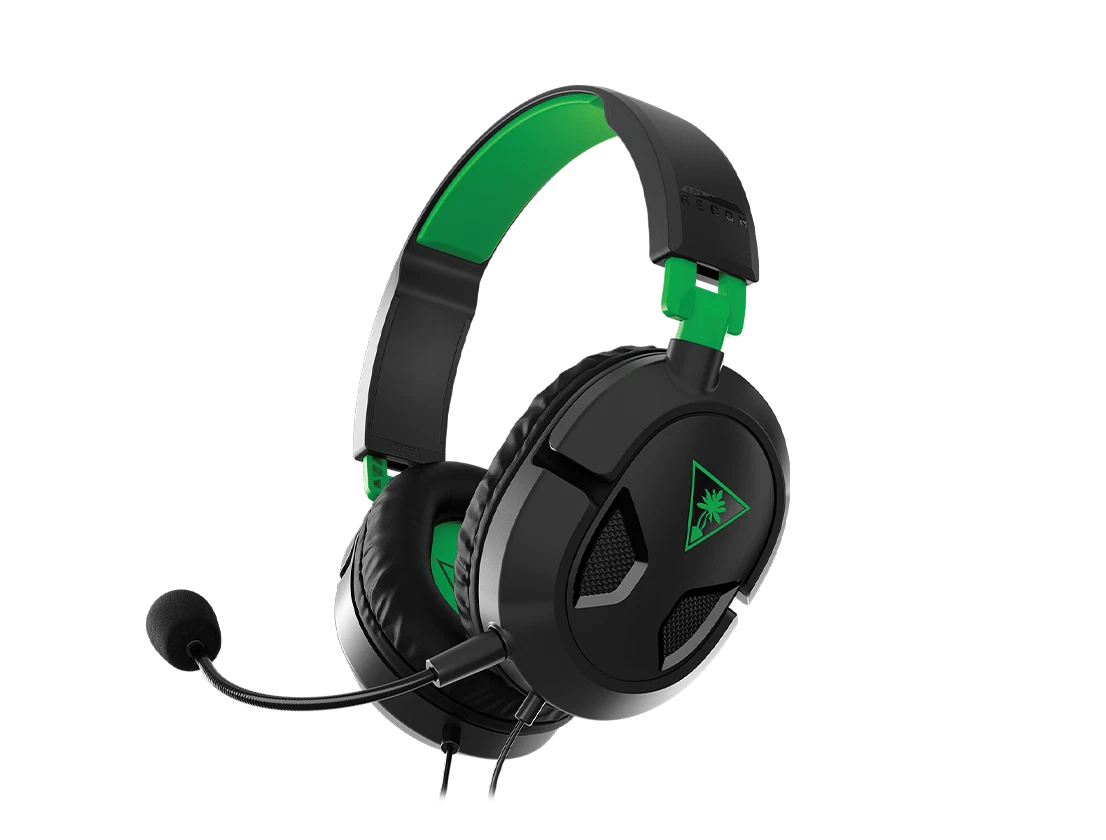
The Turtle Beach Ear Force XC1 is a practical wired headset designed to enhance voice communication on Xbox 360. Built around a single-ear slotted ear cup, the XC1 lets players stay aware of in-game audio and ambient sounds while maintaining crystal-clear chat with teammates. Lightweight and straightforward, it plugs directly into the controller’s expansion port via a 2.5mm connector and offers in-line controls for quick adjustments during play.
Comfort and usability are central to the XC1 design. The slotted ear cup reduces isolation so you can hear both teammates and game cues without removing the headset. An adjustable boom microphone includes a convenient mute switch for immediate privacy, while the in-line volume control lets you fine-tune chat levels independently from game audio. Setup is simple: connect to the controller, then enable "Play Through Headset" in Xbox 360 voice settings to route chat audio through the headset.
Durability and safety considerations make the XC1 a dependable choice for casual and competitive gamers alike. The headset includes product support and warranty resources from Turtle Beach, and it conforms to regulatory standards. Users are reminded to start at low volume and increase gradually to avoid hearing damage. The XC1’s design balances lightweight comfort with the functional needs of long gaming sessions.
Ideal for gamers who want focused voice communication without losing situational awareness, the XC1 is a no-frills accessory that delivers reliable chat performance. It’s especially suitable for team-based multiplayer where clear mic pickup and quick mute/volume adjustments are important. While not feature-rich compared to modern multi-driver headsets, the XC1 emphasizes straightforward, effective voice chat on Xbox 360.
Notes:
- Connect the 2.5mm plug to the Xbox 360 controller expansion port and enable "Play Through Headset" under Preferences → Voice.
- Use the in-line volume control to balance chat levels; mute switch available for instant mic off.
- Start at low volume to protect hearing; prolonged high volume can cause permanent damage.
Search for 67,706 Manuals online


Type-in Brand or Model