

Free Aqua Computer Manuals – Read, Download & Print
13 Manuals
Manuals
8 Pages
2 Pages
4 Pages
1 Pages
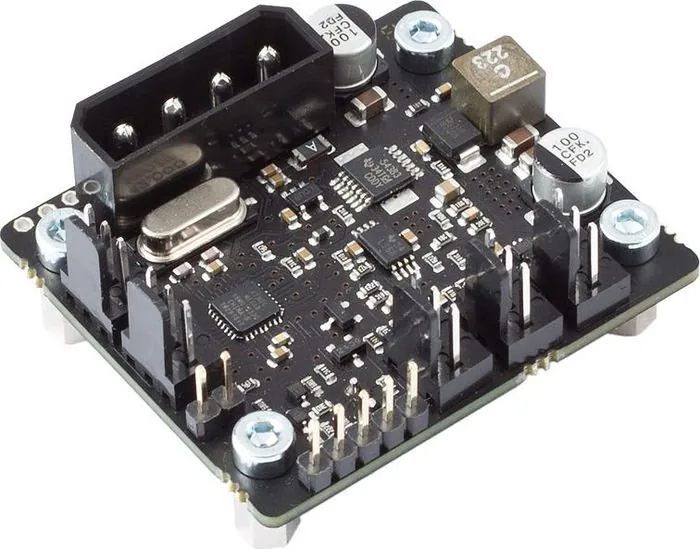
20 Pages
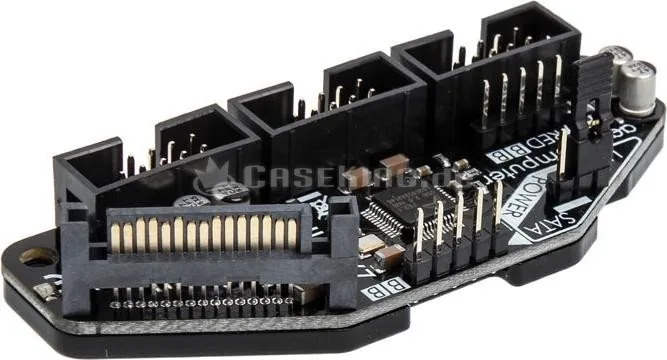
1 Pages
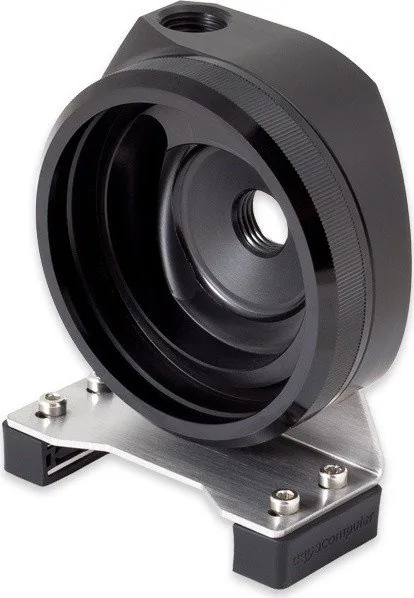
1 Pages
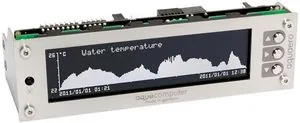
53 Pages
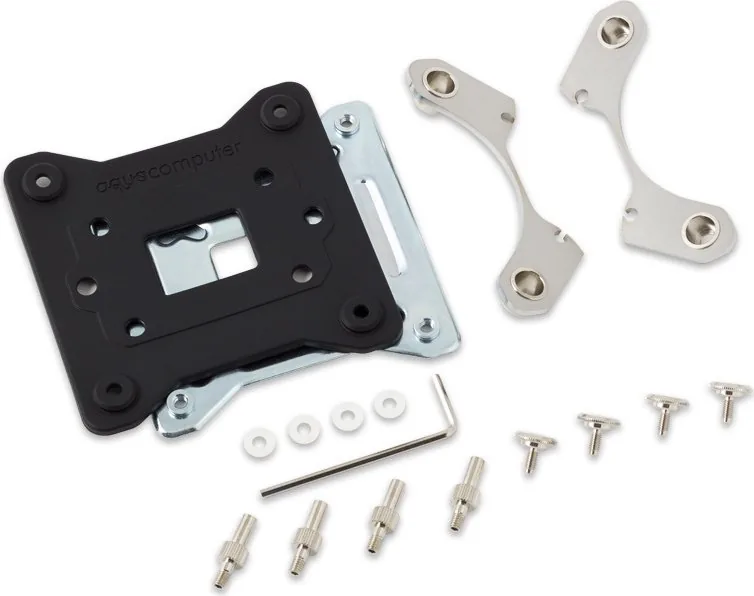
1 Pages
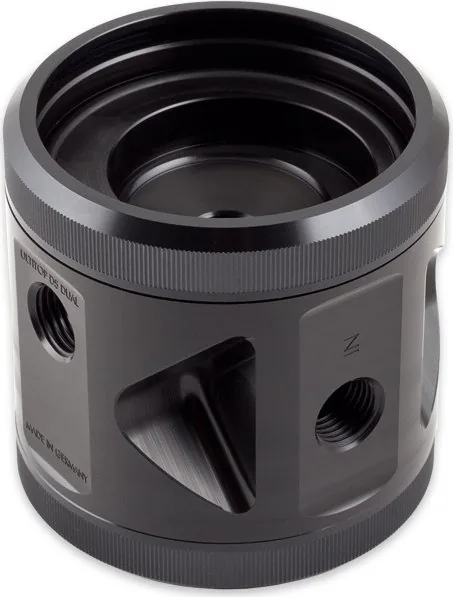
1 Pages
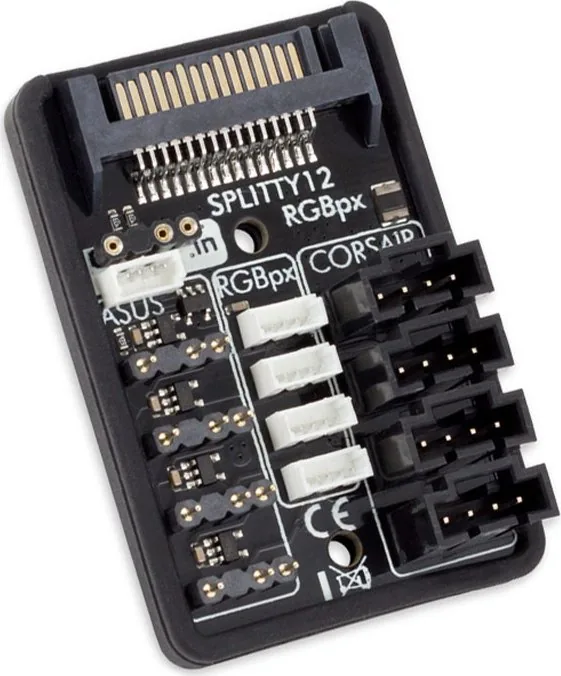
1 Pages
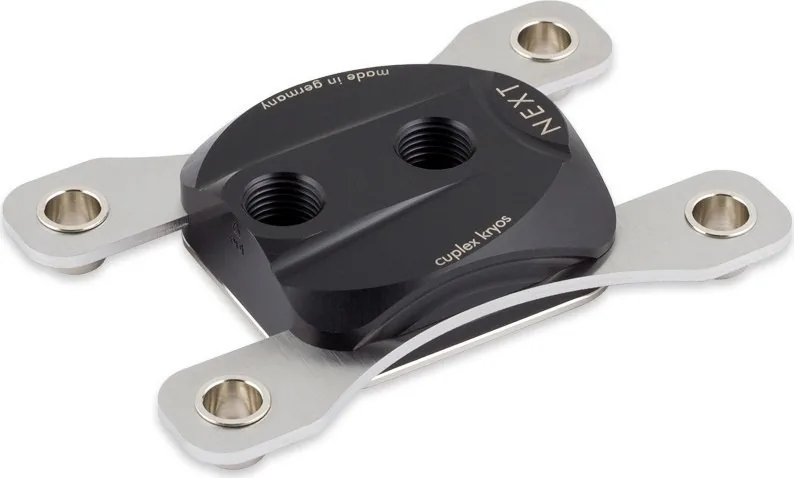
2 Pages
2 Pages
Categories

Free Aqua Computer Manuals - Read, Download & Print
Find Aqua Computer Documentation in One Convenient Place
Accessing the right manual is essential when installing, configuring, maintaining, or troubleshooting Aqua Computer hardware. Whether you use advanced water-cooling controllers, fan management devices, flow sensors, temperature sensors, pumps, RGB lighting components, or monitoring accessories, clear documentation helps you get the best results from every device. Free Aqua Computer manuals provide practical guidance for users who want to read instructions online, download reference files for later, or print important setup pages for use at their workstation.
Aqua Computer products are popular among PC enthusiasts, custom loop builders, and users who need detailed system monitoring and precise cooling control. Their equipment often includes configurable features, multiple connection options, sensor inputs, software settings, and firmware-related functions. Manuals are useful for understanding these capabilities before connecting hardware or changing existing settings.
Read Aqua Computer Manuals Online
Reading an Aqua Computer manual online is a fast way to locate product information without saving files to a device. Digital manuals can help users check specifications, compare connectors, identify ports, review wiring diagrams, and confirm installation steps while working on a computer build.
Online documentation is especially helpful when you need a quick answer to a specific question. You may want to verify the correct power connection for a controller, determine which sensor input is compatible with a component, find the dimensions of a mounting accessory, or understand the meaning of a status indicator. Searching within a digital manual can make it easier to find relevant terms such as "USB," "fan output," "flow sensor," "temperature," "firmware," or "software."
Before making changes to a cooling system, read the safety notices and installation requirements in the relevant manual. Many computer cooling components require careful cable management, appropriate power connections, secure mounting, and correct sensor placement. Reviewing the instructions first can reduce the chance of incorrect wiring, damaged components, or unreliable readings.
Download Manuals for Offline Access
Downloading Aqua Computer manuals gives you access to important documentation even when an internet connection is unavailable. An offline copy can be useful during a system build, while working in a workshop, when moving equipment between locations, or when you want to keep a personal archive of product guides.
Saved manuals are also convenient for long-term ownership. Hardware may remain in use for years, and keeping the original guide can make future upgrades, maintenance, and troubleshooting easier. You can store downloaded documentation in folders organized by product type, system build, purchase date, or device model. This approach is particularly useful for users with several controllers, sensors, pumps, and accessories installed in one custom PC.
When downloading a manual, confirm that it matches the exact product model and revision whenever possible. Products with similar names can have different connector layouts, supported features, technical limits, or installation methods. Refer to product labels, packaging, invoices, and device markings to identify the correct model before following a diagram or configuration procedure.
Print Instructions for Easier Installation
Printing an Aqua Computer manual or selected pages can be helpful during hands-on installation. A printed copy allows you to keep wiring diagrams, mounting instructions, pin assignments, and safety information nearby without switching between applications or handling a phone near an open computer case.
Instead of printing an entire document, consider printing only the pages most relevant to your task. Commonly useful pages include connection diagrams, installation illustrations, technical specifications, troubleshooting tables, and software setup instructions. This can save paper while providing a practical reference at the workbench.
For complicated water-cooling builds, printed diagrams can help you plan cable routing and component placement before installation. Marking notes on a copy of the manual may also help you track which fan channel, sensor port, or RGB connection is assigned to each part of the system. Always keep original documents unchanged when possible and use printed copies for notes.
Manuals for Cooling Controllers and Monitoring Devices
Aqua Computer is well known for hardware that supports detailed cooling control and monitoring. Manuals for controllers can explain how to connect fans, pumps, temperature sensors, flow sensors, and other supported devices. They may also describe output limitations, power requirements, signal behavior, and communication methods.
Cooling controller documentation can be valuable when creating automatic fan curves or pump profiles. A manual may identify available sensor sources, explain control modes, and describe how device outputs respond to configured conditions. Understanding these details can help users build a quieter system at low temperatures while maintaining effective cooling during gaming, rendering, simulations, or other demanding workloads.
Monitoring device manuals may cover display settings, sensor calibration, alarm thresholds, data logging options, and device integration. Accurate monitoring depends on proper installation and configuration, so use the manual to confirm the recommended sensor type, placement, and connection method. If readings appear incorrect, consult the troubleshooting section before replacing components.
Guides for Pumps, Flow Sensors, and Temperature Sensors
Custom water-cooling systems rely on reliable measurements and stable liquid circulation. Manuals for pumps, flow sensors, and temperature sensors can provide the details needed to integrate these components safely into a loop. They may include information about electrical connections, mounting orientation, fluid compatibility, operating ranges, and software recognition.
A flow sensor guide can help users understand how flow values are measured and displayed. Proper placement, clean tubing runs, secure fittings, and appropriate configuration can influence the quality of results. Temperature sensor documentation can explain where sensors should be connected and how values are used by a controller or software suite.
Pump manuals are important because pumps involve both electrical and mechanical considerations. Check the specified power source, connection type, speed control capability, and installation recommendations. If a pump is controlled by a fan channel or dedicated controller output, verify that the electrical load remains within the supported limit. Never assume that connectors with similar shapes have identical functions.
Software Setup and Configuration Help
Many Aqua Computer devices are designed to work with dedicated configuration software. Manuals can introduce the software interface, explain initial device detection, describe available settings, and outline how to apply changes. Software documentation may cover sensor naming, virtual sensors, controller curves, alarms, profiles, display layouts, and firmware updates.
Take time to review configuration options before applying aggressive fan or pump settings. A well-planned profile should account for coolant temperature, component temperature, noise preferences, and the characteristics of the installed cooling hardware. In many systems, coolant temperature provides a stable source for fan control, while short-lived CPU temperature spikes may require different response settings.
Keep firmware and software information in mind when consulting older manuals. The core connection instructions may remain useful, but menus, options, and supported features can change with updates. Use current product documentation and official software resources when available, particularly for firmware procedures. Do not interrupt power or disconnect a device during a firmware update unless the official instructions specifically say to do so.
Troubleshooting With the Right Manual
Manuals can be an effective first resource when an Aqua Computer product does not behave as expected. Troubleshooting sections often list common symptoms, possible causes, status messages, connection checks, and reset procedures. Start with simple checks such as power, USB connectivity, cable orientation, software detection, and output assignments.
If a device is not detected, verify that it is connected to the correct internal USB header or supported interface and that the operating system recognizes the connection. If a fan or pump does not respond, check the selected control mode, output configuration, cable compatibility, and power limits. If sensor values are missing, confirm that the sensor is connected to the intended input and enabled in the software.
Document any changes you make during troubleshooting. Keeping notes on cable swaps, settings adjustments, firmware versions, and observed behavior can make it easier to identify the source of a problem. If additional support is needed, this information can also help provide a clearer description of the issue.
Use Manuals Safely and Effectively
Free Aqua Computer manuals are valuable references for both first-time installers and experienced builders. Read the complete installation instructions before powering new hardware, use only compatible connections and accessories, and follow all electrical limits listed for the device. Disconnect system power before changing internal wiring, and inspect cables for damage before use.
For the best experience, keep digital copies of manuals for every Aqua Computer product in your setup, print key diagrams for complex installations, and revisit the documentation whenever you upgrade or reconfigure your cooling system. With the correct guide at hand, you can make informed decisions, configure equipment with confidence, and maintain accurate, dependable cooling performance.
Search for 67,706 Manuals online


Type-in Brand or Model