
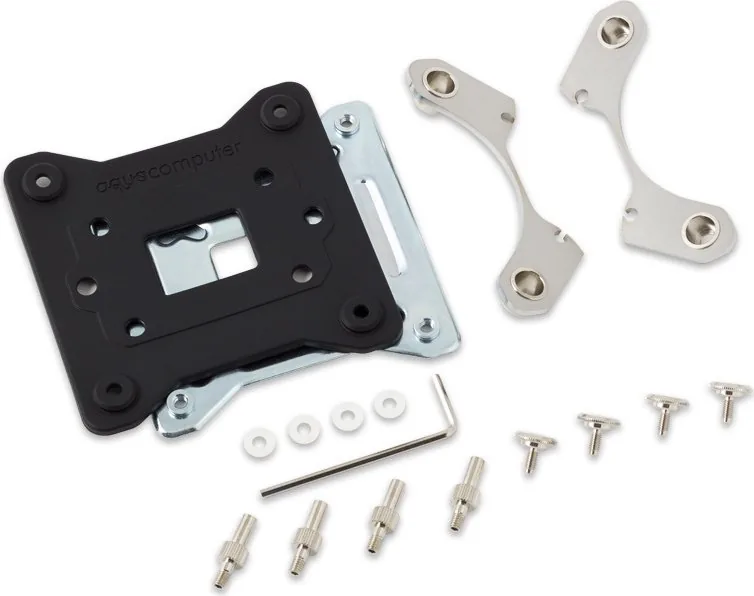
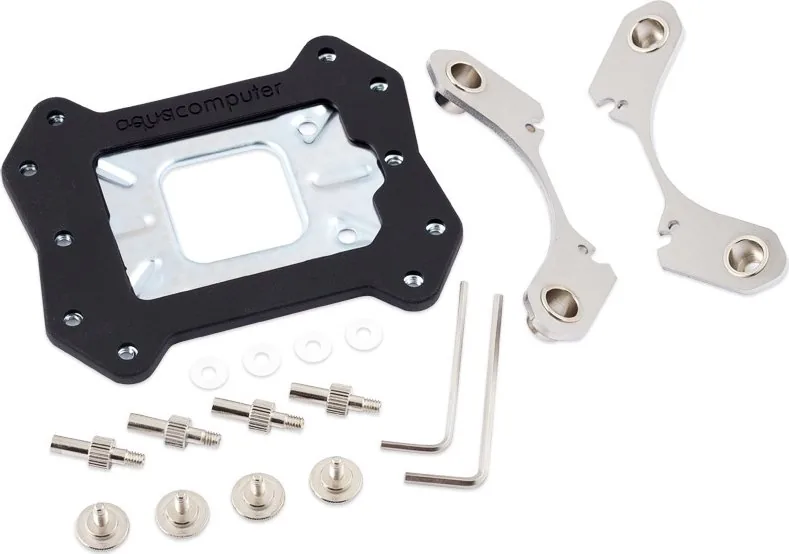
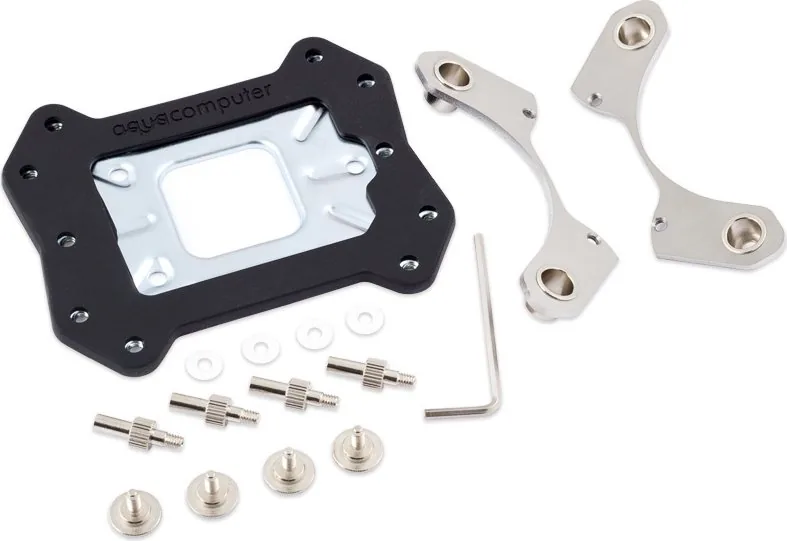
Aqua Computer cuplex kryos NEXT Conversion Kit Manual
PDF manual · 1 Pages
English


Quick check
Incorrect answer, please try again.
Chat with your Aqua Computer cuplex kryos NEXT Conversion Kit manual using AI
Get instant AI answers from your Aqua Computer cuplex kryos NEXT Conversion Kit manual
Ask anything about the Aqua Computer cuplex kryos NEXT Conversion Kit. Answers come from this manual, with the pages they are based on.
Ask a Question
Do you recommend cuplex kryos NEXT Conversion Kit?
Yes NoFrequently Asked Questions
It allows converting Cuplex Kryos NEXT water blocks for different CPU sockets without buying a new block.
Is this answer helpful?
Yes, set screws must only be tightened by hand to prevent warping the housing and causing leaks.
Is this answer helpful?
No, skip the set screw step for acrylic and RGB px versions of the block as per instructions.
Is this answer helpful?
Insert them into corresponding grooves and ensure they are perfectly aligned to prevent water damage.
Is this answer helpful?
All installation manuals are available for download on the Aqua Computer website support section.
Is this answer helpful?
It supports sockets 1150, 1151, 1155, 1156, and 1200 for Intel processors to ensure compatibility.
Is this answer helpful?
Excessive force can warp and damage the water block housing which is especially risky for acetal versions.
Is this answer helpful?
Advantages and Disadvantages
Advantages

- Cost effective upgrade path for existing CPU water blocks without buying new hardware.
- Maintains high performance cooling capabilities for modern socket types effectively.
- Detailed manual provided to guide safe installation and disassembly procedures.
- Compatible with multiple Intel socket generations like 1150 and 1200 for flexibility.
- Allows reuse of base parts reducing electronic waste significantly for users.
Disadvantages

- Requires manual disassembly which risks damage if handled incorrectly by user.
- Set screws must be tightened only by hand to avoid warping the housing.
- Gaskets must be aligned perfectly or leaks may develop quickly over time.
- Acetal versions are more susceptible to damage from overtightening during use.
- Installation manual must be consulted frequently to avoid errors on RGB models.
Product Specification
Type
Mount
Material
Stainless Steel, Plastic
Color
Silver (matte), Black
Product Description
Enhancing Processor Cooling With the Aqua Computer Conversion Kit
Liquid cooling enthusiasts constantly seek ways to maximize thermal performance and system longevity. The Aqua Computer Conversion Kit Socket 1150/1151/1155/1156/1200 for Cuplex Kryos NEXT Manual provides essential guidance for upgrading your hardware effectively. This retrofit kit allows users to adapt existing water blocks for newer CPU sockets without purchasing an entirely new unit. It is a cost-effective solution for builders who want to maintain their investment.
Understanding the Retrofit Process Clearly
The conversion process involves careful disassembly of the existing water block assembly to ensure safety. Users must remove screws from the base part and lift it off to access internal components securely. Next, retention plates are removed from the housing carefully. This step is crucial for ensuring compatibility with different processor socket sizes like 1155 or 1200. Once the old plates are out, the new retention plates slide into the recesses of the water block housing. This ensures the cooling block remains stable under thermal load.
Critical Installation Warnings To Remember
Proper tightness is vital during reassembly to prevent damage. The installation manual emphasizes that set screws must only be tightened by hand strictly. Excessive force can warp and damage the water block housing significantly. This advice is especially critical when working with acetal versions of the block. Over-tightening compromises structural integrity and may lead to leaks or sudden failure. Always align gaskets perfectly into the corresponding grooves before placing the base part back on top.
Final Assembly And Additional Resources
After securing the base part with countersunk head screws, the upgrade is complete and ready. If you need further assistance, all installation manuals are available for download on the official Aqua Computer website directly. This ensures you have the correct documentation for your specific motherboard pairing needs. Utilizing the Aqua Computer Conversion Kit Socket 1150/1151/1155/1156/1200 for Cuplex Kryos NEXT Manual correctly ensures maximum longevity for your hardware.
Proper maintenance and strict adherence to steps prevent common pitfalls during the upgrade. By following these detailed instructions, users can enjoy high-end cooling performance while extending the life of their current hardware investments reliably. This versatility makes the kit a smart choice for modular system builders who evolve their hardware over time.
Important Maintenance Notes
- Always inspect gaskets for wear before reassembly steps.
- Handle components with extreme care to avoid scratches.
- Skip set screws on RGB versions if applicable during build.
- Ensure alignment is perfect for leak prevention.
Search for 67,706 Manuals online


Type-in Brand or Model