

Free Thermalright Manuals – Read, Download & Print
18 Manuals
Manuals
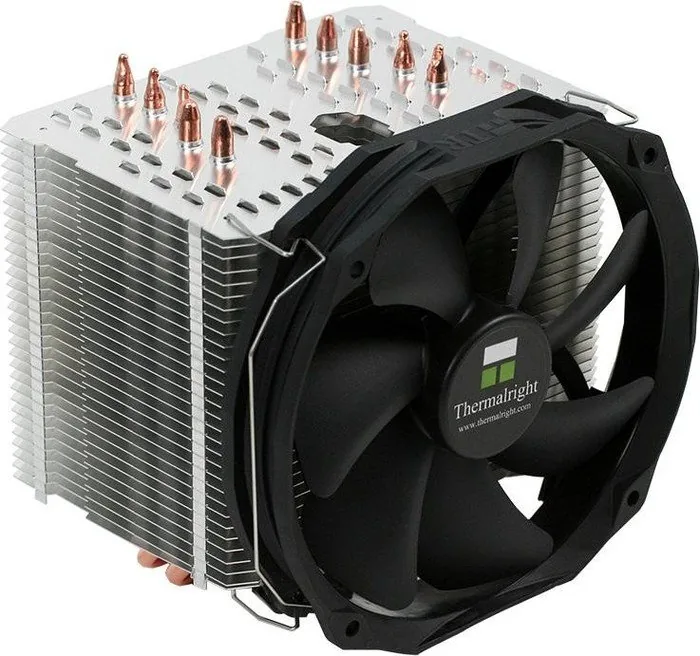
19 Pages
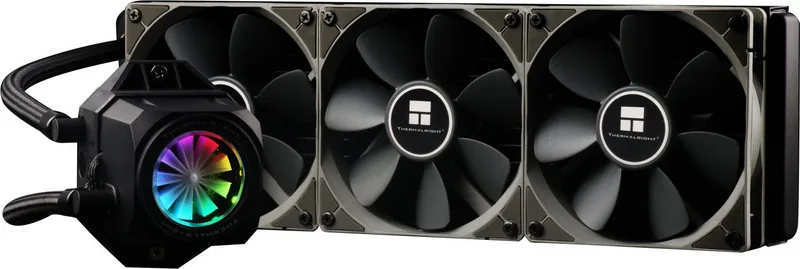
2 Pages
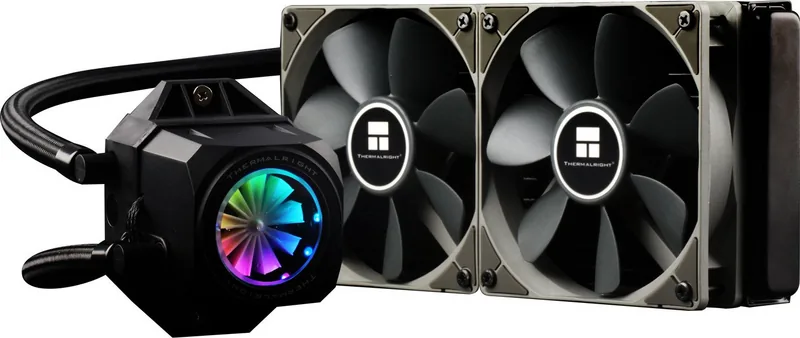
2 Pages
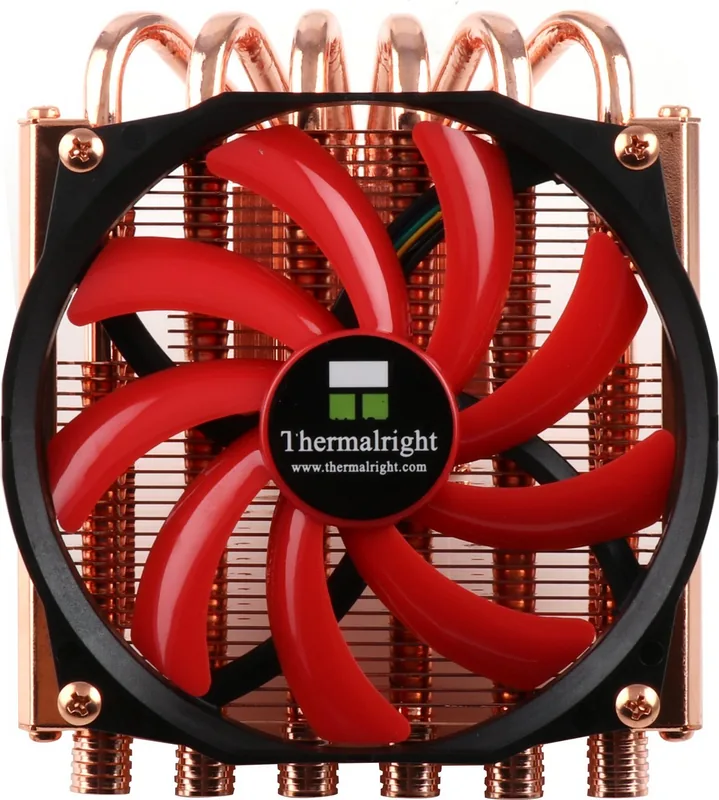
2 Pages
2 Pages
2 Pages
1 Pages
1 Pages
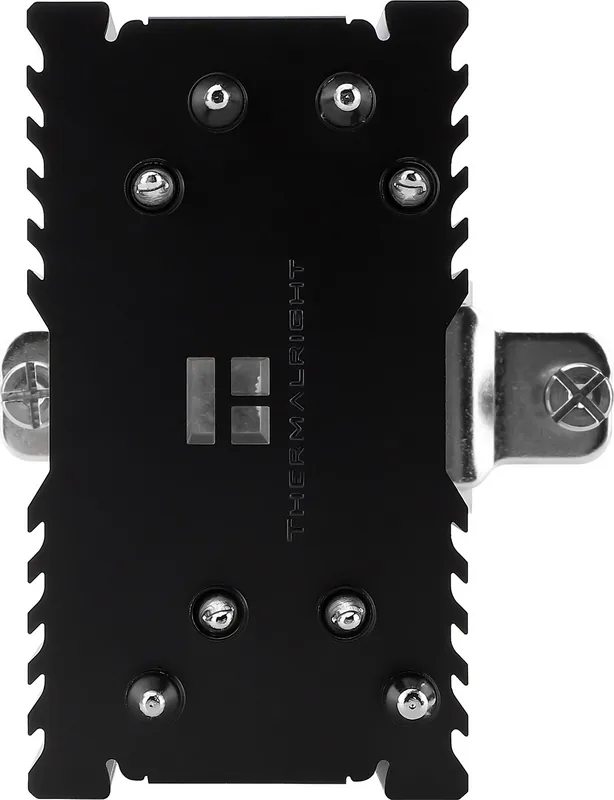
1 Pages
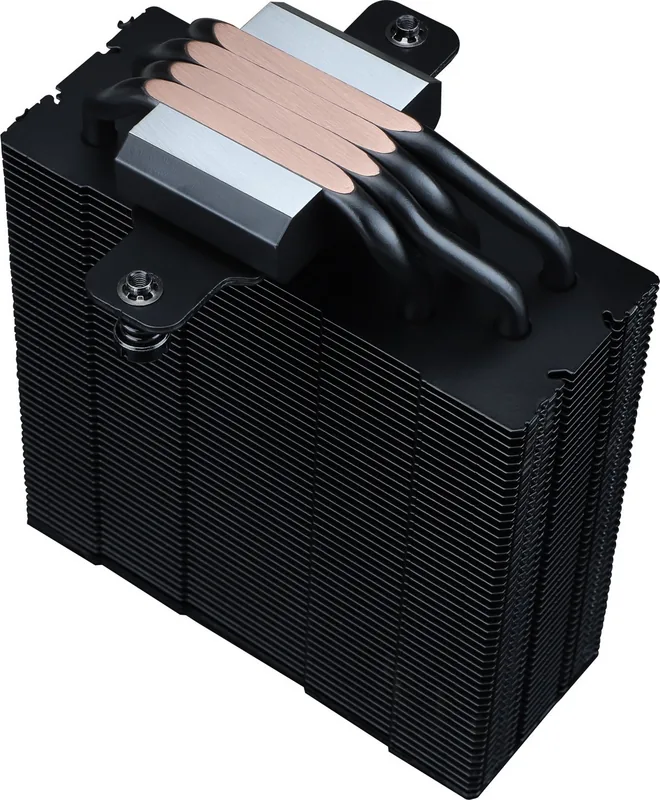
1 Pages
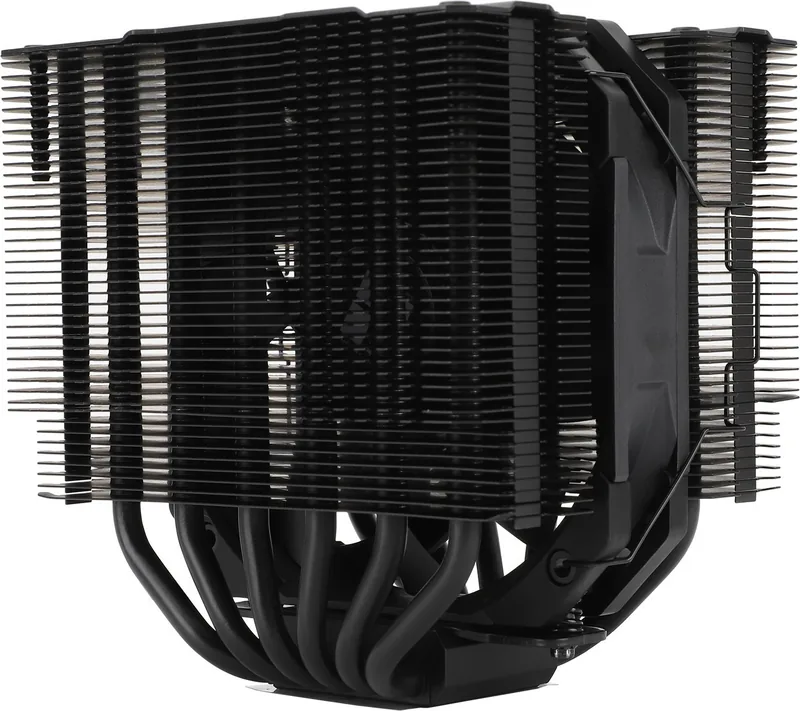
1 Pages
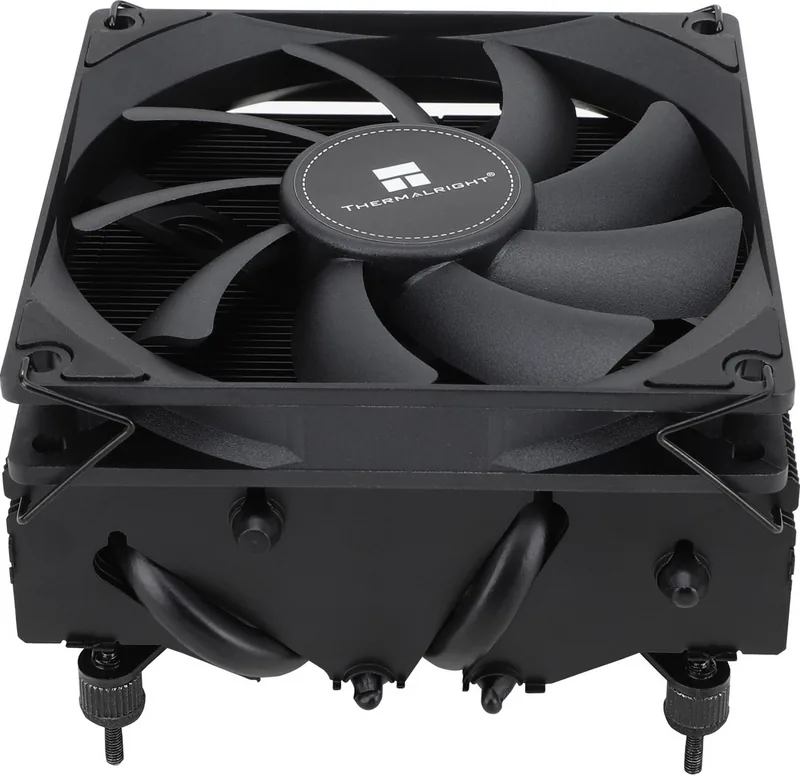
1 Pages
1 Pages
1 Pages
1 Pages
1 Pages
1 Pages
2 Pages
Categories

Thermalright Manuals: The Complete Guide to Cooling Excellence
Introduction to Thermalright Documentation
Thermalright is a globally recognized brand in the computer hardware industry, renowned for manufacturing high-performance cooling solutions ranging from air coolers and liquid cooling systems to thermal pastes and accessories. As their product lineup expands with increasingly complex engineering designs, the importance of comprehensive documentation becomes paramount. Thermalright manuals serve as the essential bridge between the manufacturer's engineering precision and the end-user's ability to install, maintain, and optimize these components effectively. Whether you are a seasoned PC enthusiast building a workstation or a first-time builder looking to upgrade your system's thermal performance, understanding the specific instructions provided by Thermalright is crucial for safety and optimal functionality.
These manuals are not merely collections of diagrams; they are detailed technical guides that cover unboxing, component identification, installation procedures, troubleshooting, and warranty information. They are designed to ensure that users maximize the potential of their cooling hardware while preventing common pitfalls such as improper mounting pressure, incorrect fan orientation, or accidental damage to sensitive motherboard components. The quality of a manual directly impacts the user experience, and Thermalright has made significant strides in providing clear, accessible, and multilingual resources to support their diverse global customer base.
Understanding the Structure of Thermalright Manuals
A typical Thermalright manual follows a structured format designed to guide the user through the assembly process step-by-step. The document usually begins with a safety warning section, highlighting critical precautions regarding static electricity, physical handling of delicate parts, and electrical safety. This section emphasizes the need to power down the system completely before attempting any installation to avoid short circuits or component failure.
Following the safety guidelines, the manual provides an overview of the package contents. This list is vital because it ensures that all necessary screws, brackets, fans, and tools included in the box are present before installation begins. Missing hardware can lead to incomplete installations or the need to source incompatible parts later. The next section typically details the specifications of the cooler, including dimensions, weight, socket compatibility lists, and fan performance metrics such as airflow, noise levels, and rotational speed.
The core of the manual consists of the installation guide. This portion is often divided into subsections based on the type of CPU socket supported, such as Intel LGA1700, LGA1200, or AMD AM5, AM4. Each subsection includes numbered steps accompanied by high-resolution images or exploded views to illustrate the correct placement of mounting brackets, backplates, and the cooler itself. For advanced users, there may be sections dedicated to custom loop liquid cooling setups, which require more intricate instructions regarding tubing routing, reservoir placement, and pump priming.
After the installation phase, the manual addresses maintenance and cleaning. Dust accumulation is a primary enemy of cooling efficiency, so Thermalright provides clear instructions on how to safely remove dust from heatsink fins and fan blades without damaging the materials. Some manuals also include information on reapplying thermal paste, explaining the amount required and the application technique best suited for their specific cooler models.
Socket Compatibility and Mounting Systems
One of the most critical aspects covered in Thermalright manuals is the mounting system. Different CPU sockets require different mounting mechanisms, and using the wrong bracket can result in poor contact between the cooler base and the processor, leading to overheating. The manuals meticulously detail the orientation of the backplate and the sequence in which screws should be tightened. A common theme in these guides is the emphasis on diagonal tightening patterns, similar to those used when changing car tires, to ensure even pressure distribution across the CPU surface.
For newer platforms like Intel LGA1700 or AMD AM5, the mounting holes have shifted compared to previous generations. Thermalright manuals explicitly note these changes and provide updated diagrams showing where the retention mechanism attaches to the motherboard. Failure to follow these specific instructions can lead to bent pins on the CPU or cracked PCB traces on the motherboard. The guides often include visual cues, such as color-coded screws or labeled brackets, to simplify the process for users who may not be familiar with the nuances of modern motherboard architectures.
Additionally, some Thermalright coolers feature universal mounting kits that adapt to multiple socket types. The manuals explain how to swap out these kits and configure them for the specific CPU platform being used. This versatility is a key selling point for many enthusiasts who build multiple rigs or upgrade frequently. The documentation ensures that users can transition smoothly between different systems without needing to purchase separate mounting hardware each time.
Troubleshooting and Common Issues
Even with careful planning and precise execution, issues can arise during or after the installation of a Thermalright cooler. The troubleshooting section of the manual is designed to help users diagnose and resolve these problems quickly. Common issues addressed include excessive noise, which might indicate loose fan cables or improper fan direction, and high temperatures, which could stem from insufficient thermal paste application or inadequate contact pressure.
The manual often includes a diagnostic checklist that prompts the user to verify basic connections, such as ensuring the fan header is plugged into the correct PWM or DC port on the motherboard. It also covers scenarios where the cooler interferes with RAM modules or case fans, advising on adjustments to fan positions or the removal of obstructive shrouds if necessary. For liquid cooling units, the manual provides guidance on checking for leaks, ensuring the pump is functioning correctly, and verifying that the coolant level is adequate.
In cases where the manual does not immediately solve the problem, it directs users to official support channels, including online forums, video tutorials, and direct contact with customer service. This multi-tiered support approach reflects Thermalright's commitment to customer satisfaction and ensures that users have access to expert assistance when needed.
Maintenance Best Practices and Longevity
To maintain peak performance over the lifespan of the product, Thermalright manuals offer advice on regular maintenance routines. This includes periodic cleaning schedules, recommended intervals for replacing thermal paste, and inspection of fan bearings for wear and tear. Proper maintenance not only extends the life of the cooler but also maintains the silence and efficiency of the system.
The guides emphasize the use of appropriate cleaning tools, such as soft brushes and compressed air, while warning against the use of liquids that could seep into electronic components. For users with custom loops, the manual provides detailed protocols for flushing the system and refilling it with fresh coolant to prevent corrosion and algae growth. These proactive measures help users avoid catastrophic failures and ensure consistent thermal performance year after year.
By adhering to the recommendations found in Thermalright manuals, users can enjoy reliable cooling solutions that keep their systems running cool under heavy loads. The combination of clear instructions, comprehensive troubleshooting, and maintenance advice makes these documents invaluable resources for anyone investing in high-quality cooling hardware.
Search for 67,732 Manuals online


Type-in Brand or Model