
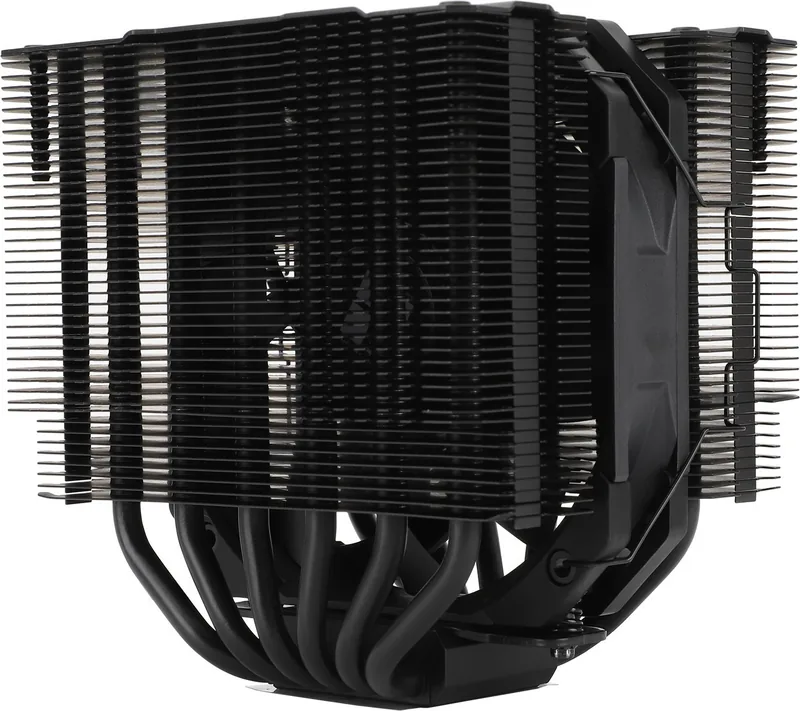
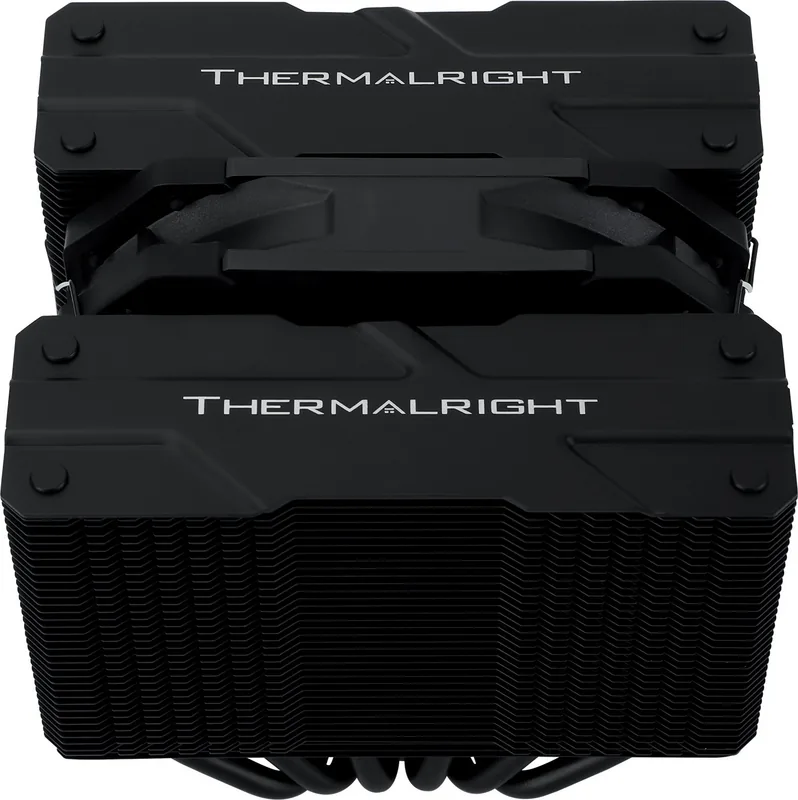
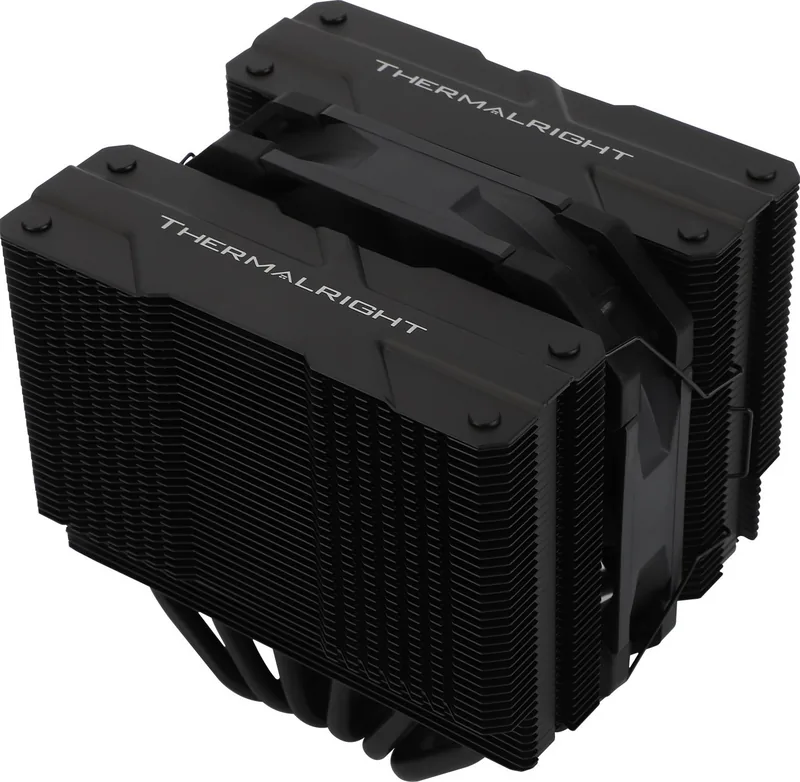
Thermalright Peerless Assassin 120 Mini Manual
PDF manual · 1 Pages
English


Quick check
Incorrect answer, please try again.
Chat with your Thermalright Peerless Assassin 120 Mini manual using AI
Get instant AI answers from your Thermalright Peerless Assassin 120 Mini manual
Ask anything about the Thermalright Peerless Assassin 120 Mini. Answers come from this manual, with the pages they are based on.
Ask a Question
Do you recommend Peerless Assassin 120 Mini?
Yes NoFrequently Asked Questions
It supports Intel LGA1700, LGA115X, LGA1200, LGA2011, LGA2066, and AMD AM4, AM5 platforms ensuring broad compatibility across recent generations.
Is this answer helpful?
No, the package includes thermal grease so you do not need to purchase it as a separate item for initial installation.
Is this answer helpful?
Yes, you must remove the copper bottom protective film before installation to avoid overheating and permanent damage to the CPU.
Is this answer helpful?
Remove old plastic brackets, keep the original backplate, and use the provided AM4 metal brackets with screws and standoffs.
Is this answer helpful?
The fans attach using fan clips that secure them to the heatsink fins allowing for easy detachment later if needed.
Is this answer helpful?
You generally need a screwdriver to tighten the screws and ensure the brackets are locked tightly to the motherboard.
Is this answer helpful?
Different sockets have varying hole patterns requiring specific bracket detents and stud configurations for secure mounting.
Is this answer helpful?
Advantages and Disadvantages
Advantages

- Compact size fits small cases and tight builds
- Supports many CPU sockets including Intel and AMD
- Includes thermal paste for immediate use
- Dual fan setup ensures good airflow performance
- Easy clip-on fan installation reduces build time
Disadvantages

- Protective film must be removed before mounting
- Some AMD boards require retaining original backplate
- Limited RGB lighting information in the manual
- Torque specifications may vary by motherboard socket
- Bilingual text in instructions may confuse beginners
Product Specification
Type
Tower Cooler (Dual-Tower)
Dimensions with Fan
4.92x5.31x4.33in (WxHxD)
Dimensions without Fan
4.92x5.31x4.33in (WxHxD)
Fan
1x 4.72x4.72x0.98in, 1500rpm, 66.87 CFM, 25.6dB(A), 0.06inH2O, Hydrodynamic Bearing (S-FDB)
Weight with Fan
1.81lb
Weight without Fan
1.54lb
Connector
4-Pin PWM
AMD Socket
AM5, AM4
Intel Socket
2011-0/2011-1/2011-3/2066, 1700, 1150/1151/1155/1156/1200
Product Description
Comprehensive Guide to the Thermalright Peerless Assassin 120 Mini Manual
Building a computer requires careful consideration of every component. The Thermalright Peerless Assassin 120 Mini Manual offers precise instructions for setting up one of the most efficient low-profile coolers available today. This document serves as a vital resource for users navigating complex motherboard layouts. It outlines the necessary hardware interactions required to achieve peak thermal performance. Readers will learn how to handle various mounting kits designed for modern processors.
One standout feature is its broad support range. The kit supports Intel LGA1700, LGA115X, LGA1200, LGA2011, LGA2066, and AMD AM4, AM5 platforms ensuring broad compatibility. Installing the bracket involves pushing the backplane to specific detents to match the hole position on your main board. Once aligned, you tighten the studs from the front side to secure everything firmly in place.
Unpacking the unit reveals the heatsink, two fans, and necessary fasteners. Thermal grease is essential for transferring heat from the processor core to the metal base. Apply a thin layer before placing the cooler down. Use a screwdriver to tighten the body securely onto the standoff points. Fans connect via clips provided in the box rather than complex wiring setups initially. If using LGA2011 or similar servers, thread the screws into the motherboard carefully. Ensure you remove any protective film covering the copper bottom surface before application. Leaving the film causes overheating issues instantly.
Different manufacturers have unique backplate designs. For AMD systems, you should remove original plastic brackets but keep the metal back plate. Install the new metal brackets with the supplied screws and plastic standoffs. Push the backplane to the LGA1700 or LGA115X detent depending on your socket type. Place the Intel bracket next and fix it with standard screws. This process ensures proper tension and electrical isolation. Tightening nuts on the other end locks the whole structure rigidly against vibration.
Following the Thermalright Peerless Assassin 120 Mini Manual guarantees safe operation. Attention to detail prevents damage to expensive components. While the unit is compact, its dual tower design moves large volumes of air silently. Regular maintenance checks help extend the lifespan of both the fan blades and the thermal compound. With these guidelines, even novice builders can achieve professional grade results without needing advanced mechanical skills.
Search for 67,732 Manuals online


Type-in Brand or Model